

Description

Royalty free vj clips collection
Glitch VJ Loops – Glitch Backgrounds | Techno Stage Visuals for Clubs & LED Screens
Download Royalty Free VJ Clips Collection with 50 Pixel Sorting Loops by LIME ART GROUP
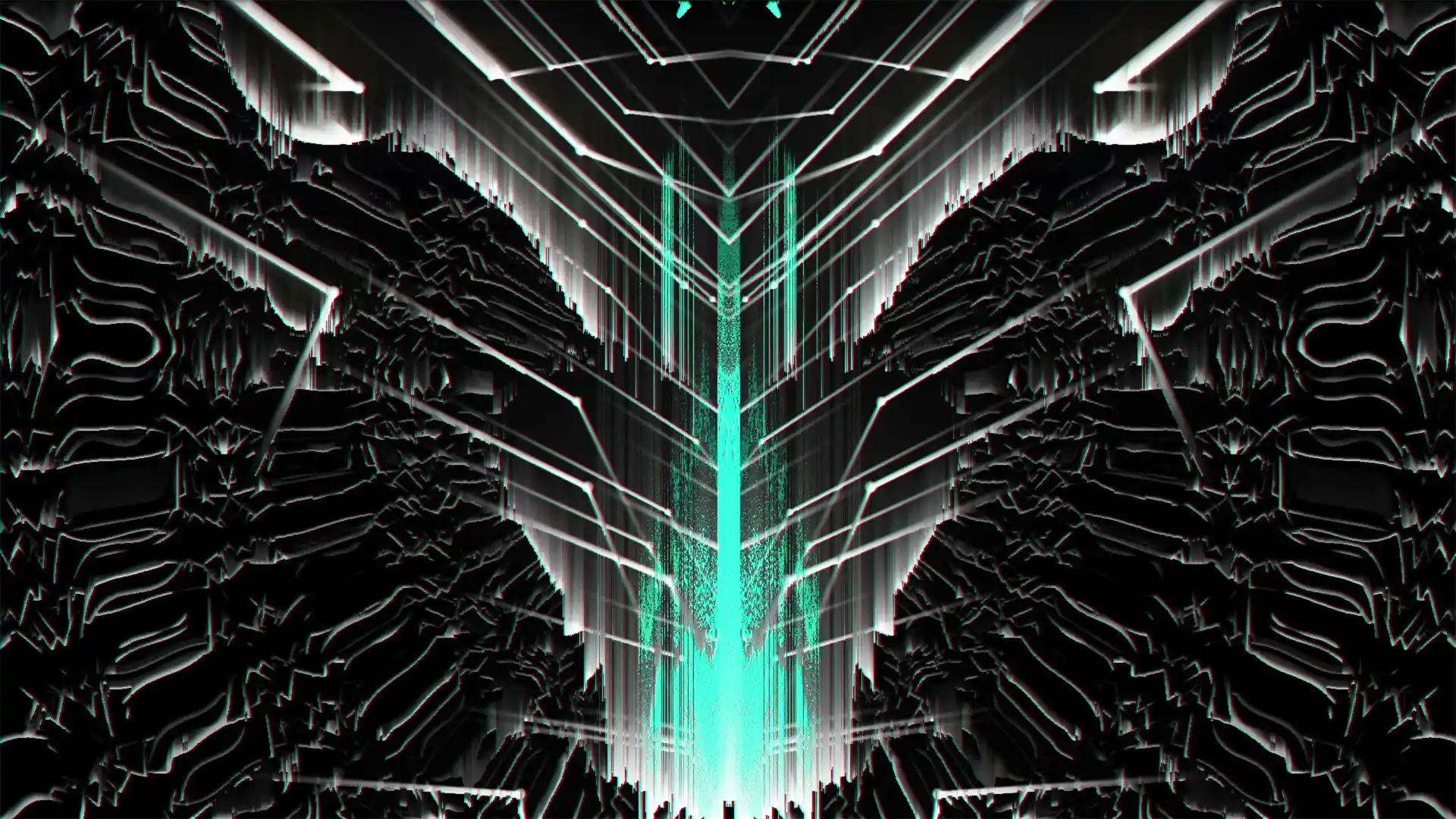
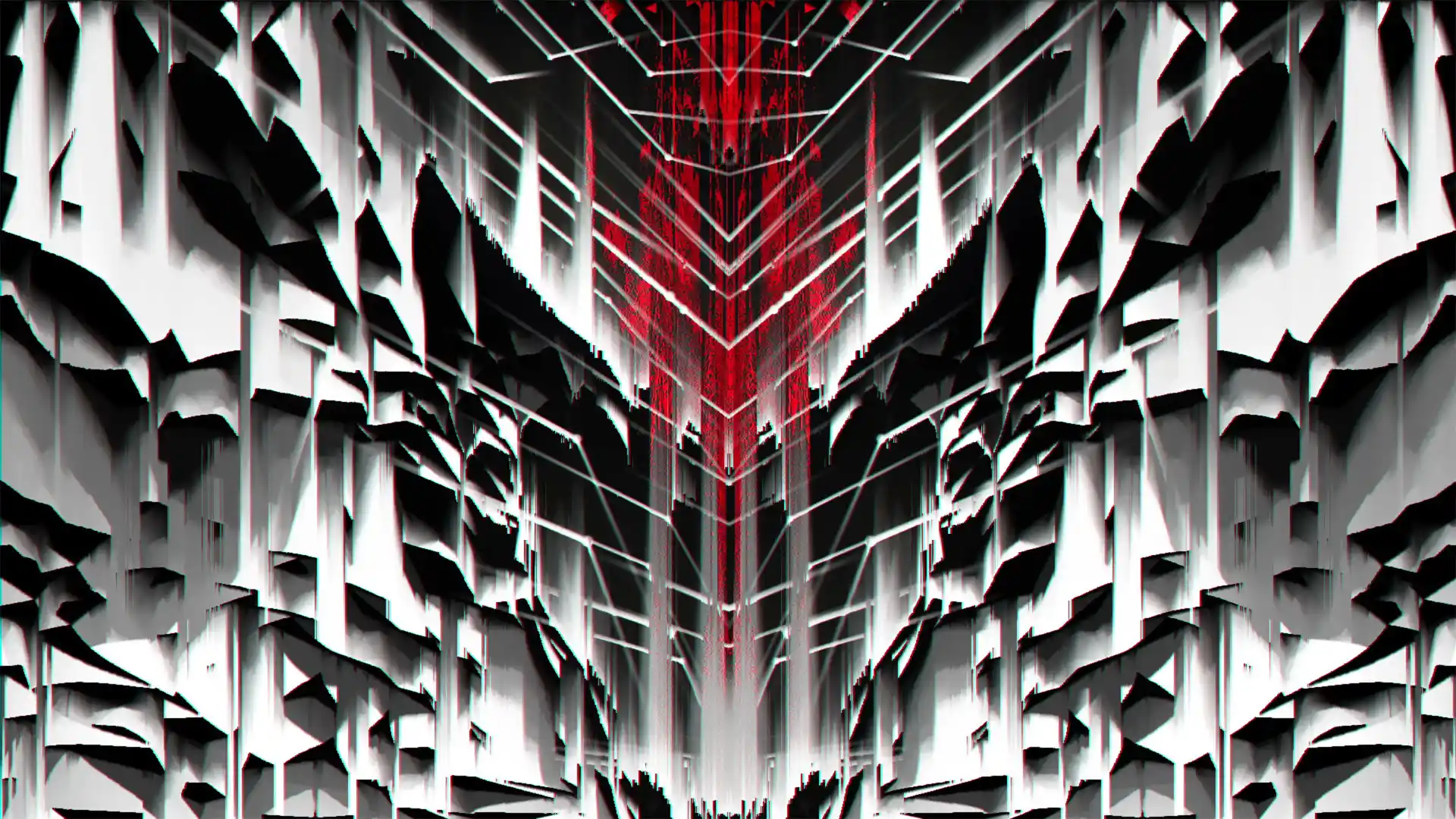
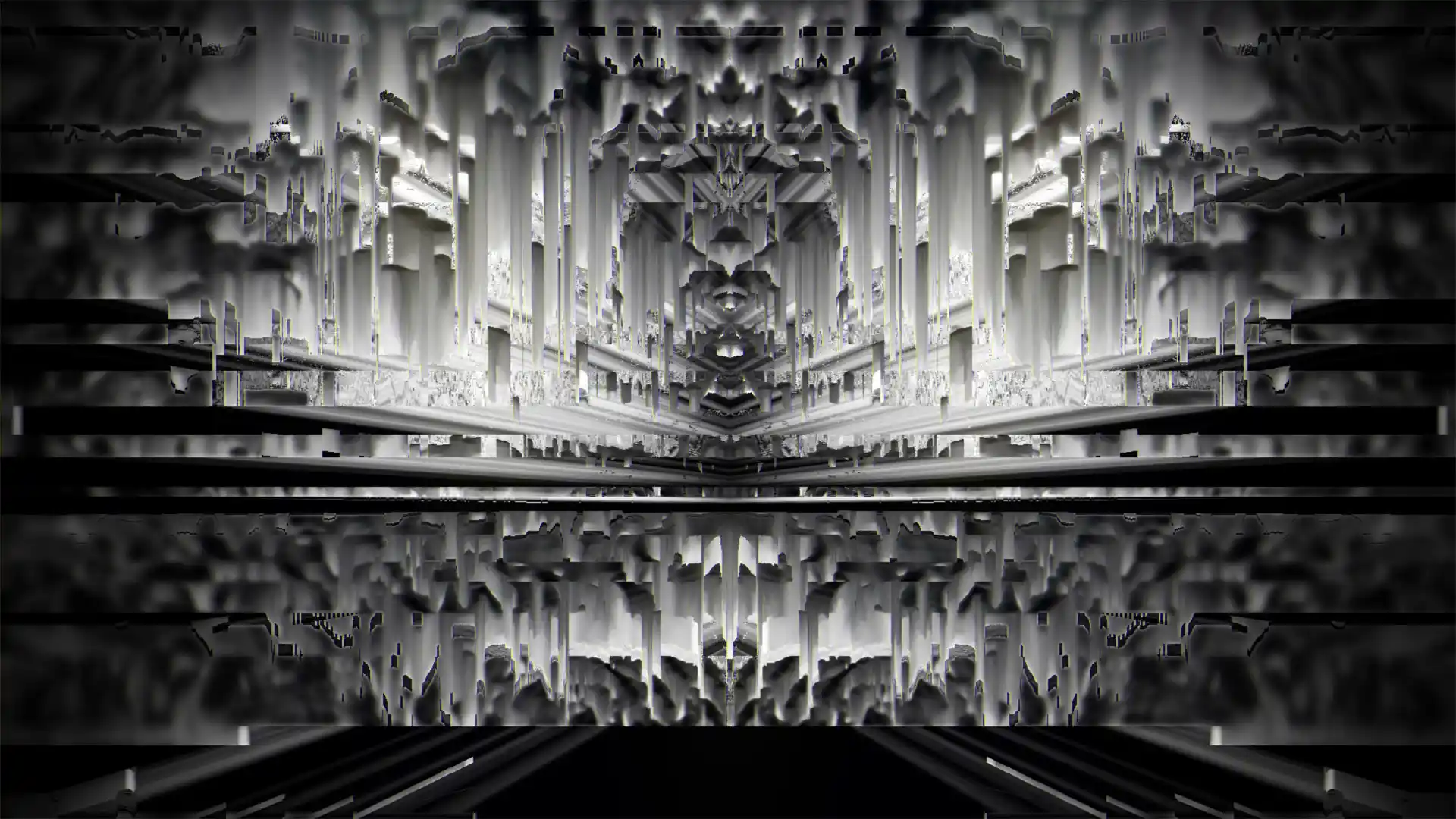
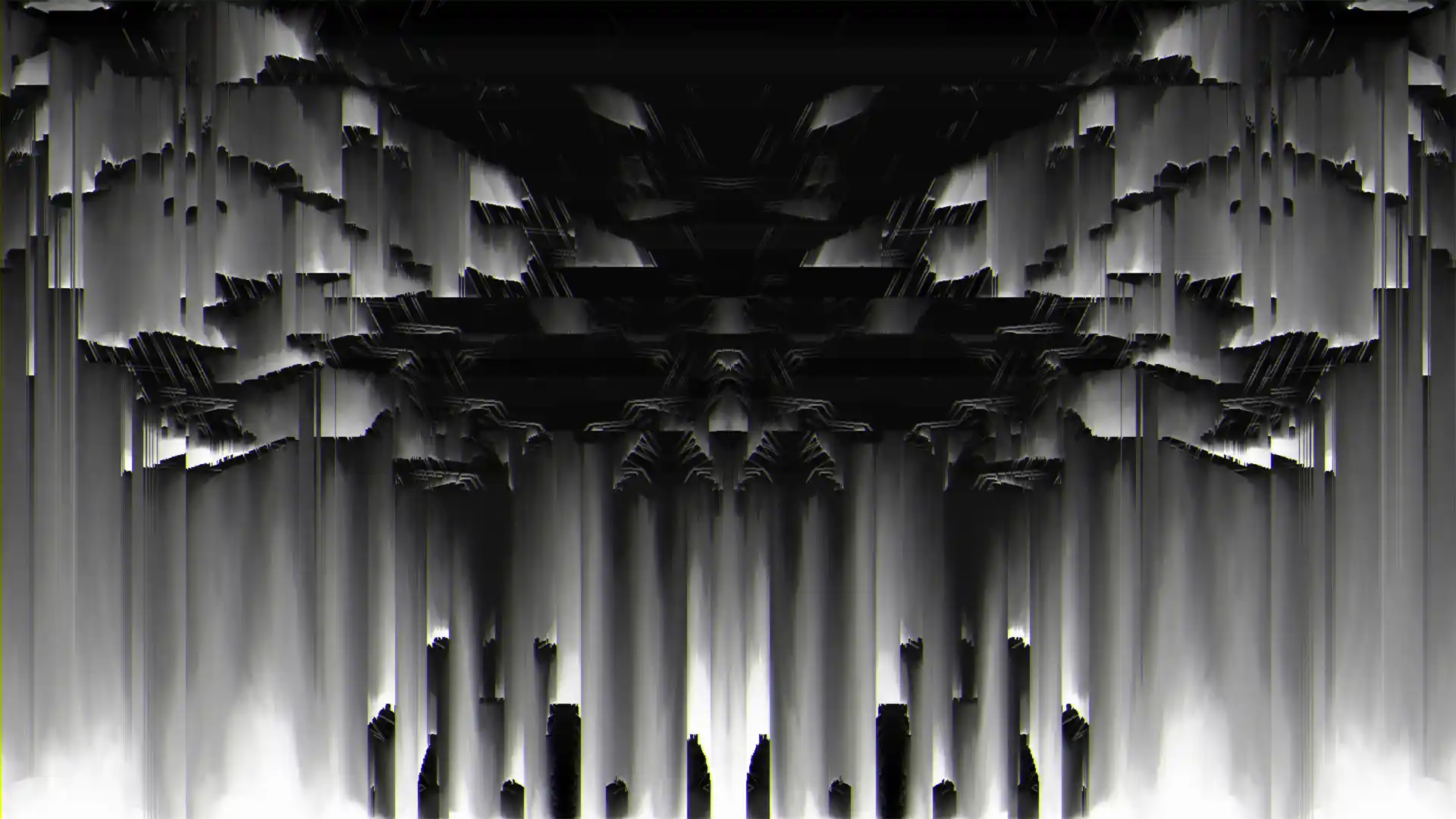
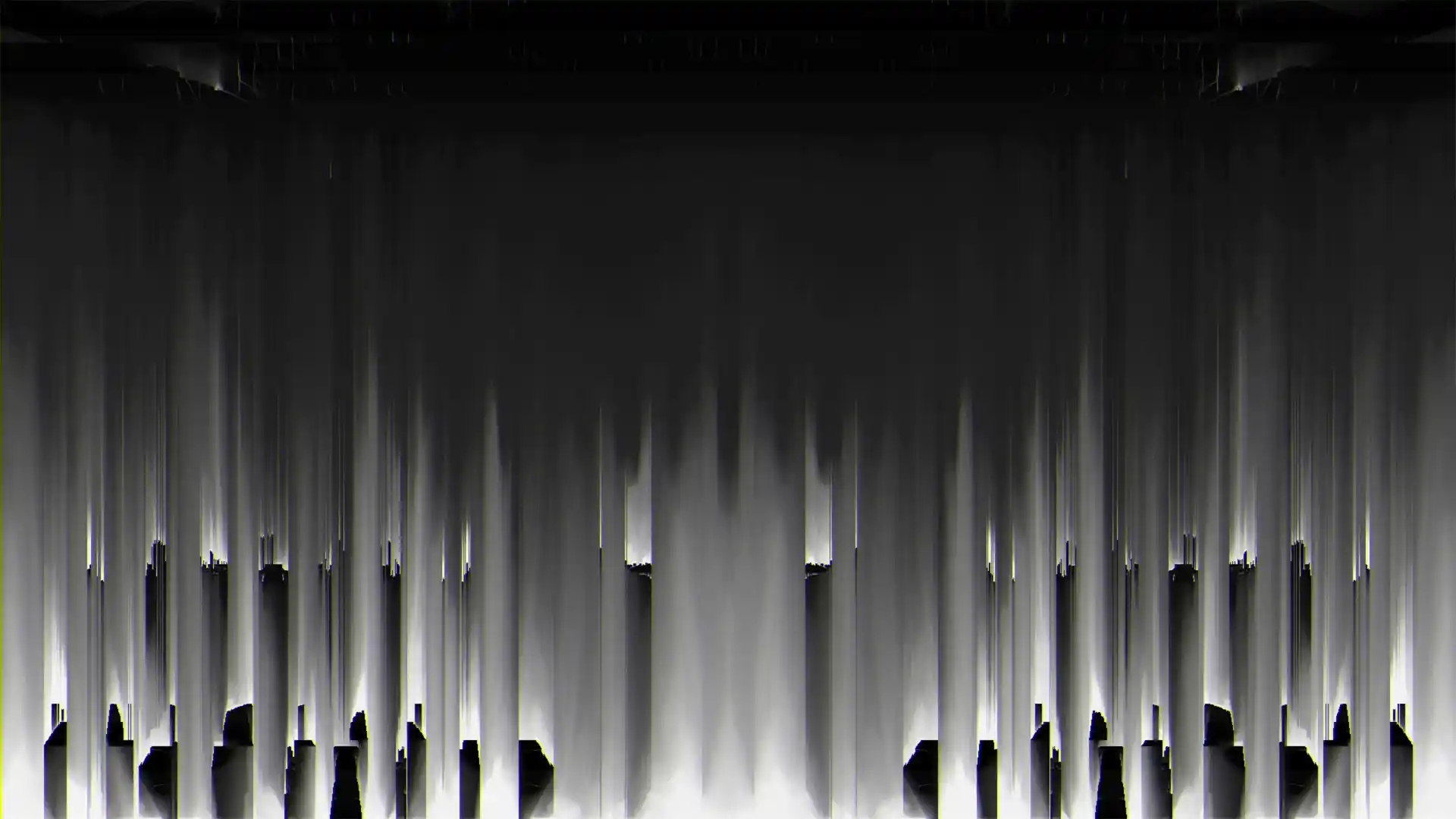
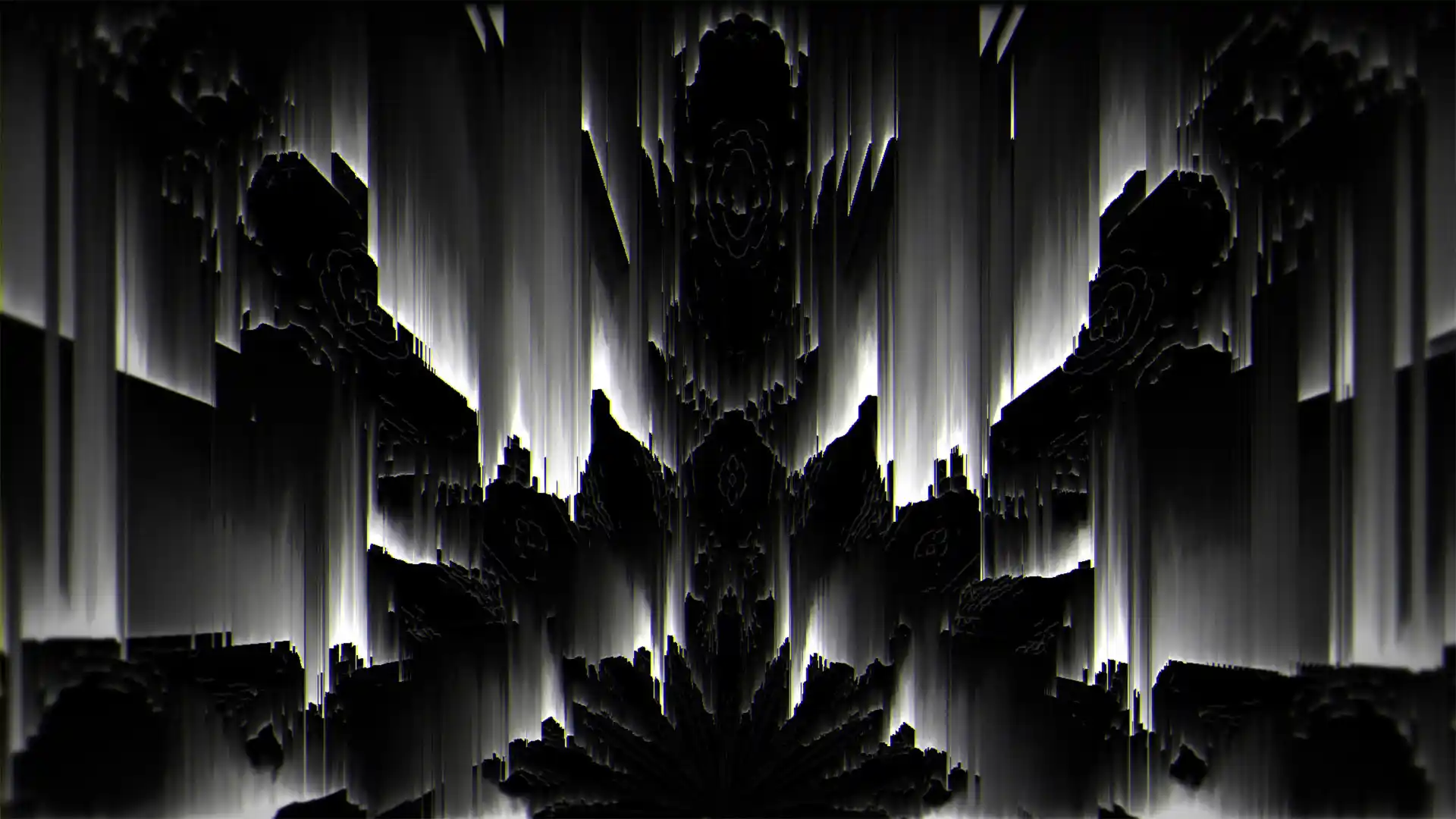
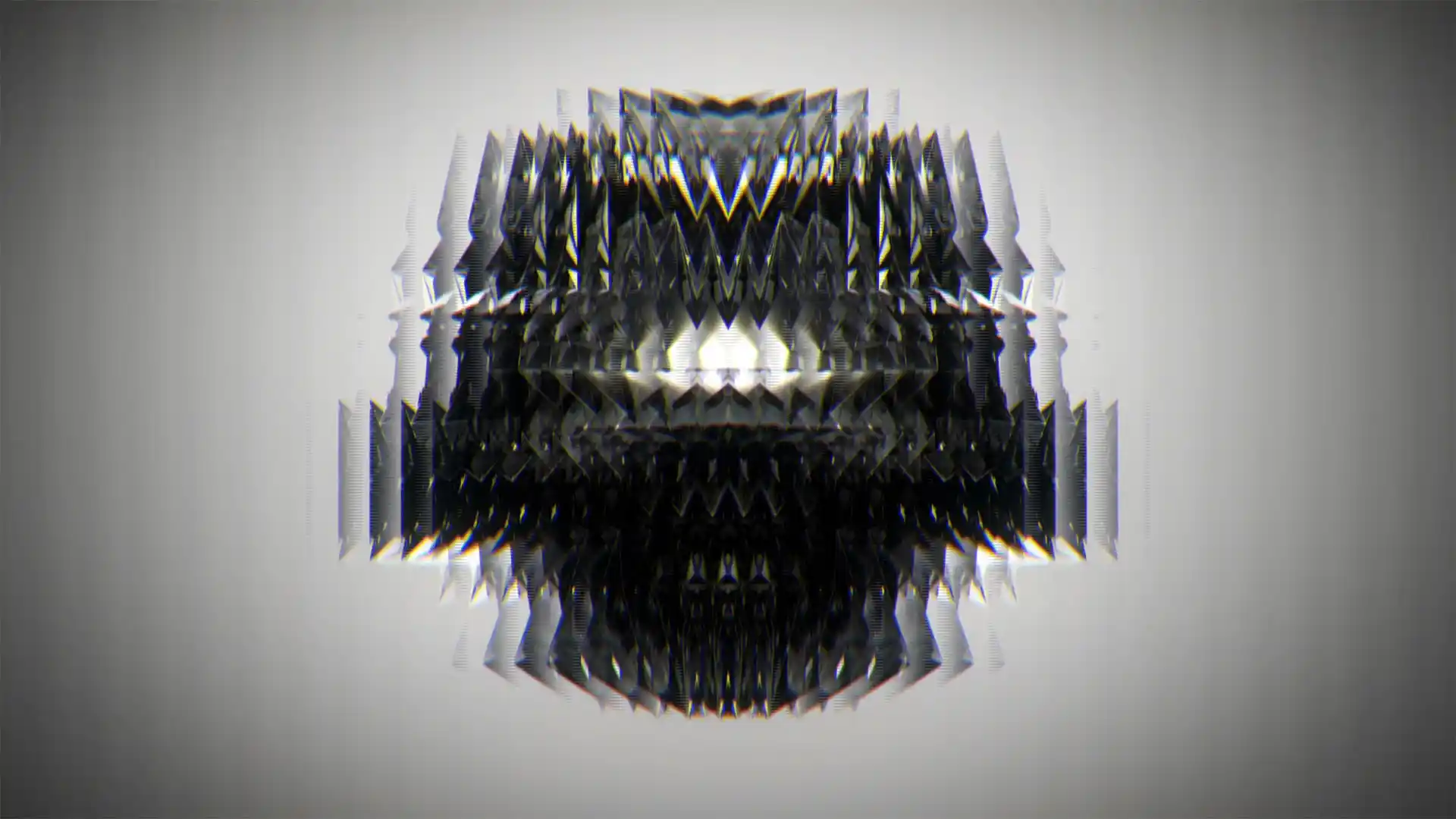
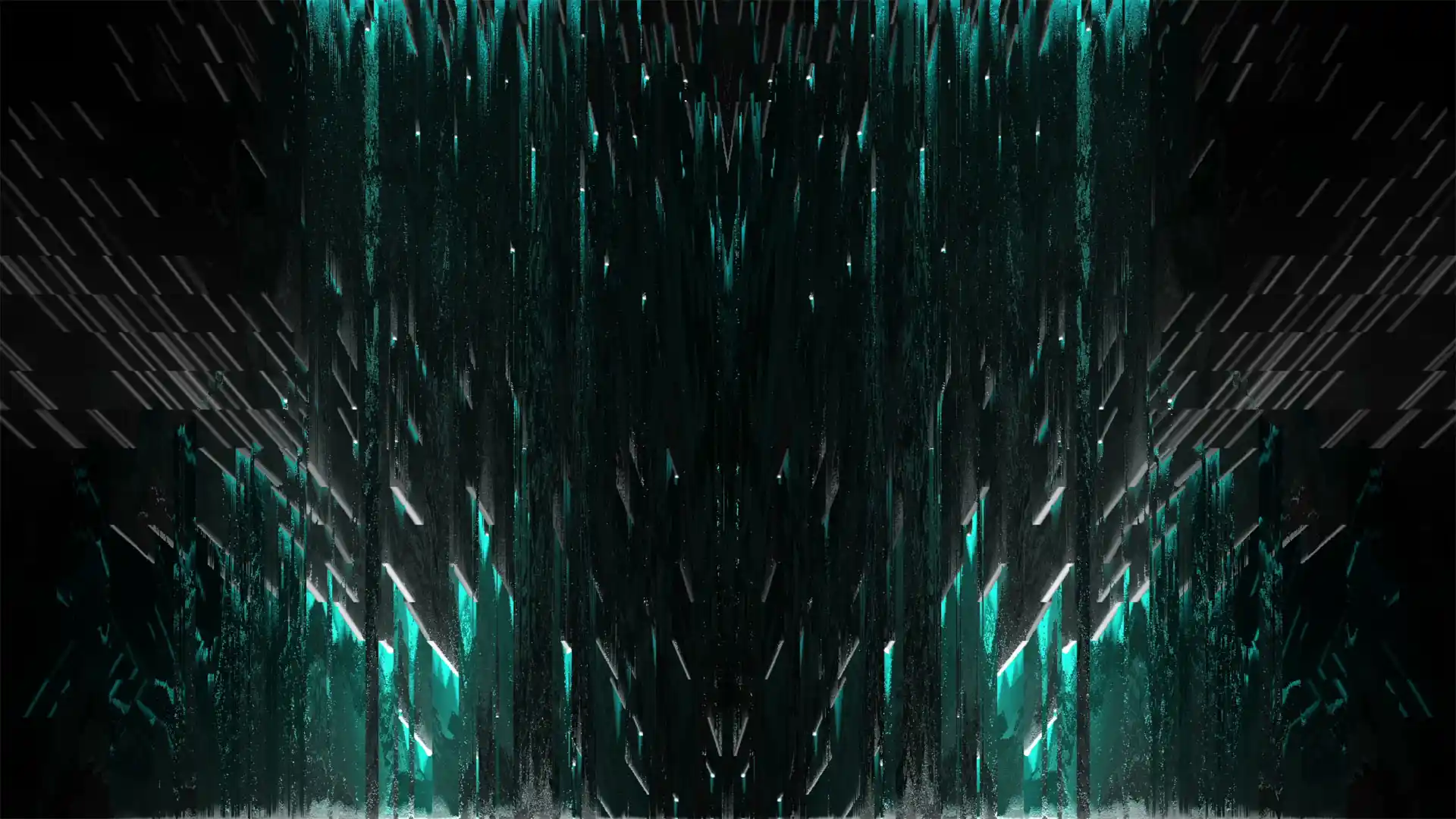
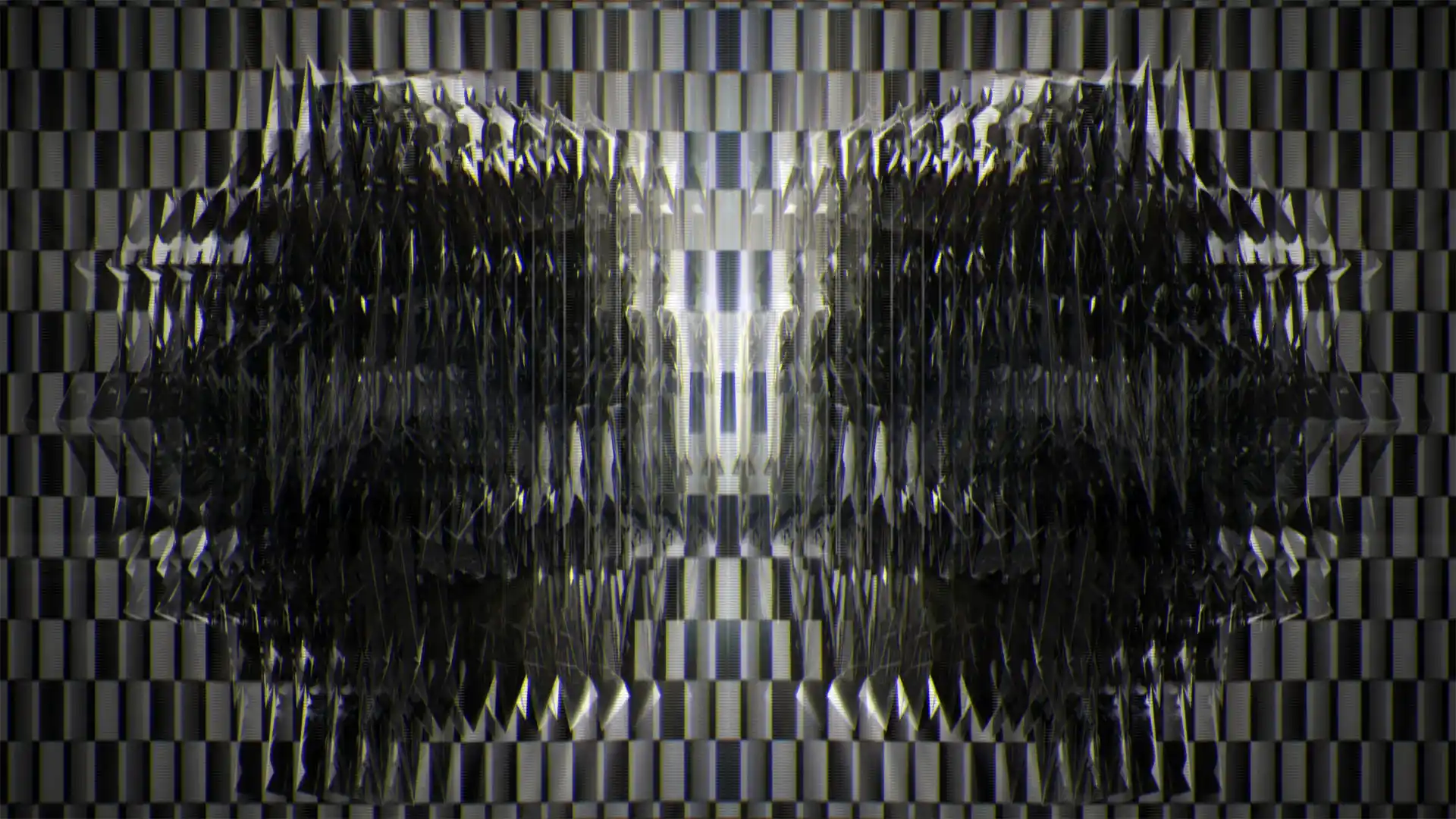
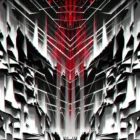
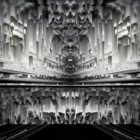
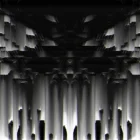
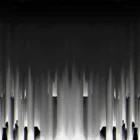
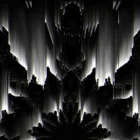
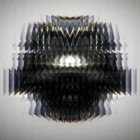
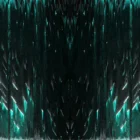
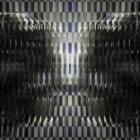
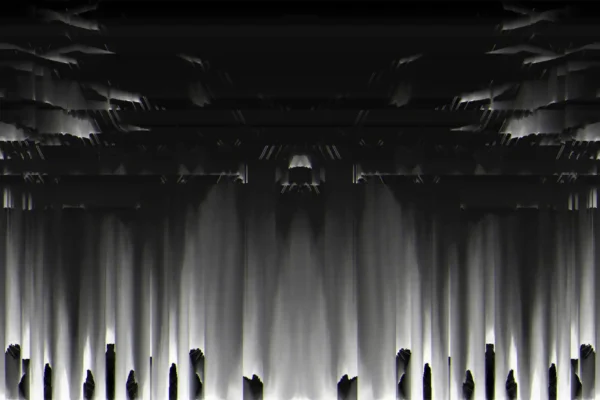
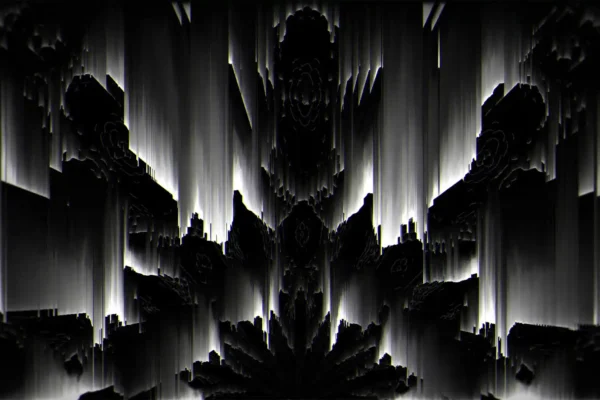
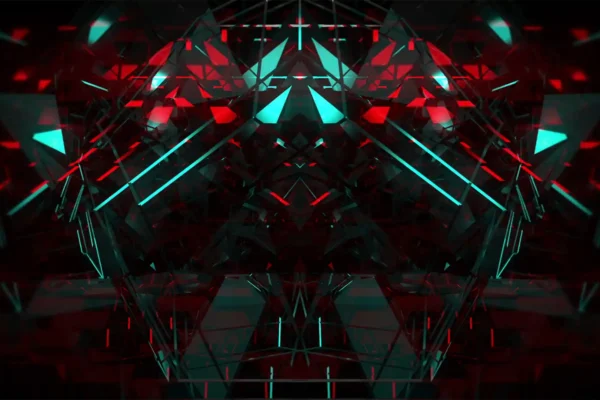
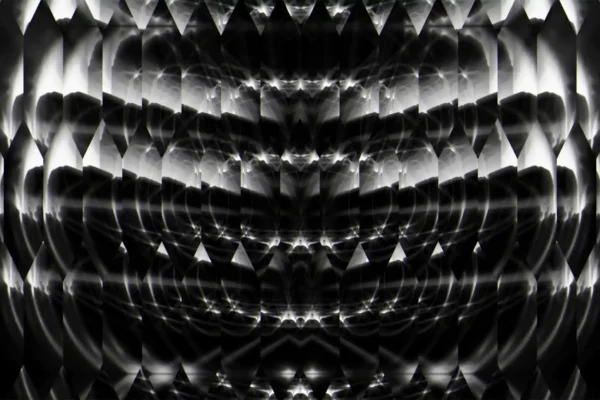
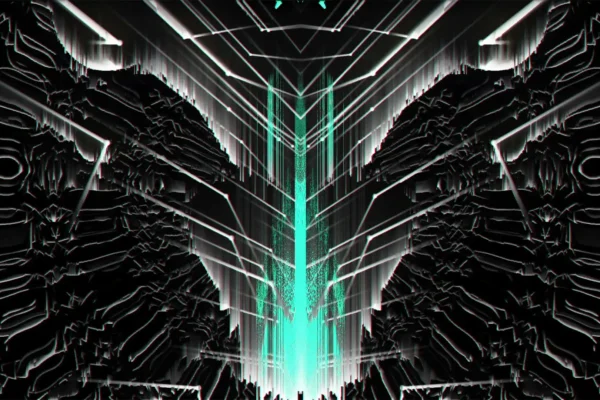
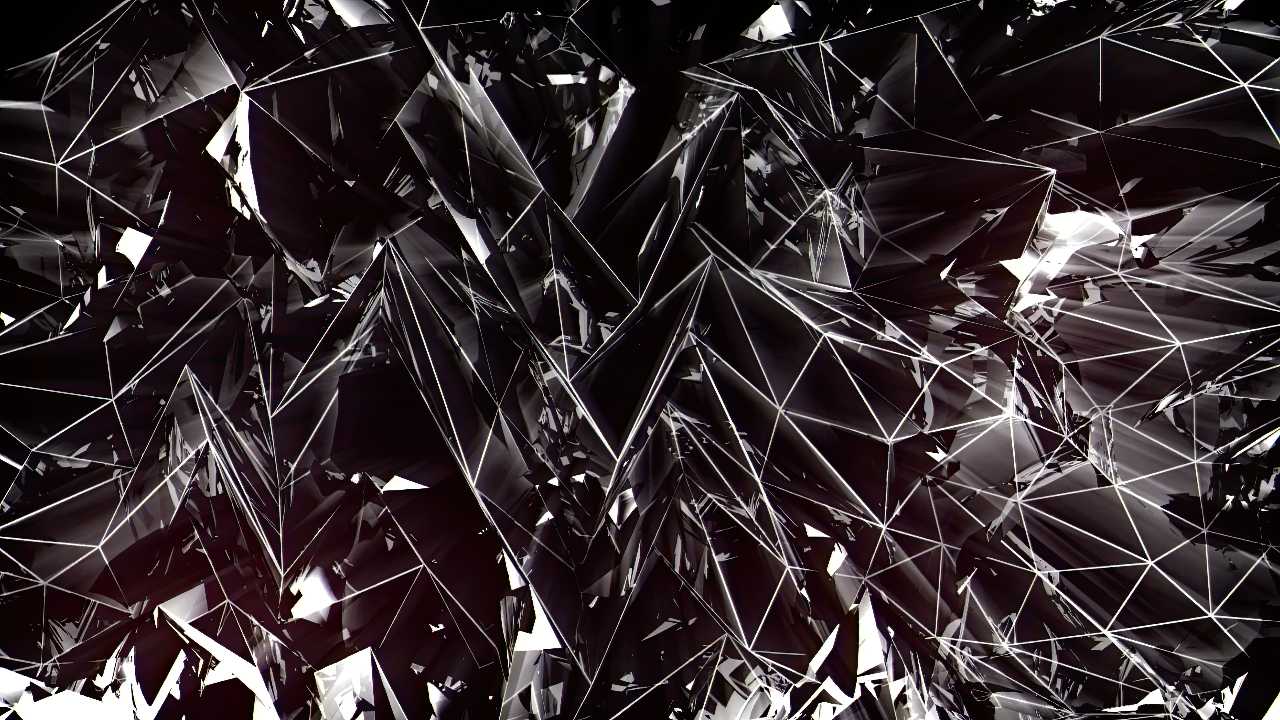
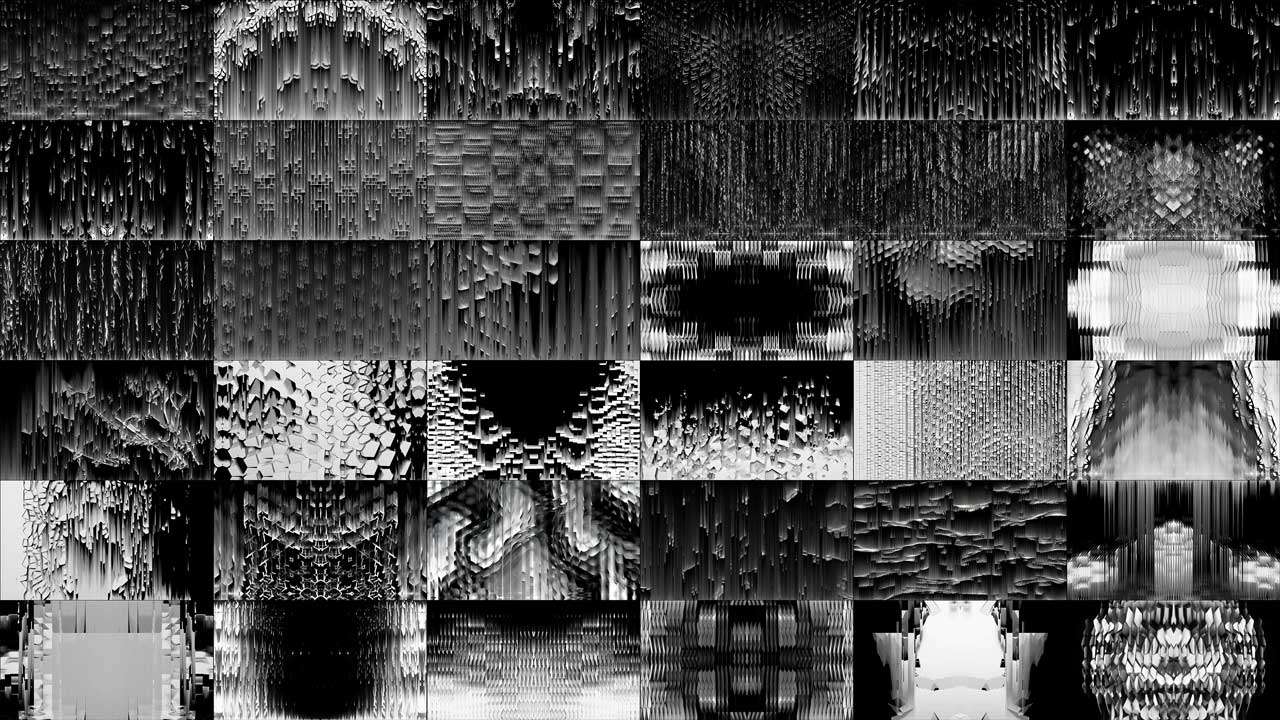
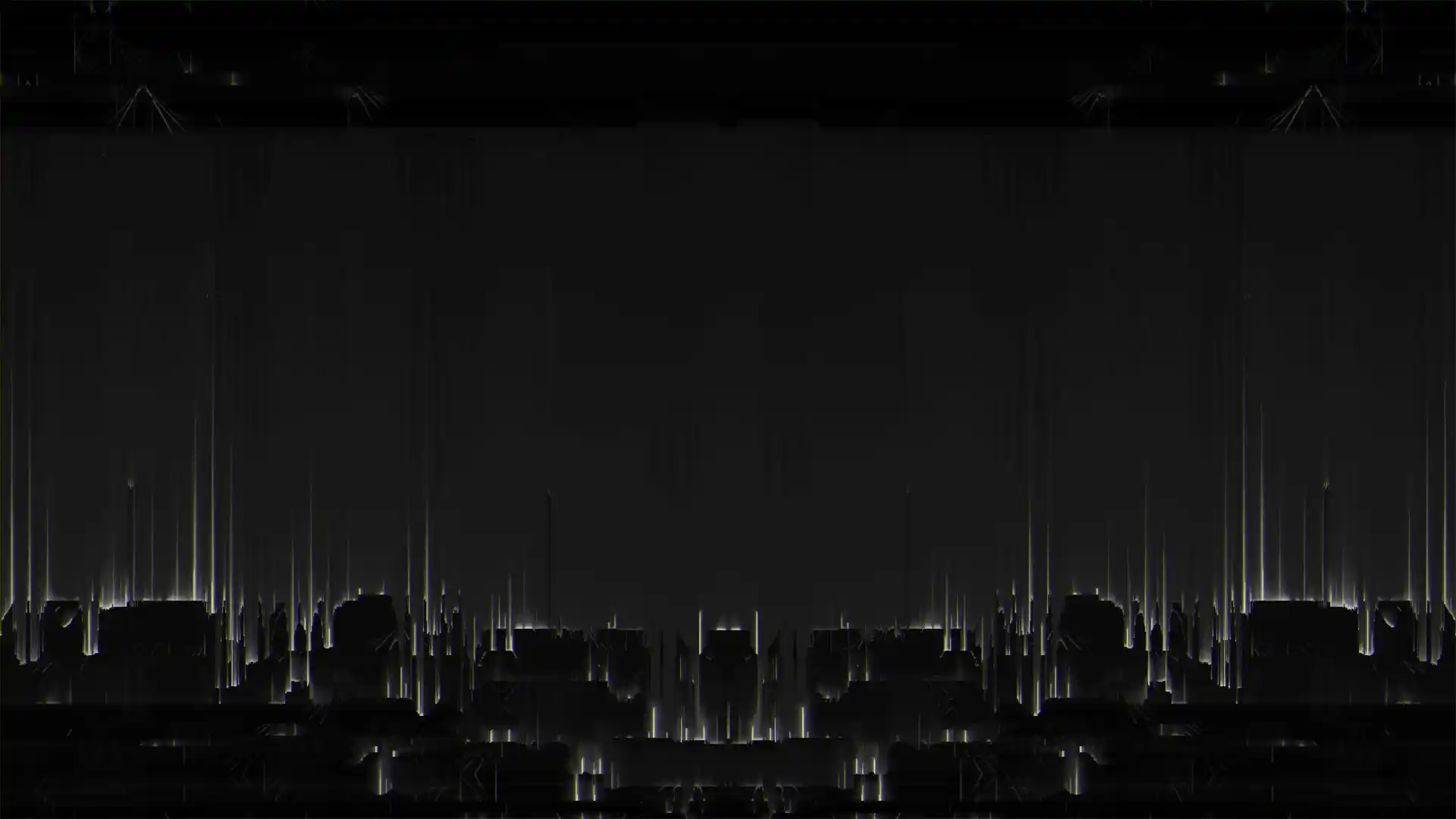
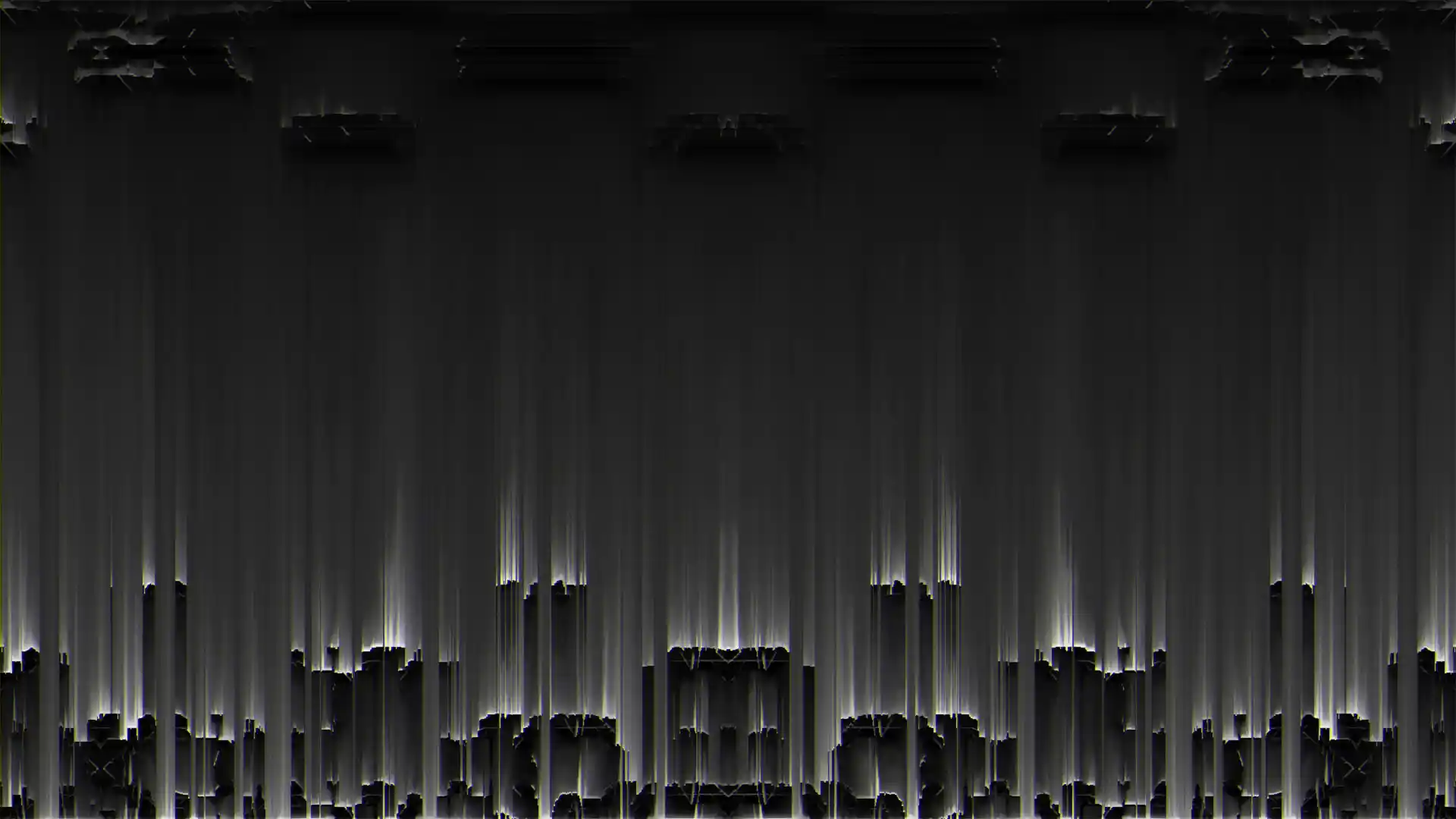
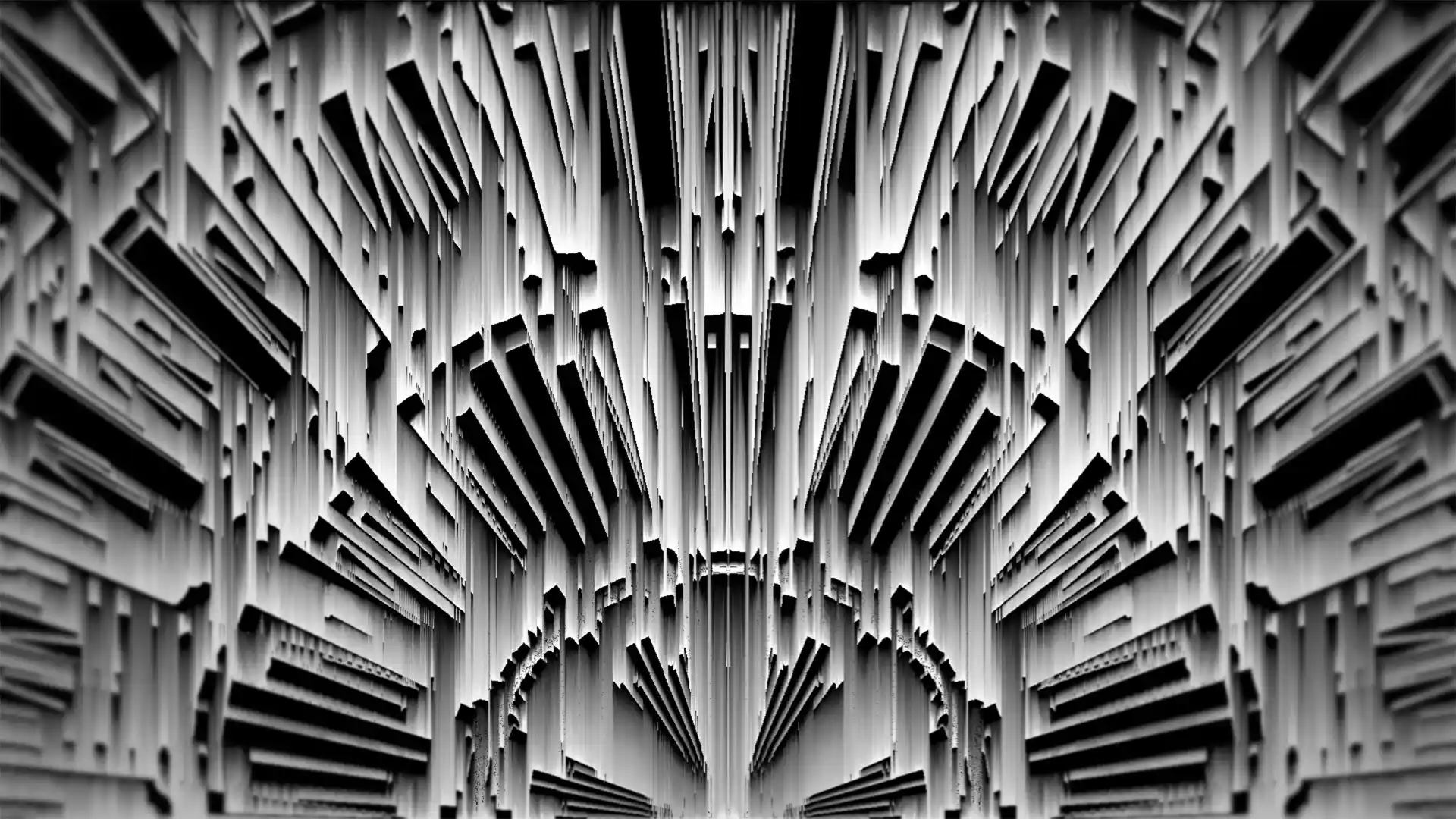
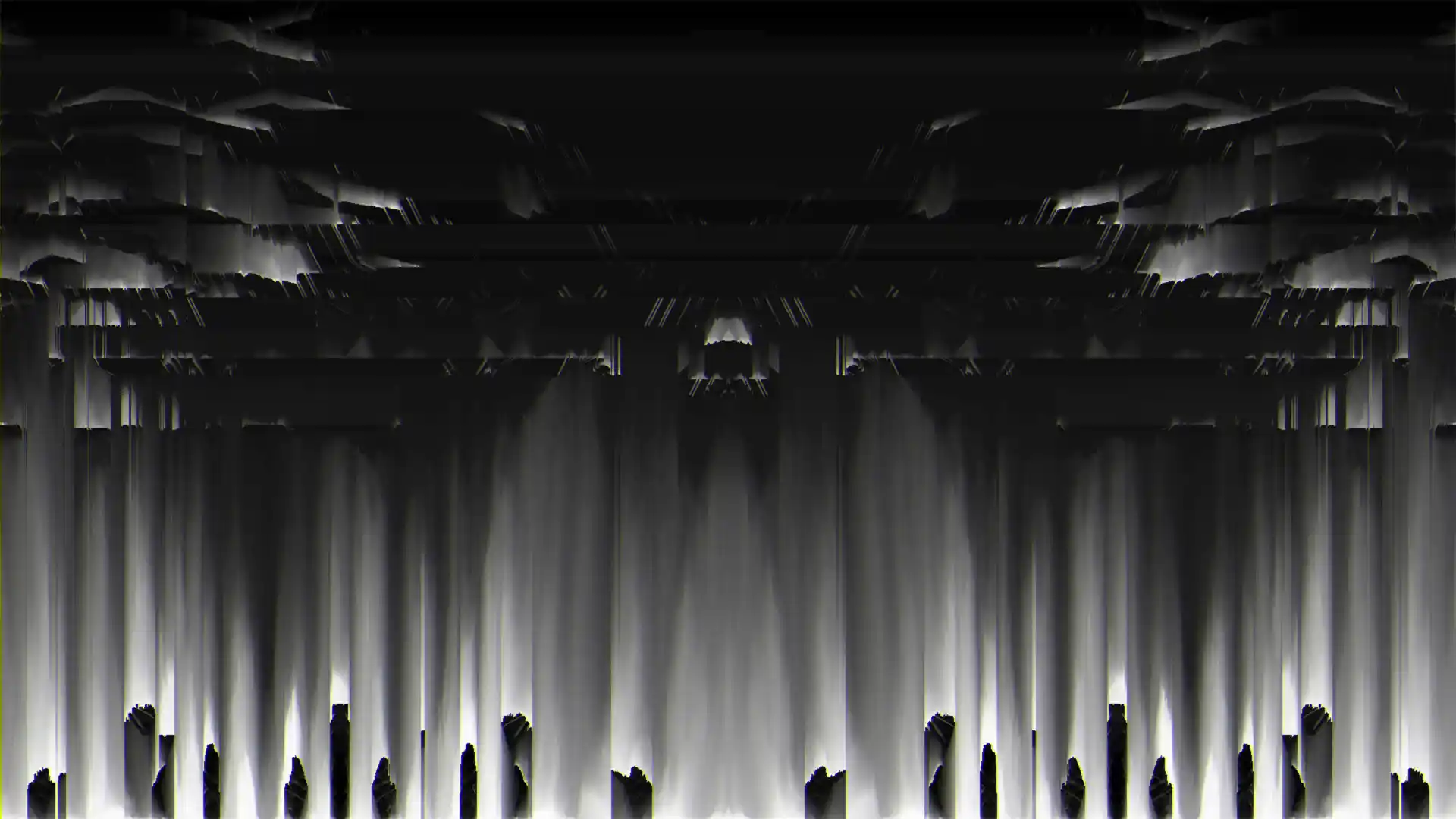
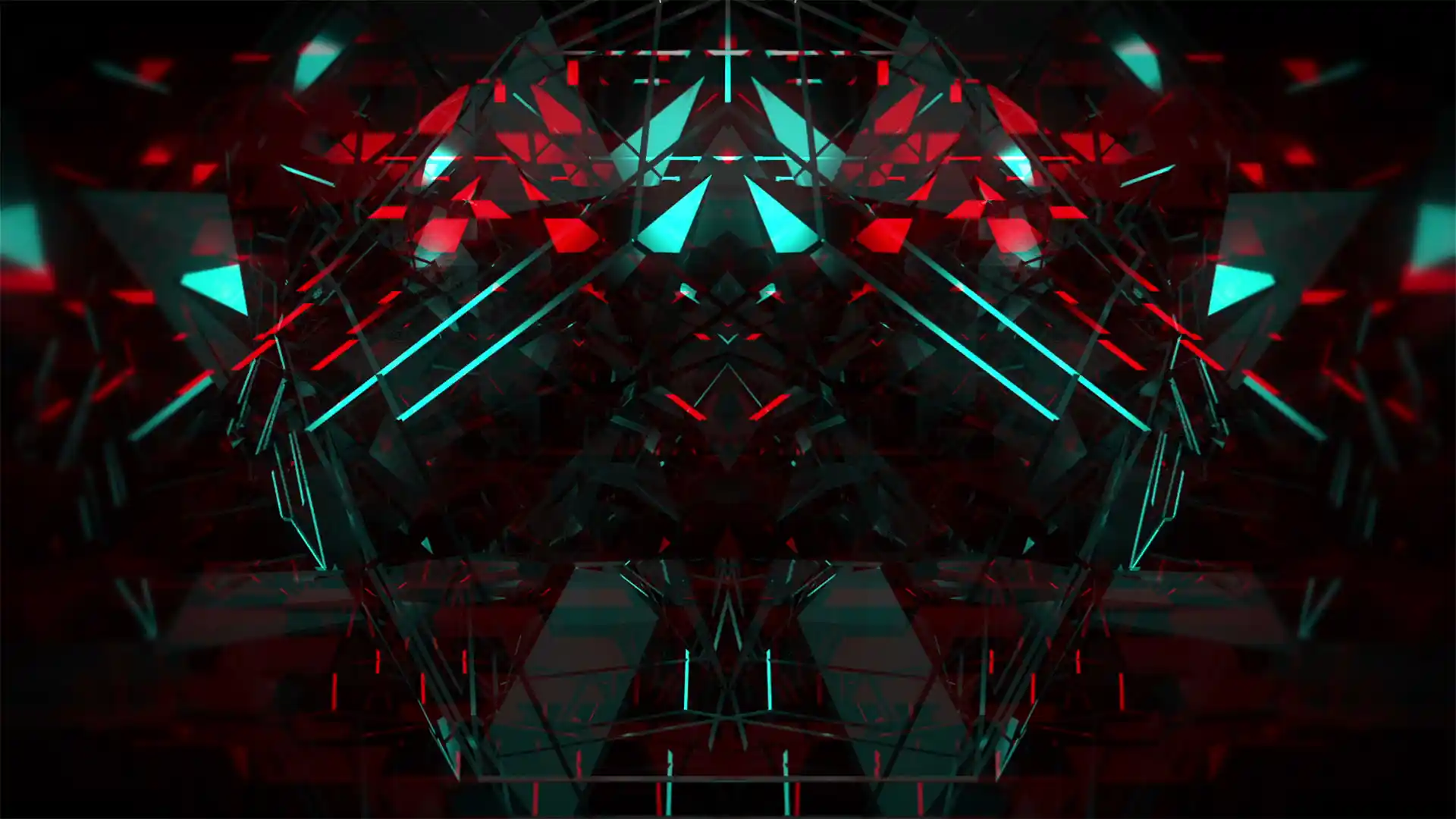
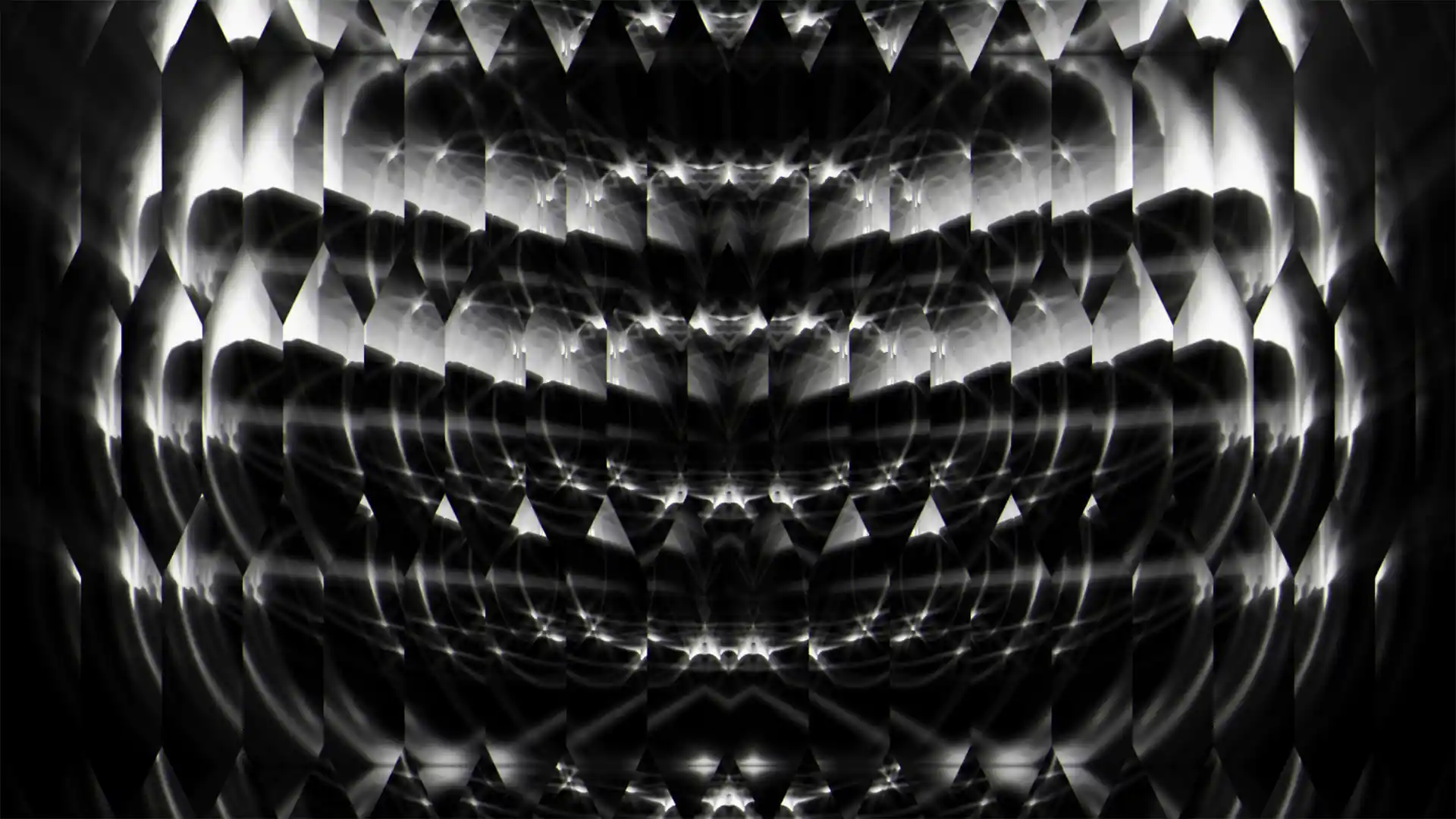
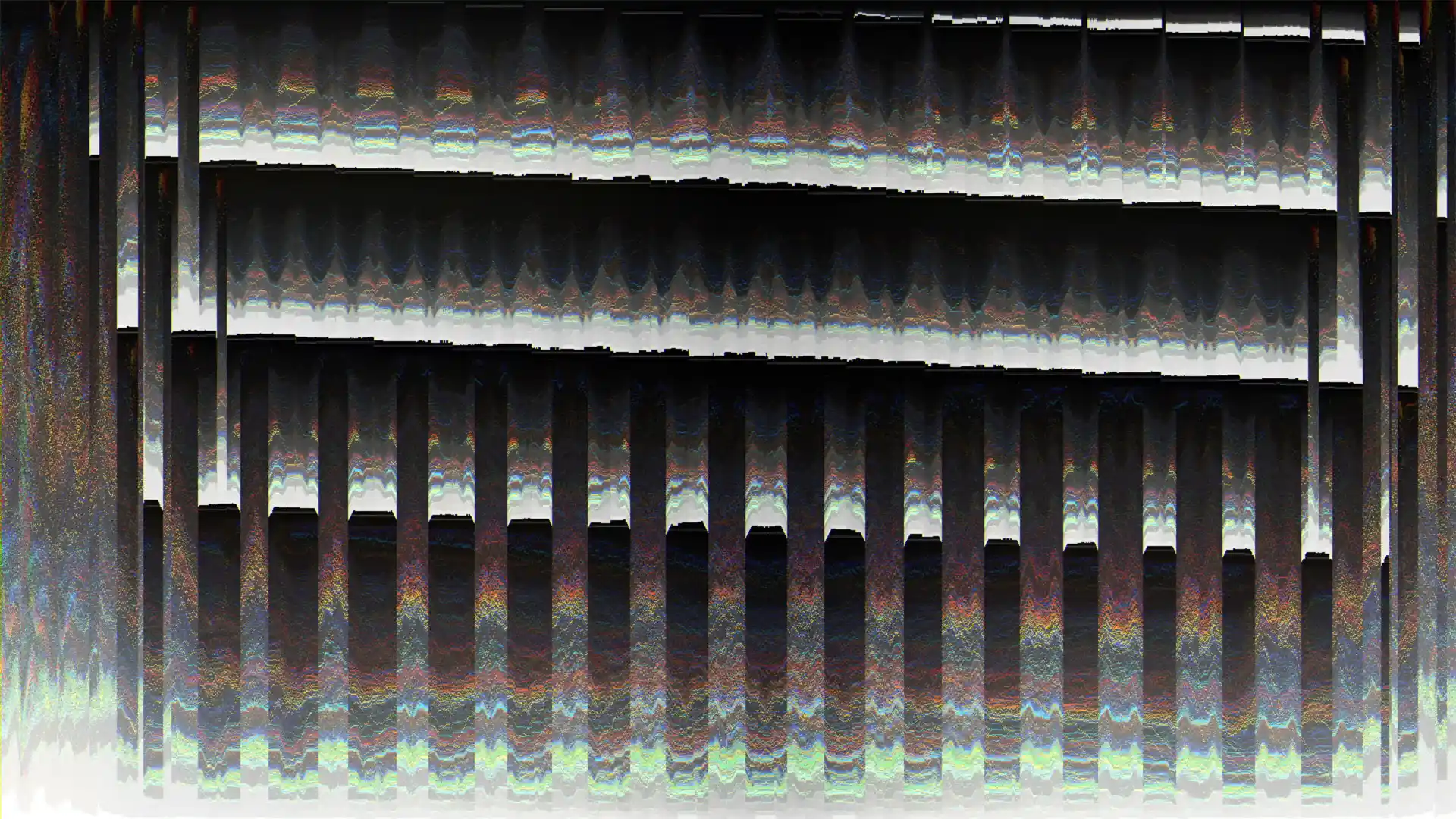
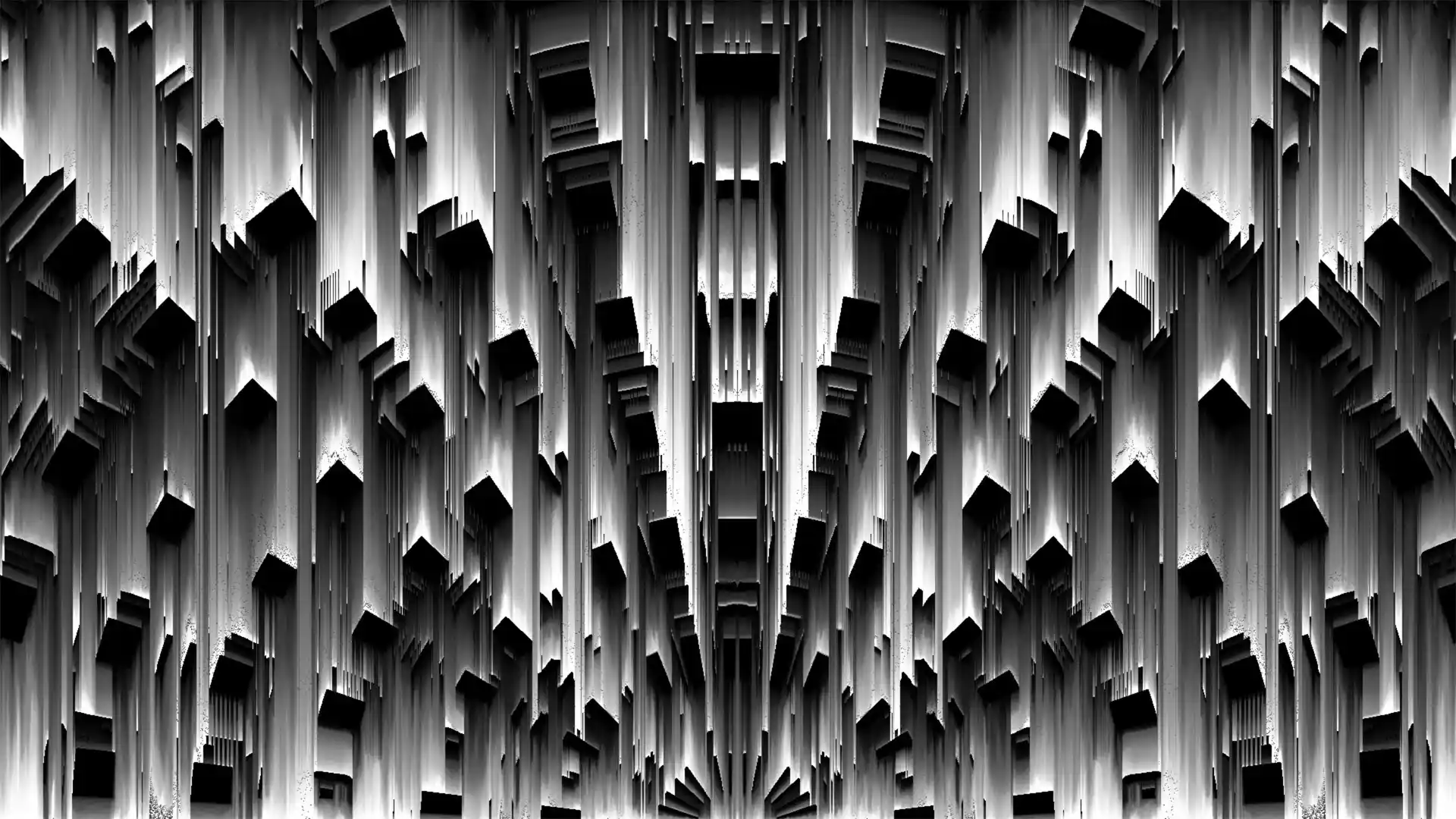
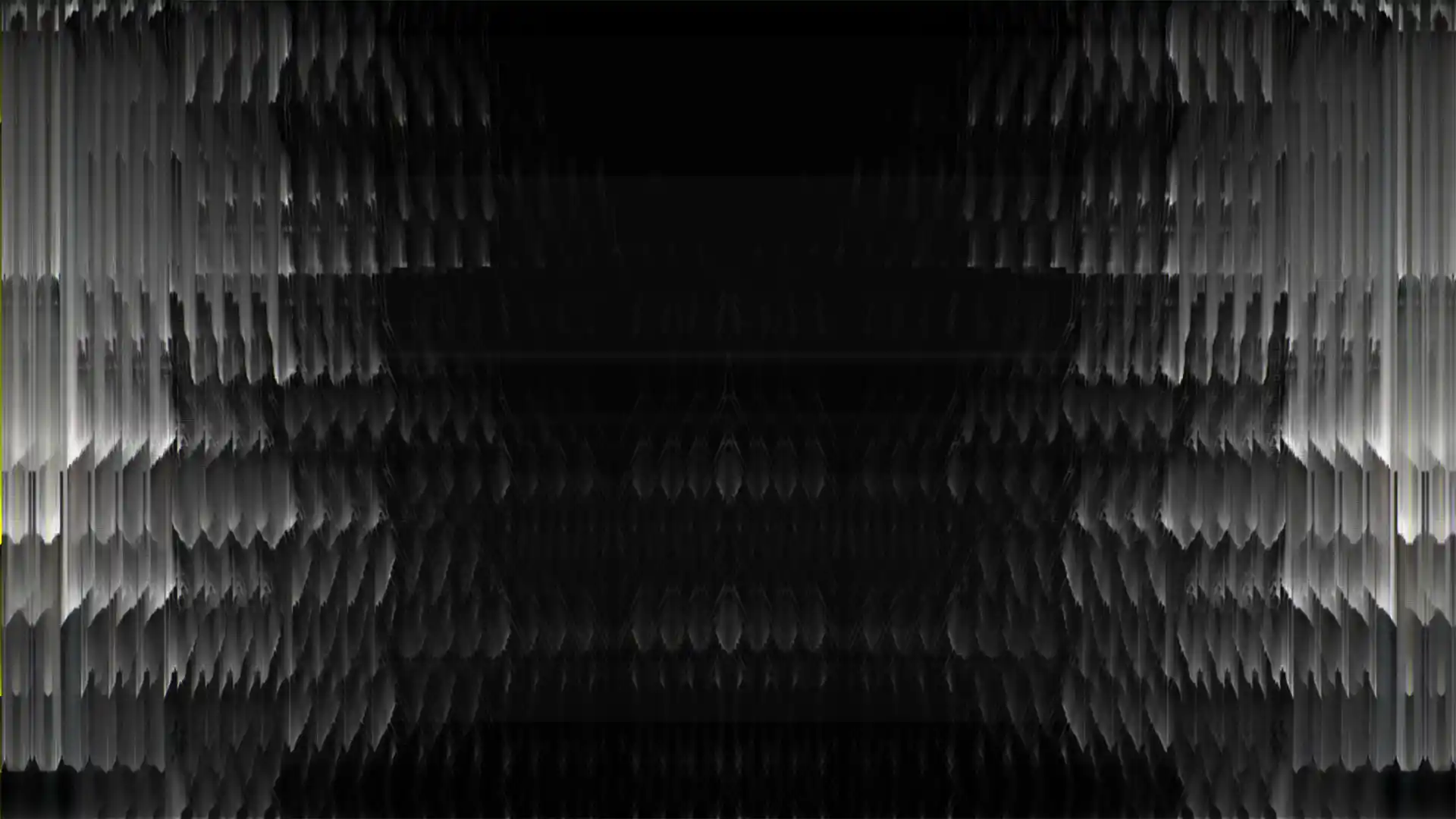
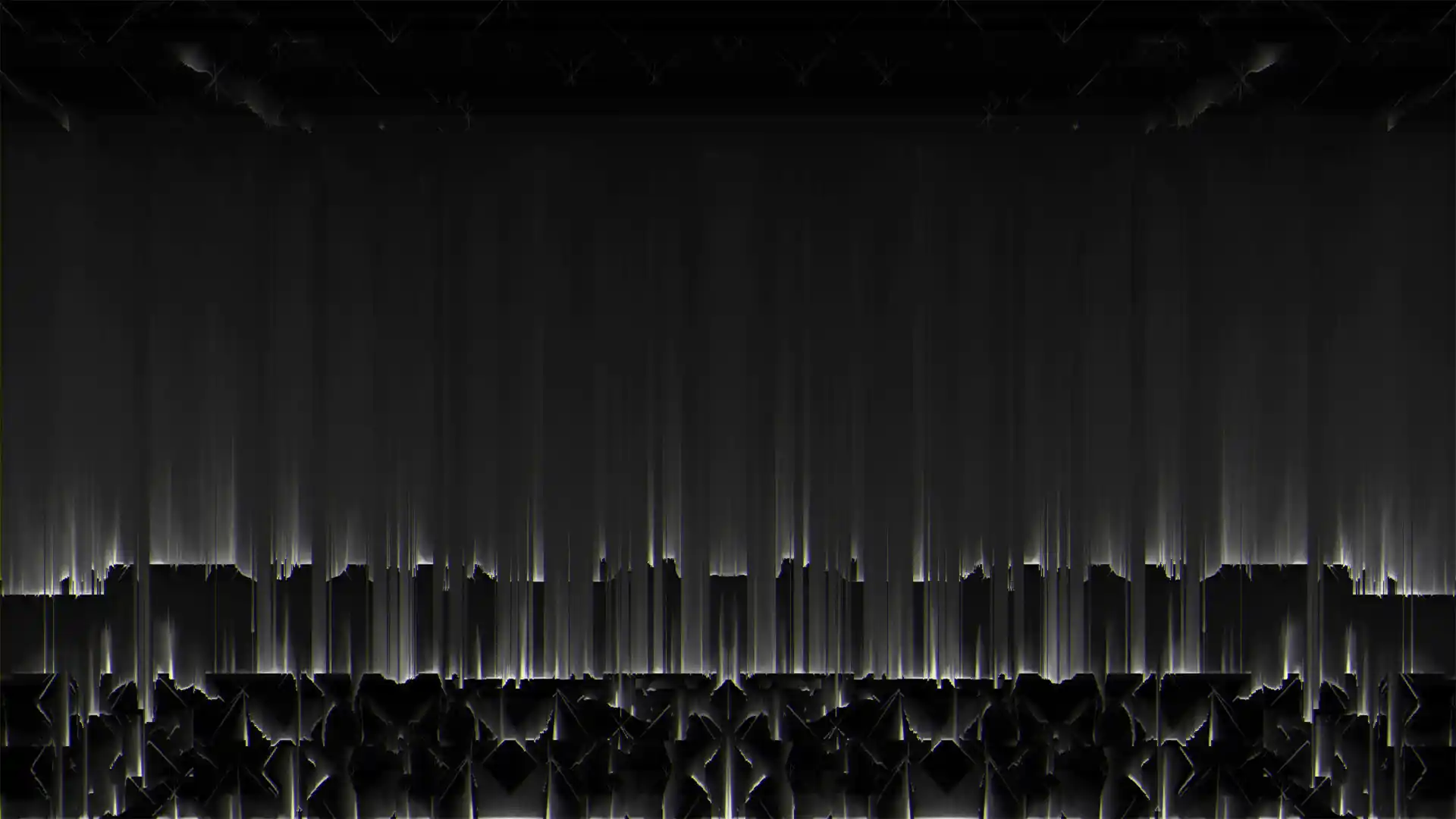
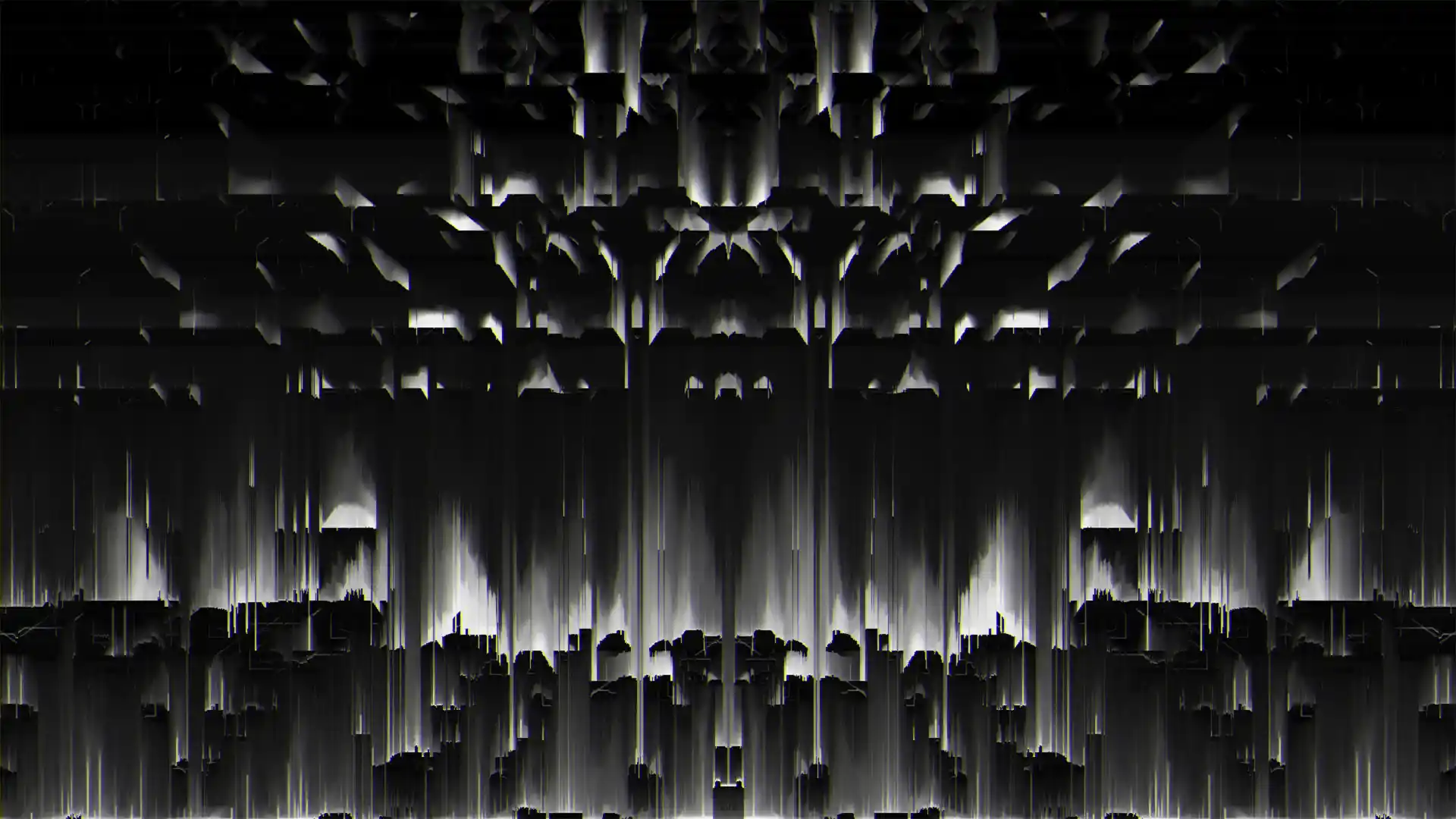
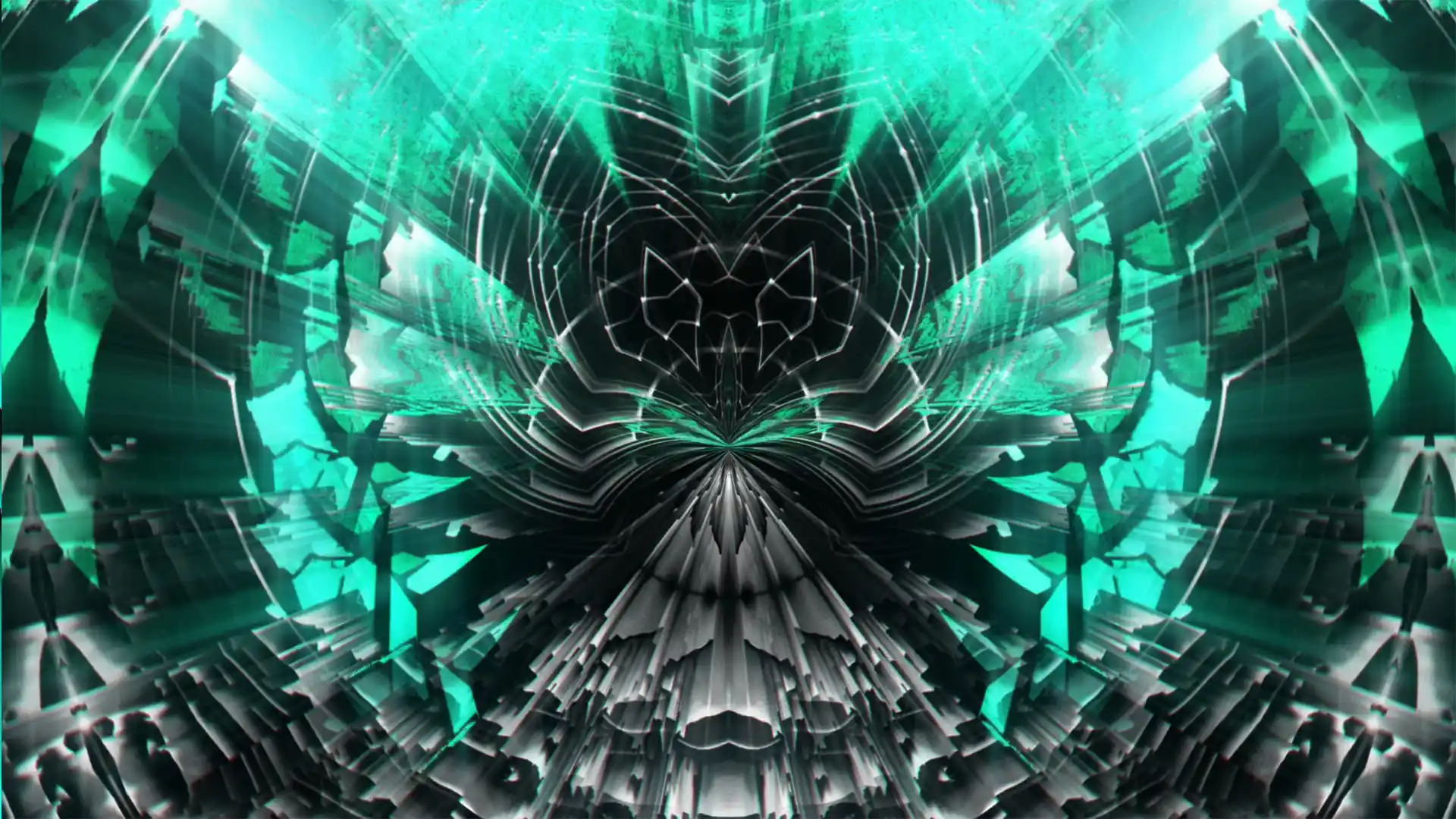
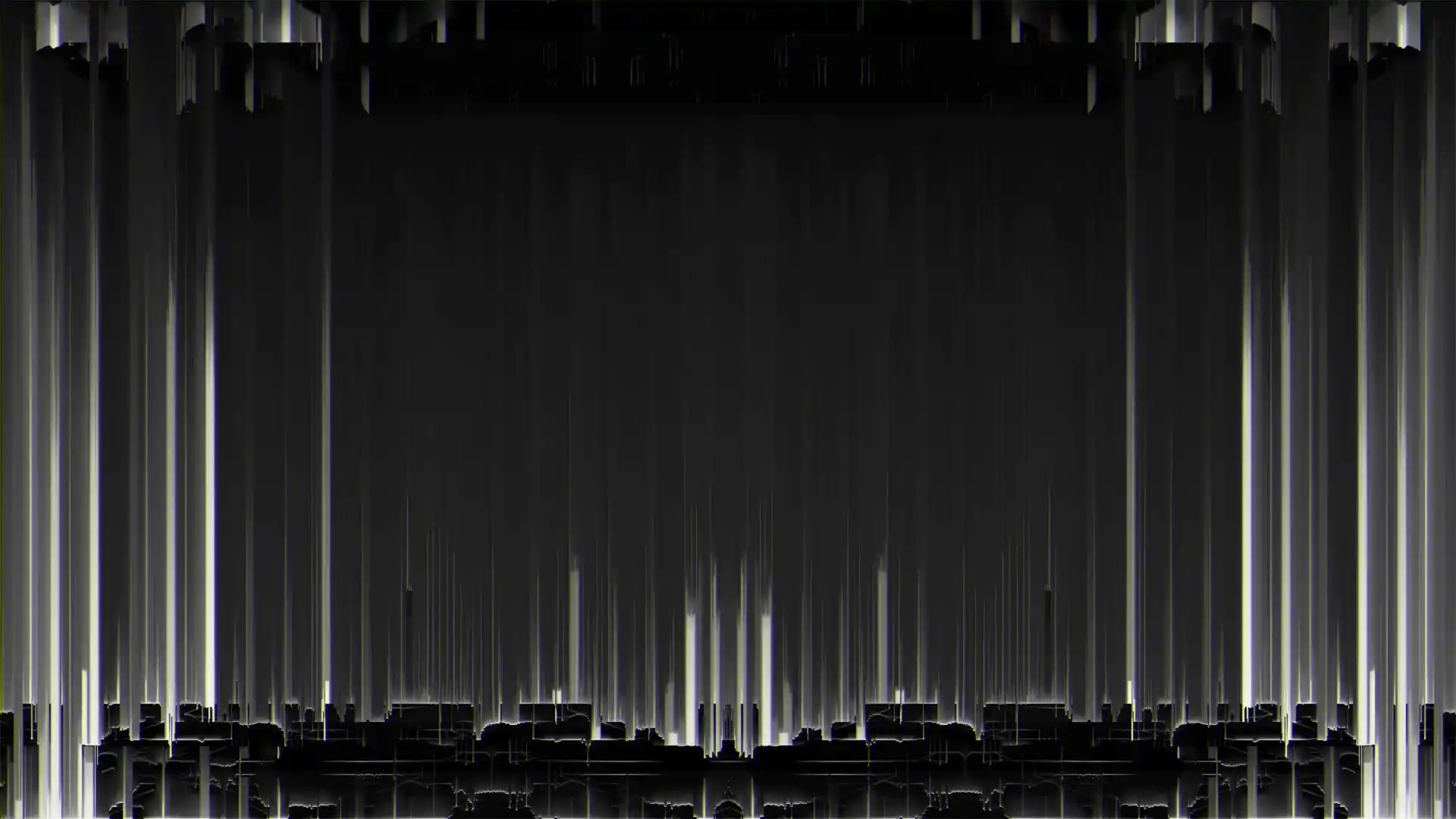
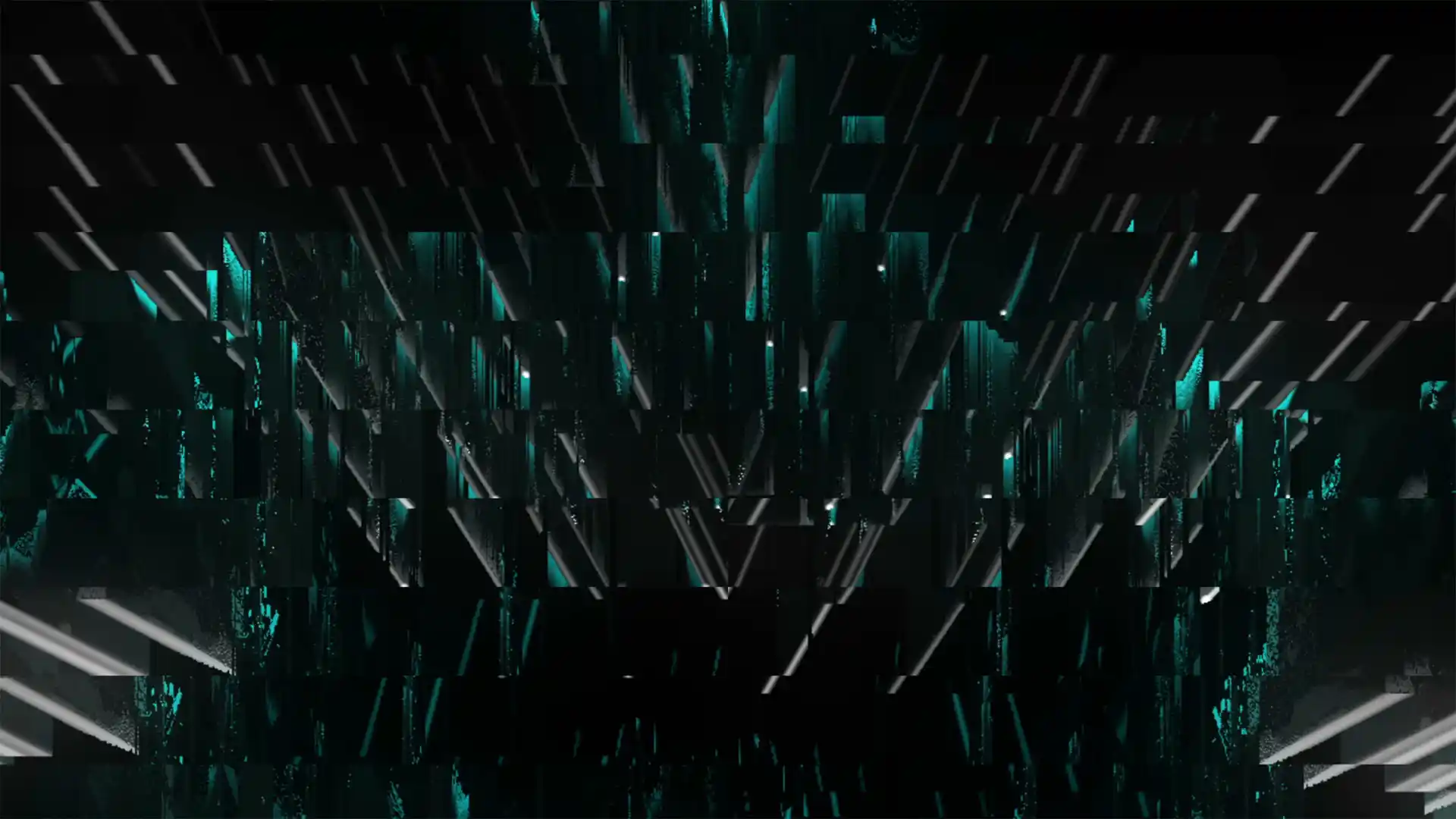
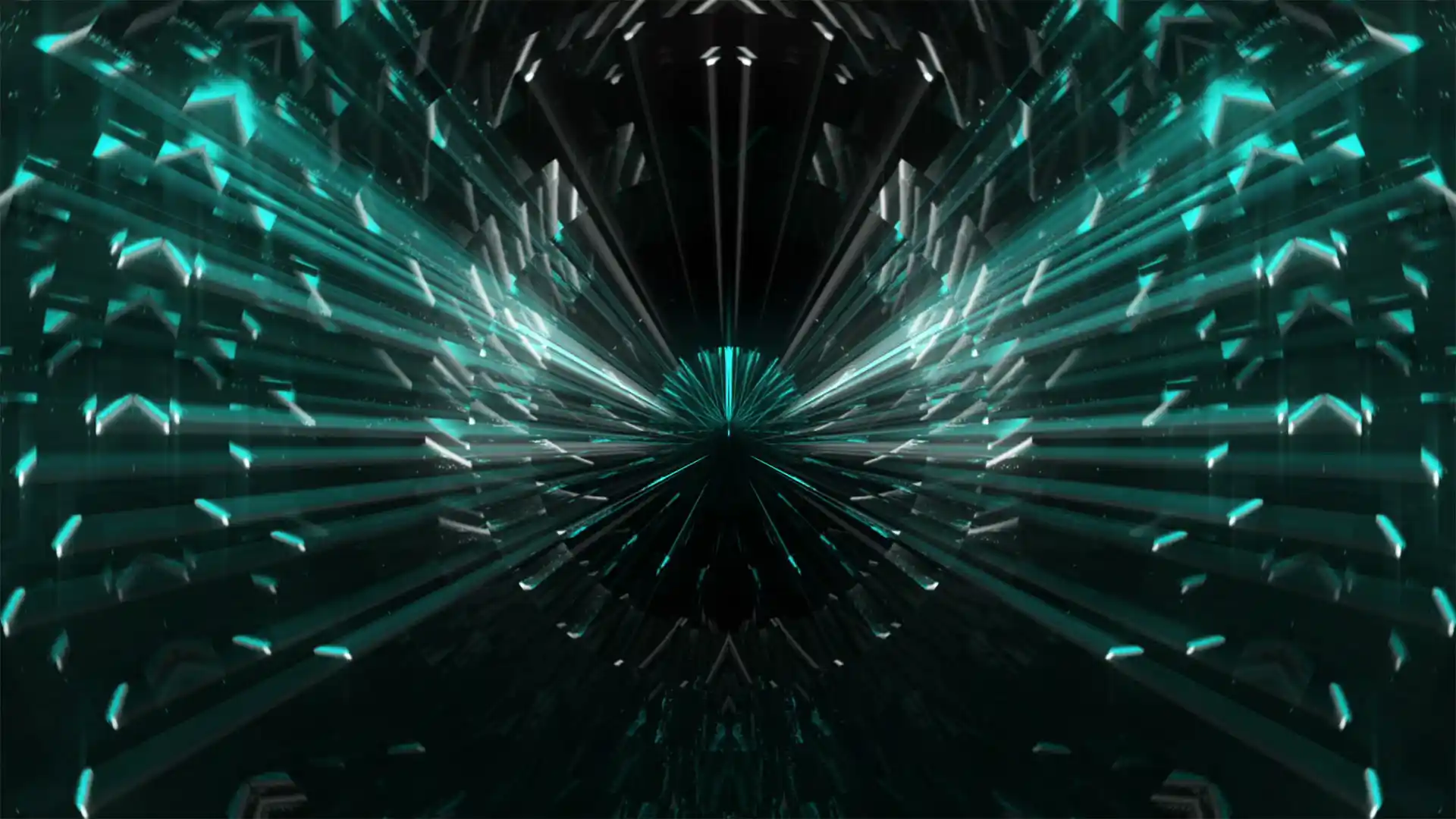
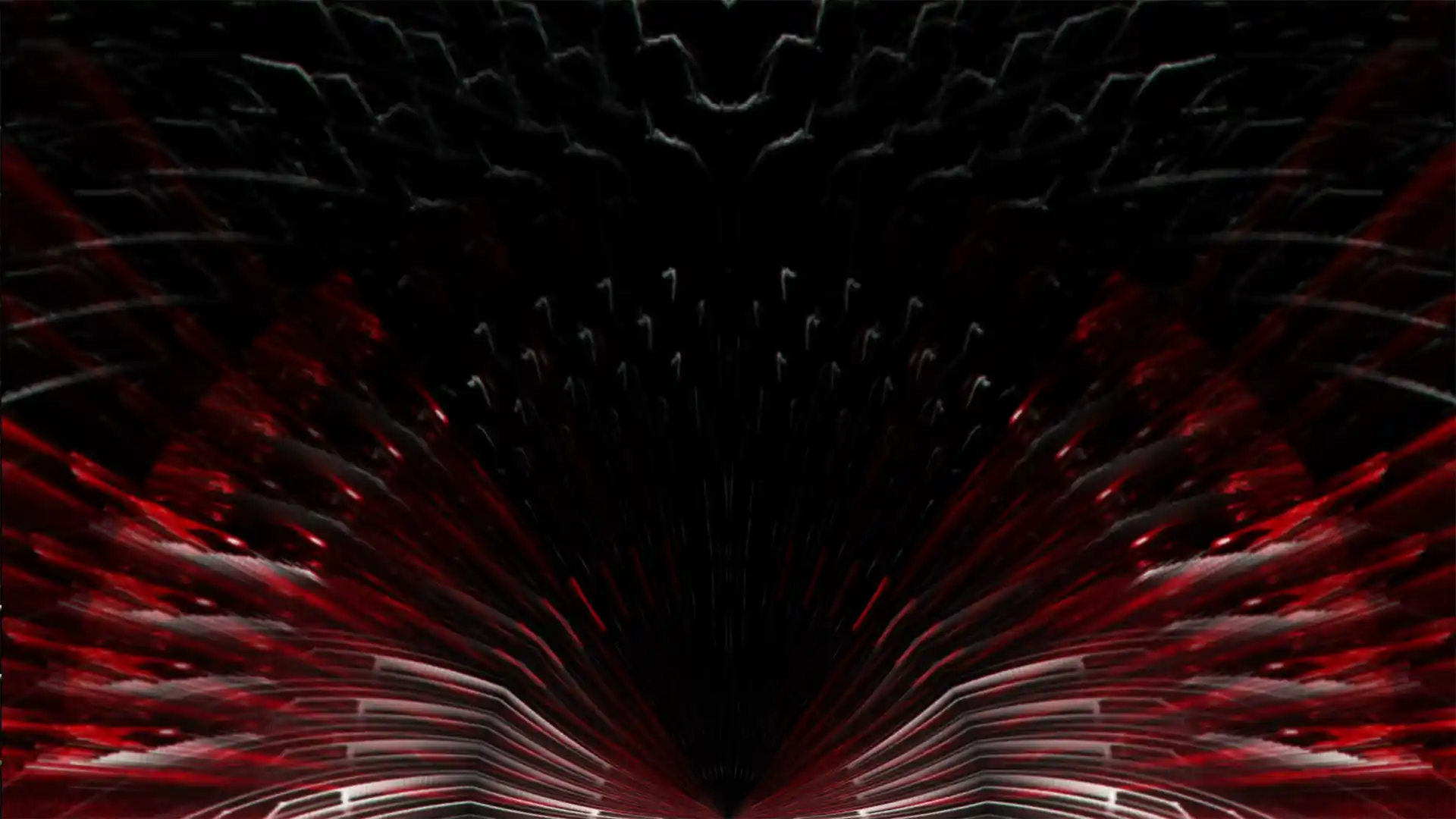
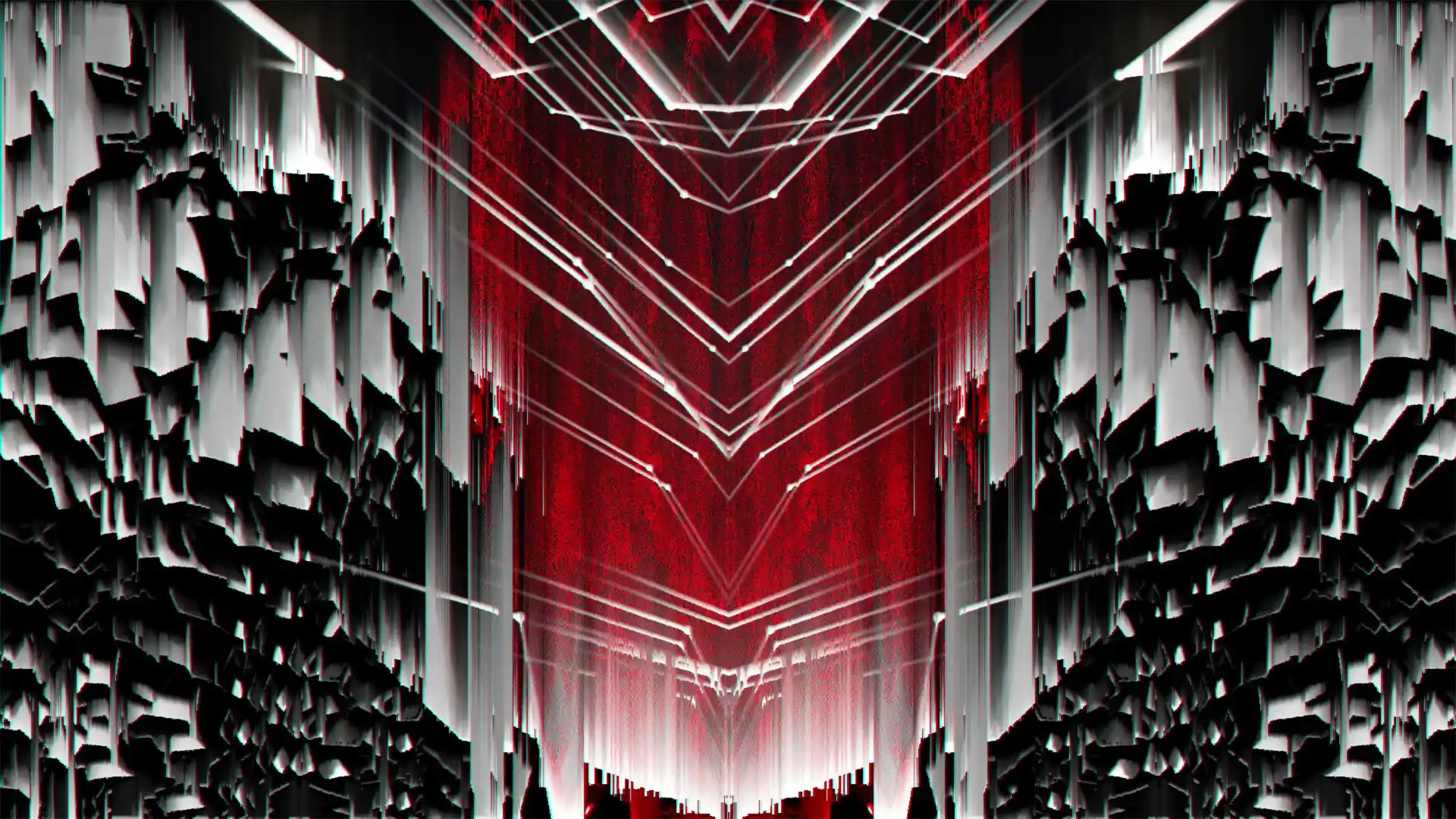
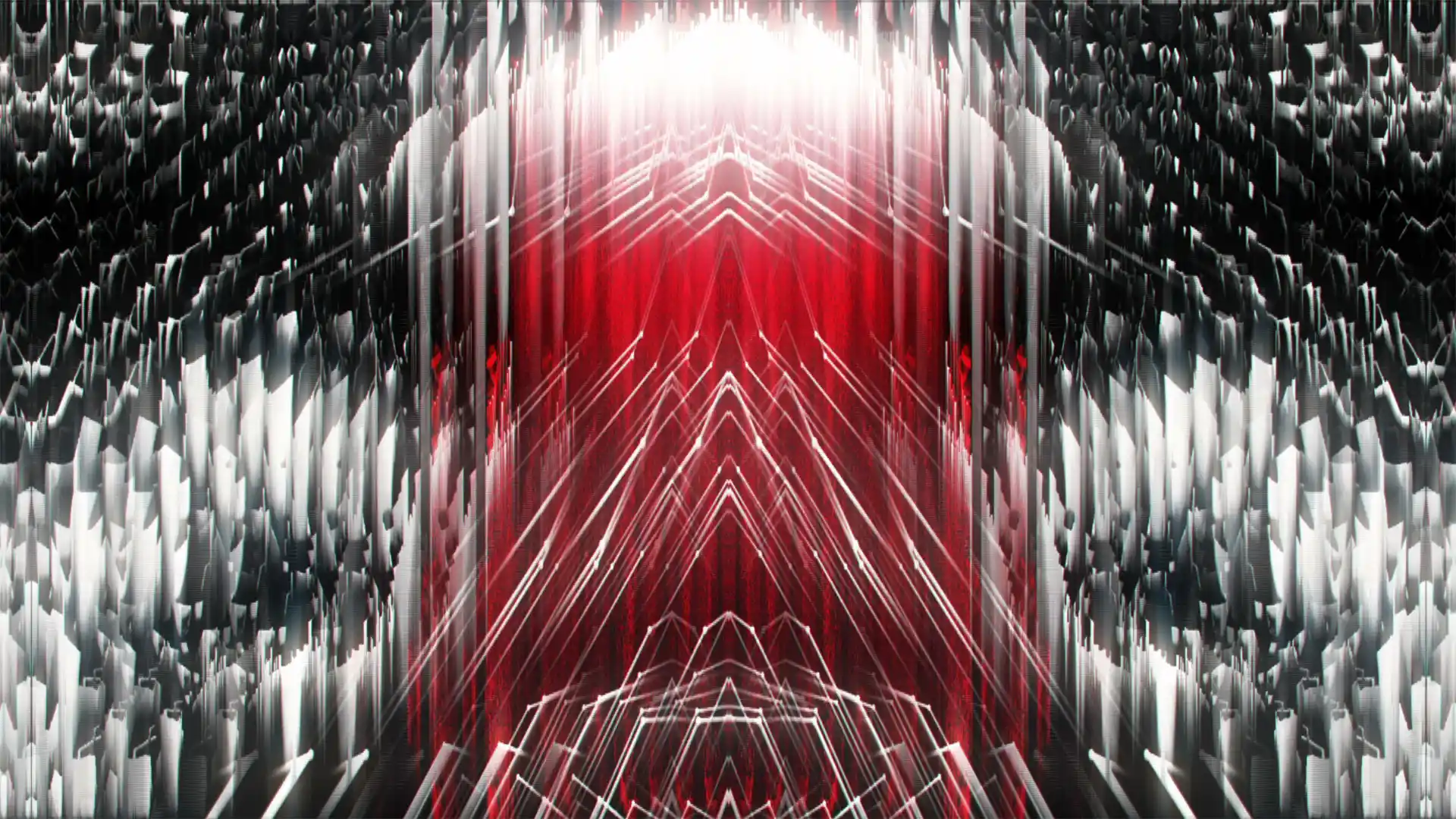
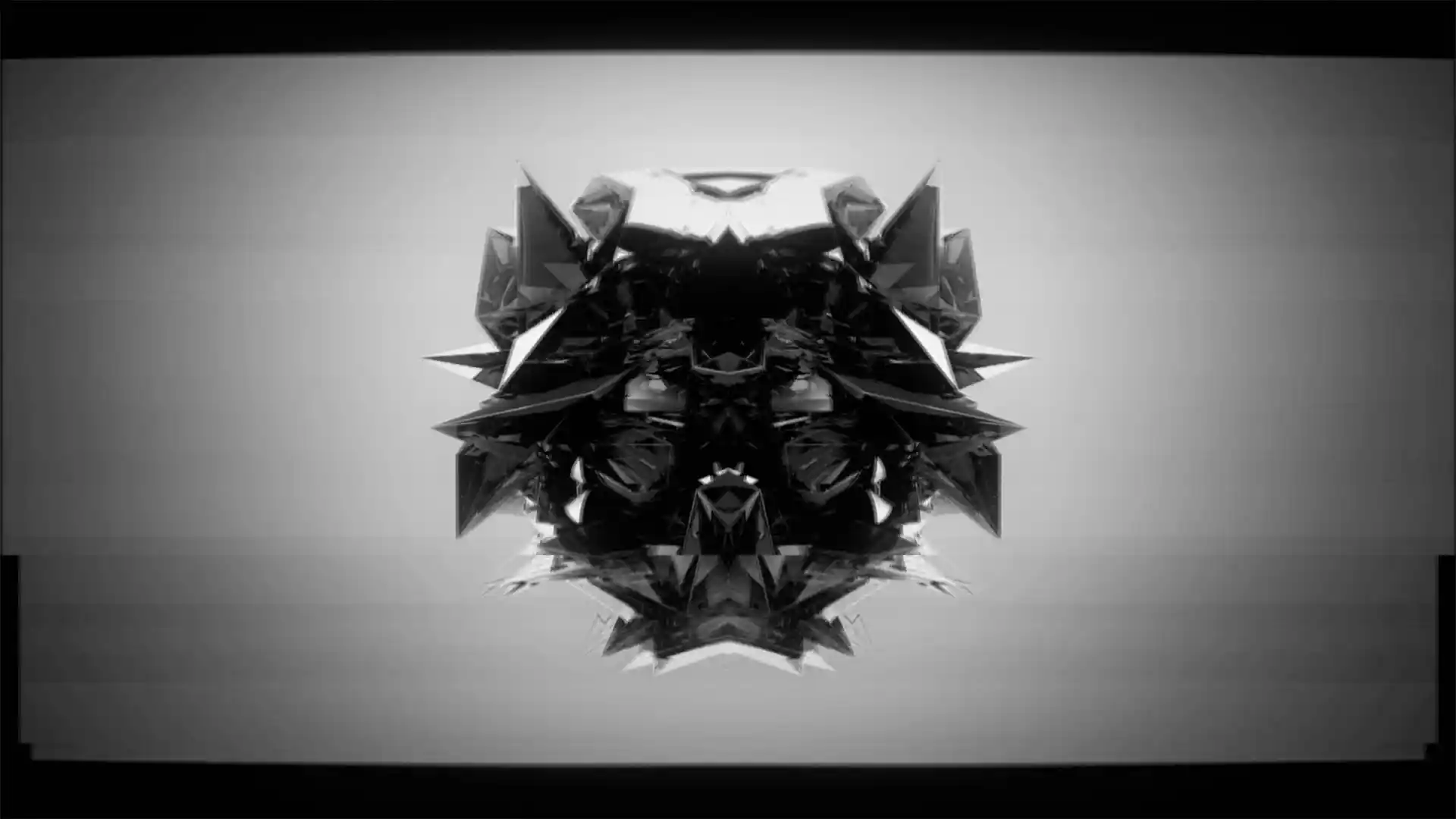
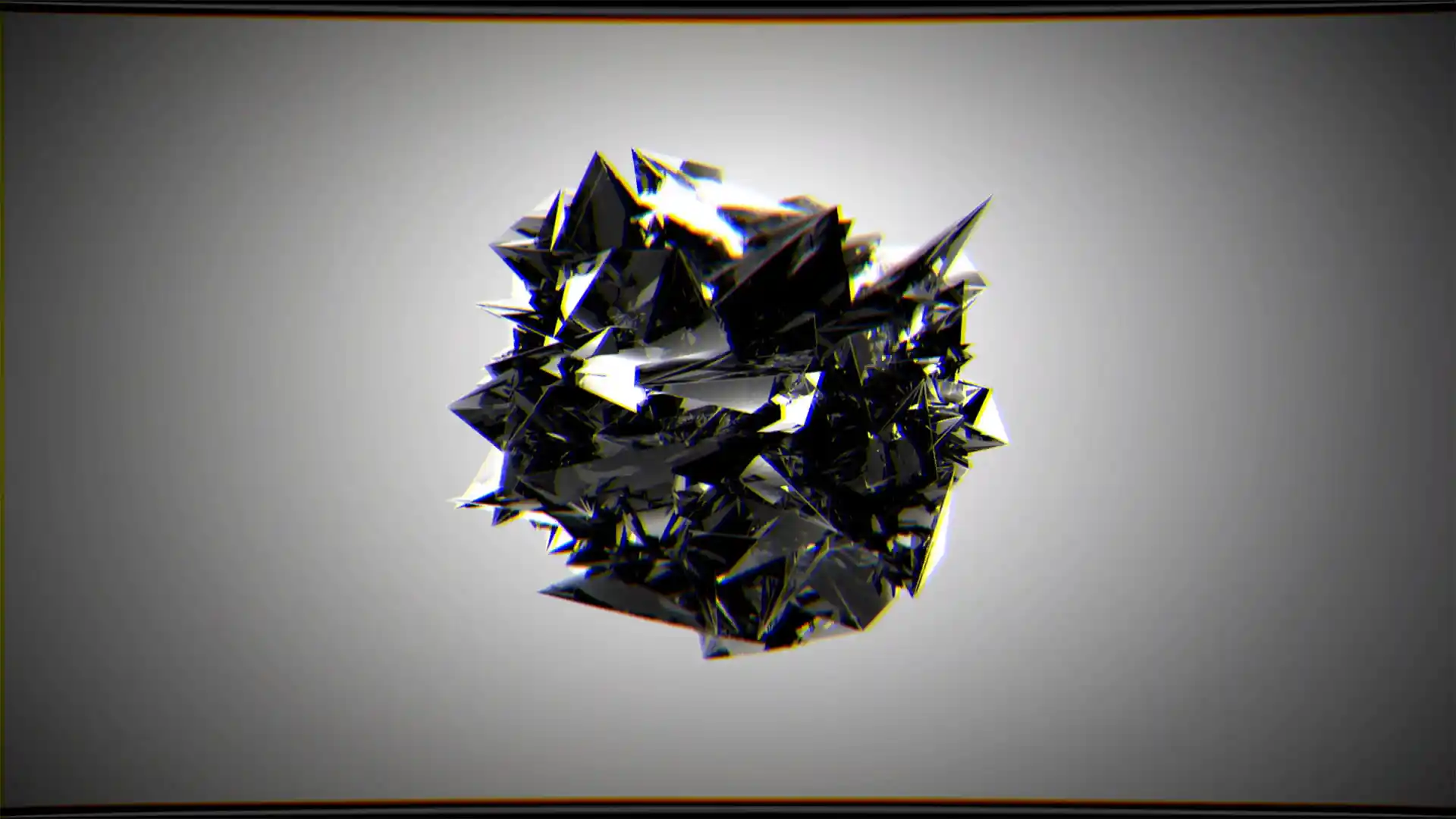
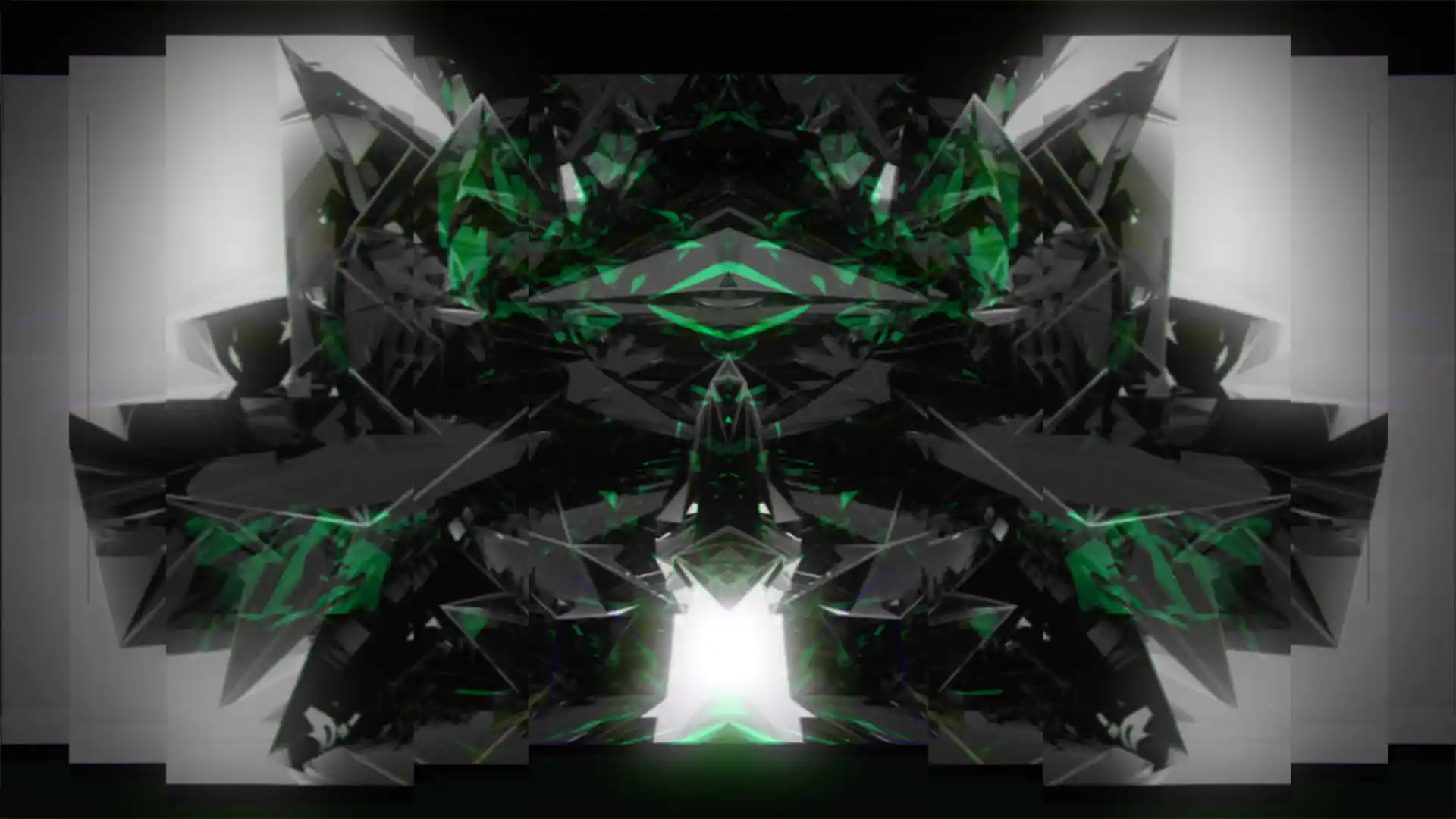
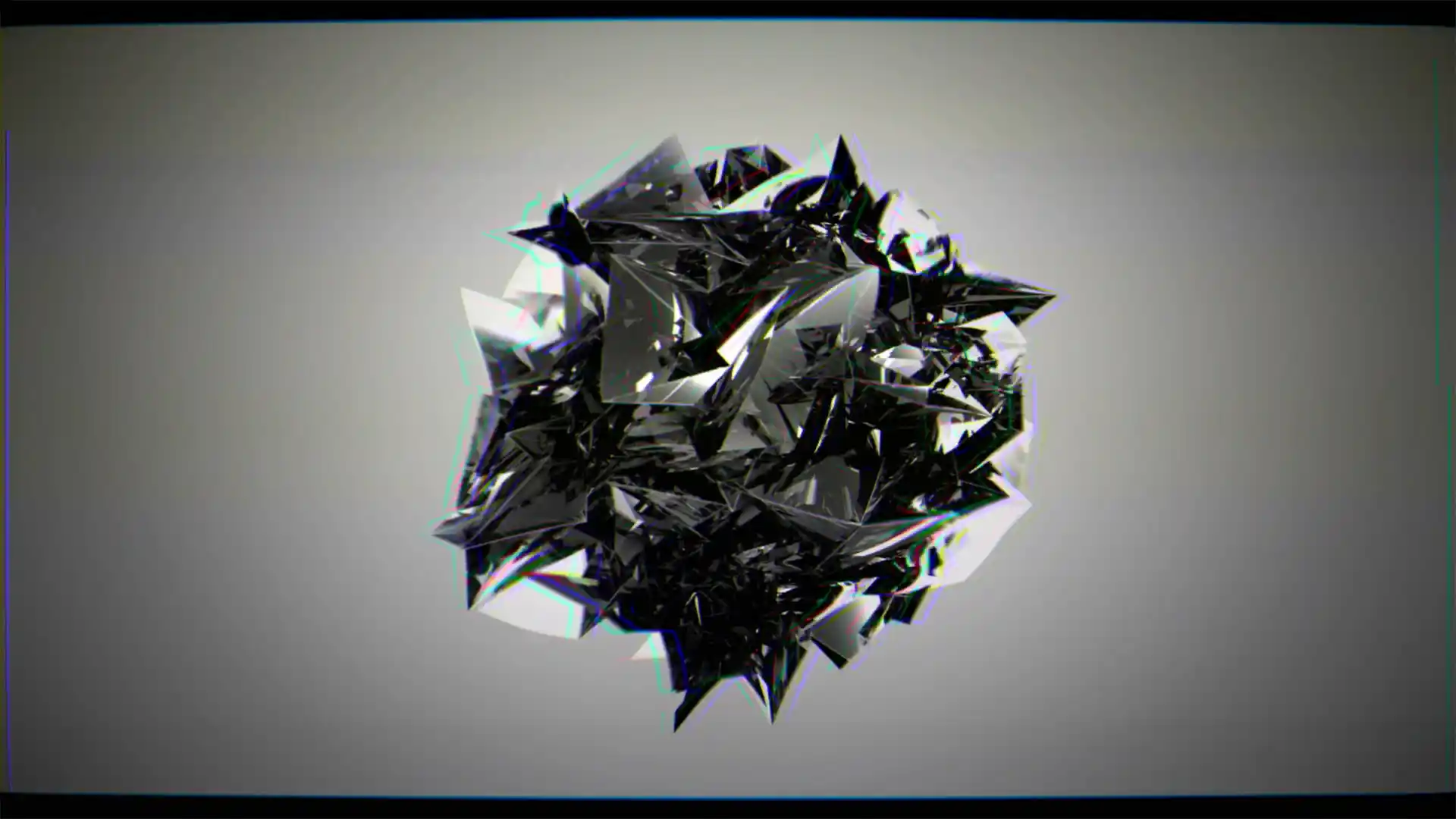
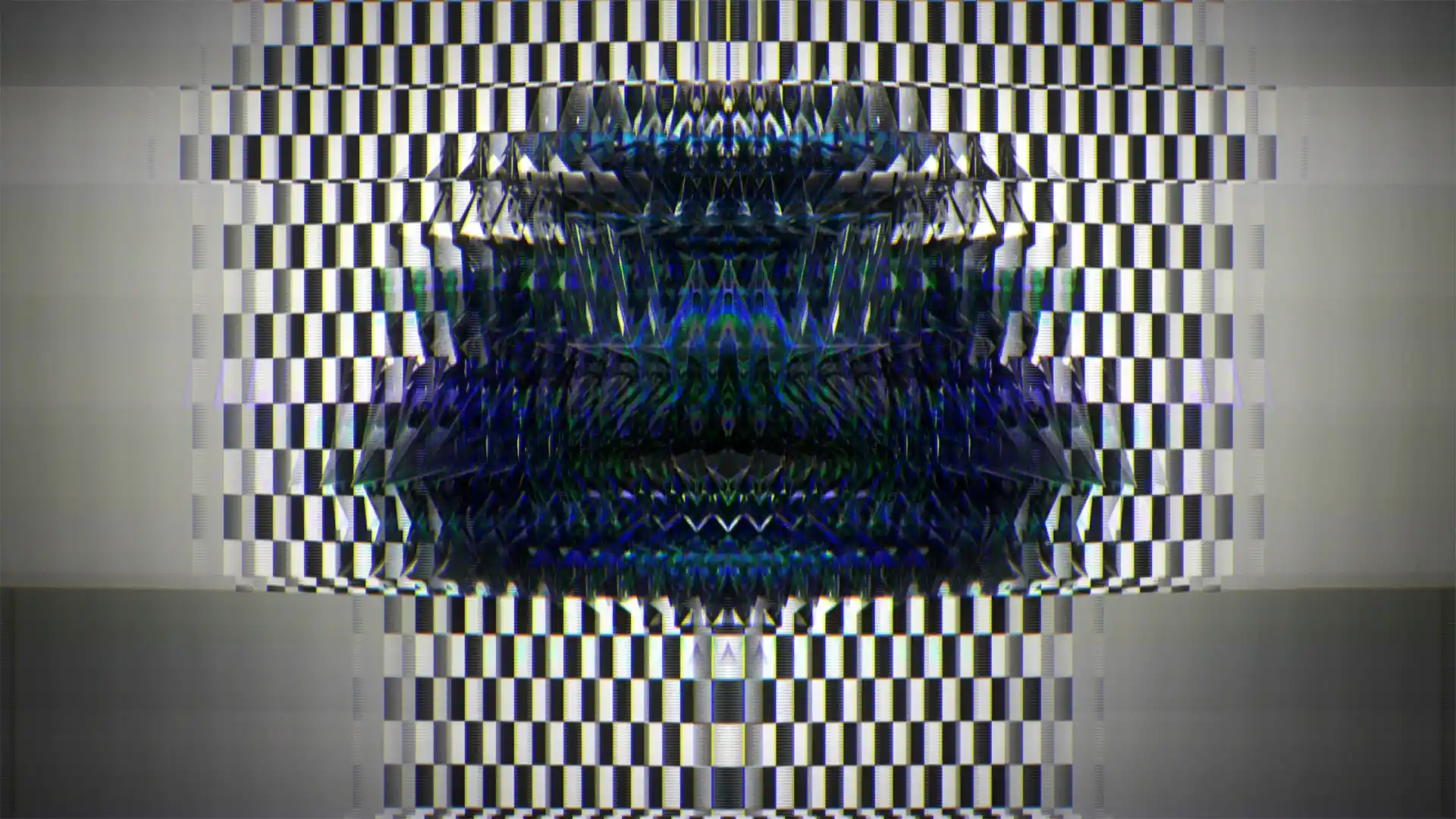
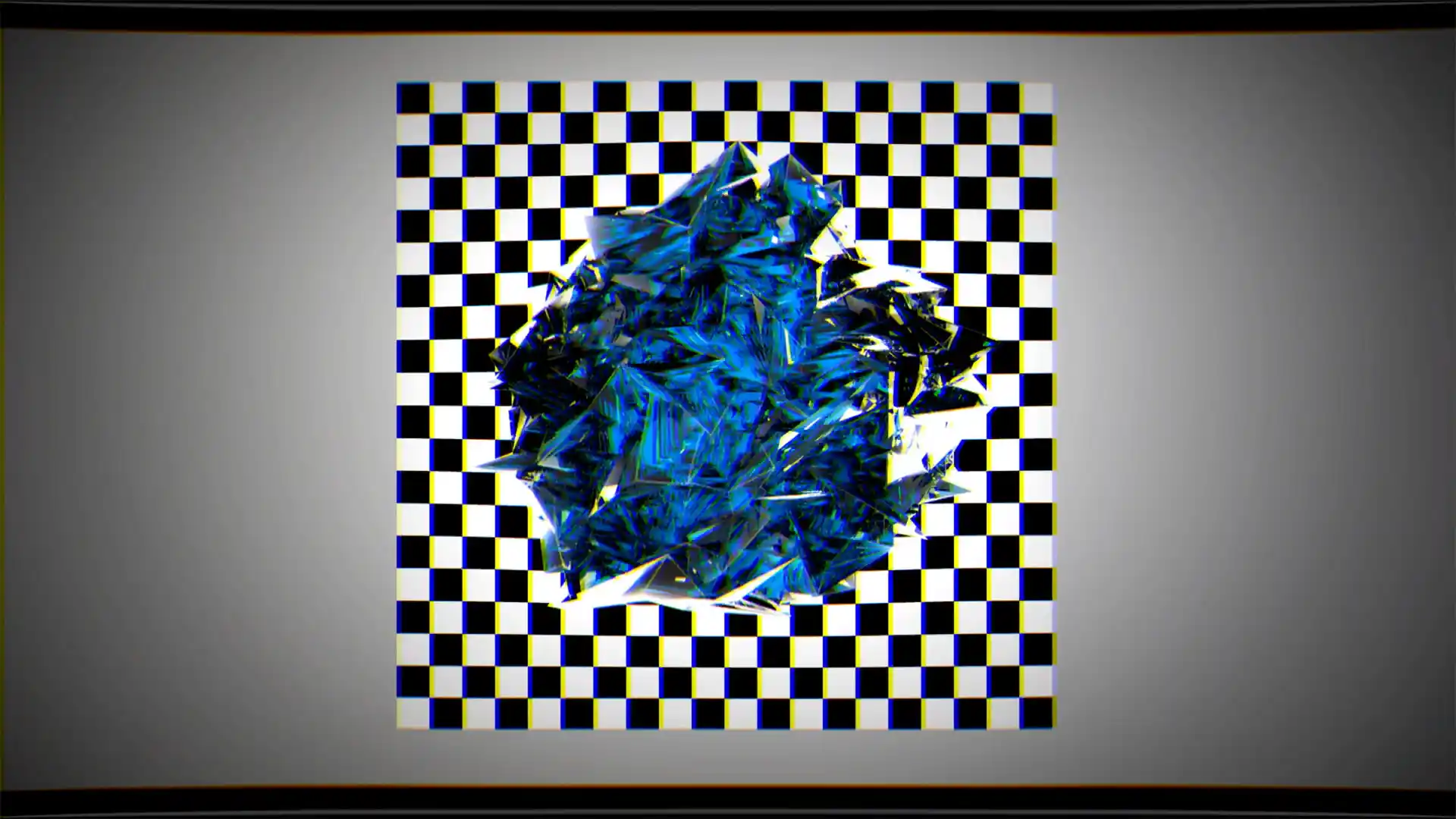
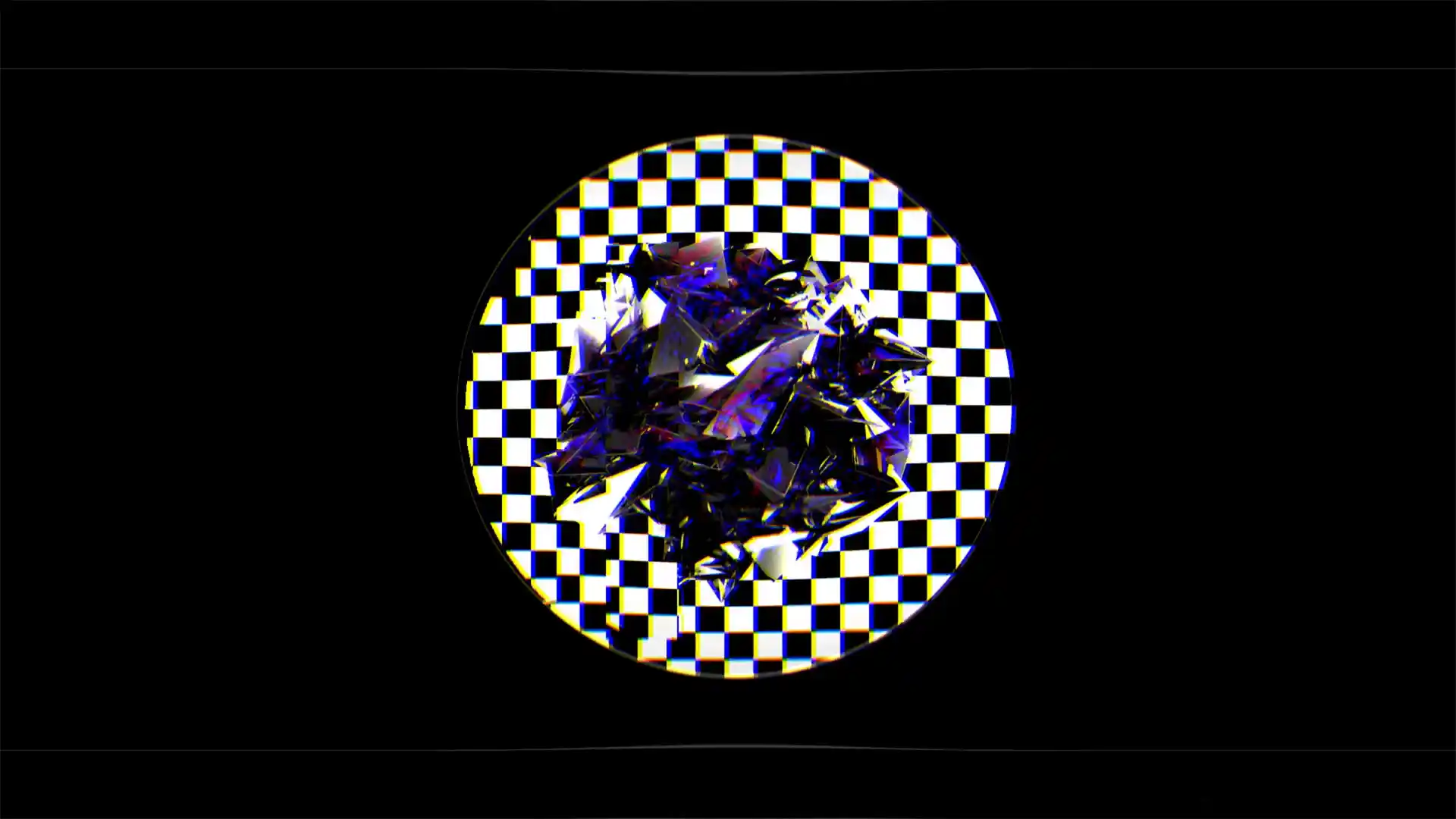
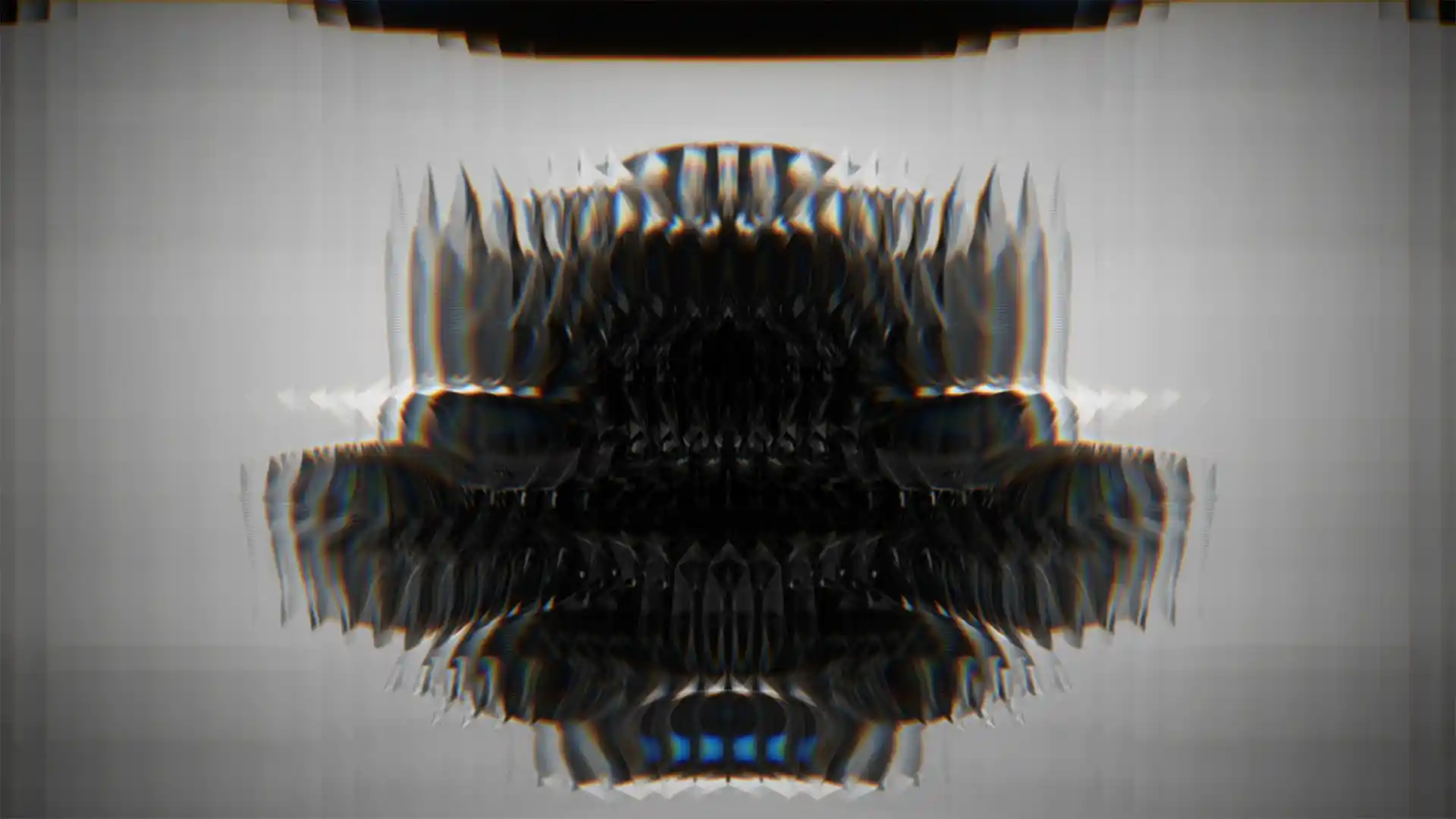
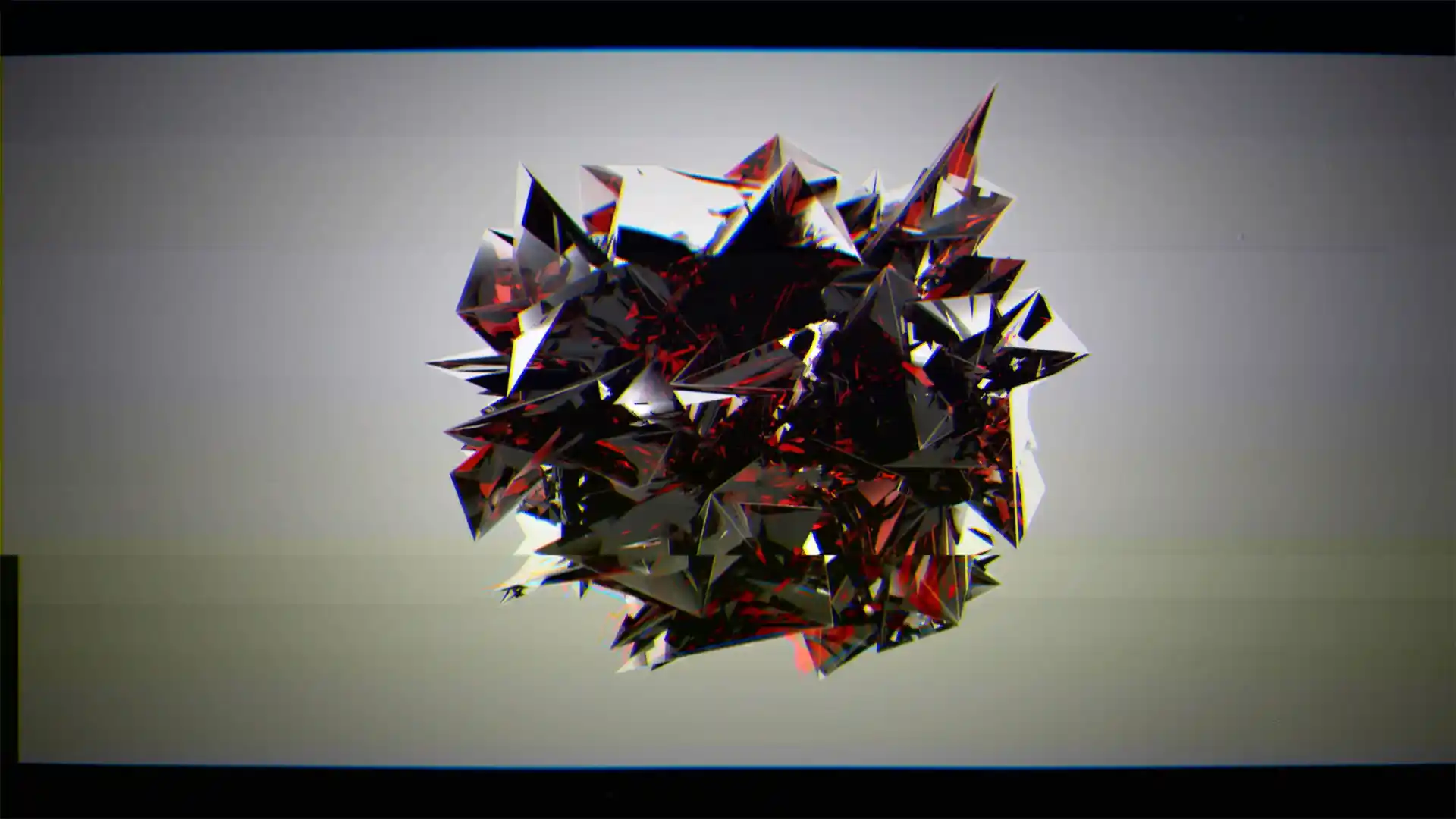
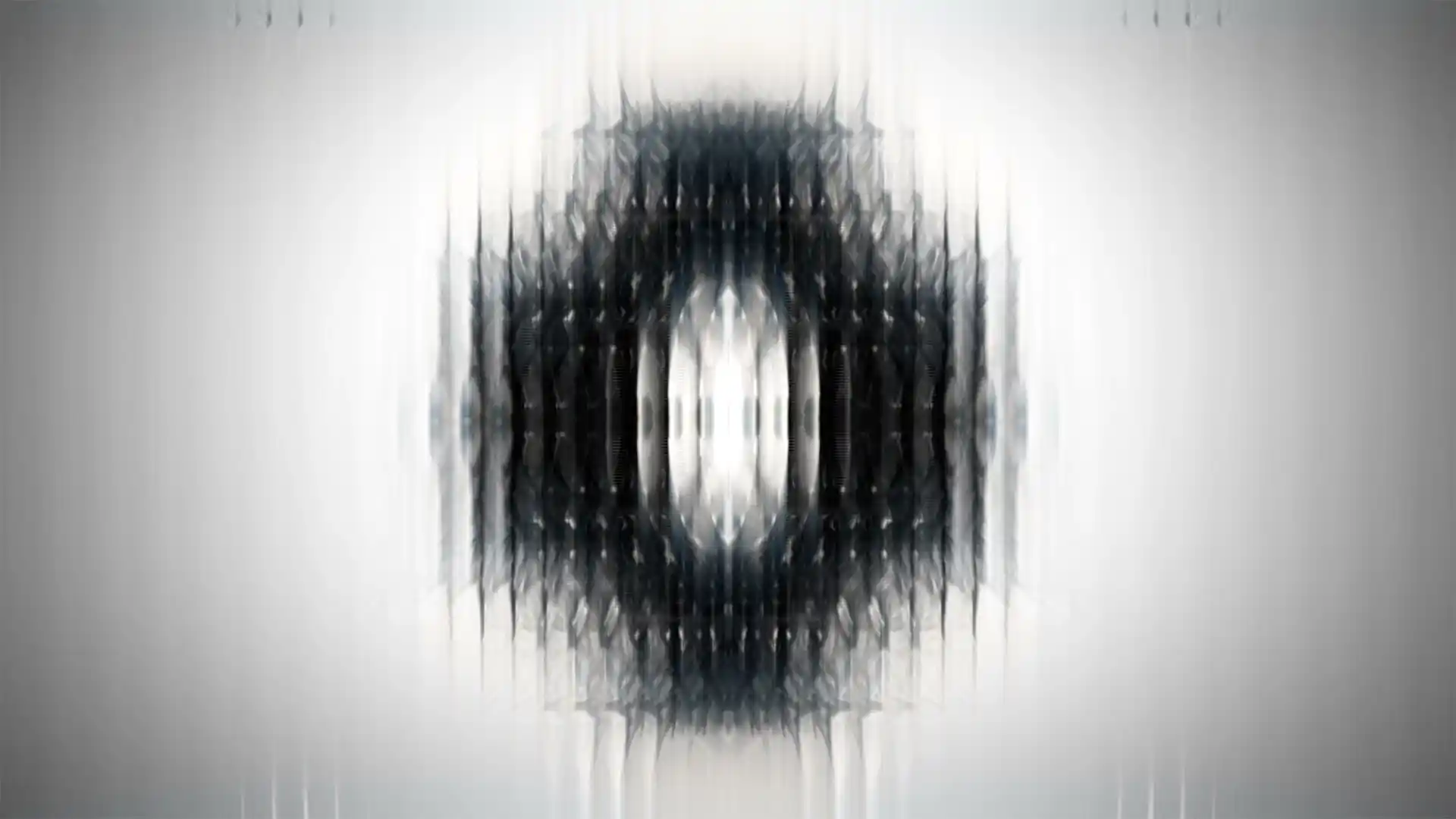
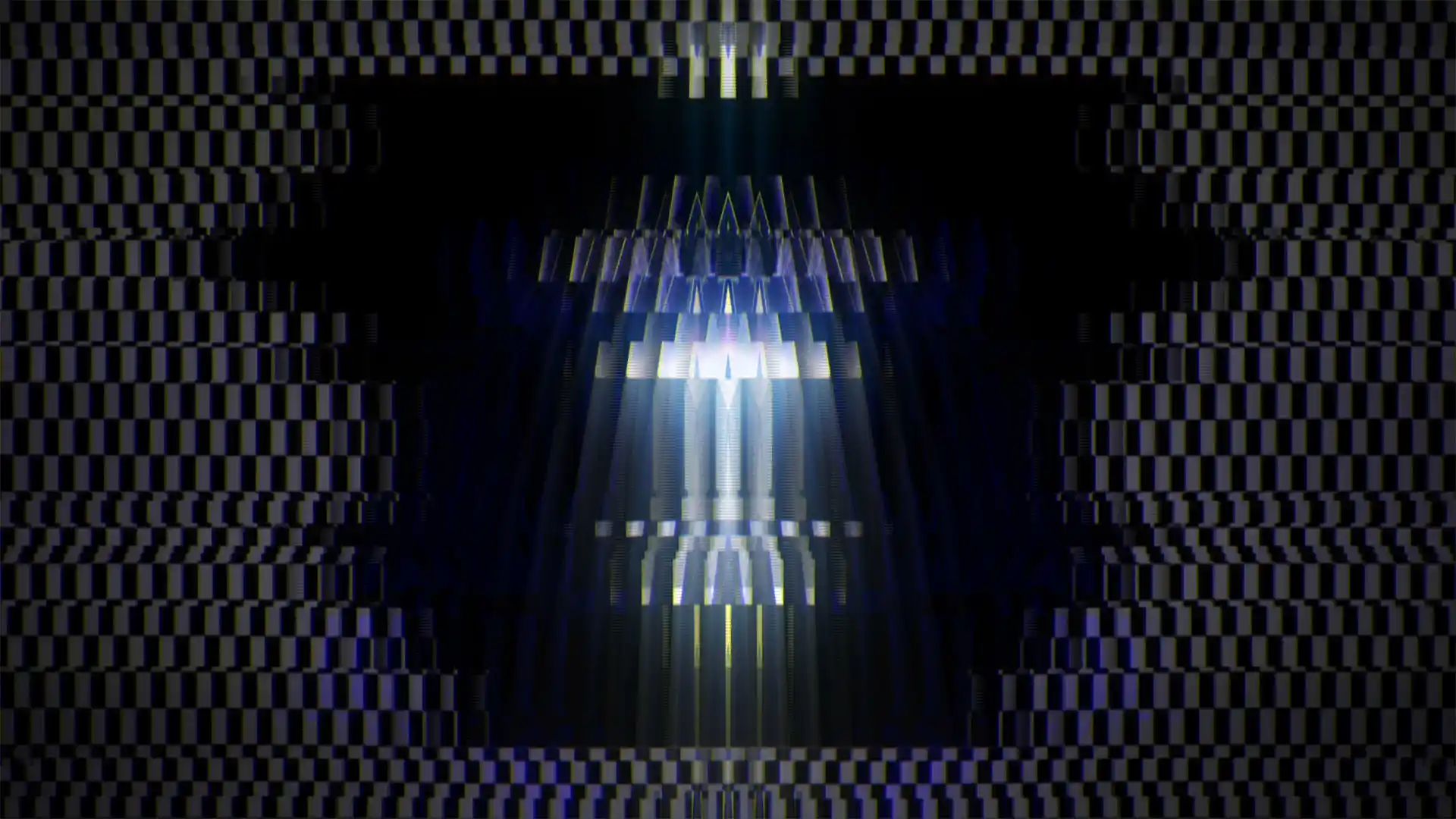
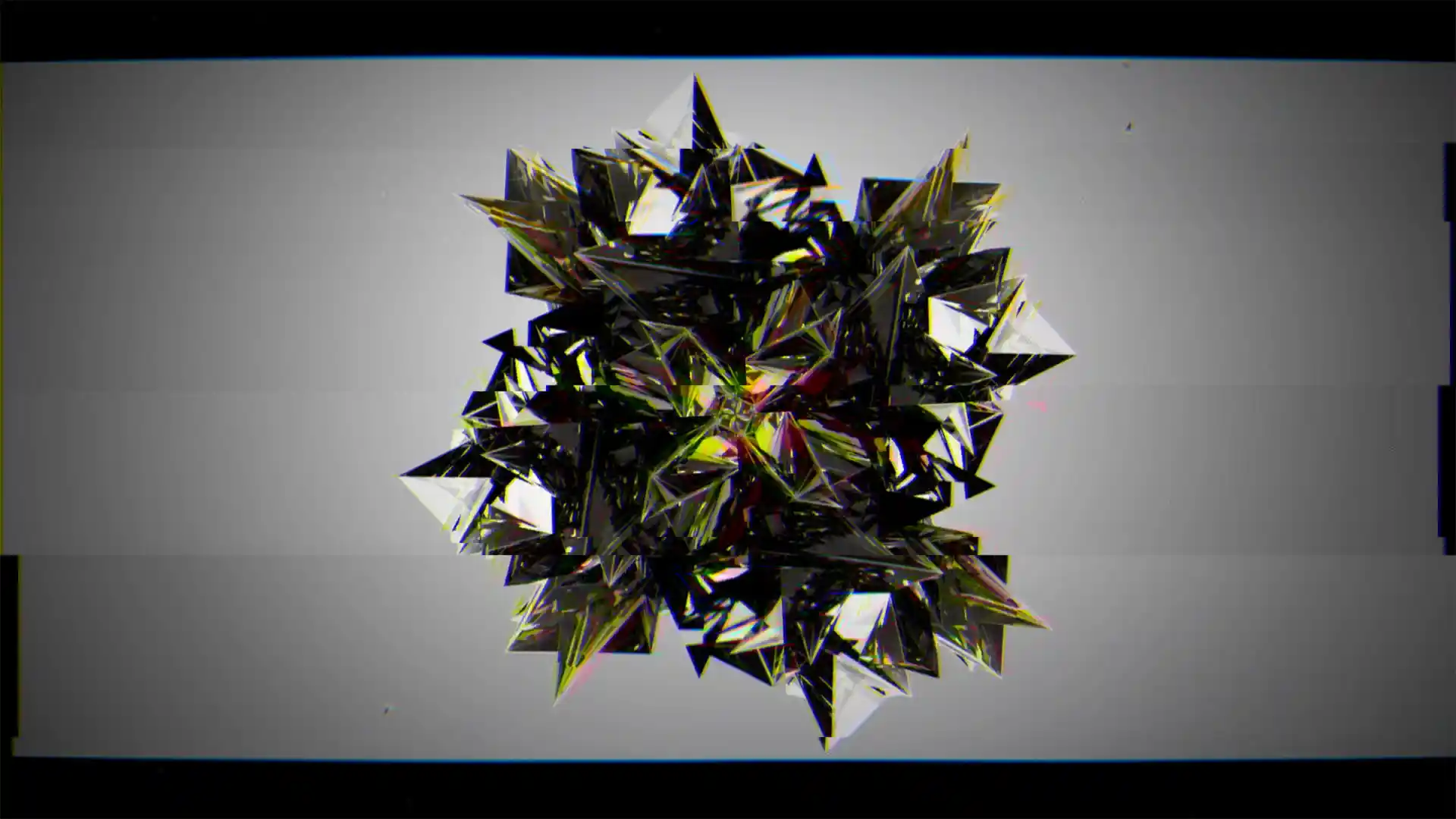
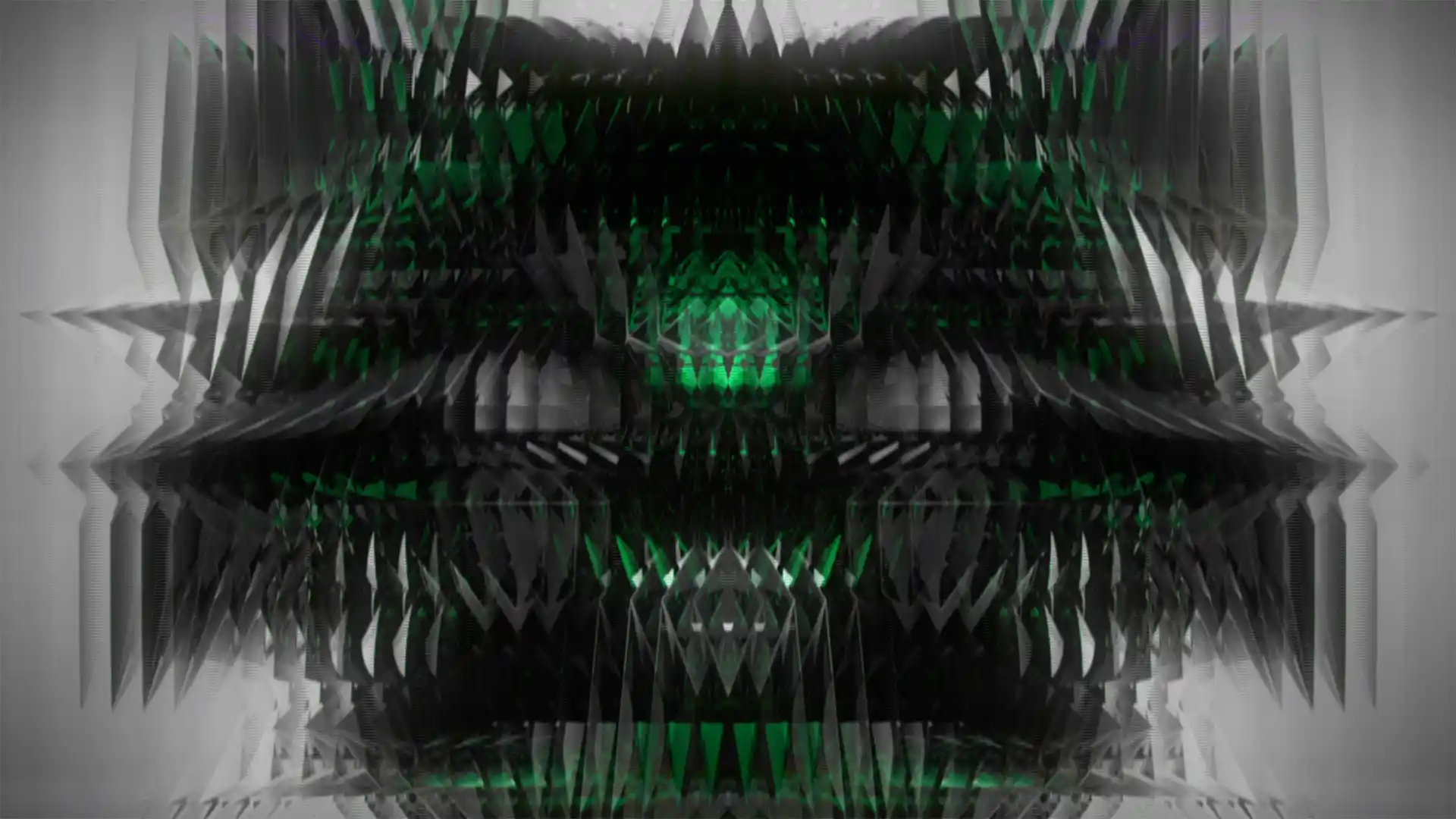
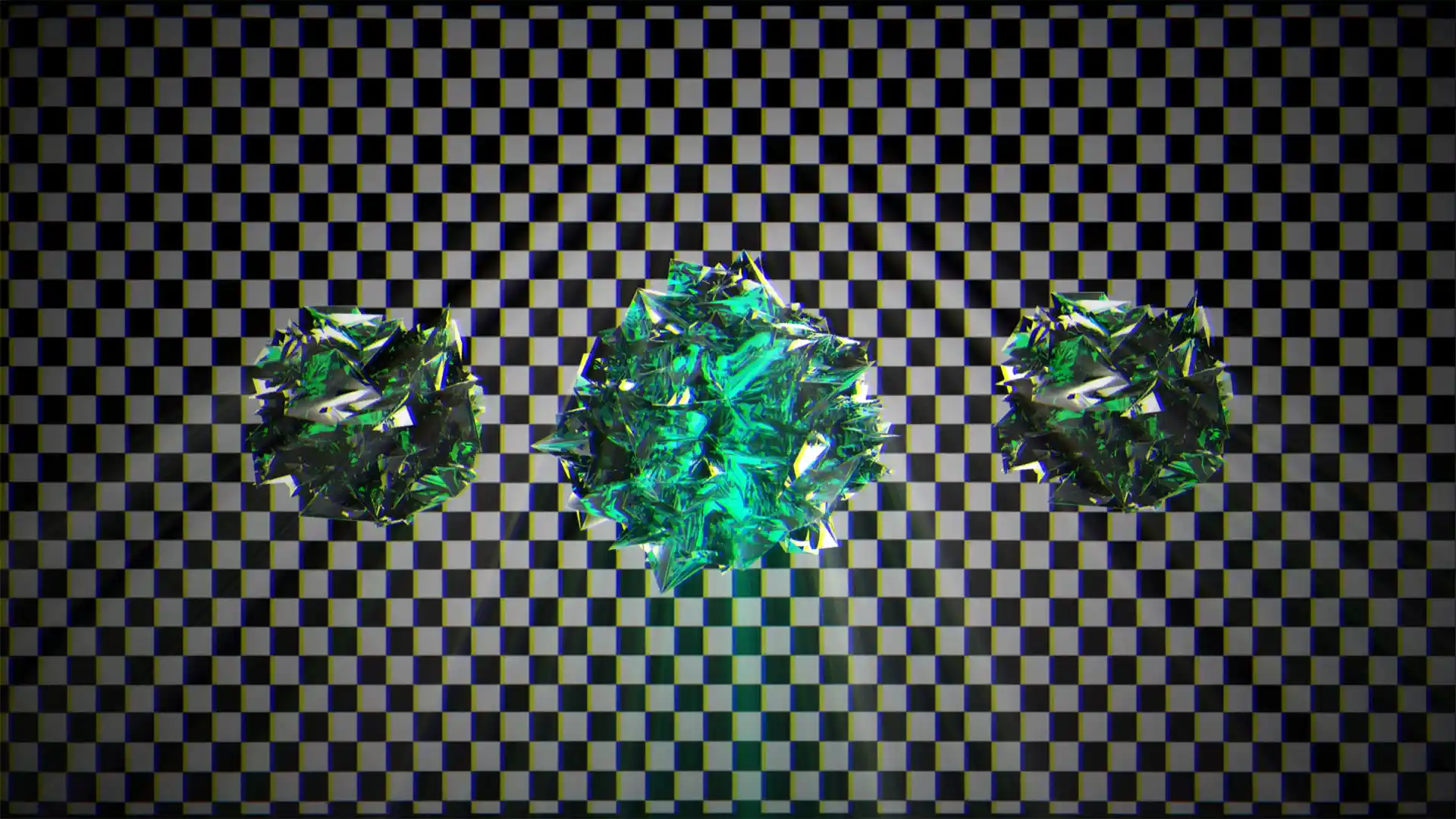
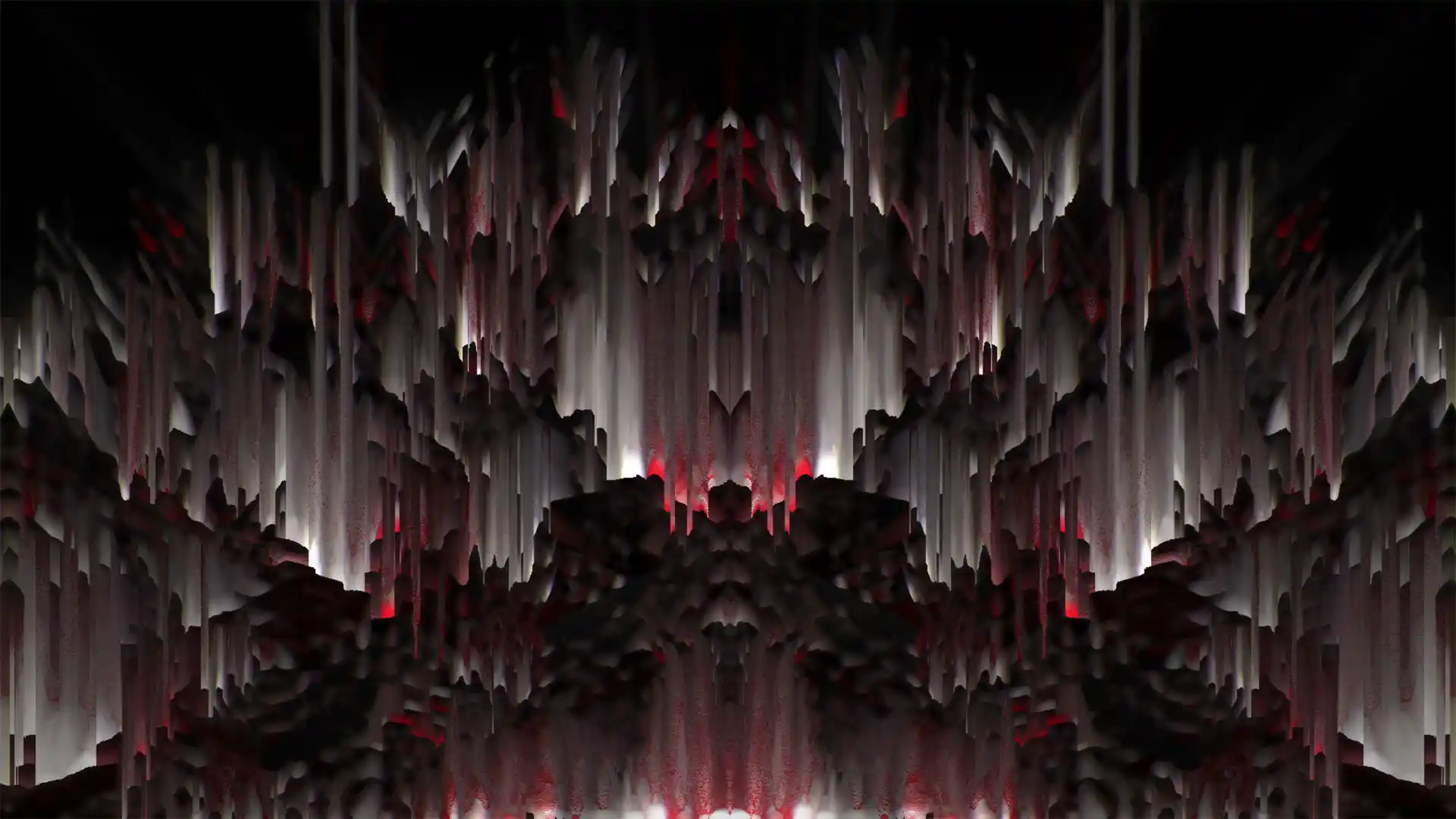
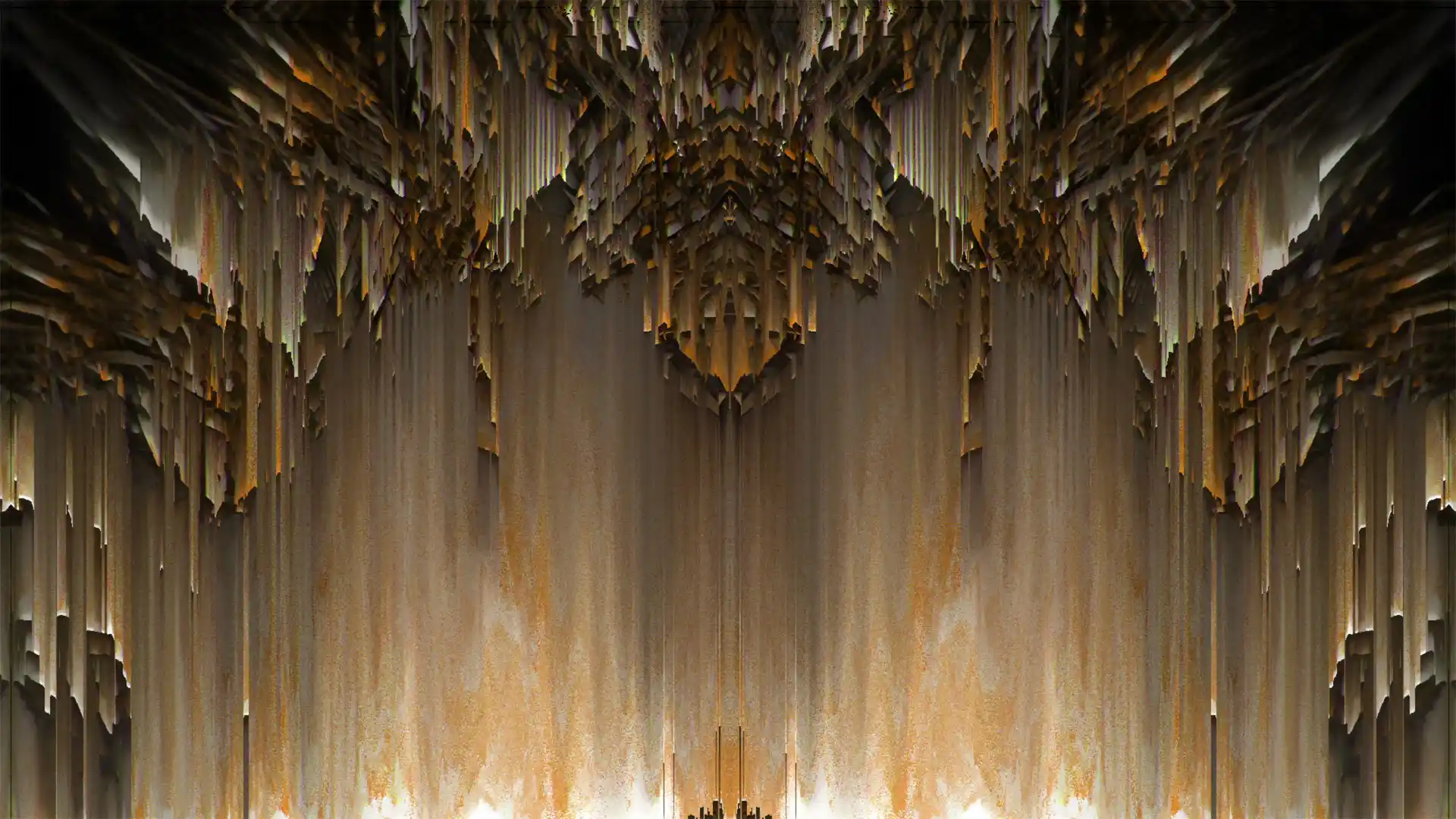
Glitch Backgrounds is a bank of glitch VJ loops built from pixel sorting and datamosh. First of all, every frame is mirrored around a centre axis. Because of that, the damage reads as architecture rather than a broken file. Smeared pixels fall in vertical curtains. Meanwhile, comb patterns tear across the screen in bands. In addition, shattered low-poly shards spin against flat white and grey.
The palette stays mostly black and white. As a result, the pack sits under any lighting rig without fighting it. Teal, red and blue break through on a handful of clips. One frame turns olive gold. Above all, glitch is the one VJ style that never dates. 50 loops, Full HD, at 29 and 60 frames per second.
Produced by VJ’s for VJ’s
Monochrome Glitch Visuals for Techno, Fashion and Broadcast
Glitch Backgrounds belongs to rooms with no colour scheme. Techno and industrial promoters run it through a whole night. Meanwhile, warehouse and festival crews use it when the lighting rig carries the colour. It also fits fashion shows, streetwear films and sneaker drops. Besides live work, broadcast teams cut it into idents and stingers. For example, channel branding, music videos and title sequences.
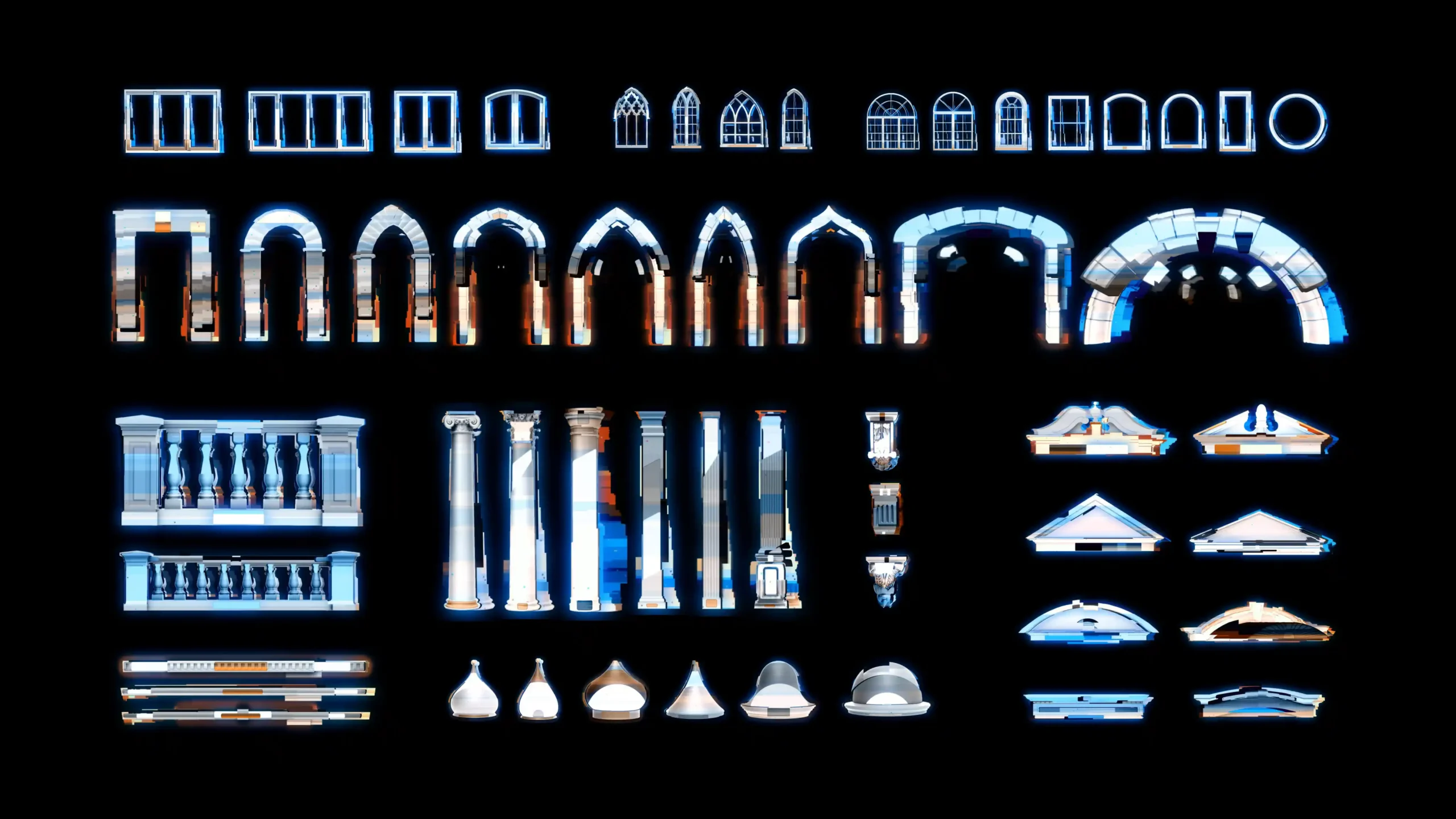
Resolume Arena and Avenue play every file natively. Arkaos GrandVJ, MediaMaster, Modul8 and VDMX read the same folder. Likewise, MadMapper, Watchout and TouchDesigner take them without conversion. In addition, they edit straight into Premiere Pro, After Effects and DaVinci Resolve. For glowing neon accents on top of these backgrounds, add our overlay elements pack. Glitch Backgrounds comes from New Media Artist Alexander Kuiava at LIME ART GROUP in Vienna, serving over 30 000 artists since 2008.
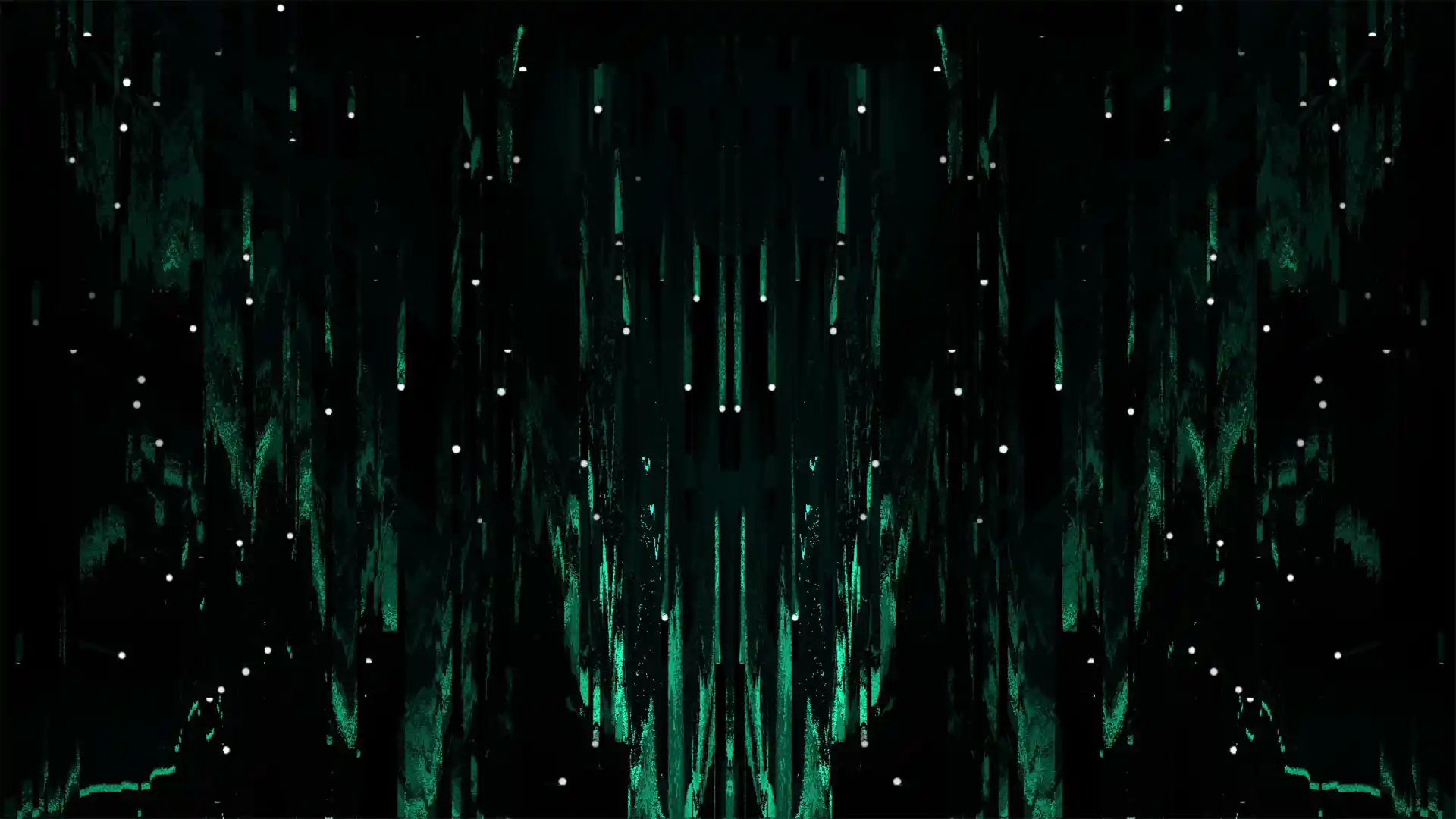
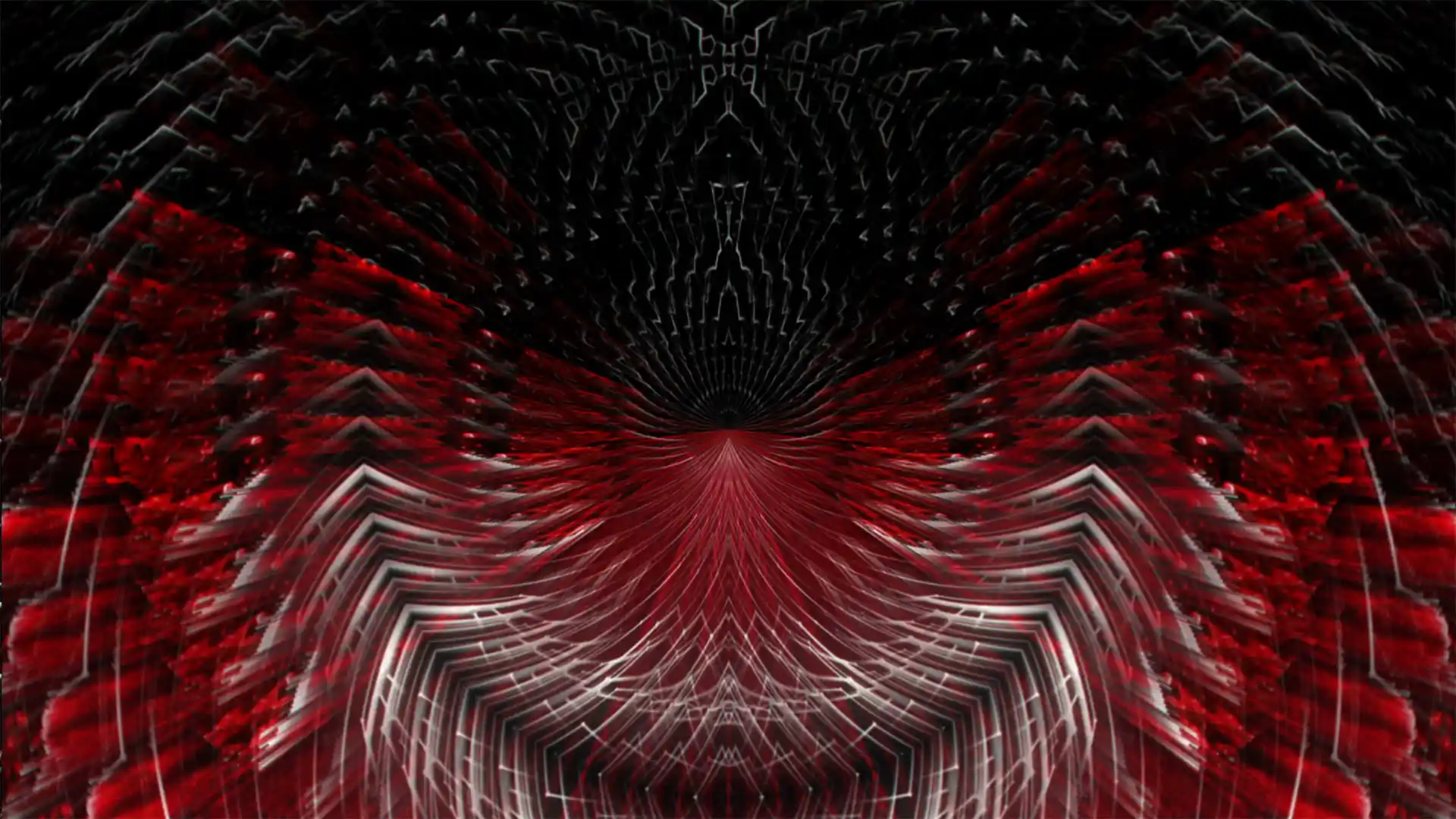
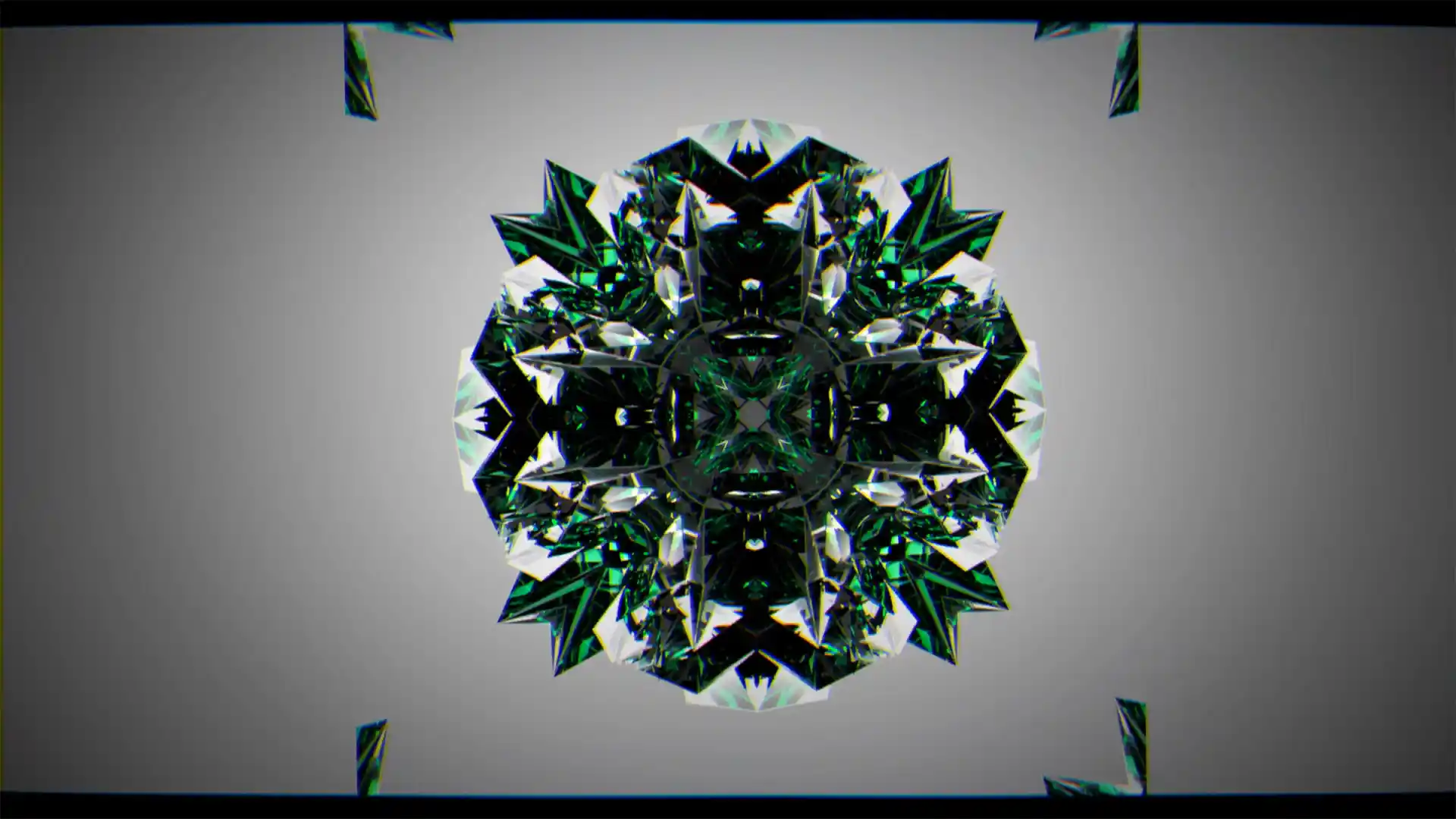
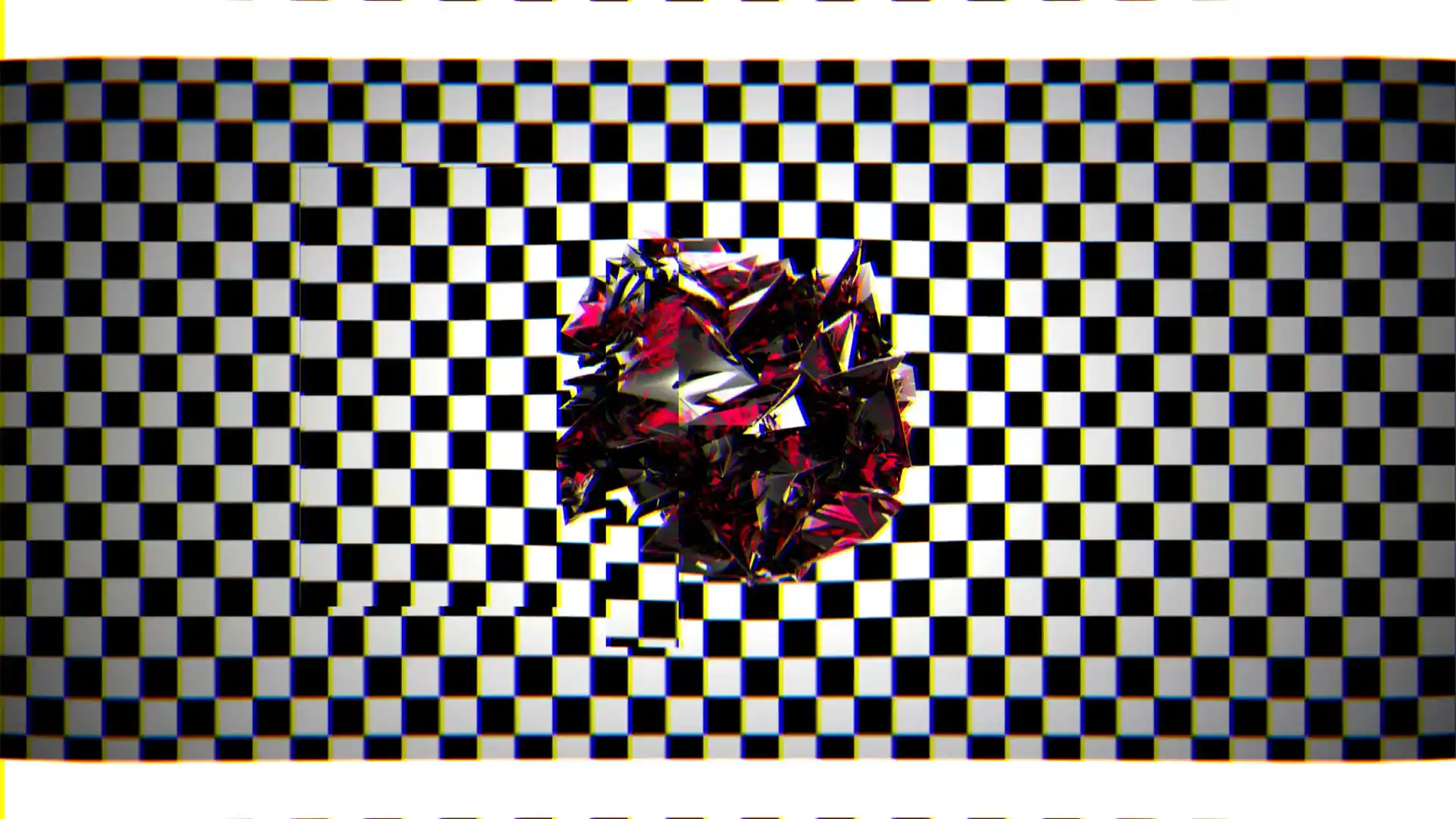
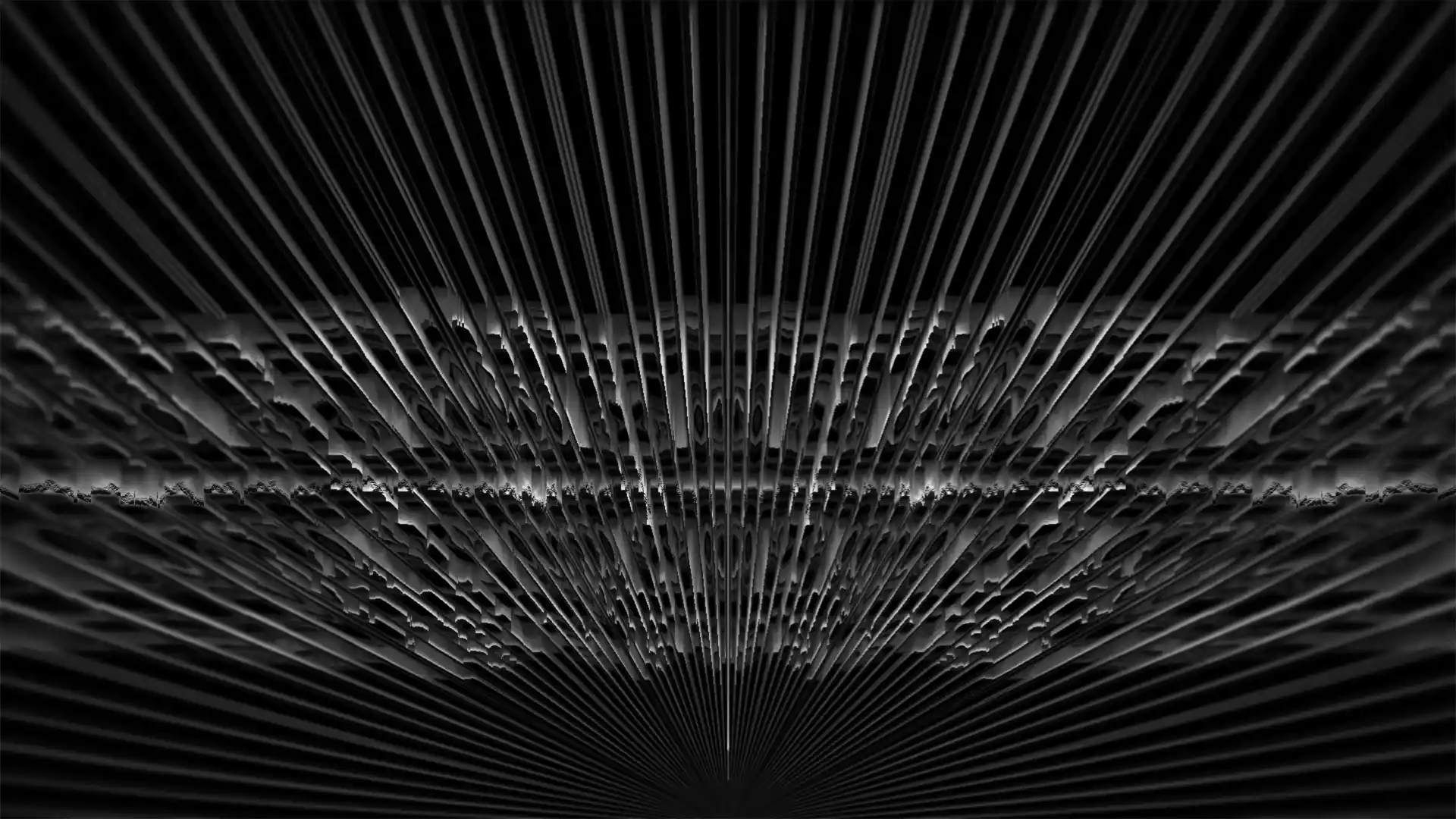

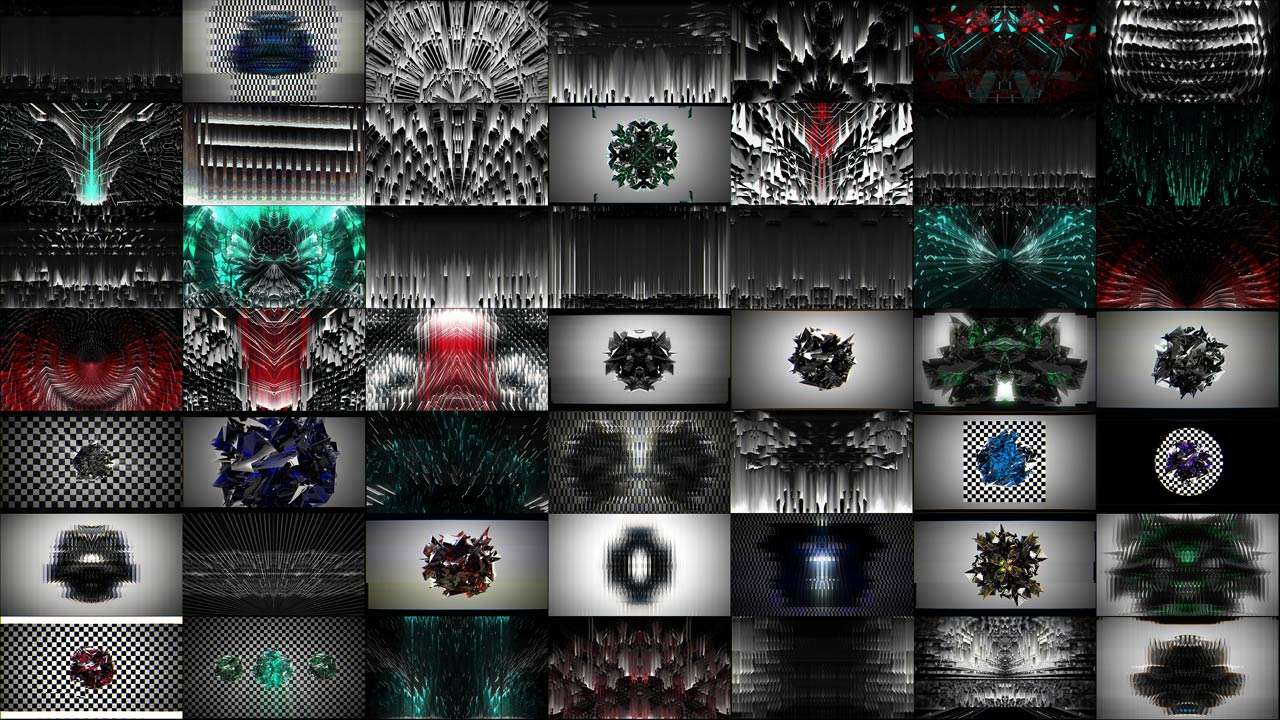
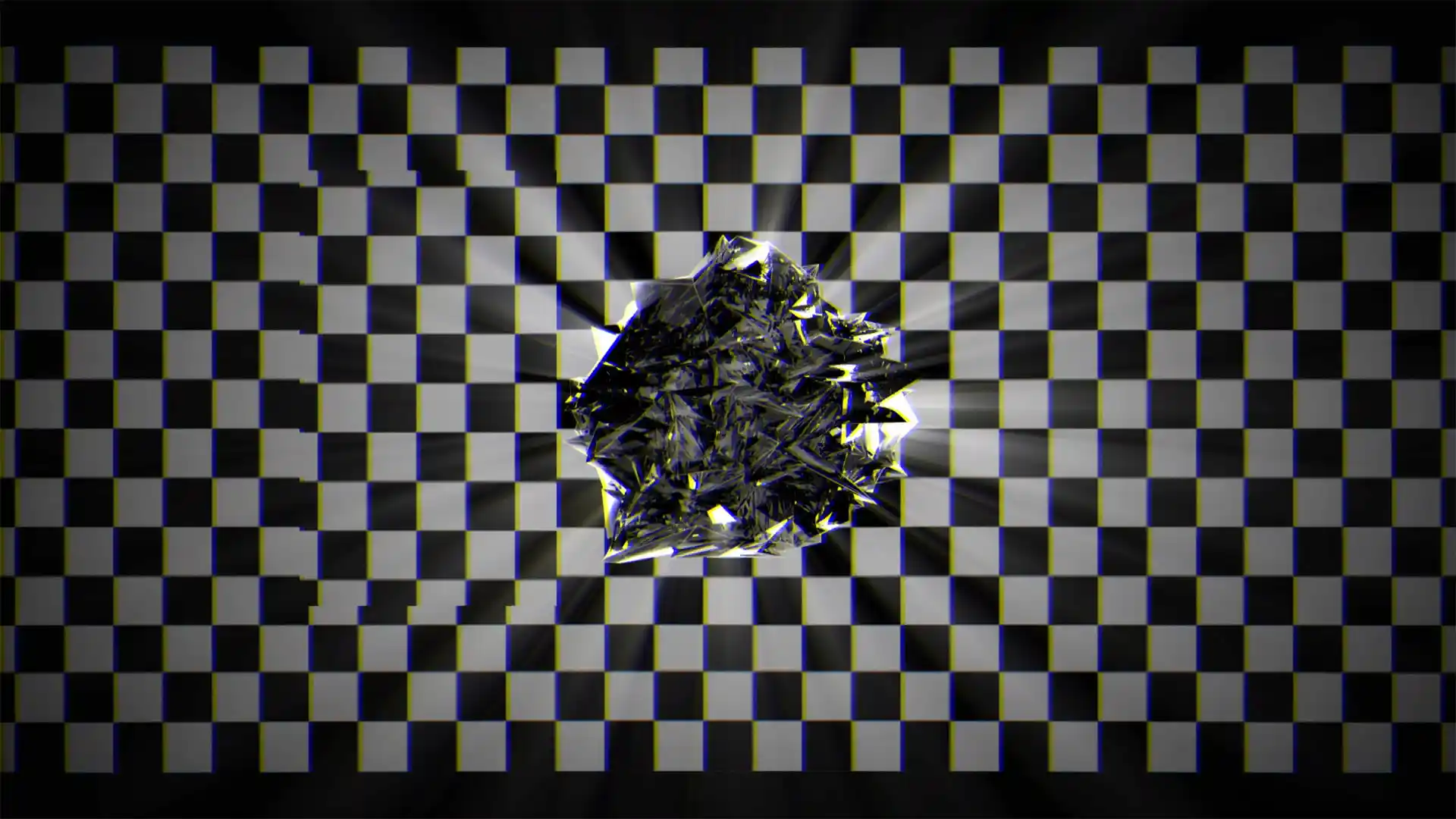
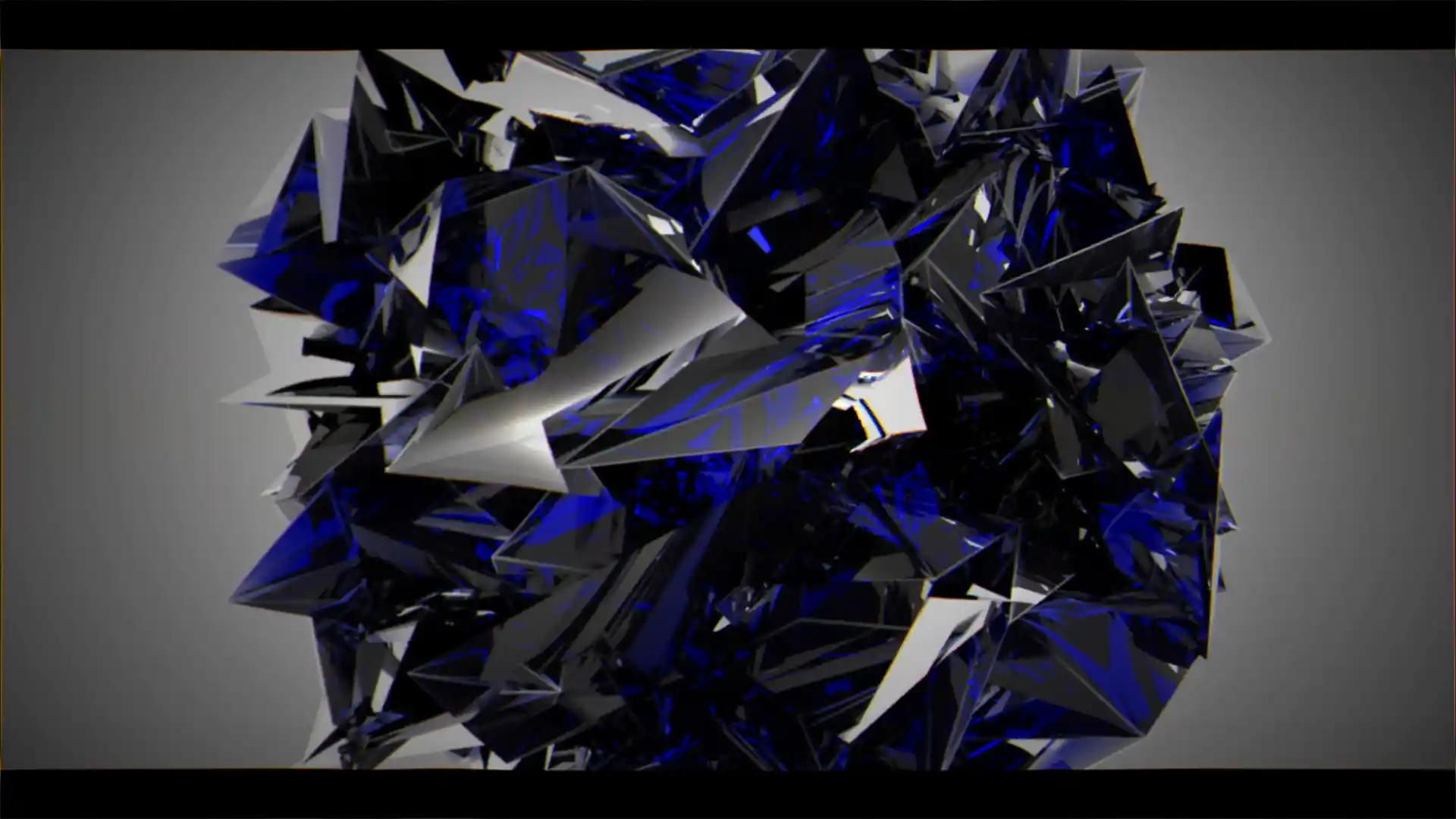
Pixel sorting, datamosh smears and shattered shards — single vj loop previews
Look image preview of single vj loops by LIME ART GROUP.
Quality of images is a bit compressed for better website performance.
Resolution
Full HD 1920×1080
Frame Rate
29 & 60 Fps
Encoding
Mov & Dxv
Quantity
50 clips
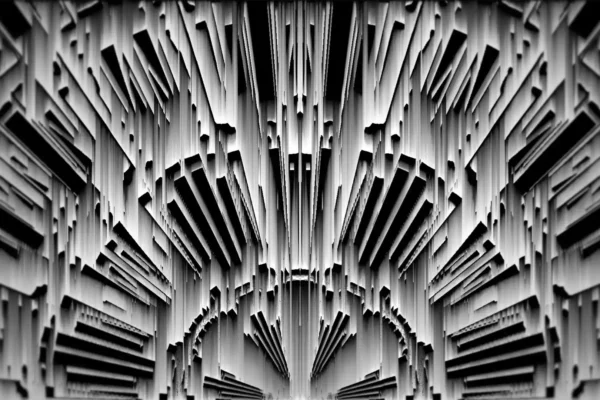


Creative digital asset
for multipurpose

Techno & underground clubs
Techno and industrial promoters, warehouse parties, festival dark stages and resident VJs. Moreover, monochrome glitch reads as intentional even in a nearly unlit room.
Fashion & streetwear
Runway producers, streetwear and sneaker brands, retail LED windows. Likewise, art directors use the smear frames as texture behind product shots.
Idents & music video
Channel branding teams, title designers, hip-hop and electronic music videos. In addition, the shard clips cut well as transitions and stingers.
Licence, Delivery & Contents
FAQ about Glitch Backgrounds – Techno Video Art Collection
Licence and delivery
Is there a free version of this pack?
The pack itself is paid, and we would rather say that plainly than send you looking. However, the full preview above plays free, so you can see every clip in motion before deciding. Write to us if you want to test a file in your own rig, and we will send one sample clip. Moreover, the purchase includes free updates, so the pack keeps growing at no extra cost.
How many shows does one purchase cover?
All of them, with no per-event fee. So the licence covers an unlimited number of your own performances, streams and client projects. Club nights, festivals, tours, broadcasts and edited films are included. Moreover, it never expires and applies worldwide. However, you may not resell the clips or pass them to another artist as their own content.
Files, formats and playback
What comes in the Glitch Backgrounds download?
- 50 seamless glitch video loops
- Full HD 1920×1080 resolution
- 29 and 60 frames per second
- QuickTime Mov encoding
- Bonus visuals from the Glitchy Geometry pack, plus free updates
- Permanent royalty-free licence, instant delivery.
Where do the files arrive after payment?
In three places, straight away. First, the download appears in your account on our site, which is also where later updates show up. Second, the same links arrive by email. Finally, we open a Google Drive or MEGA folder on request. Use that route when a venue network throttles direct downloads.
Why are some clips 29 fps and others 60?
The pack was built across two production runs, so the rates differ by clip. In practice this costs you nothing on stage. Resolume, Arkaos and Modul8 conform every file to the project frame rate on playback. Moreover, glitch is one style where a slight rate difference reads as part of the effect. However, set a single project rate first if you cut them together in post.









There are no reviews yet.