

Description

Royalty free vj clips collection
Motion Elements VJ Loops – Mix Elements | Overlays for Clubs, Streams & LED Screens
Download Royalty Free VJ Clips Collection with Neon, Insignia and Light Ray Elements by LIME ART GROUP
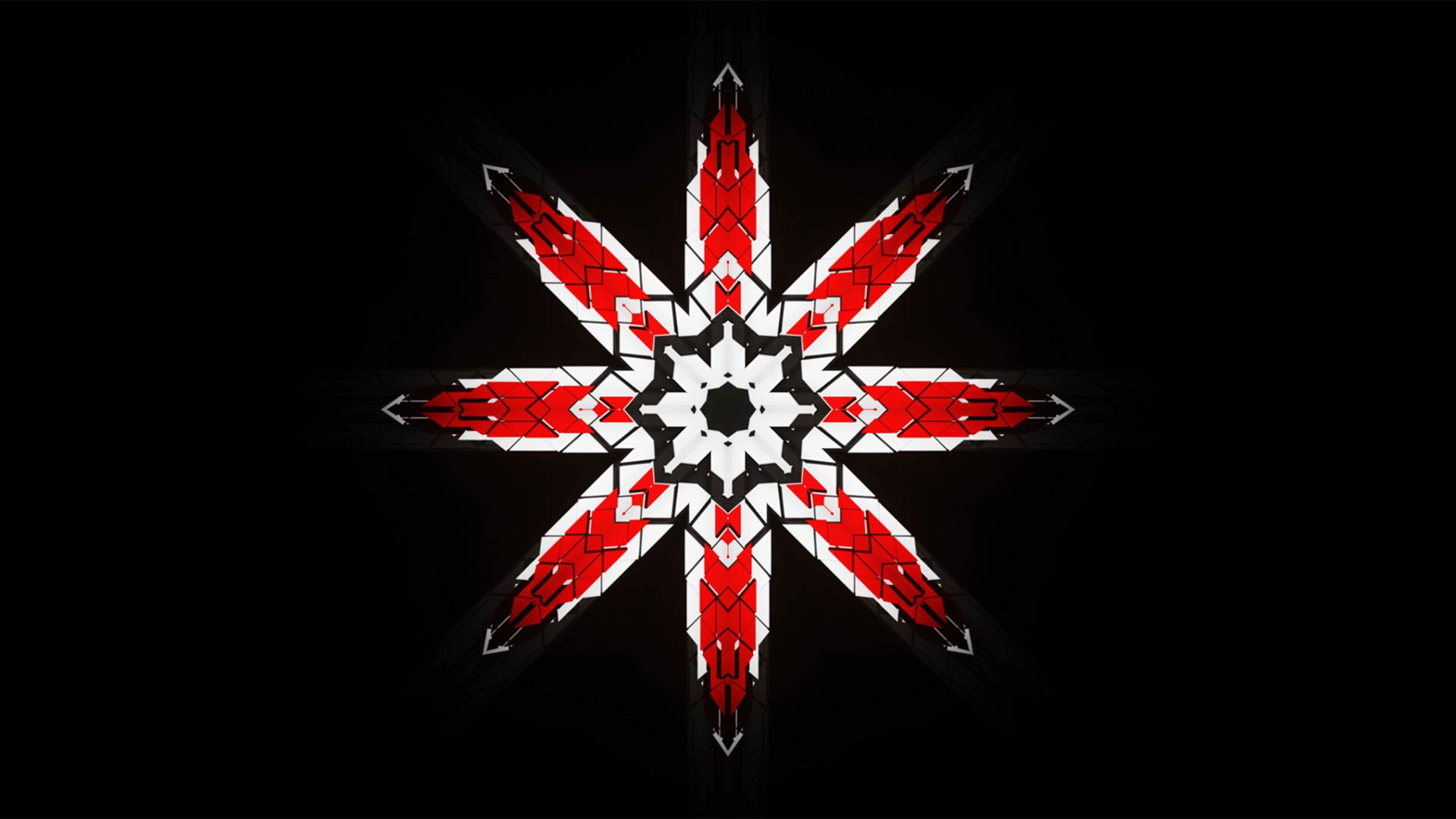
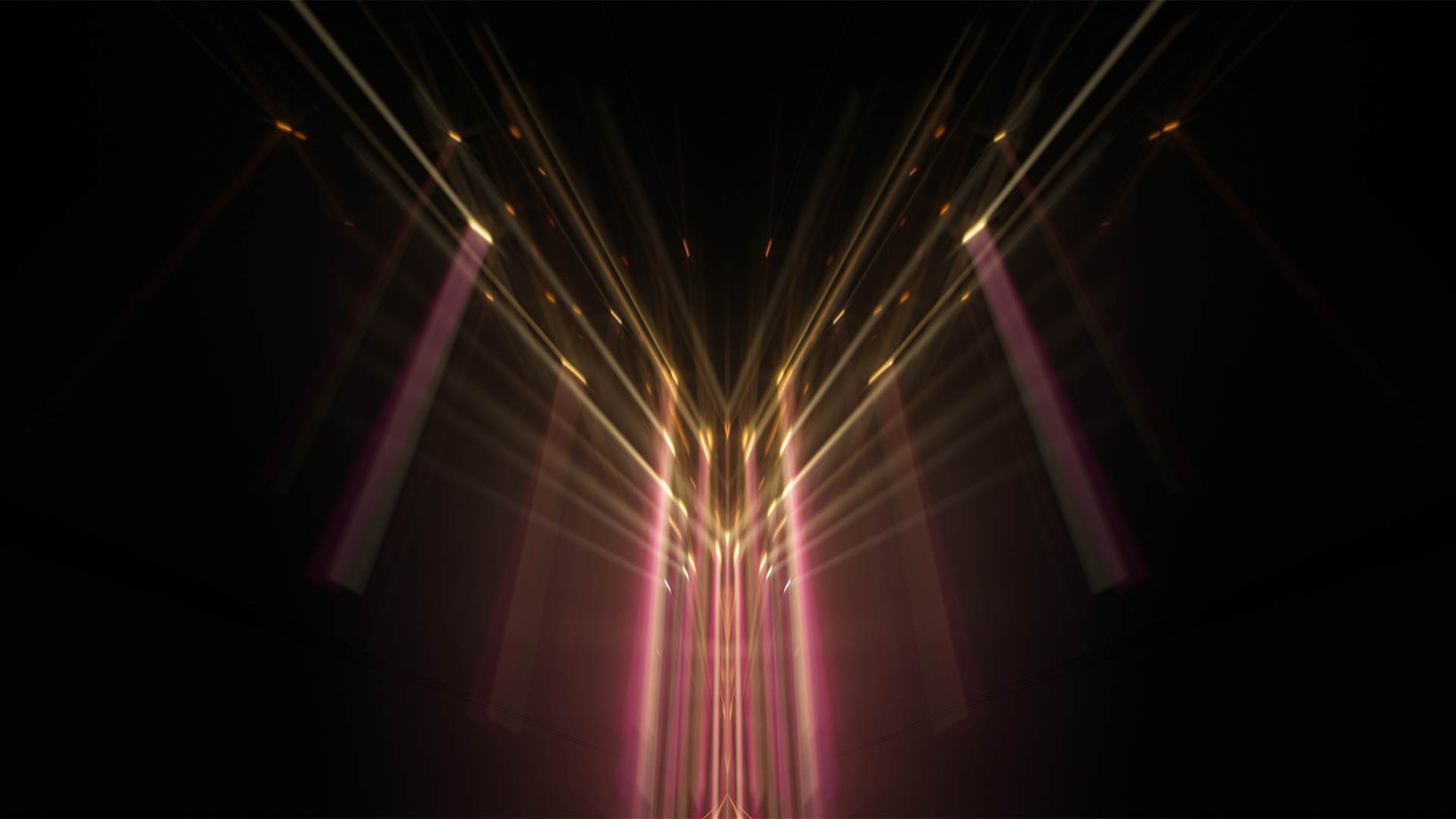
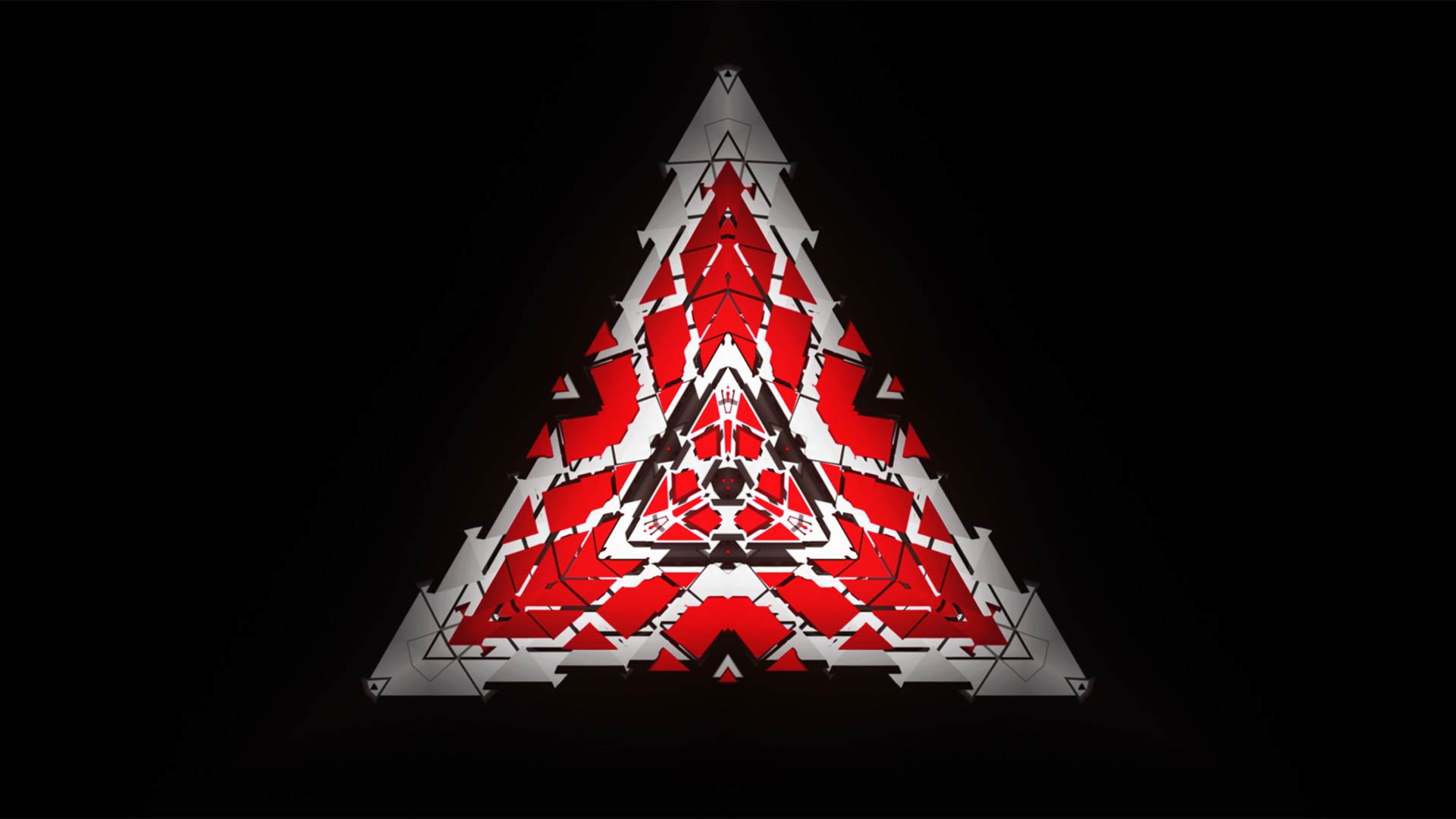
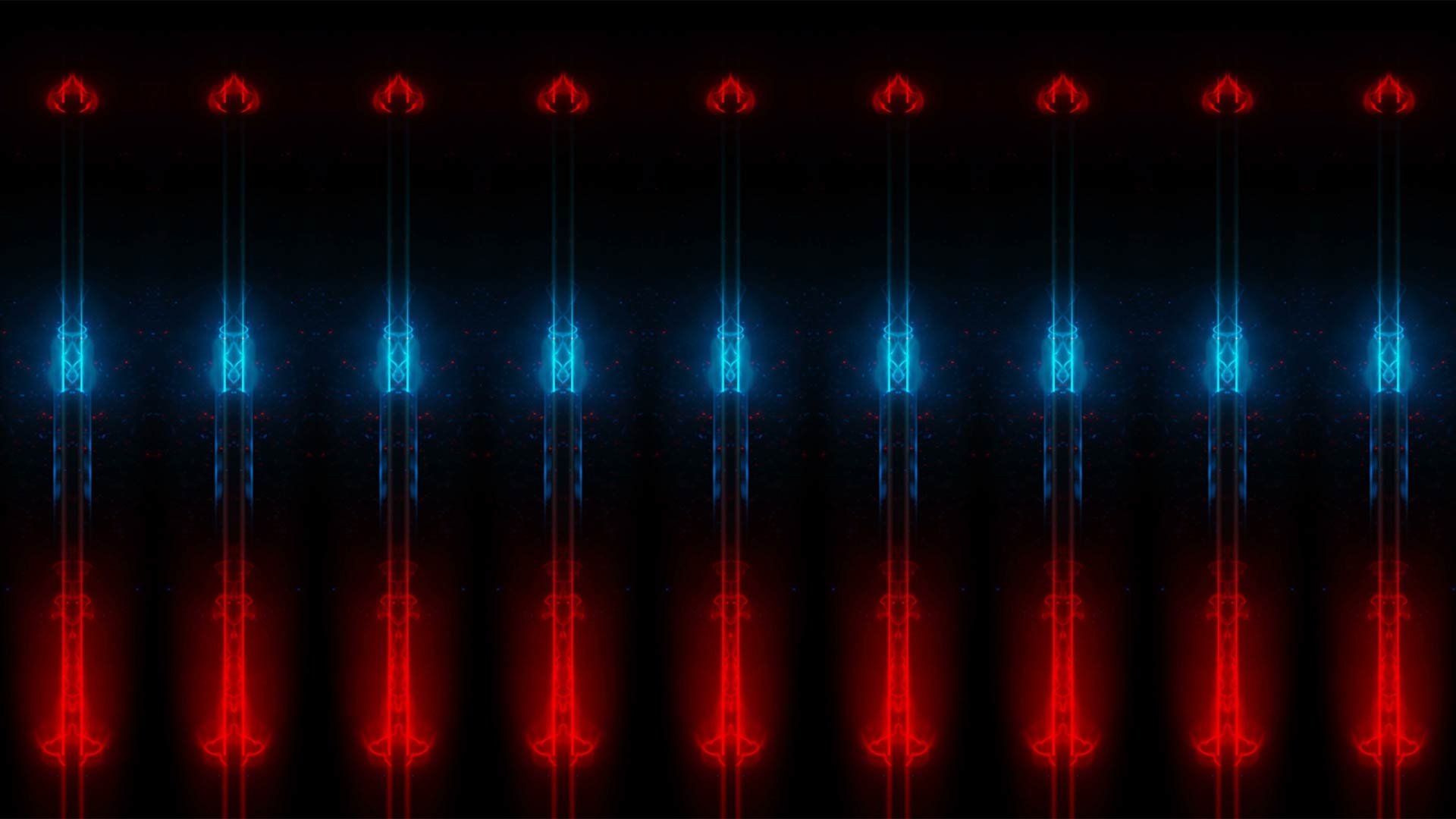
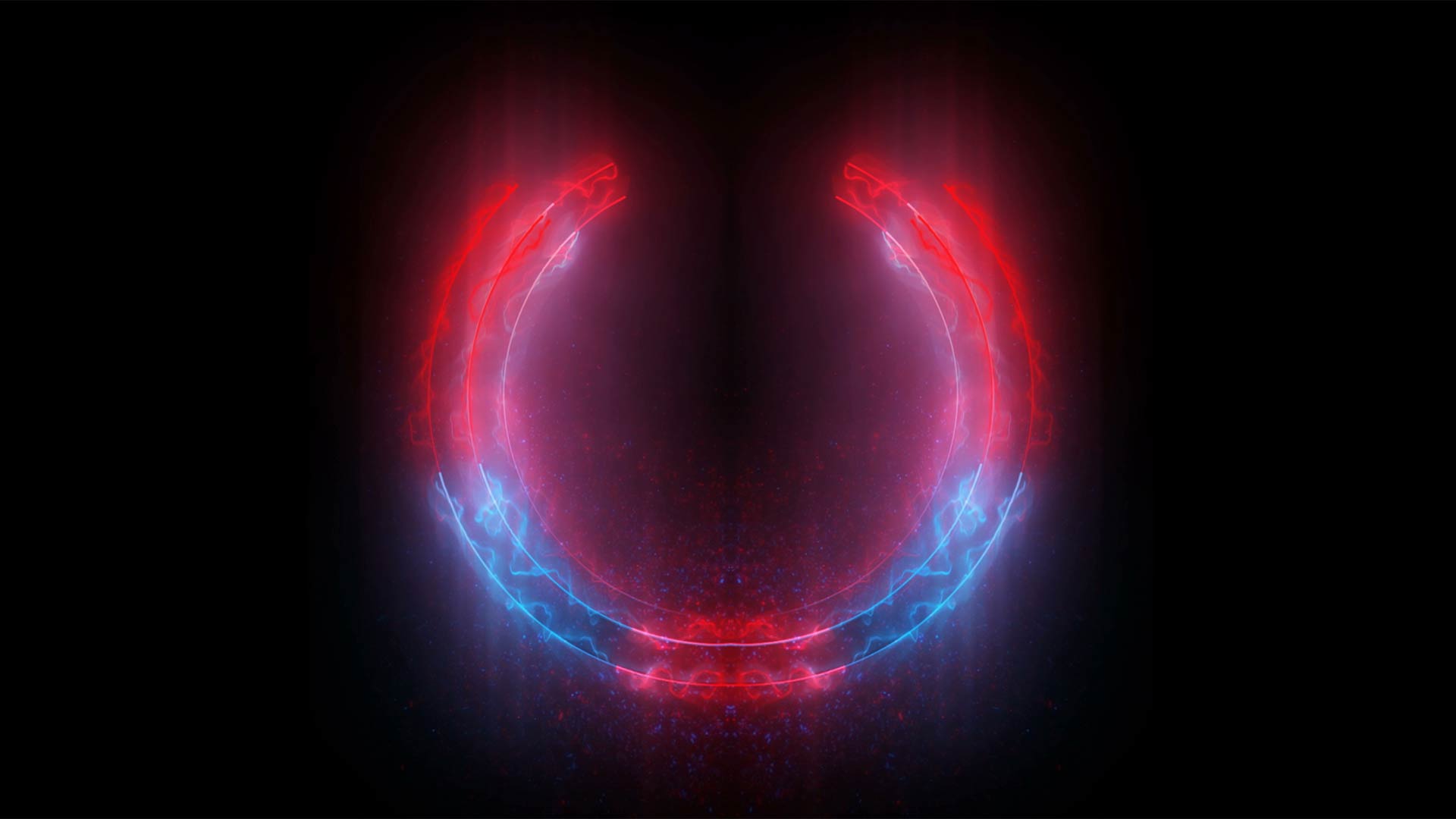
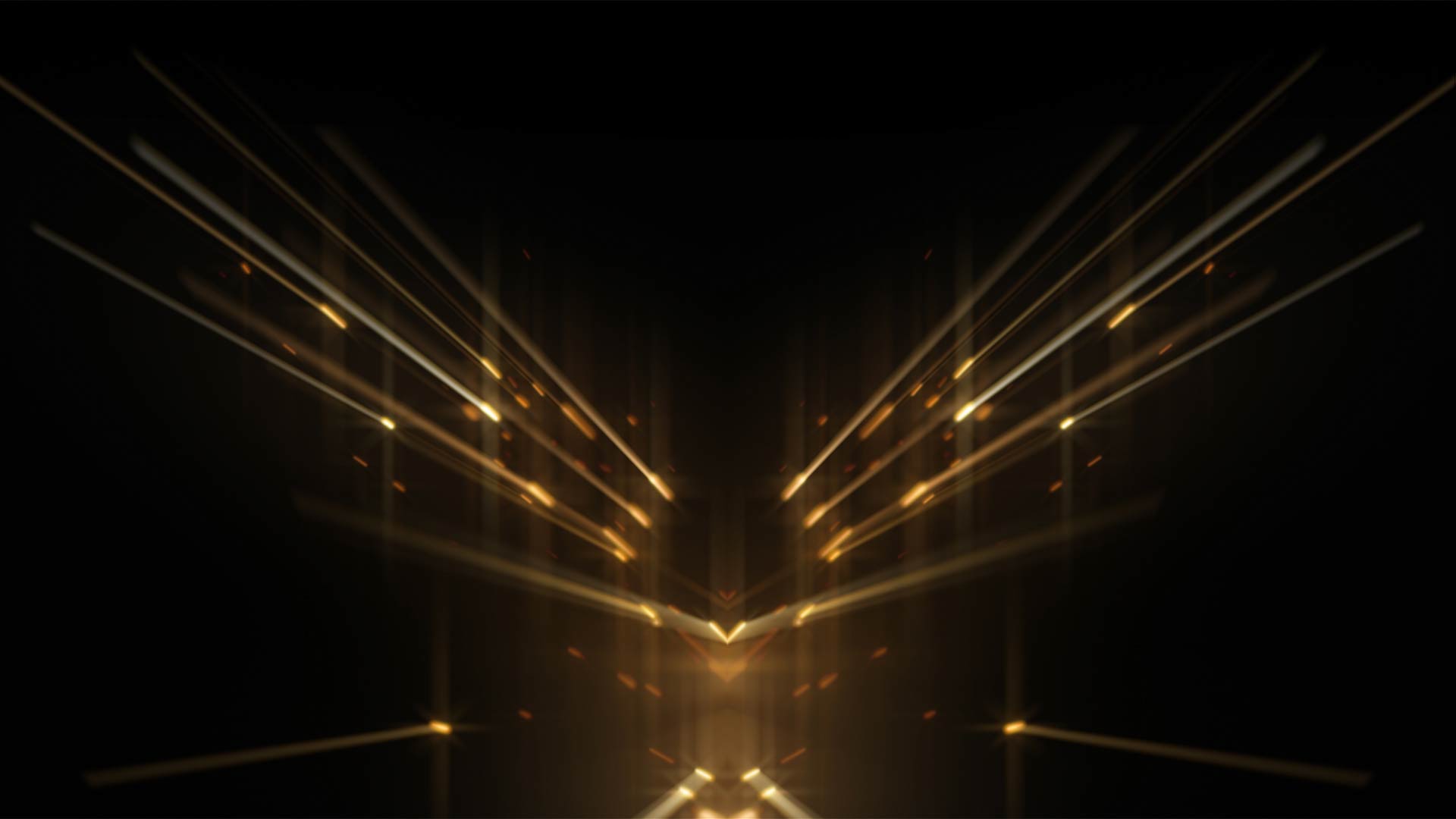
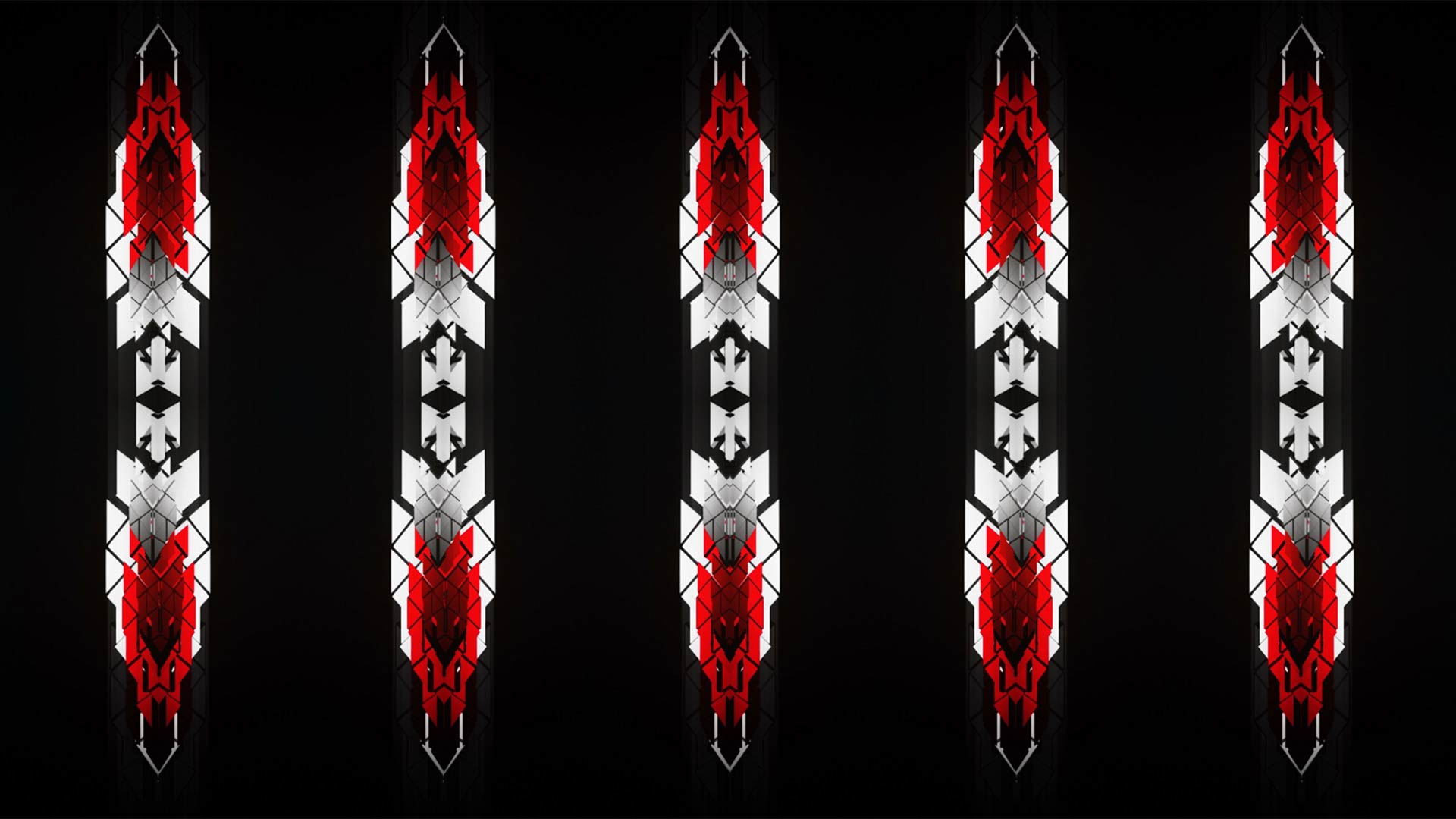
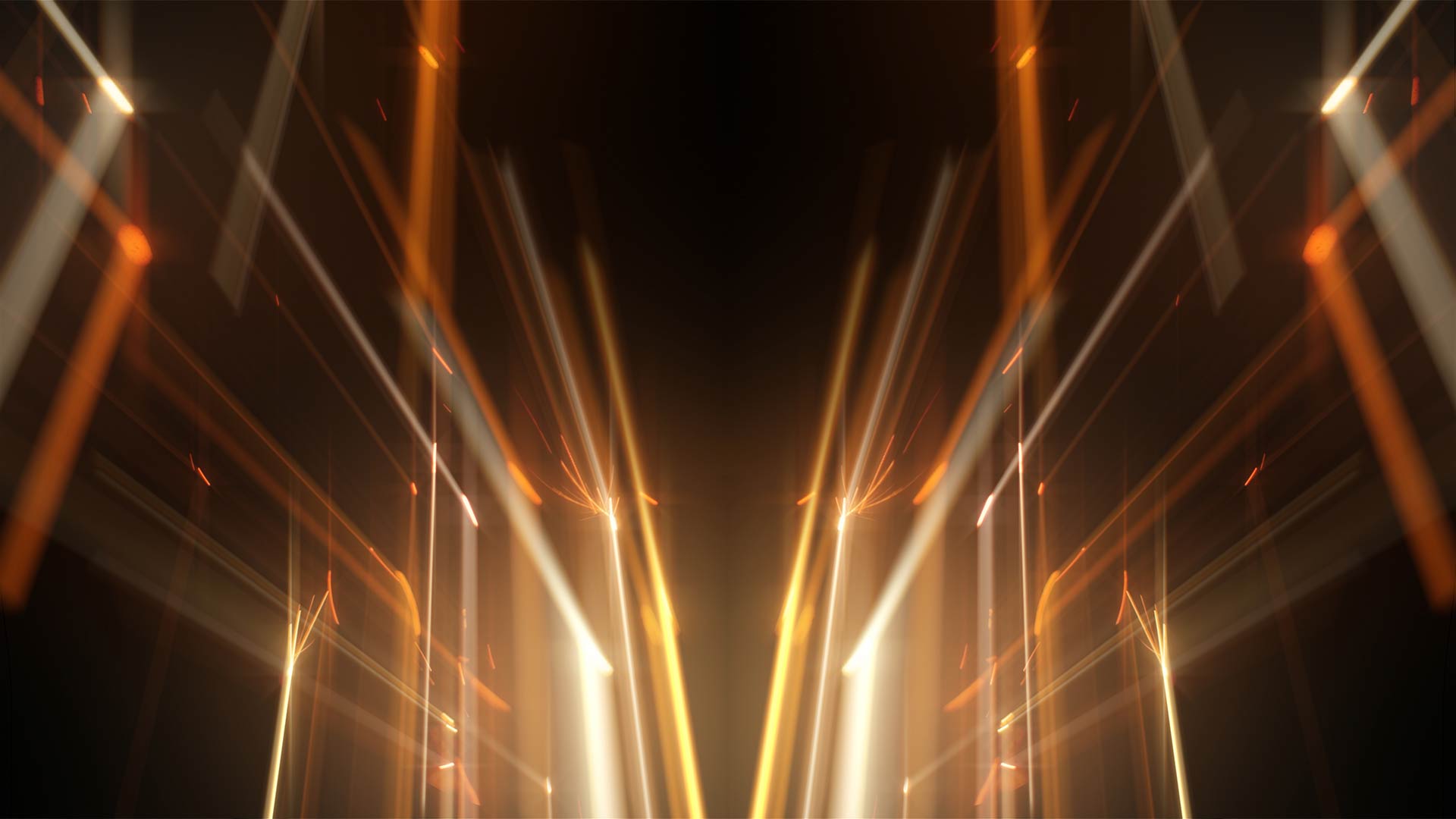
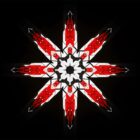
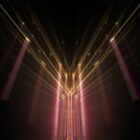
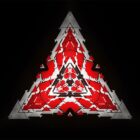
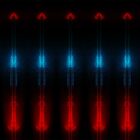
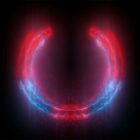
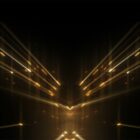
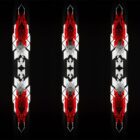
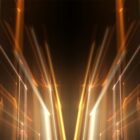
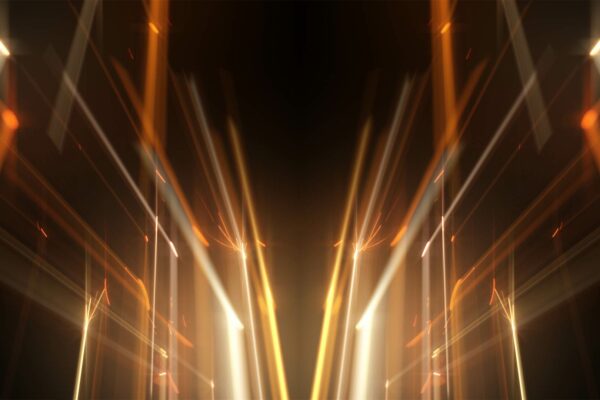
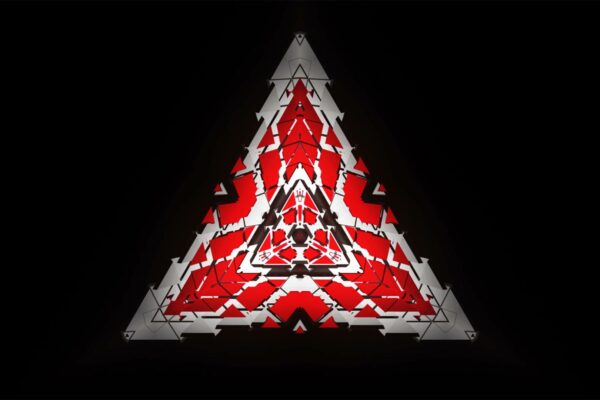
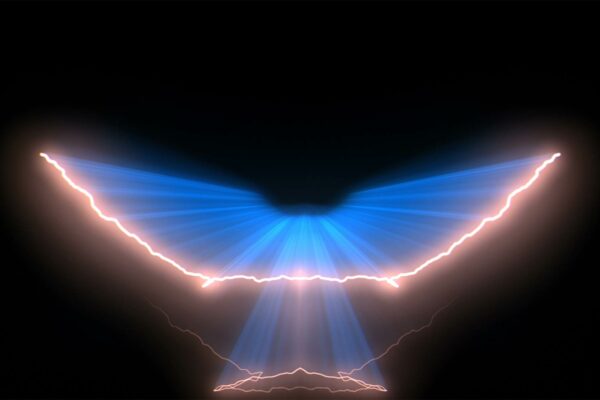
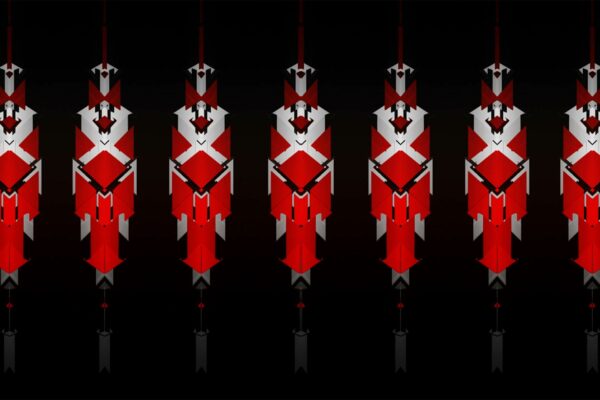
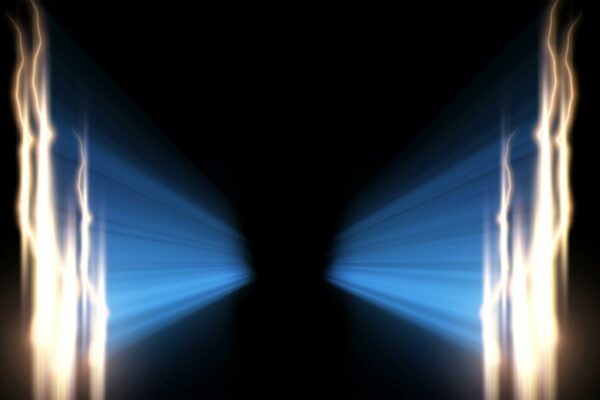
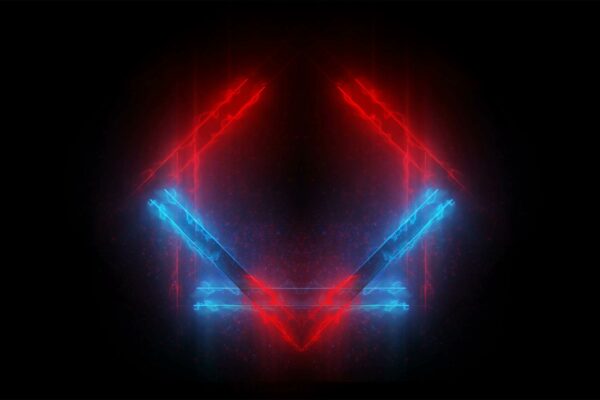
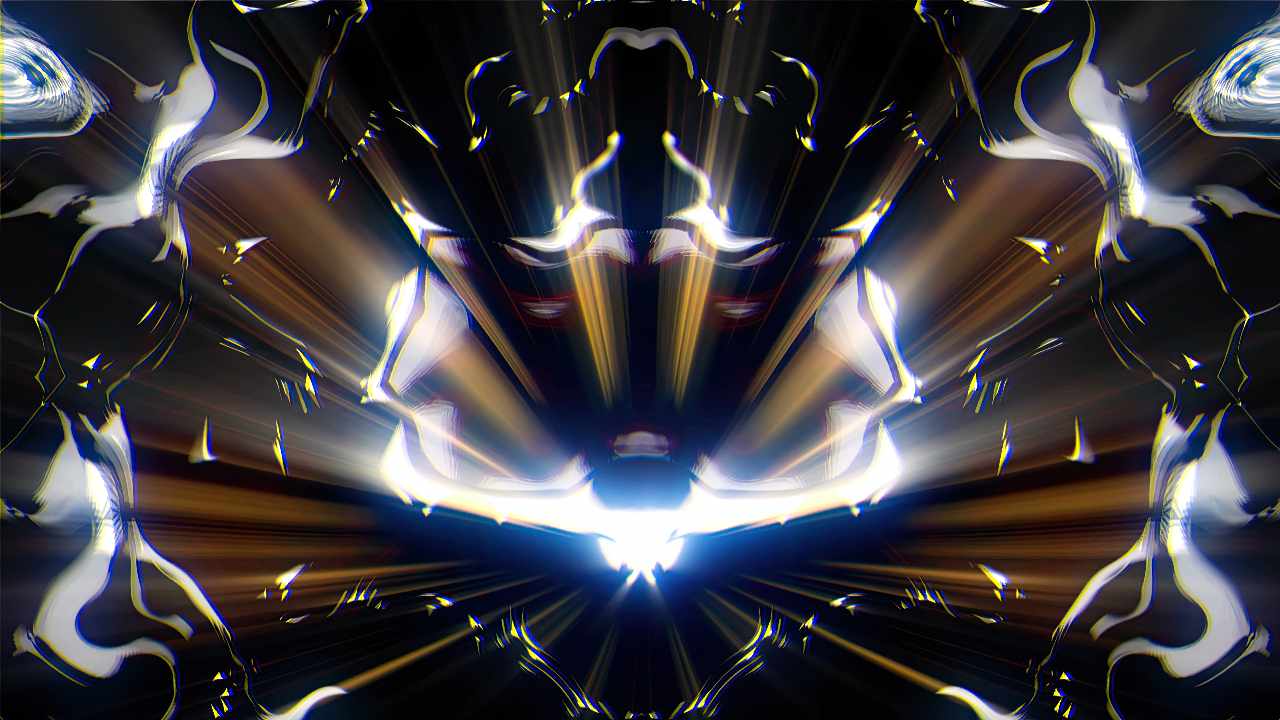
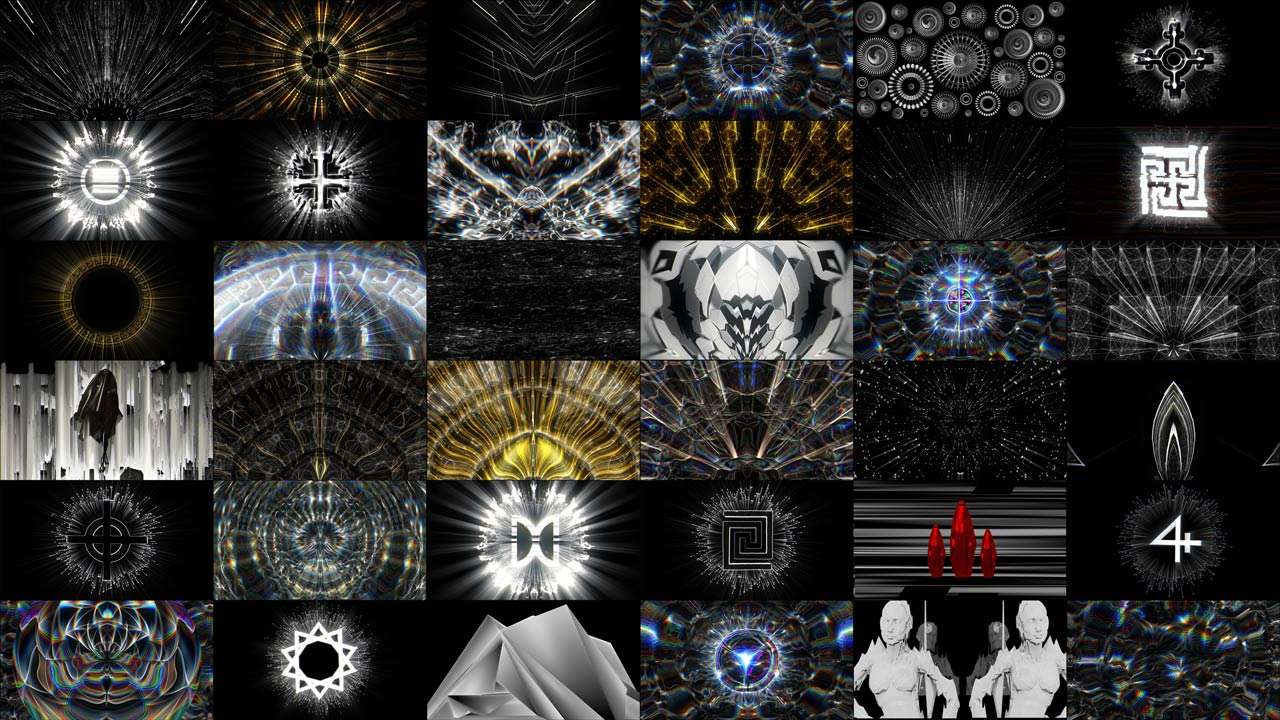
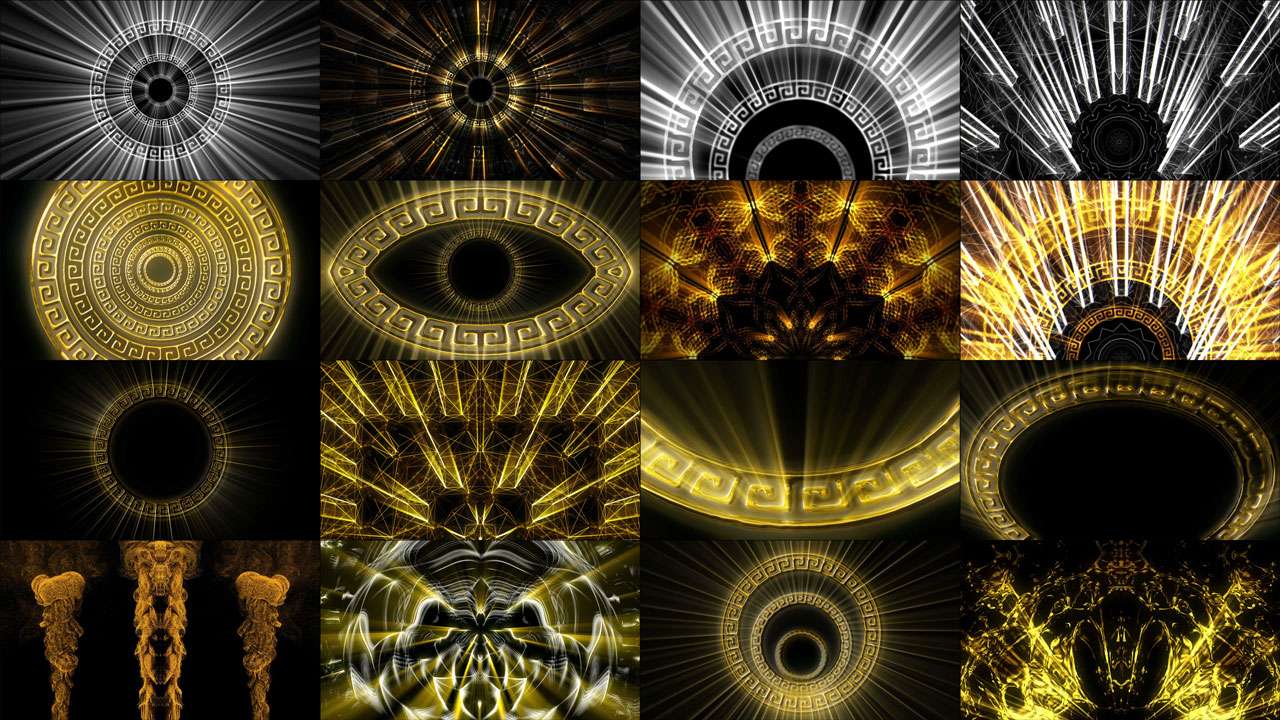
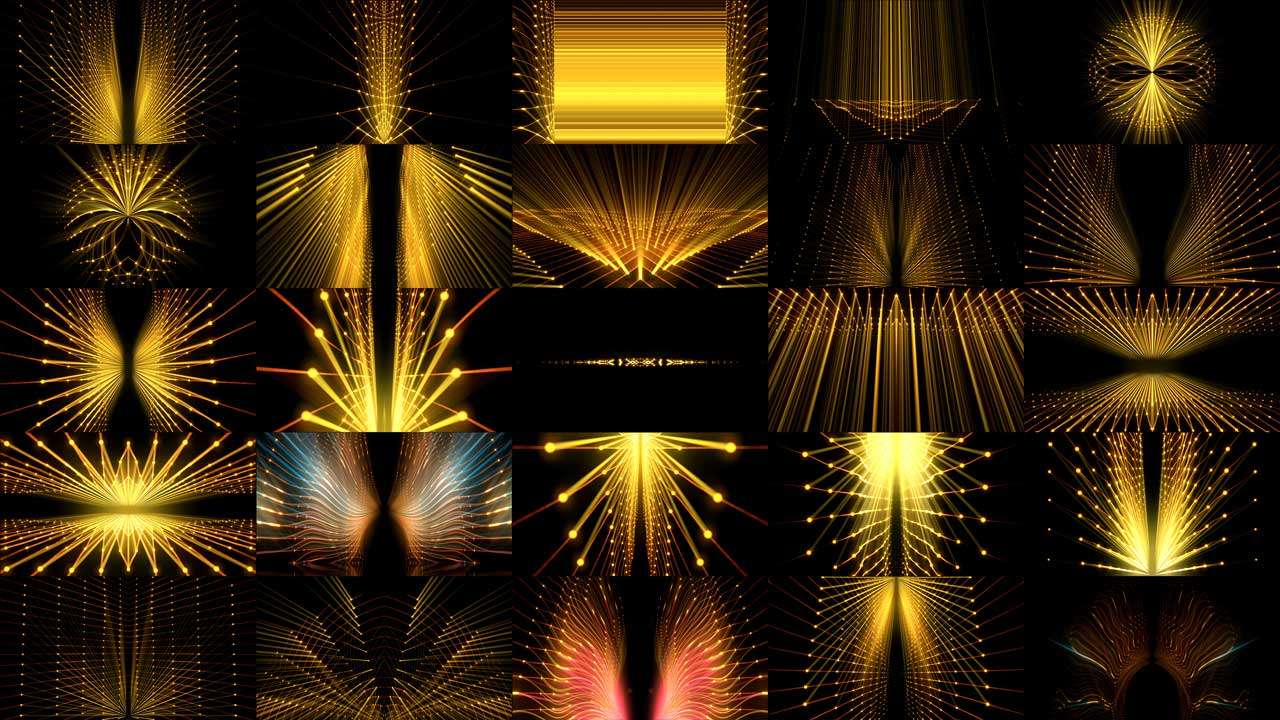
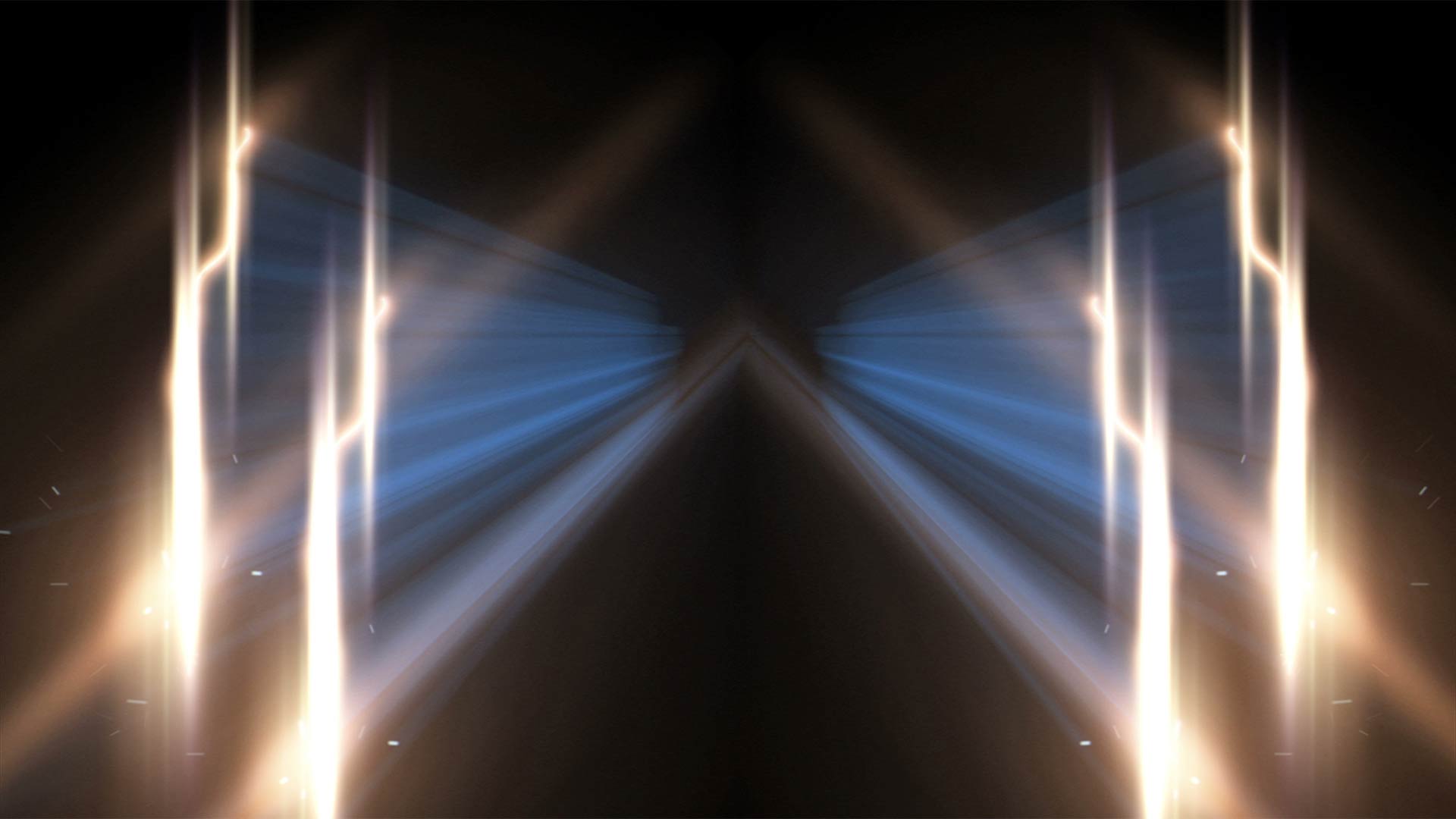
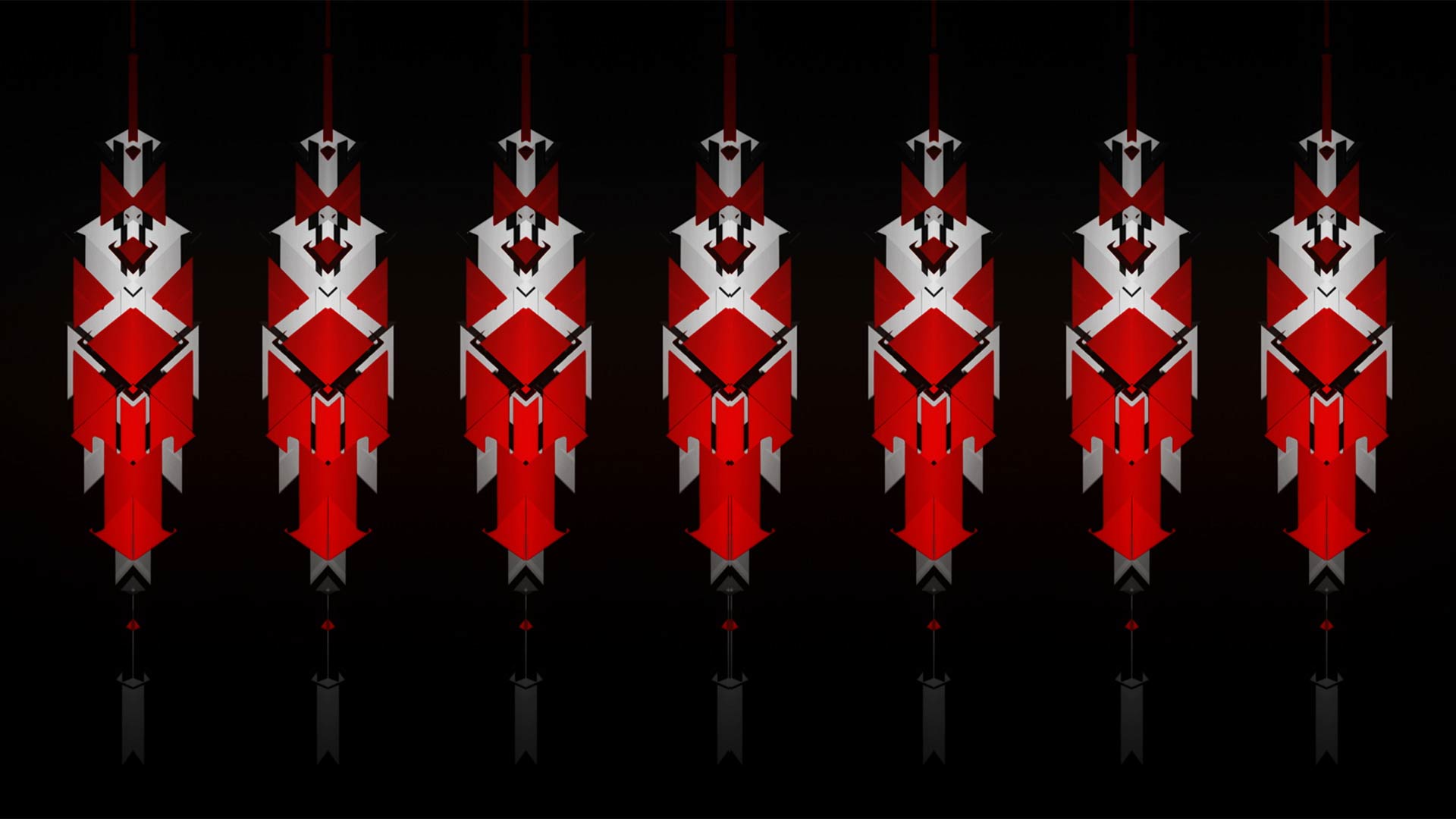
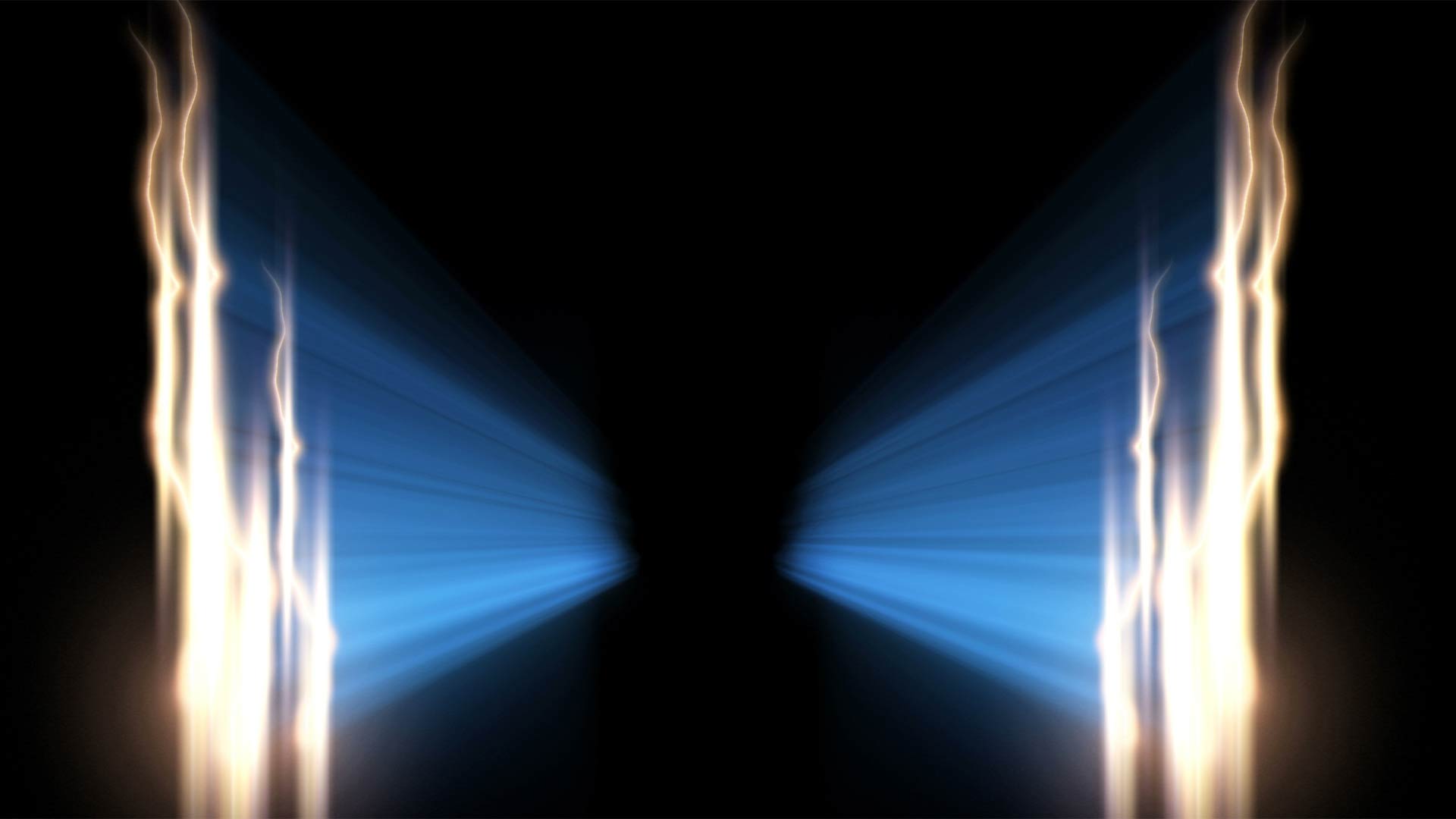
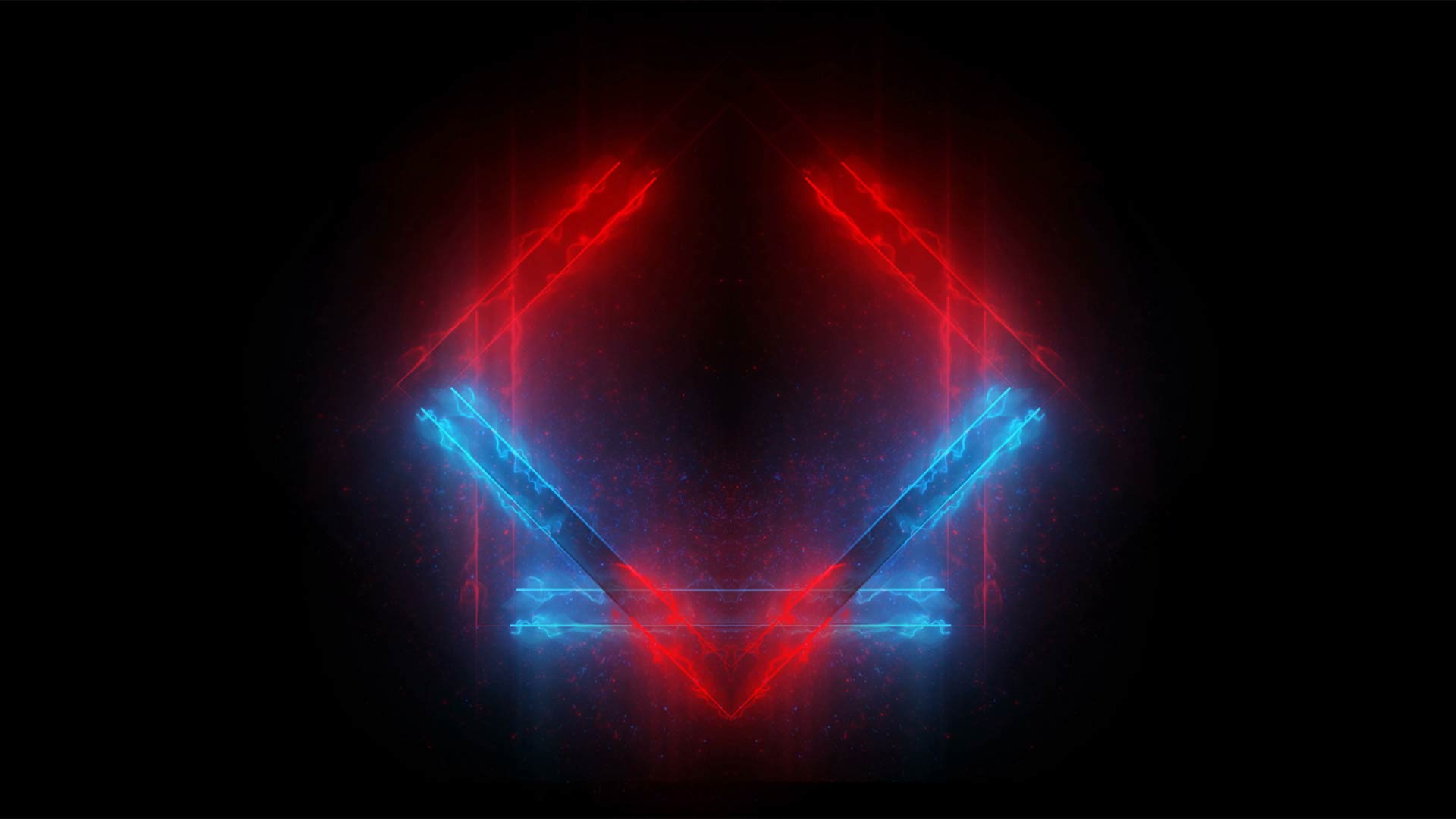
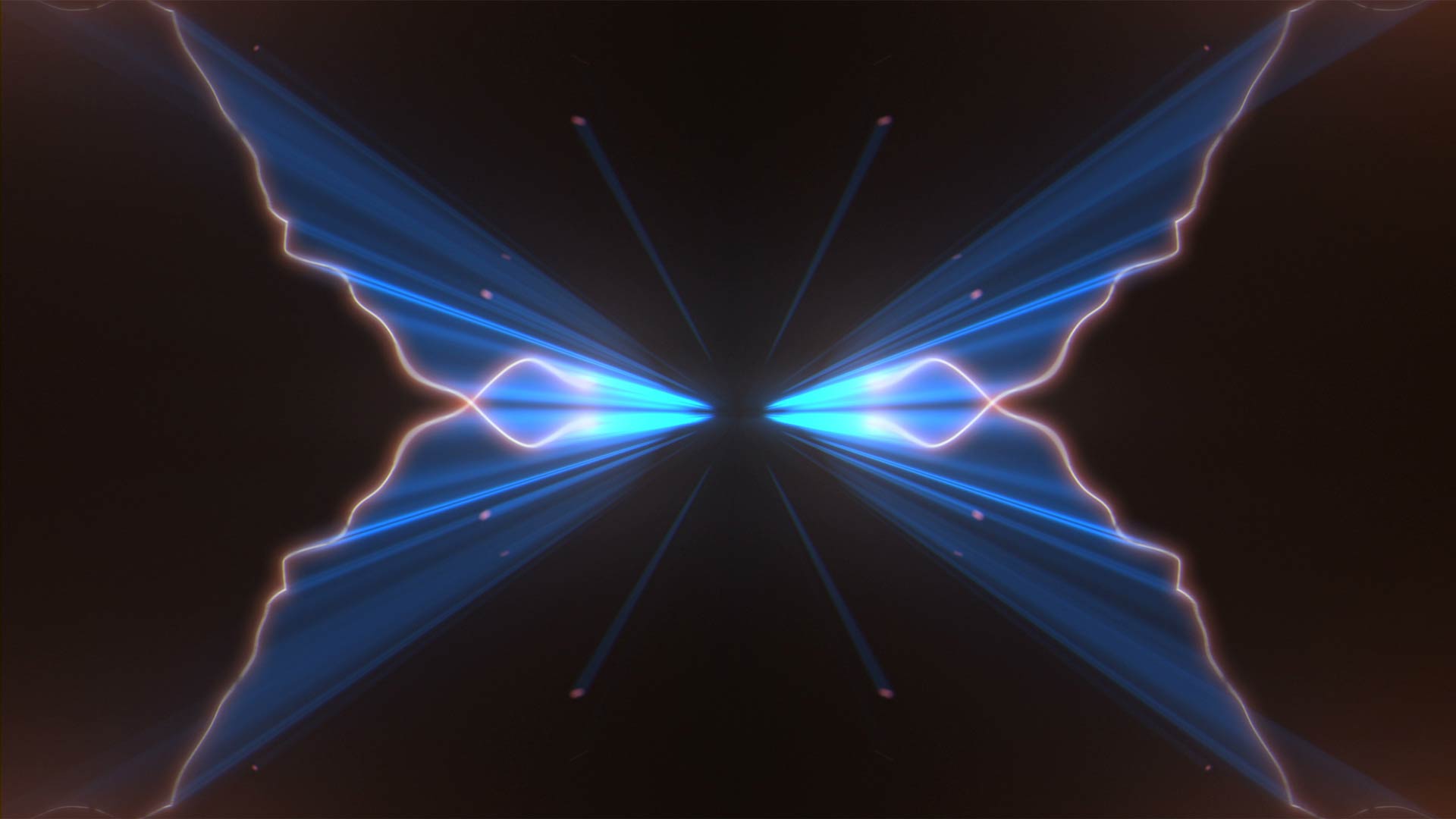
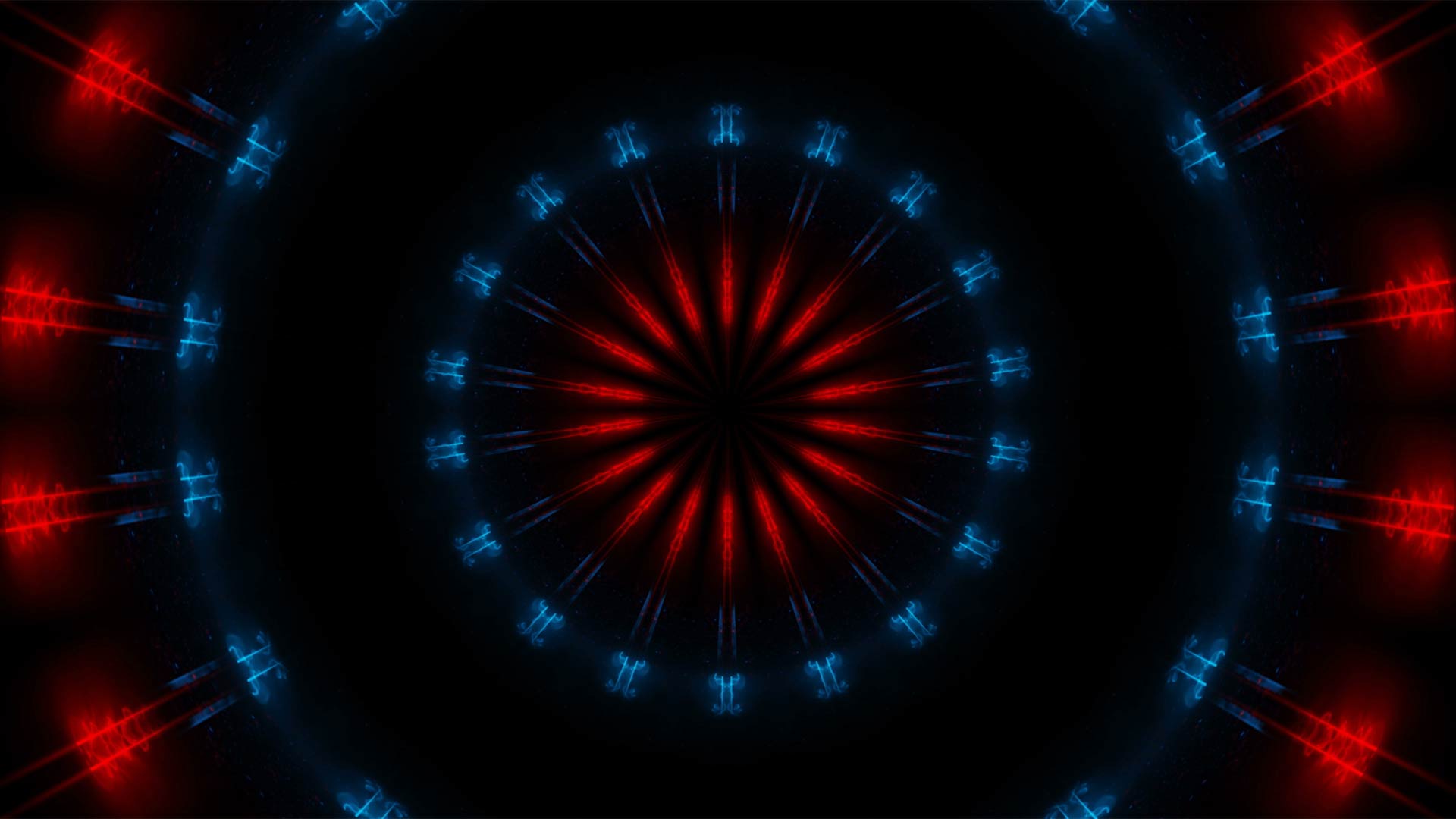
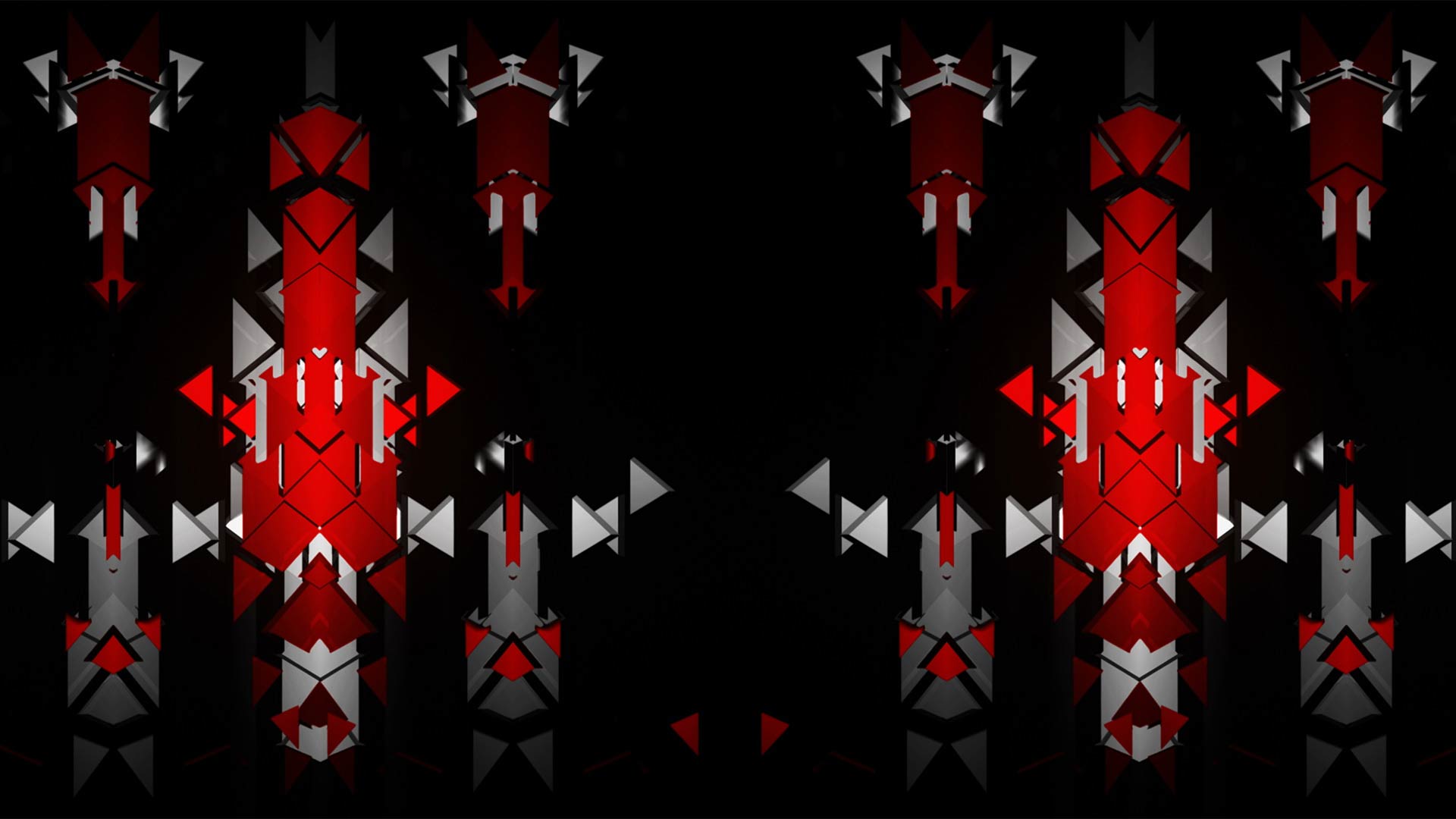
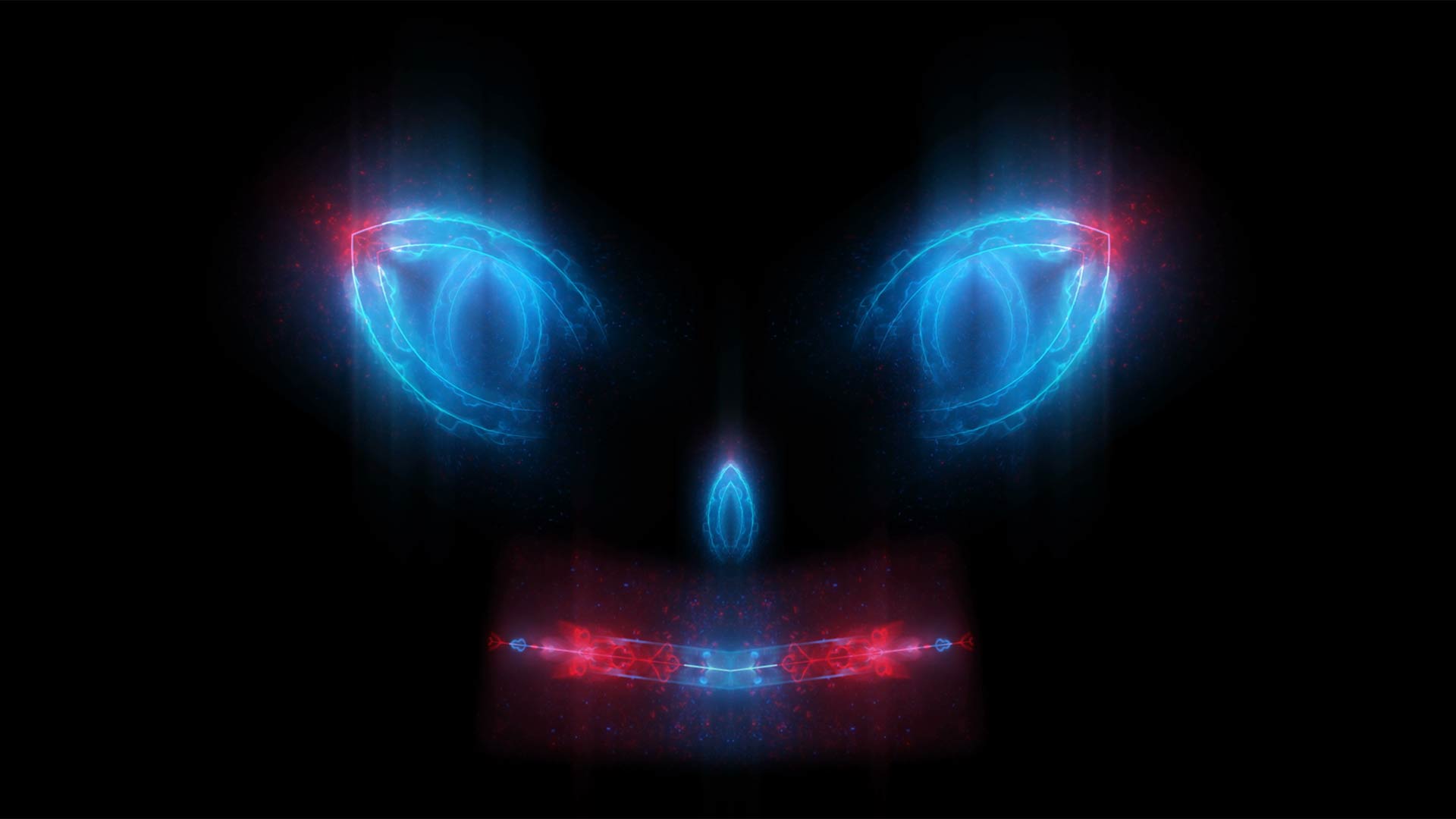
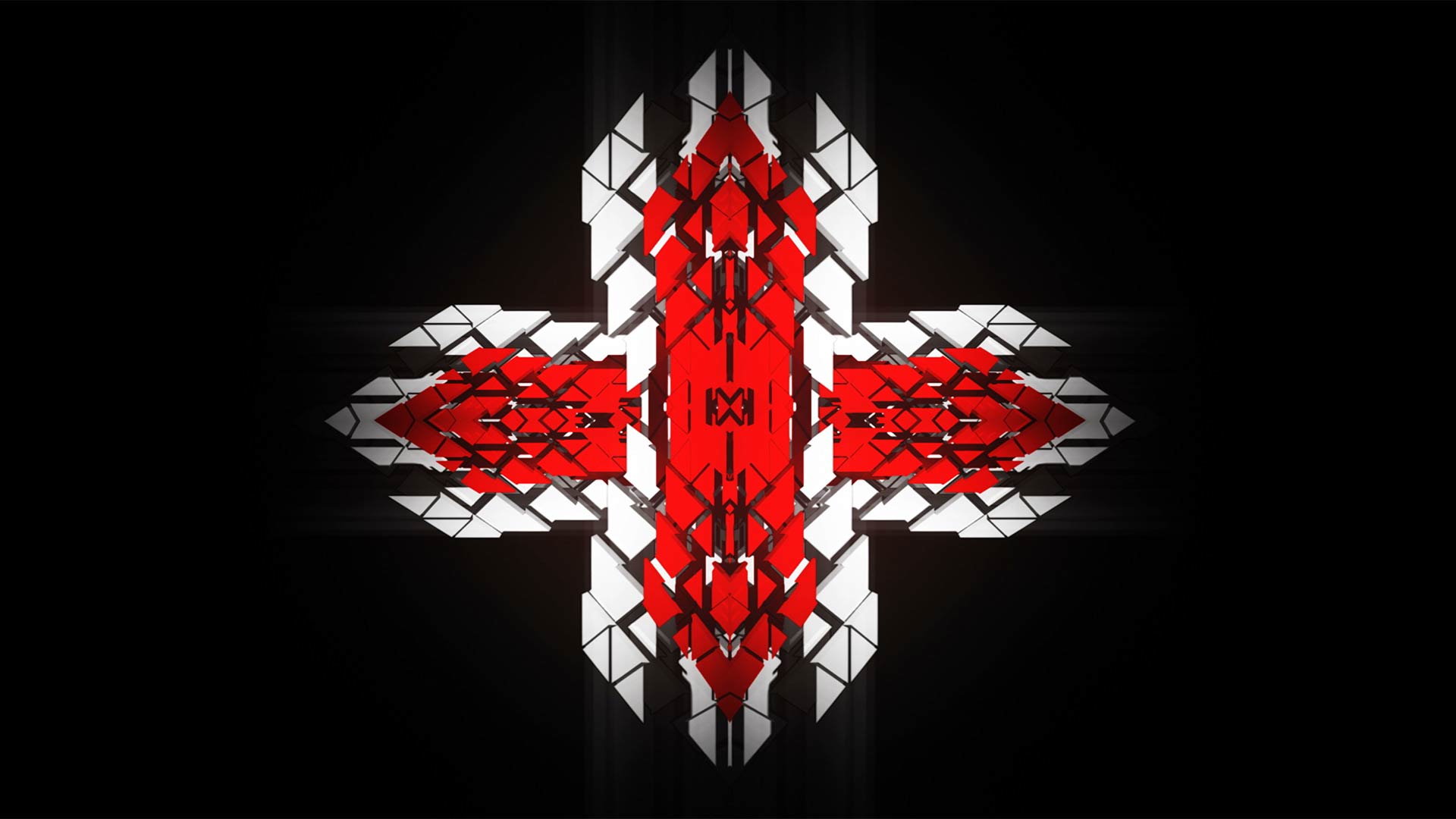
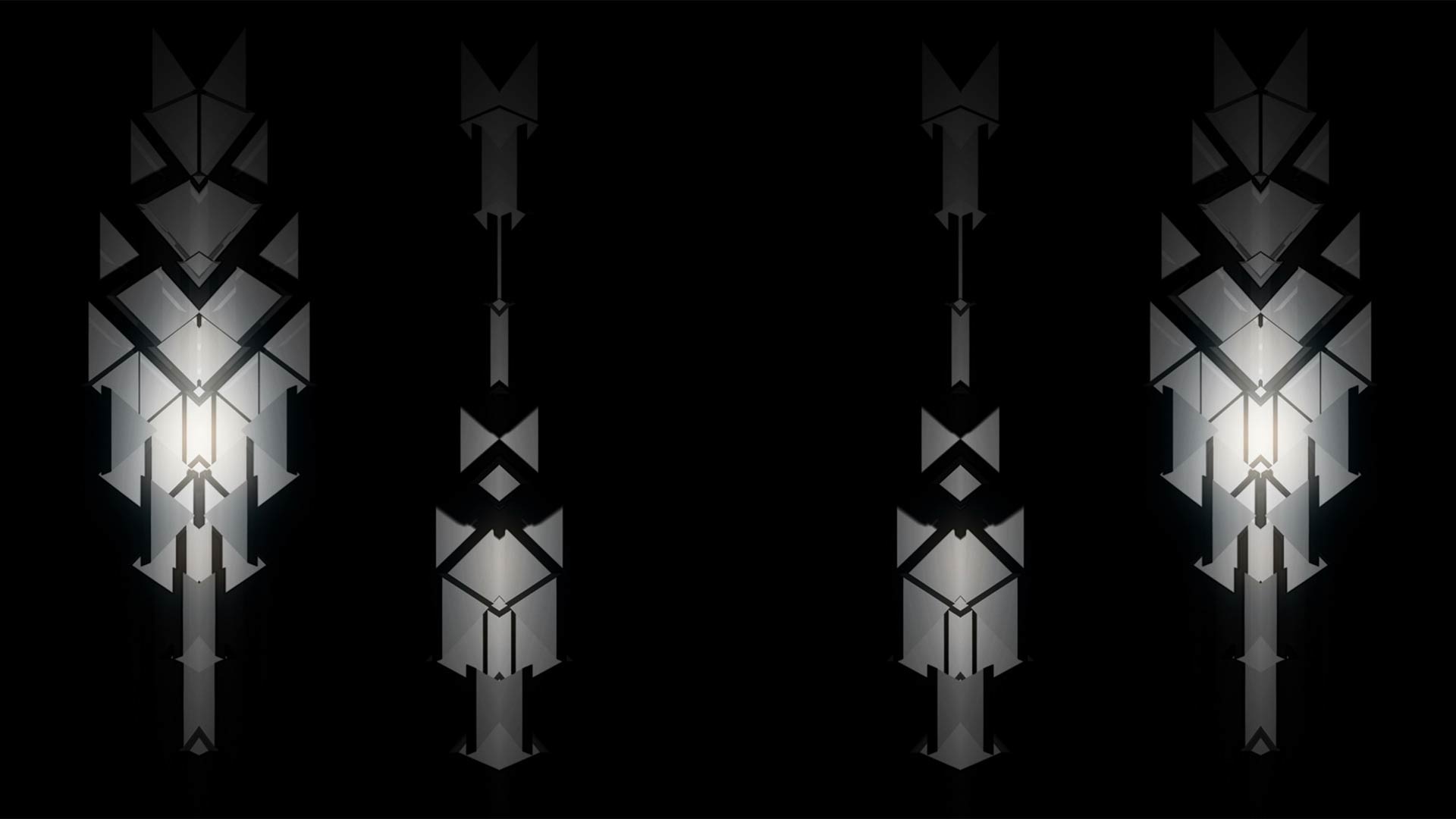
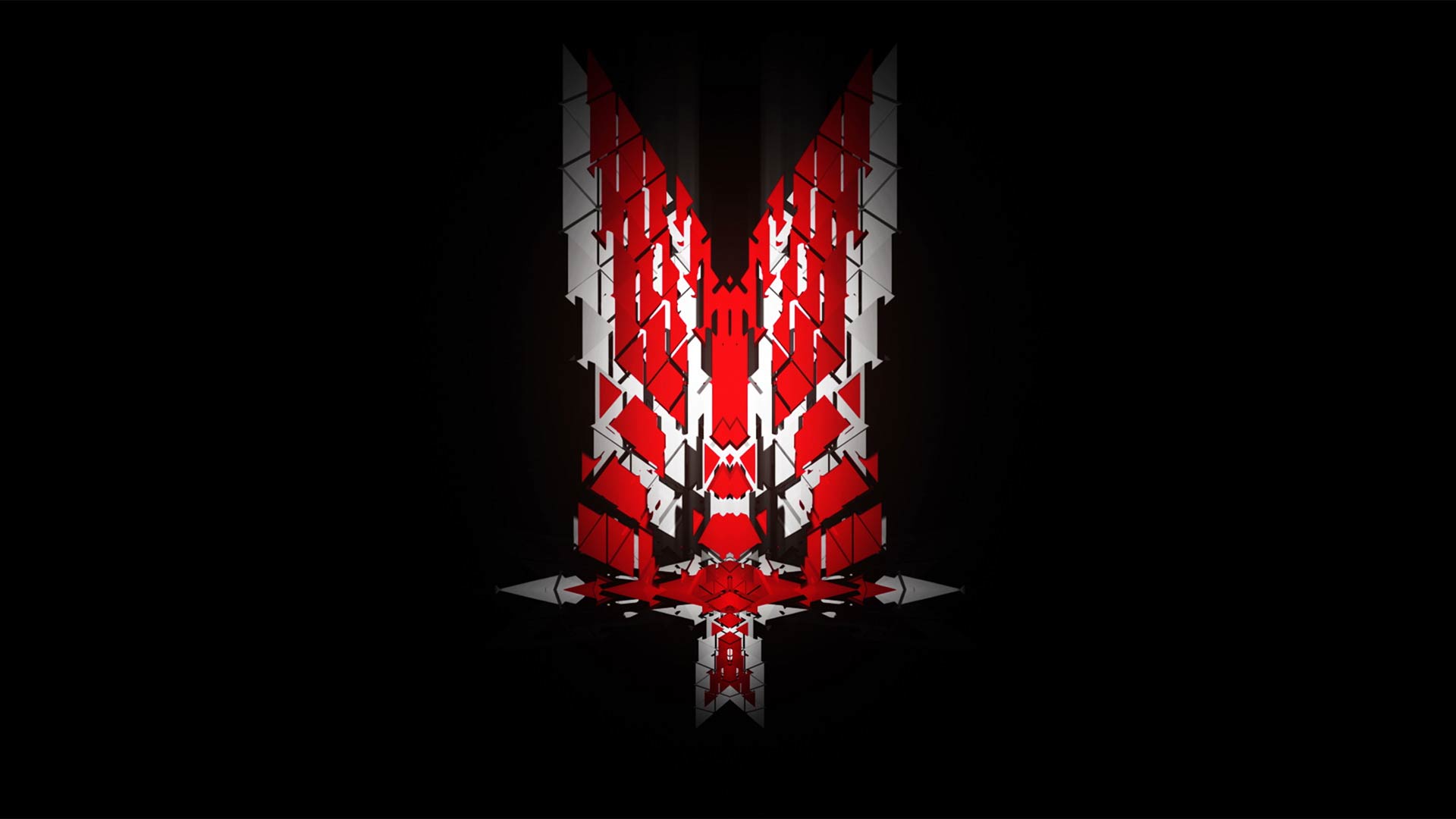
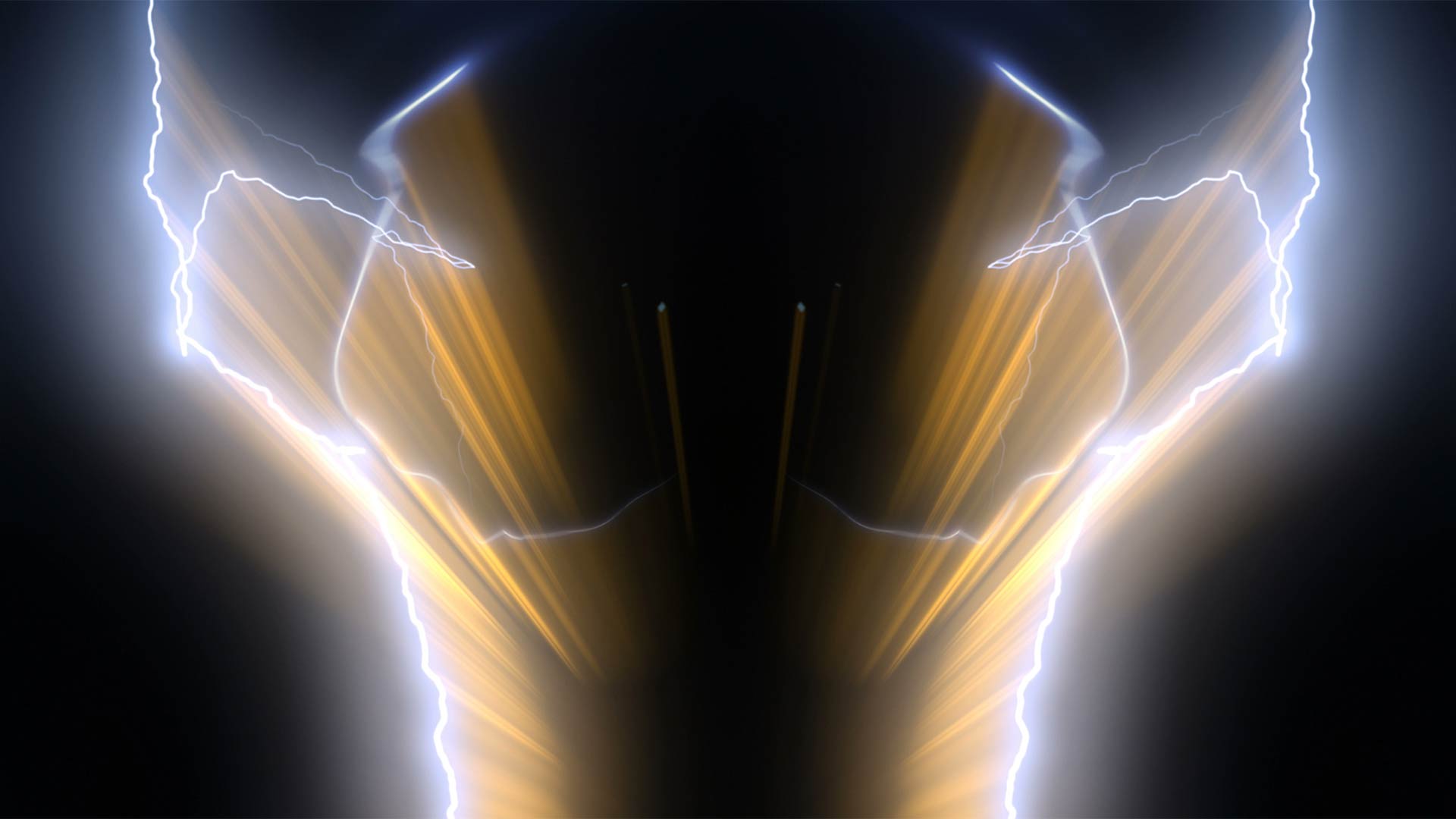
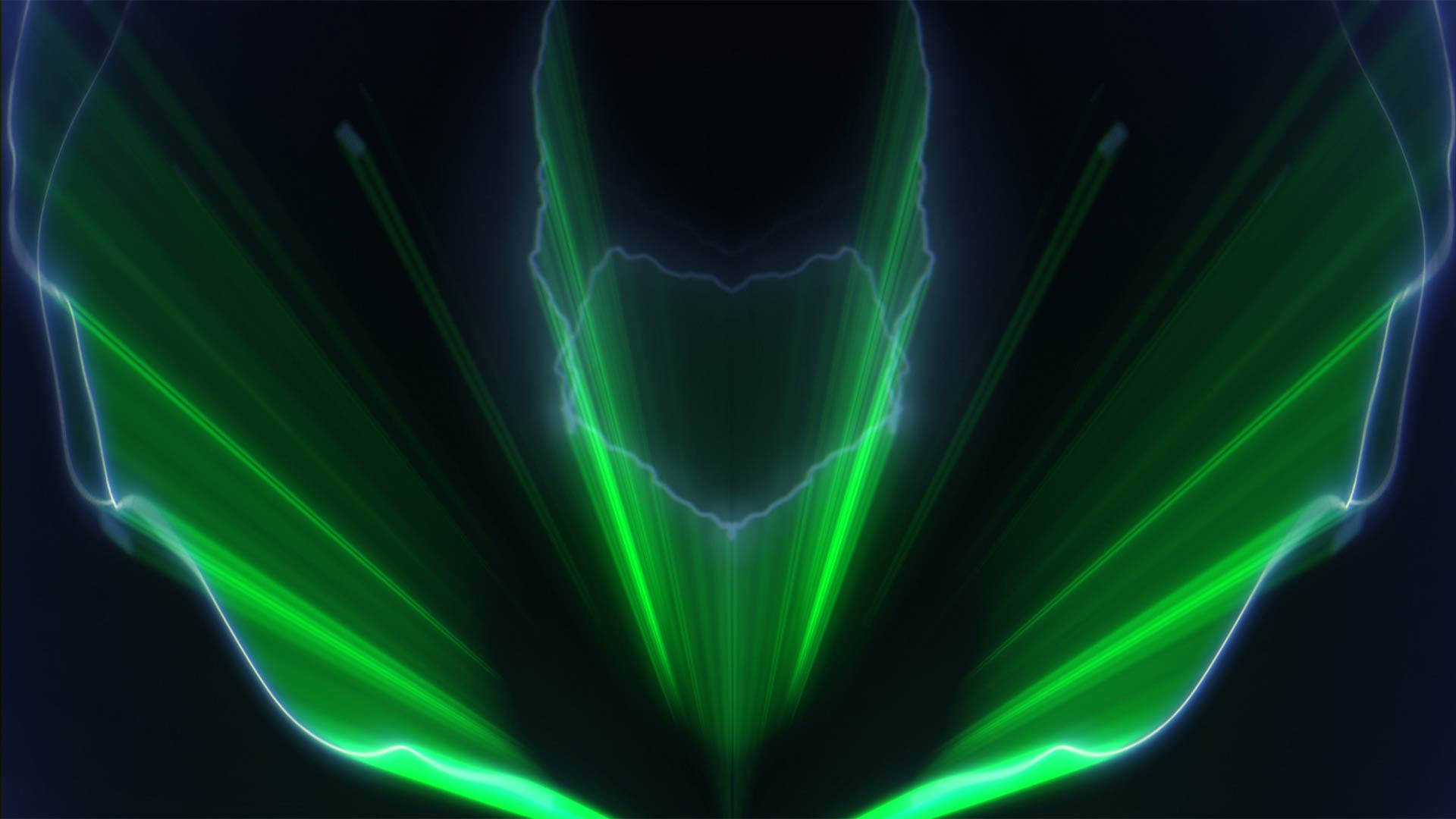
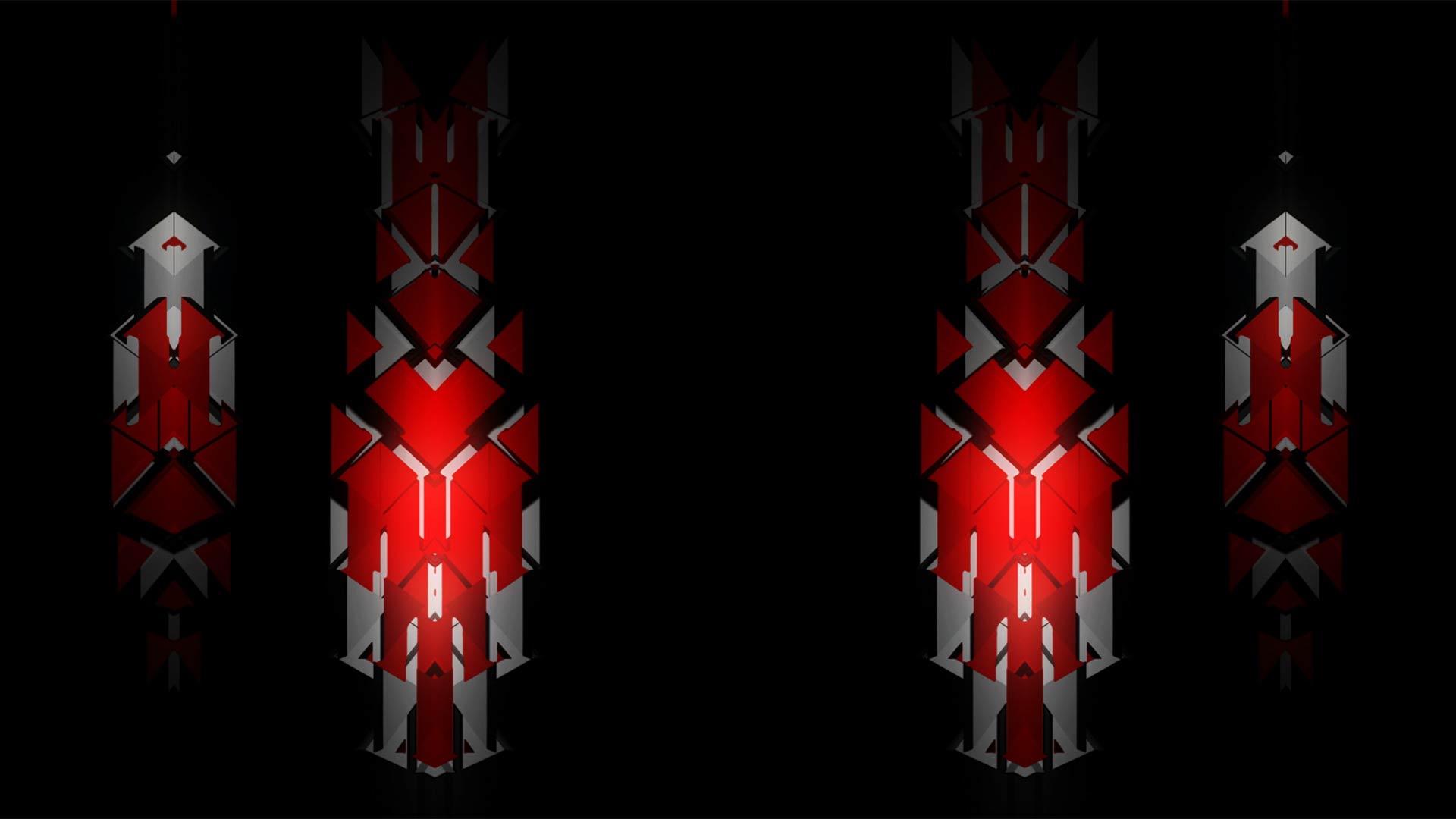
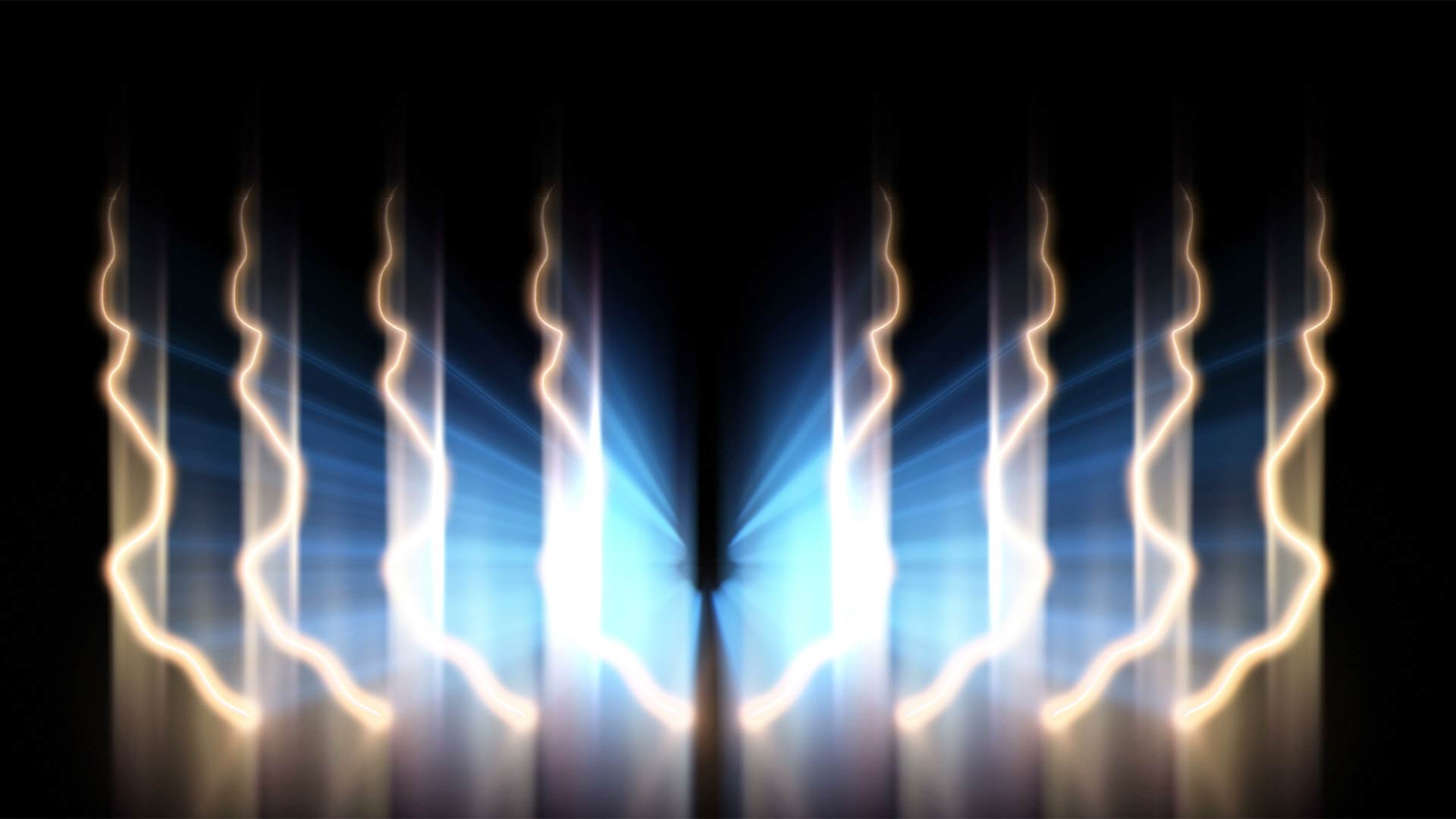
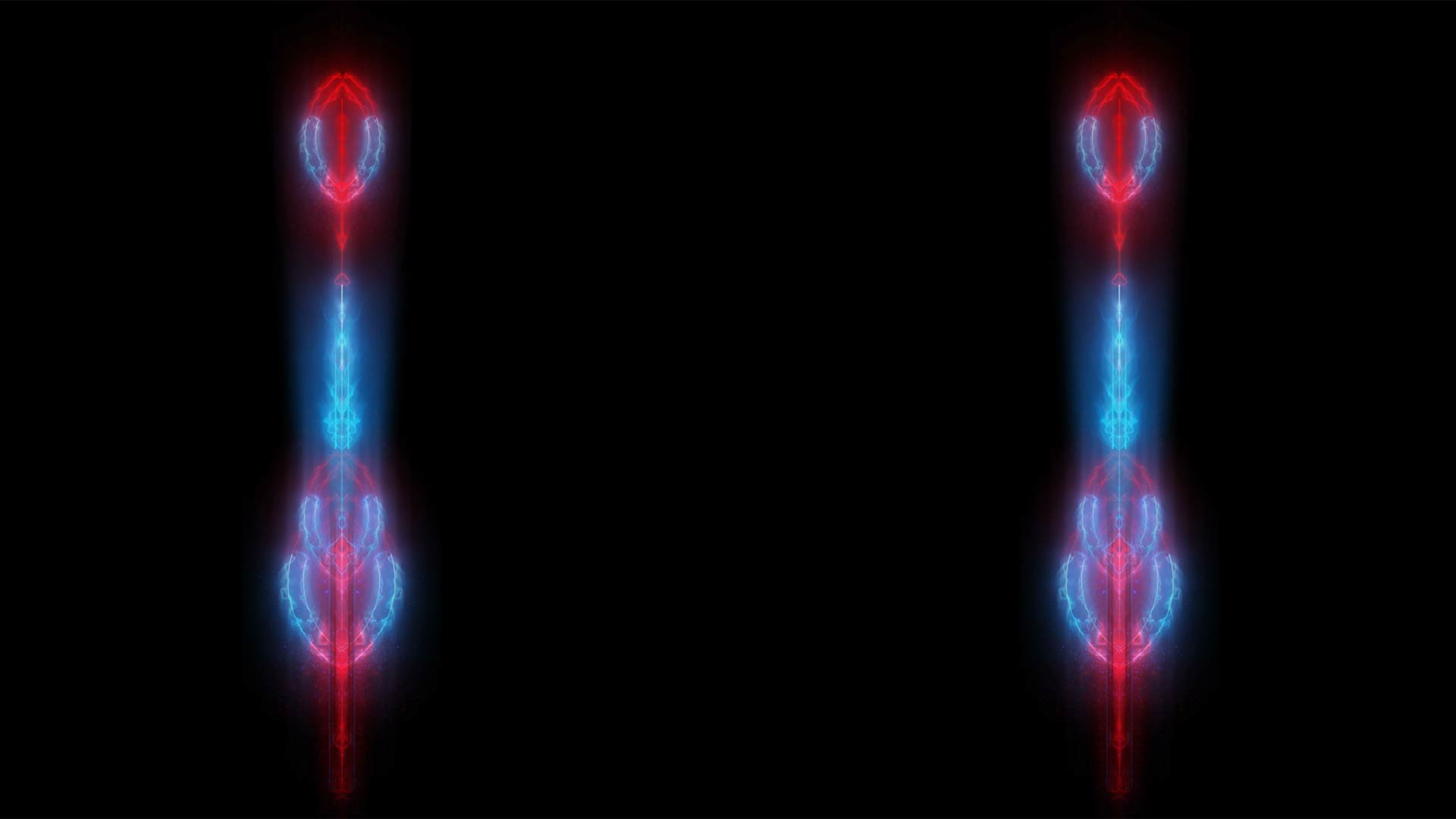
Mix Elements is a bank of motion elements VJ loops rather than full-frame backgrounds. First of all, every shape sits alone on pure black. Because of that, each clip drops onto other footage without any keying. Neon arcs and rings glow in red and blue. Meanwhile, low-poly insignia line up in mirrored rows. In addition, beams and lightning filaments open like wings across the frame.
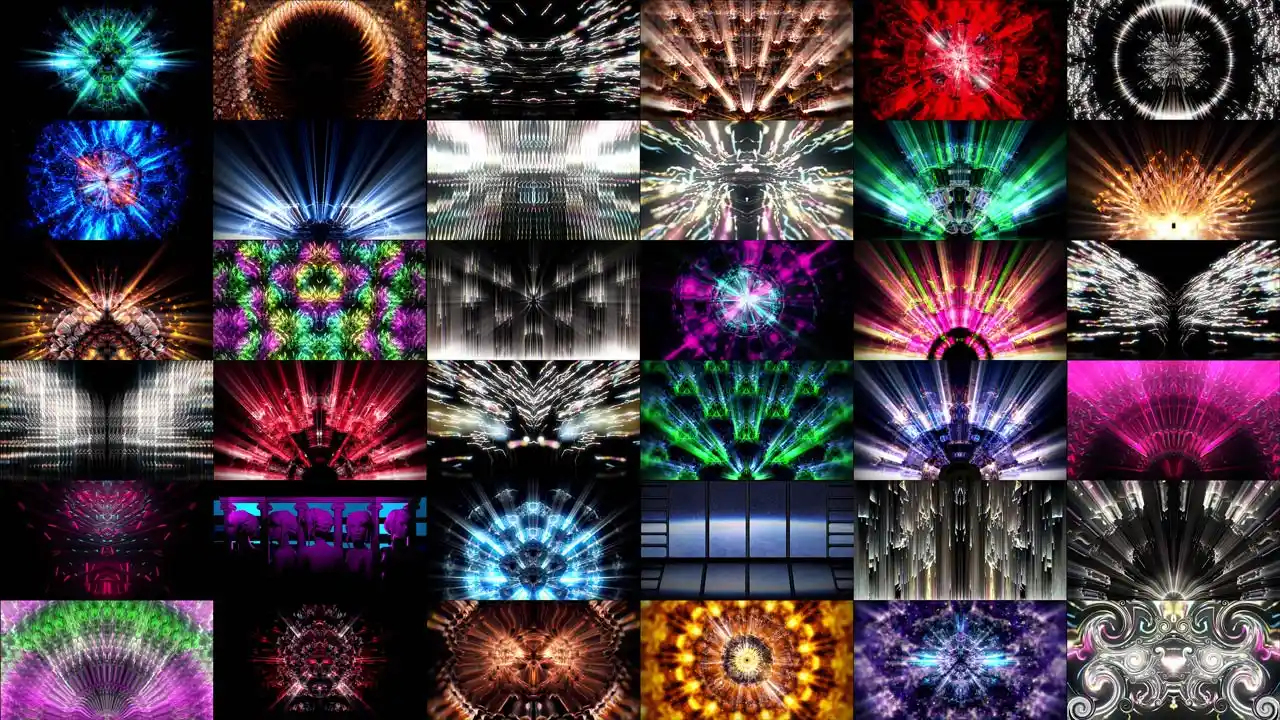
The pack holds three families in one set. As a result, you get accents, emblems and light rays from a single purchase. Some clips stay cold, in blue and white. Others burn red, gold or magenta. Above all, the black field means Add or Screen blending works straight away. 30 loops, Full HD, Mov and DXV.
Produced by VJ’s for VJ’s
Overlay Elements for Live Mixing, Streaming and Motion Design
Mix Elements is for people who layer rather than cut. Club and festival VJs stack it over a background pack they already own. Meanwhile, streamers use the neon arcs as a frame around a camera feed. It also fits esports stingers, tournament idents and virtual studio sets. Besides live work, motion designers pull the light rays into edits. For example, lyric videos, title cards and product reveals. Learn the basics of VJing if you are new to layering.
Resolume Arena and Avenue read the DXV files straight from the GPU. Arkaos GrandVJ, MediaMaster, Modul8 and VDMX take the same folder. Likewise, MadMapper, Watchout and TouchDesigner accept them without conversion. In addition, the clips edit into Premiere Pro, After Effects and DaVinci Resolve. Set any layer to Add or Screen and the black field disappears. Mix Elements comes from New Media Artist Alexander Kuiava at LIME ART GROUP in Vienna, serving over 30 000 artists since 2008.
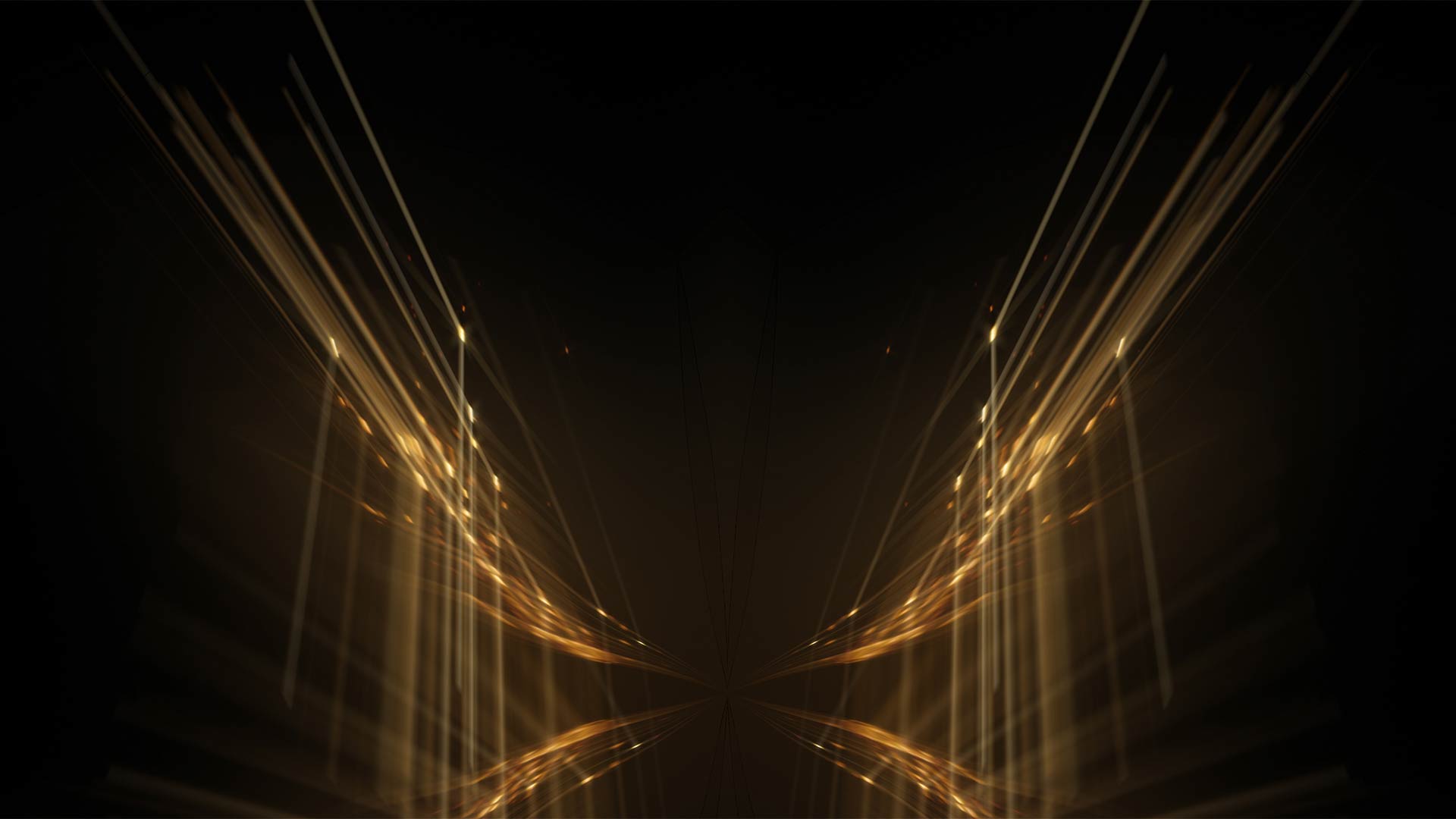
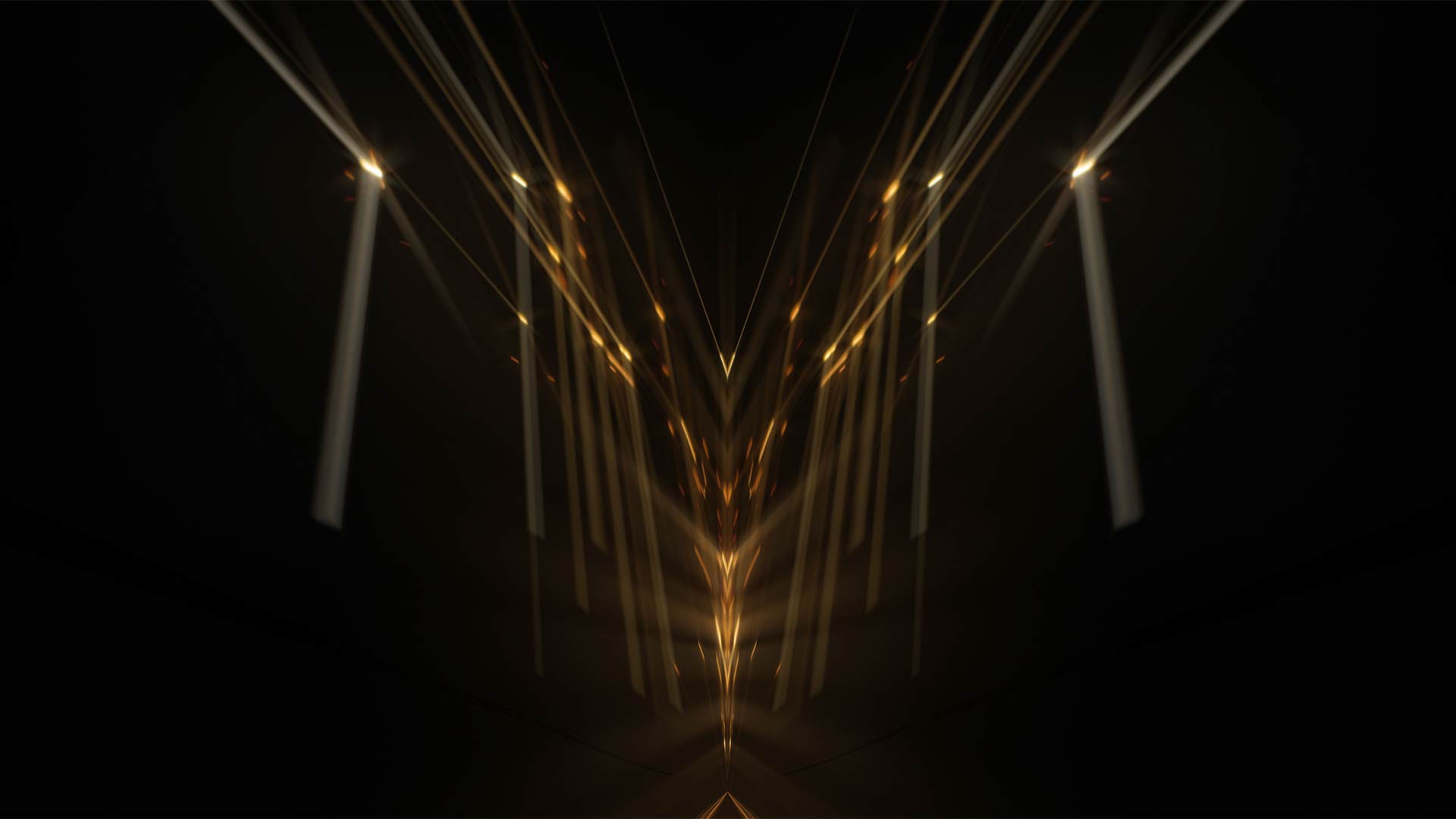


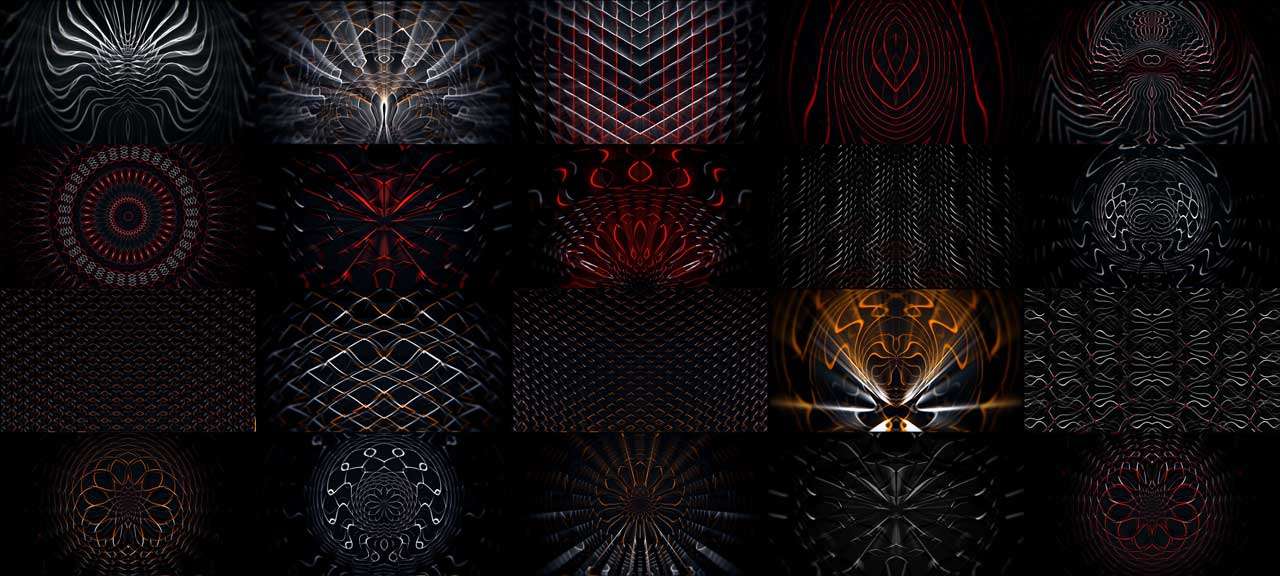
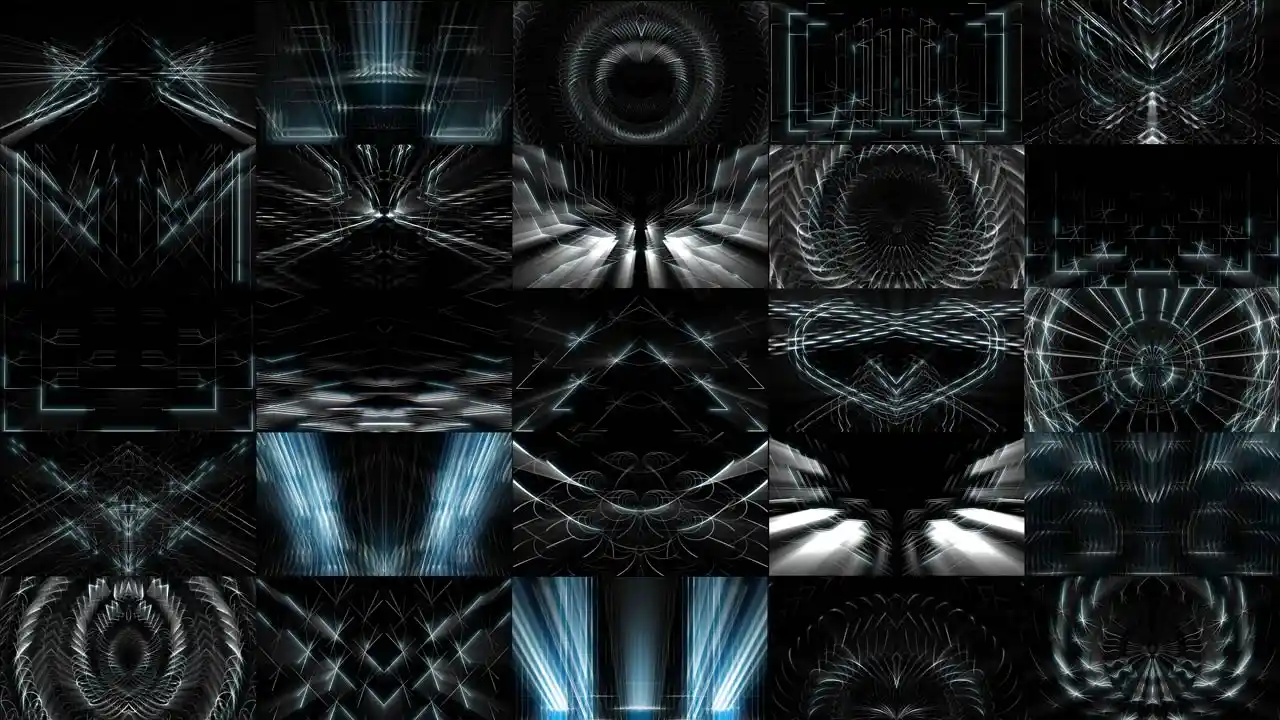
Neon arcs, sci-fi insignia and lightning wings — single vj loop previews
Look image preview of single vj loops by LIME ART GROUP.
Quality of images is a bit compressed for better website performance.
Resolution
Full HD 1920×1080
Frame Rate
25-29 Fps
Encoding
Mov, DXV
Quantity
30 clips


Creative digital asset
for multipurpose

Live VJ sets & mixing
Touring VJs, club residents and festival operators who layer rather than cut. Moreover, these elements sit on top of any pack you already own.
Streaming & esports
Twitch and YouTube streamers, tournament producers and virtual studio designers. Likewise, the neon arcs work as frame accents around a camera feed.
Music video & motion design
Editors, lyric-video makers and title designers. In addition, pre-keyed light rays save building beams from scratch in After Effects.
Licence, Delivery & Contents
FAQ about Mix Elements – Overlay Video Art Collection
Licence and delivery
Can I use these elements inside content I sell to clients?
Yes, in client work and in your own shows alike. So the licence covers an unlimited number of performances, streams and delivered projects. Club nights, tours, broadcasts and edited films are all included. Moreover, it never expires and applies worldwide. However, you may not resell the raw clips or pass them on as stock elements.
Where do the files show up after I pay?
In three places, right away. First, the download sits in your account on our site. Second, the same links arrive by email. Finally, we open a Google Drive or MEGA folder on request. Use that route if a venue or studio network blocks direct downloads.
Files, formats and playback
What is inside the Mix Elements pack?
- 30 seamless motion element loops on black
- Neon arcs, low-poly insignia and light ray wings
- Full HD 1920×1080 resolution
- 25 to 29 frames per second
- Mov and DXV encoding, ready for Resolume, Arkaos, Modul8, VDMX, MadMapper, TouchDesigner
- Permanent royalty-free licence, instant delivery.
How do I drop these on top of my existing visuals?
Put the clip on a layer above your background and set the blend to Add or Screen. Because the field is pure black, that mode removes it completely. As a result, only the neon shape or the light ray stays visible. So you can run one of our pattern packs underneath and place an emblem on top. Moreover, two elements stack over each other without turning grey.
Why does the frame rate vary between 25 and 29 fps?
Mix Elements gathers clips from several productions, so the source rates differ. In practice your software absorbs that. Resolume, Arkaos and Modul8 conform every clip to the project frame rate on playback. As a result, an element layered over a 60 fps background stays in step. However, set one project rate first if you cut them together in post.












There are no reviews yet.