
Software List for Fulldome and Dome Projection — 2026 Edition
The article is written by a human. Mistakes have been edited by AI.
Specifications taken from the vendors’ own websites and checked in July 2026.
The first version of this list had five programs on it. That was an honest reflection of the market at the time — there simply was not much. Six years later the list has tripled, one of the biggest names in the field has changed owner, and the calibration step that used to take an afternoon now takes under two minutes per projector.
Who this article is for: VJs, technical directors and installers who have to get an image onto a curved surface — a planetarium, a mobile dome tent, an immersive room — and need to know which software actually does the job. Not for planetarium educators looking for astronomy lesson content.
What it solves: dome software is a small, fragmented market with almost no honest comparisons. Most lists mix €200 VJ tools with €200,000 planetarium systems as if they were alternatives.
What you get by the end: the tools split into four honest groups by what they are for, current capabilities from the vendors themselves, and a clear view of where this niche is heading.
Hello dear VJs and clients of LIME ART GROUP. I am new media artist Alexander Kuiava. Since 2012 our studio has produced over 100 VJ Loops Packs, including a dedicated fulldome library, so we have had to render into most of the pipelines below.
Before the software: what a dome actually demands
Three things decide everything else, and getting them wrong makes the software choice irrelevant.

One projector or several
There are two ways to fill a dome. A single projector with a fisheye lens placed at the centre is the cheap route — it works for small domes and tight budgets, and the software requirement is minimal. The trade-off is resolution: one projector stretched across the whole hemisphere gives you soft, dim pixels.
The professional route is multiple projectors, typically five around the circumference plus one for the zenith, though installations range far wider than that. VIOSO states it has handled domes from 2 to 55 metres in diameter using anywhere from 2 to 50 projectors. This is where warping, edge blending and colour matching stop being optional and become the entire job.
The domemaster format
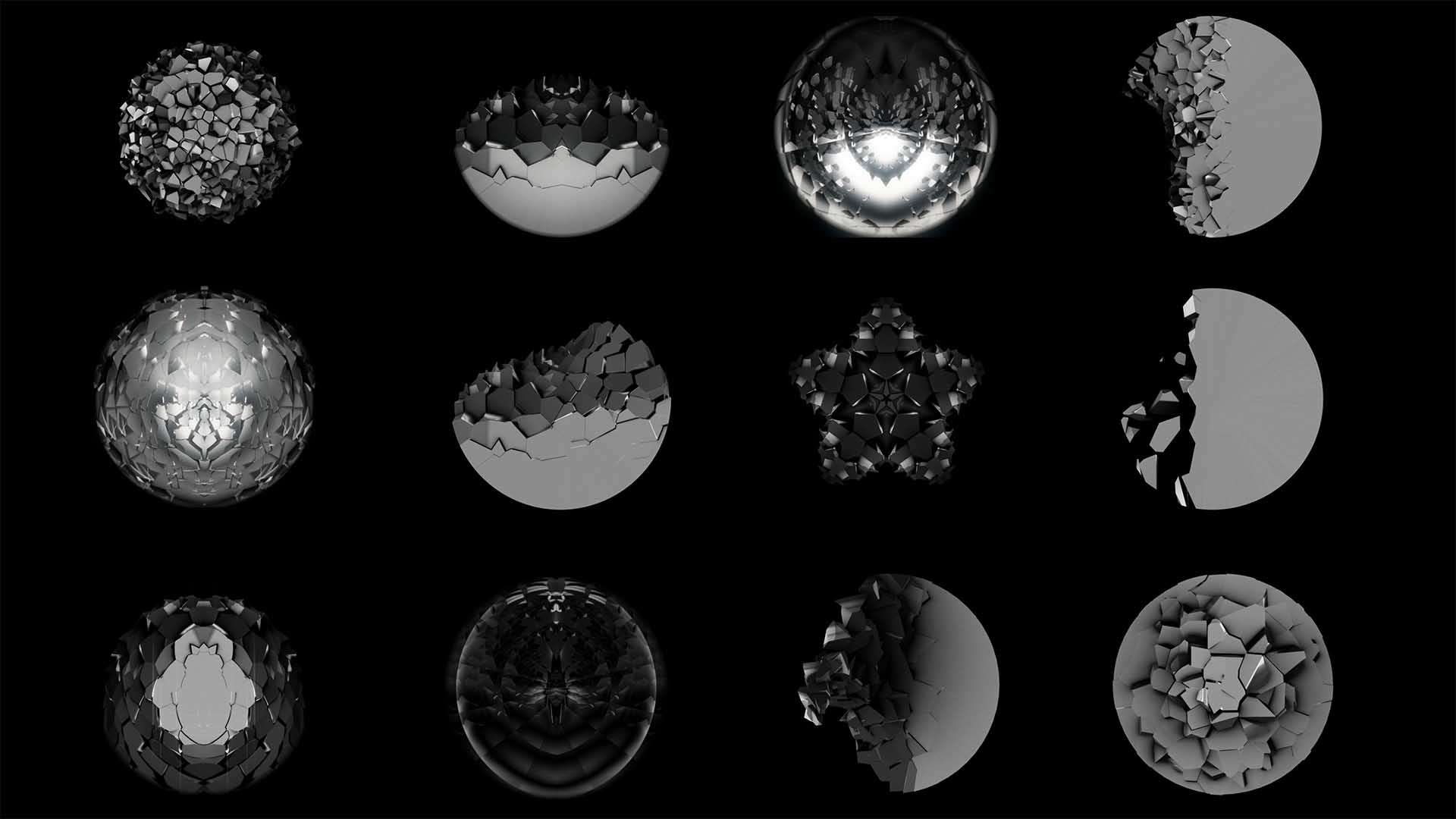
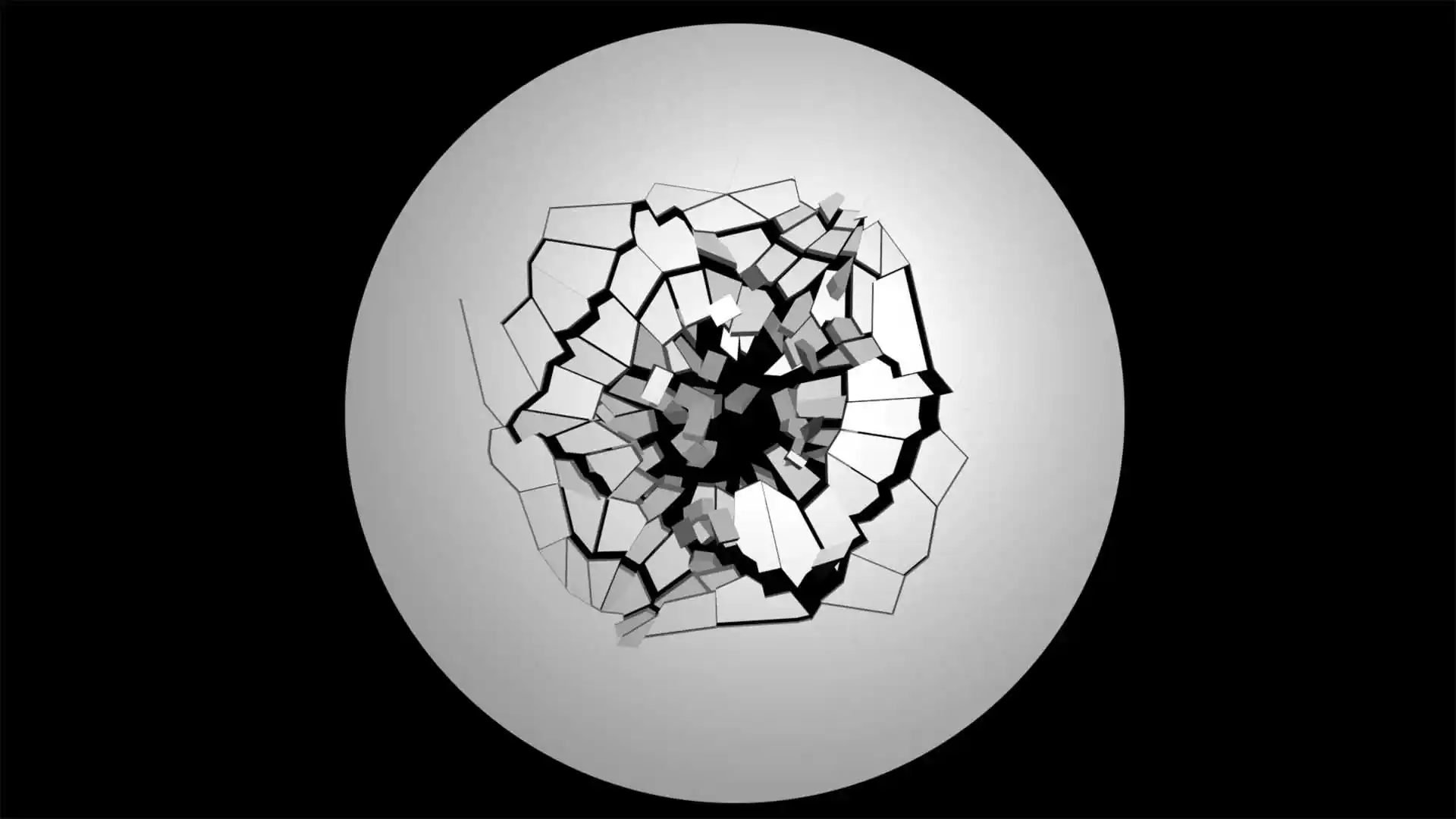
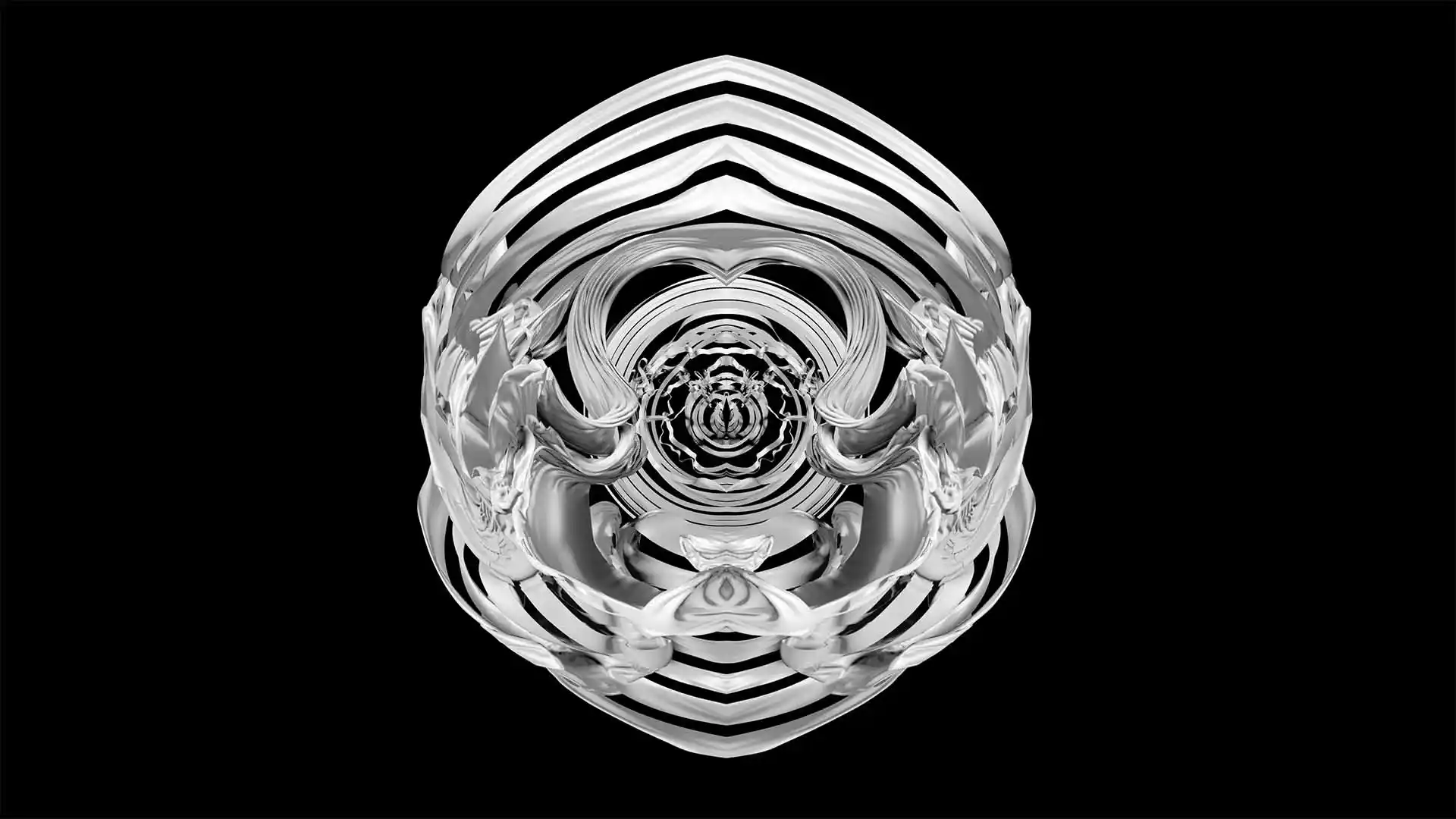
Dome content is not widescreen. The native format is a domemaster: a square frame with a circular fisheye image inside it, usually rendered on a 180° hemisphere with the lower edge of the image at the horizon.
Standard resolutions in use today:
| Domemaster | Pixels | Typical use |
|---|---|---|
| 1K | 1024 × 1024 | Legacy, mobile domes |
| 2K | 2048 × 2048 | Small domes, older systems |
| 4K | 4096 × 4096 | The current working standard |
| 5.7K | 5760 × 5760 | Mid-size and large domes |
| 8K | 8192 × 8192 | Large planetariums, high-end shows |
Which one you need is not a matter of taste. It depends on dome diameter, projector count and how close the audience sits. A 4K master on a 20-metre dome will look soft; an 8K master on a 6-metre inflatable is wasted render time and unnecessary playback load.
Camera-based calibration changed the economics
The single biggest practical change since the last version of this article is automatic calibration. You mount a camera, the software projects test patterns, measures the actual geometry of your dome and generates the warp and blend maps for every projector.
VIOSO states its patented calibration handles an entire dome in under two minutes per projector, including blending, geometric correction and colour matching. Anyone who aligned a six-projector dome by hand knows what that number means. It is the difference between a one-day install and a three-day install, and it is why multi-projector domes have become viable for far smaller venues.
Group 1. Dome VJ and mapping tools
Software for artists who perform or map live. Affordable, learnable, and the right starting point unless you are commissioning a planetarium.
Fulldome Visuals
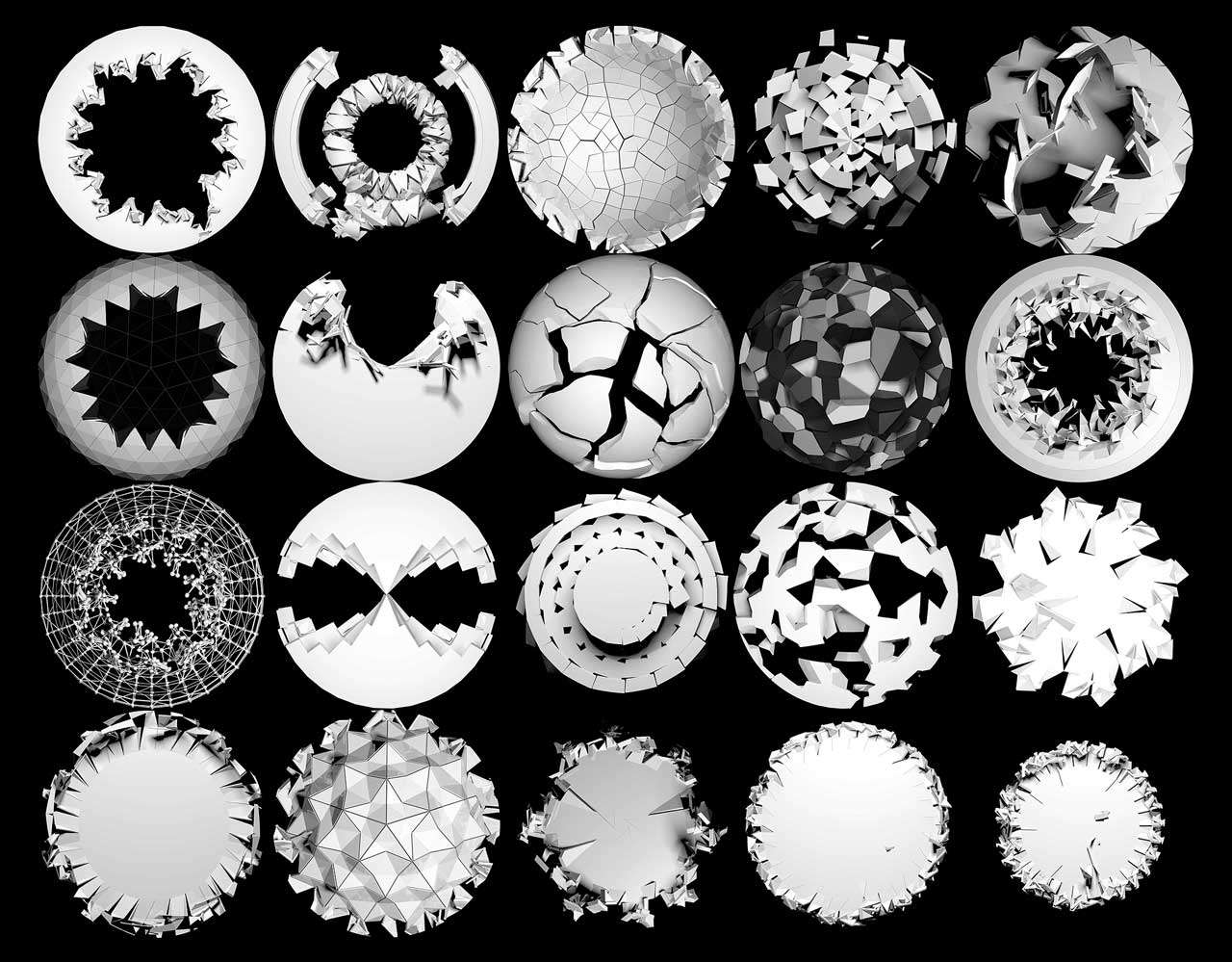
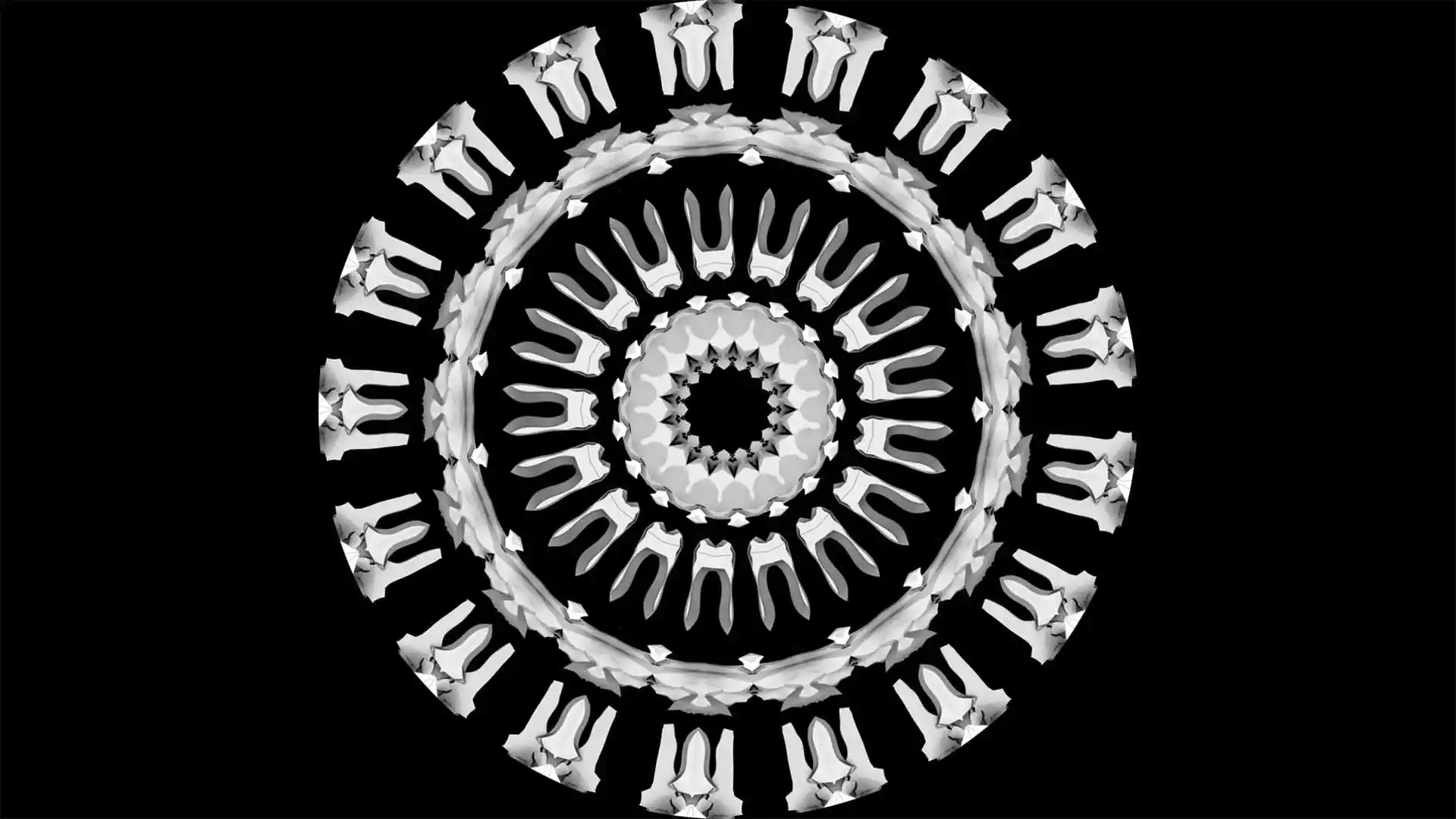
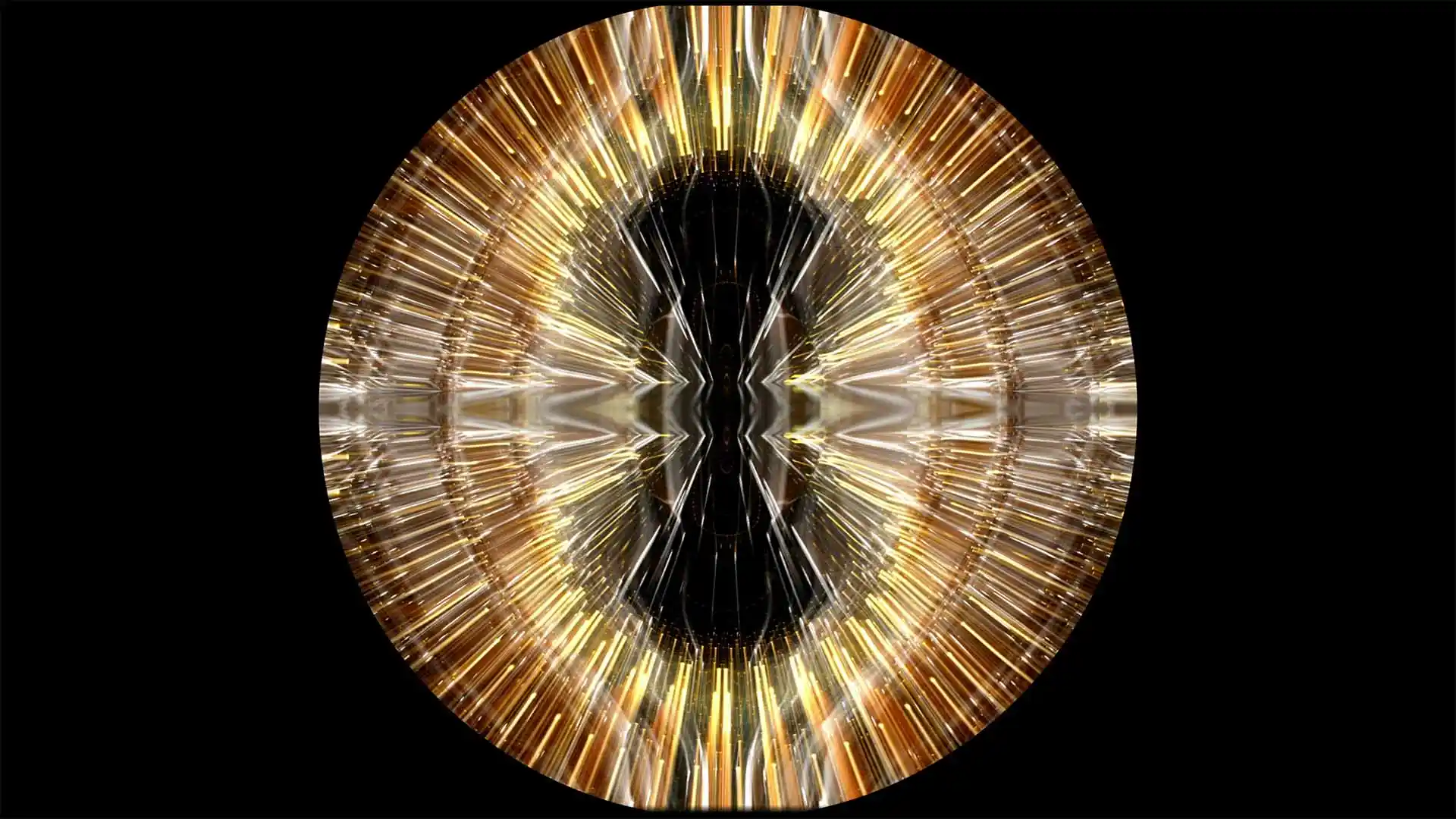
Square domemasters rendered for real domes — not reformatted widescreen
-
Video Mapping Loops Pack Vol.24 – Fulldome Rock Maps
99€ -
Video Mapping Loops Pack Vol.23 – Top Explosion
99€ -
Video Mapping Loops Pack Vol.22 – Cloth Fulldome
99€ -
Video Mapping Loops Vol.20 – Fulldome Open Shell 4K
129€ -
Video Mapping Loops Pack Vol.19 – Moon Dome
99€ -
Video Mapping Loops Pack Vol.17 – Radial Displace
99€ -
VJ Loops Pack Vol.15 – Color Dome 4K
69€







Blendy Dome VJ
Platform: macOS
Developed by StudioAvante together with United VJs, and still the most direct answer to “I want to VJ in a dome.”
It is a realtime domemaster slicer: you feed it a domemaster, it performs the distortion needed for the curved surface and sends the output to up to six projectors. It reads any Syphon source, which is the important part — you run Resolume, VDMX, Modul8 or TouchDesigner as your content engine and let Blendy handle the dome geometry. Their own line is “no dome, no problem”, because you can preview content on a virtual 3D dome before you ever get into the venue.
The honest limitation: macOS only, six projectors is the ceiling, and it is a live tool rather than a show-control system. For a planetarium running scheduled programmes it is the wrong shape of tool.
Use it if: you perform live in domes, or you want to rehearse dome content at your desk.
Omnidome
Platform: Windows, macOS, Linux · Free and open source
Arbitrary surface projection mapping — you map any physical room and project virtual content back onto it, turning a space of any shape into a 360° environment. It works natively with Syphon and with performance software that connects to it, and the source is on GitHub.
The honest limitation: open-source project pace. Development is not on a commercial schedule, and support is community-based. Check the current state of the repository before you commit a paid job to it.
Use it if: budget is zero, you are experimenting, or you are on Linux where the commercial options thin out fast.
Sparck
Platform: Cross-platform · By tecARTlab
Spatial augmented reality rather than dome-specific: project real-time generated content onto physical space of any shape. Aimed at installation and interactive work. Worth knowing if your “dome” is actually an irregular immersive room rather than a hemisphere.
Resolume Arena and MadMapper
Neither is a dome tool, but both appear in real dome rigs constantly, and it is worth being precise about why.
Resolume Arena handles the content — clips, layers, effects, audio reactivity — and its Advanced Output does slicing and warping that can cover simple dome setups. For anything with real curvature and multiple projectors you pass its output over Spout or Syphon into a dedicated dome tool.
MadMapper is a genuine mapping engine with mesh warping and masks, and people do map domes with it. It has no automatic camera calibration, so you are placing points by hand.
The pattern to copy: content engine → frame sharing → dome warping tool → projectors. Almost every working dome rig looks like that.
Group 2. Calibration and warping systems
Not creative tools. These sit between your content and your projectors and make the image geometrically correct. Application-independent, so they work under whatever you already run.
VIOSO
Platform: Windows
The reference for dome calibration, and the vendor with the clearest published numbers. Patented camera-based calibration covering blending, geometric correction and colour matching in under two minutes per projector. Experience stated across domes from 2 to 55 metres and 2 to 50 projectors, with stable alignment, high brightness and 3D support.
It integrates as a warping layer beneath other software rather than replacing it, and it appears inside third-party products — AV Stumpfl’s Wings AV Suite documents VIOSO dome projection directly.
Use it if: you have more than two projectors and any commercial obligation to make the seams invisible.
Scalable Display
Platform: Windows
Camera-based automatic warping and blending across many projectors from a single machine, application-independent. Long-established in permanent installations, where the value is not the first alignment but the ability to re-align without flying a technician out.
7thSense
Platform: Proprietary servers
High-end media servers built for domes, planetariums and immersive attractions. This is the tier where the server, the warping and the show control arrive as one specified system.
Screenberry
Platform: Windows
A media server with a dedicated fulldome and planetarium solution — playback, warping, blending and multi-projector output in one system. A newer name than VIOSO or 7thSense and worth adding to any shortlist, particularly for installations that want server and calibration from a single vendor.
Group 3. Planetarium show systems
A different category of product entirely: astronomy simulation, show playback, device control and scheduling in one platform, sold with the building. If you are a VJ, you will meet these as the system you must deliver content into, not as something you choose.
Digistar
The oldest name in the field. Created by Evans & Sutherland and released in 1983 as the first computer-graphics planetarium projection system, it moved to full-dome video from Digistar 3 onwards. The vendor states it is used by over 700 planetariums worldwide, and the product now sits under Cosm following the acquisition of Evans & Sutherland — the single biggest ownership change in this sector in years.
DigitalSky
Sky-Skan’s platform. DigitalSky Dark Matter is a cluster-based system combining programmable science simulation, fulldome video playback, external device control and show performance control in one interface.
ZEISS UNIVIEW
The specification here is the most explicit of the group: stereo projection, 8K performance, 10-bit per RGB channel colour depth for smooth gradients, and frame rates up to 120 fps in stereo. ZEISS also points to HEVC encoding to reduce compression artefacts in fulldome video while saving storage — a genuinely useful detail if you are the one delivering the files.
SkyExplorer
From RSA Cosmos, part of Konica Minolta. Real-time astronomical rendering using physically based rendering techniques, with interactive tools for building shows. Positioned for digital and hybrid planetariums.
Group 4. Making the content
A dome is only as good as what plays in it, and this is where most VJs actually spend their time.
Immersive Visuals
For immersive rooms and irregular surfaces
-
Sale!

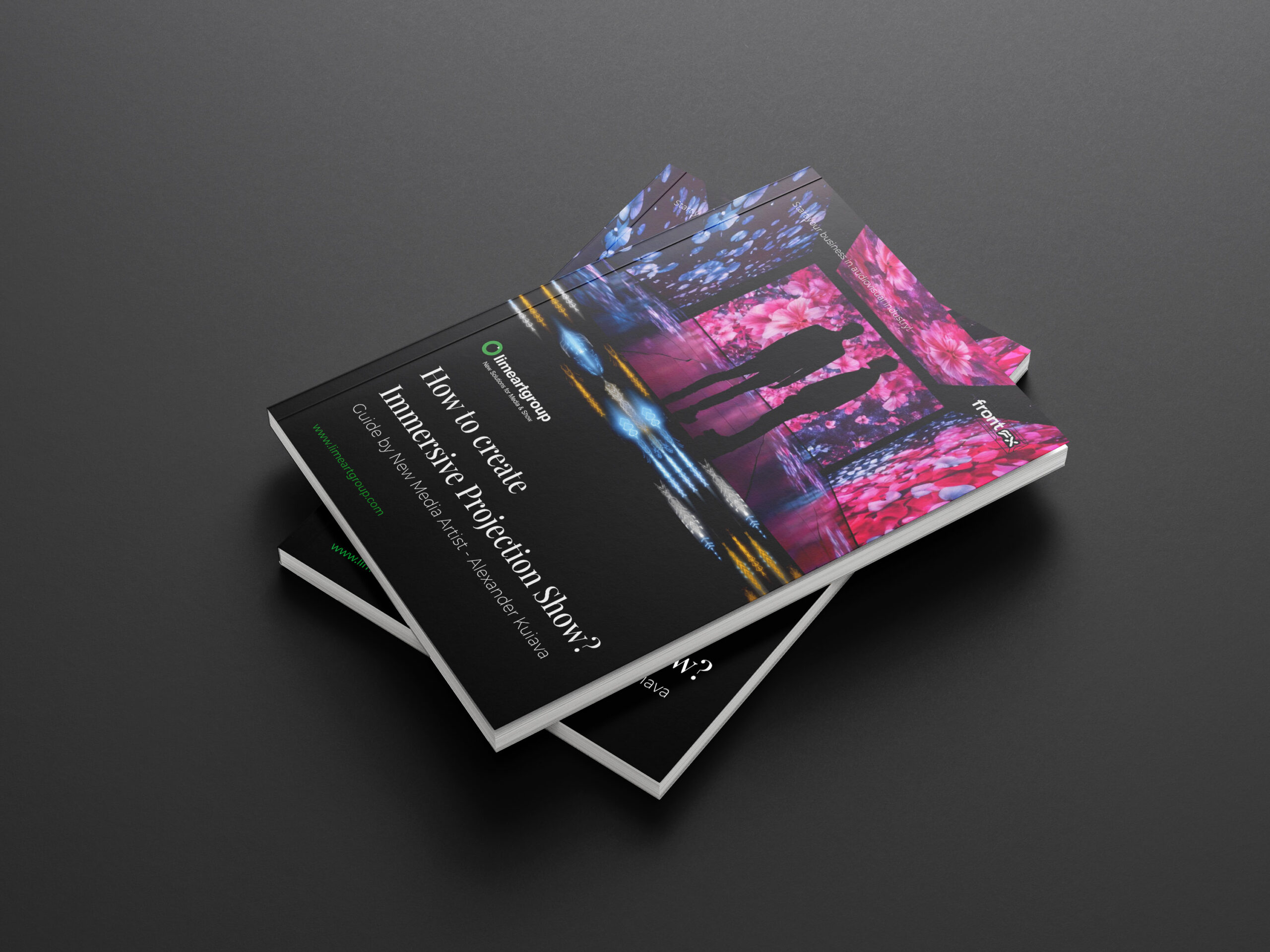 Select options This product has multiple variants. The options may be chosen on the product page
Immersive Projection Business Guide
Original price was: 19€.12€Current price is: 12€. -
Sale!
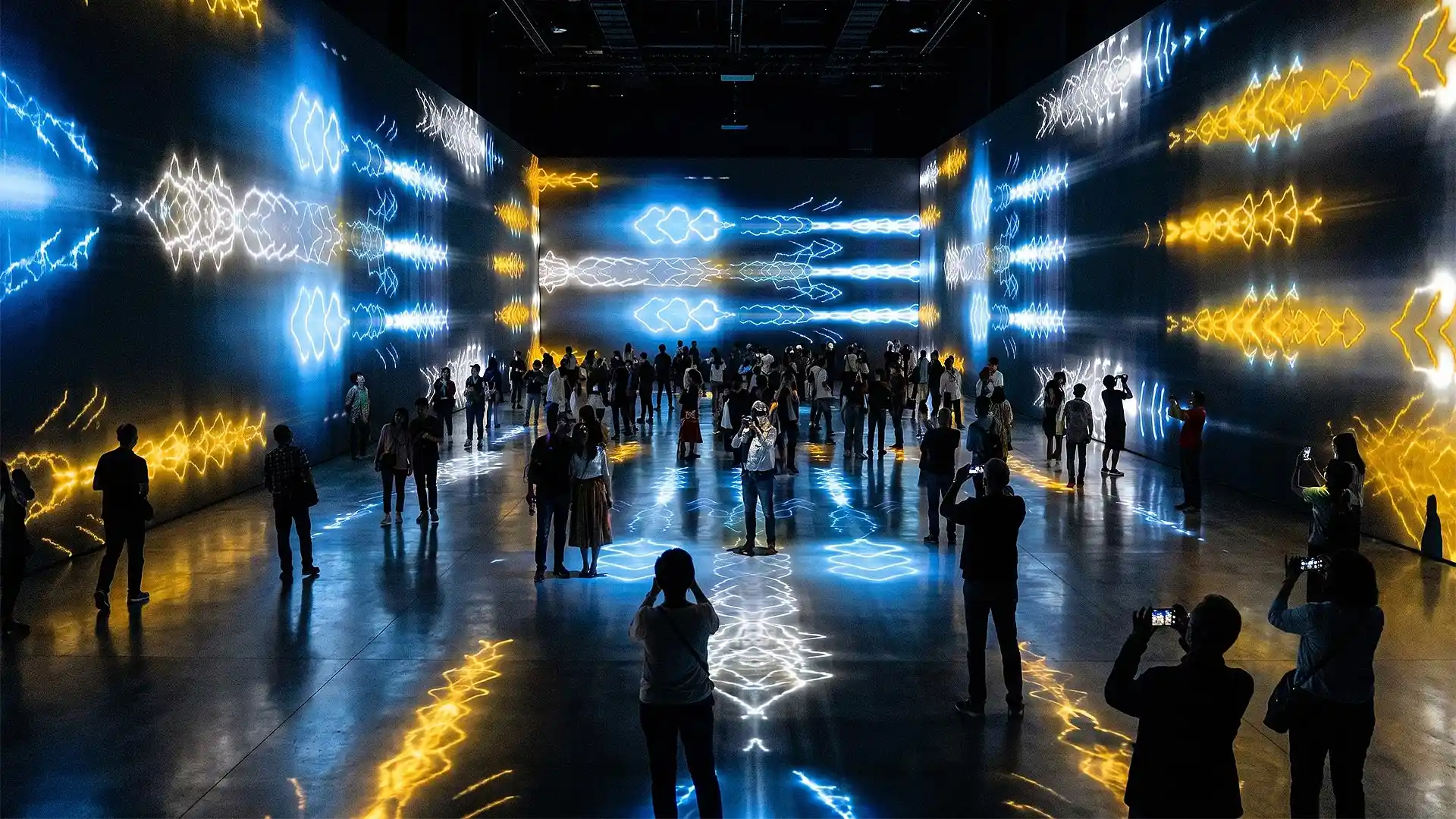
Interior Patterns – Immersive Visuals Vol.1
Original price was: 249€.199€Current price is: 199€. -
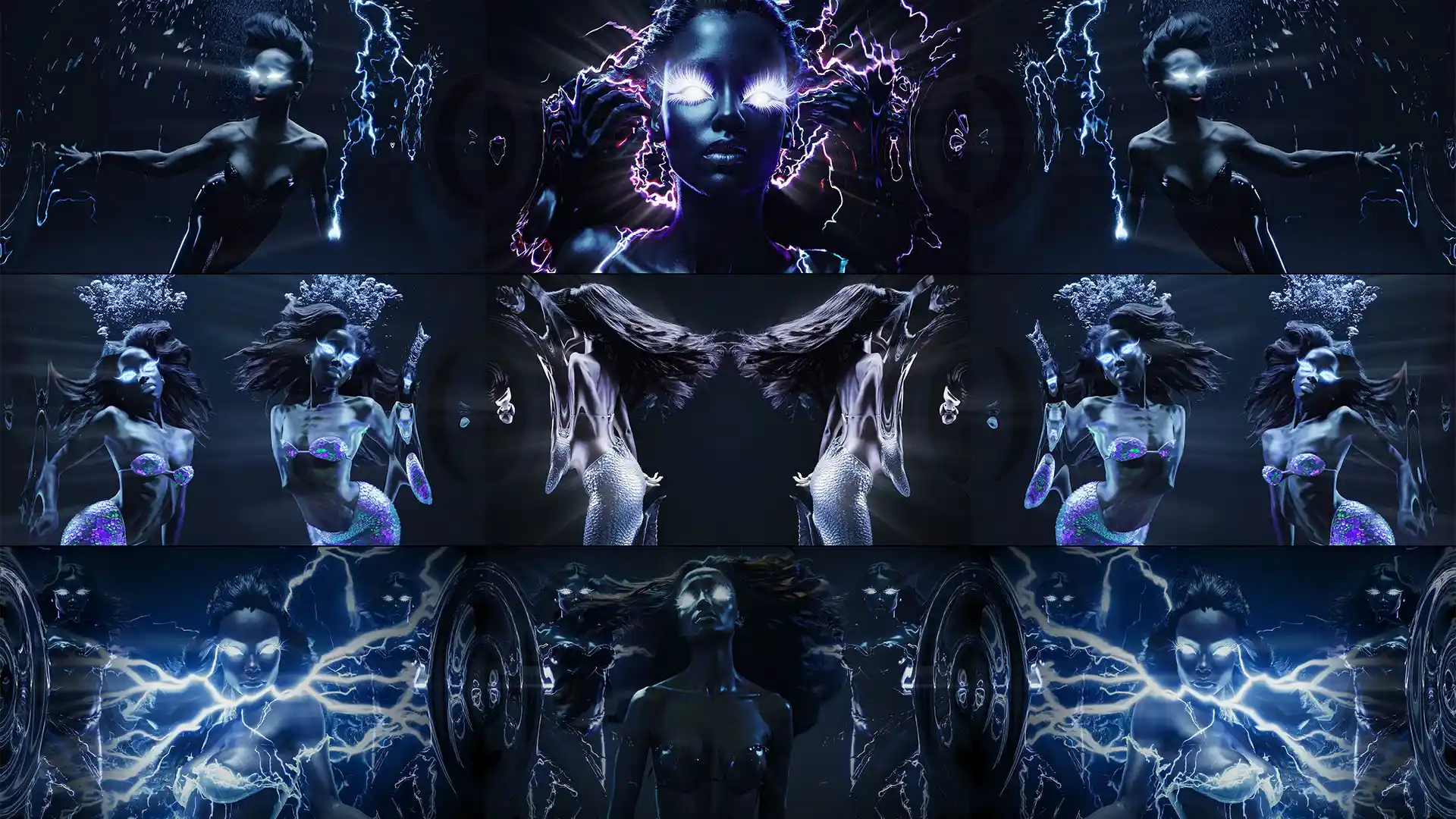
Deep Serenas – Immersive Visuals Vol.2
149€



Blender
Free and open source. Blender’s Cycles renderer supports fisheye cameras directly, which makes it the most accessible route into fulldome production. You do have to set dome-safe field of view and clipping planes manually. The Fulldome Pro add-on exists specifically to simplify domemaster setup and is free.
A common production pattern: render equirectangular in Cycles, then re-project to fisheye in a compositing pass.
TouchDesigner
The choice for generative systems, camera-reactive content and long-running installations that must not visibly repeat. The community has built dome previsualisation environments — the open-source Fulldome-PREVIZ project provides a fisheye previz setup for half-sphere domes, so you can judge composition before you are standing under a real dome.
Notch
Real-time fulldome output is supported natively, which makes Notch the first choice when a show is live and parameters have to flex during the performance rather than being baked into a file.
After Effects and Cinema 4D
Still in the pipeline for 2D elements, titles and finishing. Neither is dome-aware by default — you work in a square domemaster canvas and rely on previz to judge how the composition reads once it is wrapped overhead.
Composition rules that are specific to domes
Software will not save a badly composed dome show, and dome composition breaks most habits from flat-screen work.
There is no frame. No edges, no rule of thirds, no safe area. The audience decides where to look.
The zenith is not the centre of attention. People do not comfortably stare straight up for long. The strongest zone is roughly 30–50° above the horizon line, where the audience is already looking.
Motion is physical. Fast lateral movement across a dome induces genuine nausea in a fraction of the audience. This is not a stylistic preference — it is the single most common complaint from venues, and it is why slow, weighted motion dominates good fulldome work.
Detail near the horizon gets stretched. Pixels are least dense at the edge of the fisheye circle. Put fine detail high, put gradients and atmosphere low.
The room is dark and the surface is reflective. Light bounces from one side of the dome to the other, so a bright element on one side lifts the black level everywhere. Contrast behaves differently than on an LED wall.
The state of fulldome software, and why I keep working in it
A personal note from Alexander Kuiava, New Media Artist, Founder & CEO of LIME ART GROUP.
I want to be honest about something this article makes obvious if you read the four groups above carefully: there is very little good software for fulldome, and there has been very little for a long time.
Think about what that list actually contains. One macOS-only VJ tool. One open-source project. A handful of calibration engines that do not create anything, they only correct geometry. And four planetarium systems that arrive attached to a building and a budget most artists will never control. Compare that with flat-screen VJing, where I could name you thirty mature applications and half of them cost under €300.
For years I read this as a sign the niche was small. I have changed my mind, and the reason is what I see in the numbers and in our own sales.
Market researchers put the immersive dome projection sector at roughly $3.8 billion in 2025, growing towards $8.6 billion by 2034 at about 9.5% a year, and separate estimates place fulldome planetarium growth higher still, above 12% annually, with Asia Pacific fastest of all on the back of state investment in science education. Treat any single forecast with scepticism — market research firms are not neutral — but the direction across independent estimates is consistent, and it matches what we see: fulldome is one of the categories where demand for our content grows year after year without us pushing it.
Here is what I actually believe is coming. Dome hardware is getting cheaper and lighter every year. Inflatable and modular domes now cost what a decent projector cost a decade ago. Calibration that used to require a specialist now runs from a webcam in two minutes. Content can be rendered in free software.
Which means the dome is following the same curve the LED screen followed. Fifteen years ago a big LED wall meant a stadium. Now every mid-size club has one. I think domes go the same way — that within a decade a fulldome venue in a mid-size city will be as unremarkable as a planetarium in a capital is today. Not only planetariums either: dome cinemas, meditation and wellness spaces, museum rooms, branded pop-ups, club nights under a portable dome.
And when that happens, the bottleneck will not be software or hardware. It will be content. There are not enough people who know how to compose for a surface with no frame, no edges and an audience lying on their backs. That skill is rare today and it will be valuable tomorrow.
That is why we keep producing our fulldome visuals collection even though it will never outsell our club content. It is a bet on where this goes. If you are a VJ wondering which underserved skill to learn next, learn to compose for a dome. The tools are finally cheap enough that the only barrier left is knowing what looks good overhead — and almost nobody does yet.
Frequently asked questions about Fulldome Software
What software do I need for fulldome projection?
It depends on the job. To perform live in a dome, Blendy Dome VJ takes a Syphon source and drives up to six projectors. To align multiple projectors correctly, a calibration system such as VIOSO, Scalable Display or Screenberry does the warping and blending. To run a planetarium, you use a show system such as Digistar, DigitalSky, ZEISS UNIVIEW or SkyExplorer. Most rigs combine a content tool, a calibration layer and projectors rather than using one program.
What resolution should fulldome content be?
The standard working resolutions are 4096 × 4096 (4K), 5760 × 5760 (5.7K) and 8192 × 8192 (8K), all square domemaster frames with a circular fisheye image inside. The right one depends on dome diameter, projector count and viewing distance — a 4K master looks soft on a 20-metre dome, while 8K on a small inflatable dome wastes render time and playback headroom.
Is there free fulldome software?
Yes. Omnidome is free and open source for dome and arbitrary-surface mapping across Windows, macOS and Linux. Blender is free for creating content, its Cycles renderer supports fisheye cameras natively, and the free Fulldome Pro add-on simplifies domemaster setup. TouchDesigner’s non-commercial licence is free and there is an open-source Fulldome-PREVIZ previsualisation environment for it.
Can I use Resolume or MadMapper for a dome?
Partly. Resolume Arena’s Advanced Output can slice and warp for simple setups, and MadMapper has mesh warping you can place by hand. Neither has automatic camera-based calibration, so for multi-projector domes you normally use them as the content engine and pass the output over Spout or Syphon into a dedicated dome tool such as Blendy Dome VJ or a VIOSO warping layer.
How many projectors does a dome need?
One projector with a fisheye lens can fill a small dome cheaply, at the cost of resolution and brightness. Professional installations typically use five projectors around the circumference plus one for the zenith, and VIOSO states it has worked on domes using anywhere from 2 to 50 projectors across diameters from 2 to 55 metres.
Why does fast movement in dome content make people feel sick?
Because a dome fills your peripheral vision, so your eyes report motion that your inner ear does not confirm. Rapid lateral movement across the dome surface is the most reliable way to trigger it. Good fulldome content uses slow, weighted motion, keeps the strongest action roughly 30–50° above the horizon and avoids sudden camera rotation.
Is fulldome a growing market?
Independent market-research estimates point that way. The immersive dome projection sector is estimated at roughly $3.8 billion in 2025 with projections towards $8.6 billion by 2034 at around 9.5% annually, and separate fulldome planetarium estimates run above 12% annual growth, with Asia Pacific fastest. Forecasts from commercial research firms should be treated with caution, but the direction is consistent across sources.
Sources
Specifications and figures were taken from the vendors’ own websites and from published market research, checked in July 2026.
Official product sources
- VIOSO — vioso.com
- Blendy Dome VJ — blendydomevj.com
- Omnidome — omnido.me
- Screenberry — screenberry.com
- Digistar / Cosm Technology — tech.cosm.com
- Sky-Skan DigitalSky — skyskan.com
- ZEISS UNIVIEW — zeiss.com
- SkyExplorer / Konica Minolta — konicaminolta.com
- Scalable Display — scalabledisplay.com
- 7thSense — 7thsense.one
- Blender — blender.org
- TouchDesigner / Derivative — derivative.ca
- Notch — notch.one
Market research and community references
- Immersive dome projection market projections — Dataintelo
- Fulldome planetarium growth estimates — published industry forecasts
- Fulldome-PREVIZ previsualisation project — GitHub
- Fulldome Pro Blender add-on — blender-addons.org
Composition guidance and workflow observations are drawn from our own fulldome production experience.
Content is still king
A dome is the most impressive display surface in the industry and the least forgiving. Every compression artefact, every badly composed frame and every panic-fast camera move is magnified across a surface that fills the entire field of view of everyone in the room.
Since 2012 we have produced over 100 VJ Loops Packs, delivered in both Mov ProRes and Mov DXV, in resolutions from Full HD to 8K, shipped from three separate locations. Our fulldome library is rendered as proper square domemasters rather than reformatted widescreen clips, because reformatted widescreen never looks right overhead and everyone in a dome can tell.
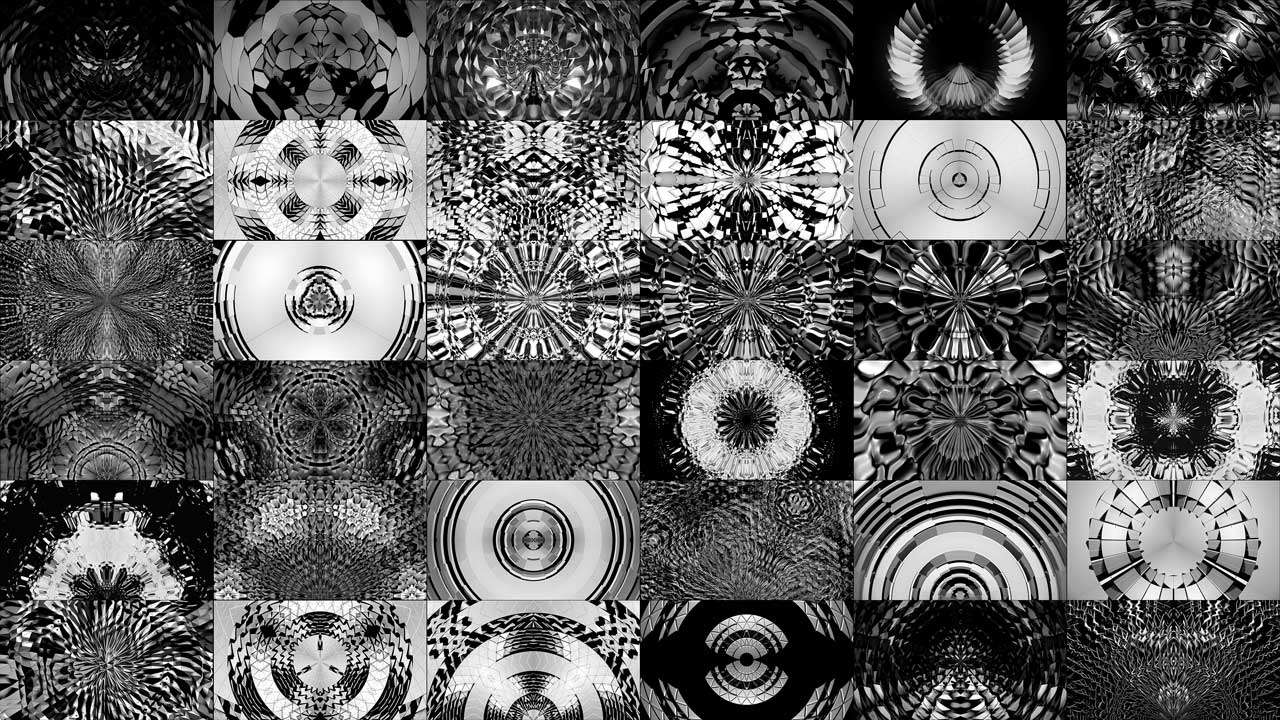
If you are building a dome show, start with the fulldome visuals collection. For immersive rooms that are not hemispheres, the immersive visuals category covers walls and irregular surfaces, and the monochrome video mapping loops double as masks in any of the tools above.
If we have missed a tool, tell us and we will add it — this list is meant to stay alive.
Latest Feature VJ Loops
Hand-picked visuals by our New Media Artists
-
Deep Serenas – Immersive Visuals Vol.2
149€ -
Sale!
VJ Loops Pack Vol.73 – Mirror Ballet
Original price was: 129€.99€Current price is: 99€. -
VJ Loops Pack Vol.18 – Abstract Background Textures
89€ -
VJ Loops Pack Vol.19 – Lovely Red
79€ -
VJ Loops Pack Vol.11 – Really Madonna
89€ -
Sale!
Interior Patterns – Immersive Visuals Vol.1
Original price was: 249€.199€Current price is: 199€. -
VJ Loops Pack Vol.85 – Gnosis Lightning
99€ -
VJ Visuals Starter Pack
99€ -
Sale!
Select options This product has multiple variants. The options may be chosen on the product page
Immersive Projection Business Guide
Original price was: 19€.12€Current price is: 12€.






Best wishes from Vienna,
Thanks for your attention, faithfully yours,
Alexander Kuiava – Founder & CEO LIME ART GROUP
https://alexanderkuiava.com/
