
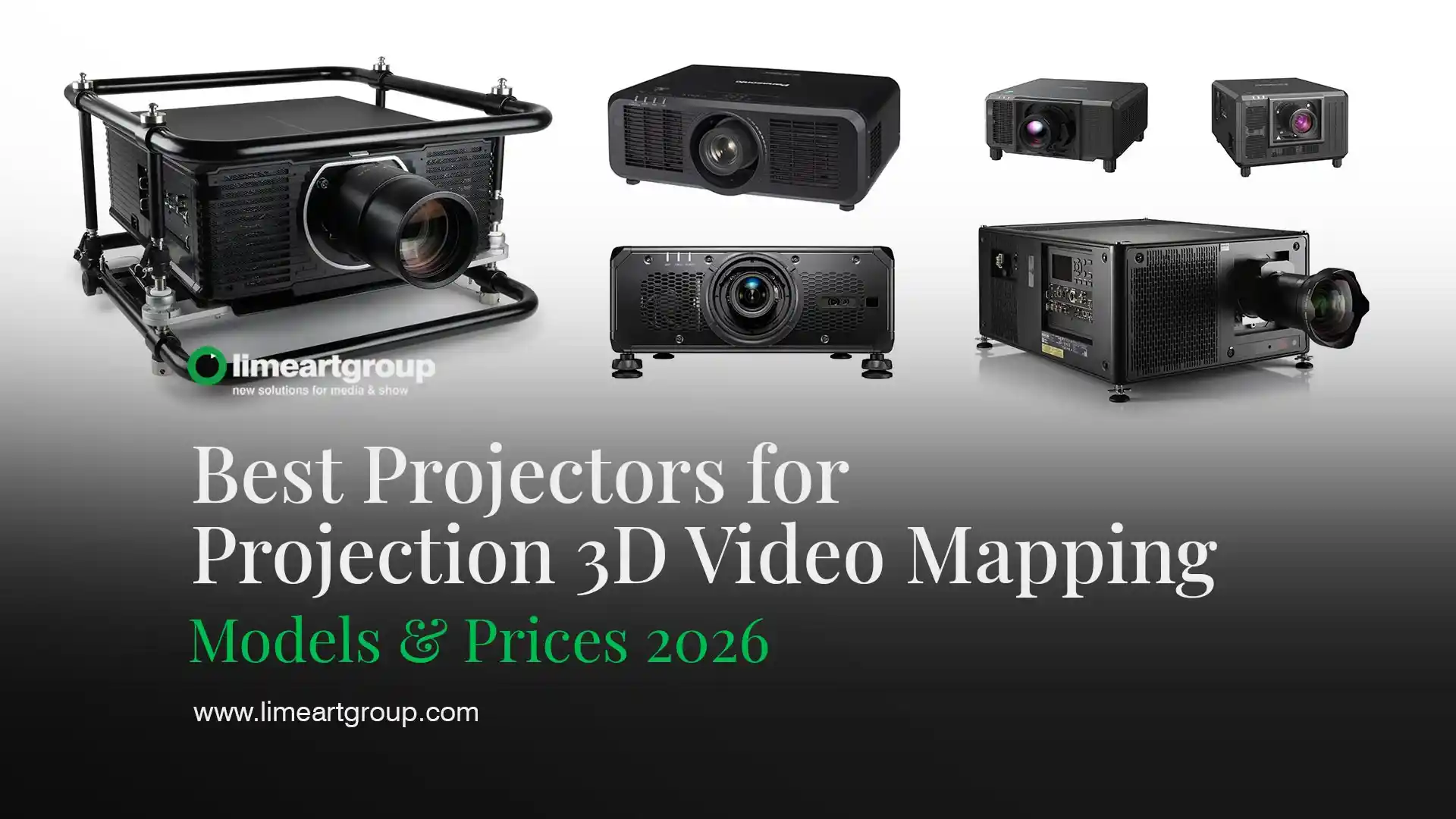
Best Projectors for Video Mapping in 2026 — Architectural and Interior
The article is written by a human. Mistakes have been edited by AI. All specifications and prices verified against manufacturer and dealer sources in July 2026. Prices move constantly — treat them as reference points, not quotes.
Two projectors both say “22,000 lumens” on the box. One measures 18,500 by the ANSI method. The other is quoted in centre lumens and measures lower still on a full white field. If you buy on the number printed in the brochure, you will occasionally buy the wrong machine — and on a facade at night, “occasionally” is expensive.
This is a shopping guide with actual model numbers, actual figures and the specific traps in how those figures are published.
Who this article is for: producers, rental companies and studios choosing a projector to buy or specify for projection mapping. Not for home cinema.
What it solves: every “best projectors” list repeats manufacturer marketing. This one separates architectural work from interior work, names current models with verified specs, and tells you where the published numbers are not comparable.
What you get by the end: two shortlists — high-brightness for facades, high-resolution for interiors and objects — with real prices, plus a used-market section, because the second-hand route is how most studios actually acquire this equipment.
Hello dear VJs and clients of LIME ART GROUP. I am new media artist Alexander Kuiava. We have specified, rented and worked around most of what follows on real shows since 2012. I have also removed several models from the old version of this article that no longer exist.

How to read a projector spec sheet without being misled
Four numbers decide whether a projector fits your job. Three of them are published in ways that make direct comparison unreliable.
Lumens: three different standards, one word
This is the single most important thing in this article. Manufacturers do not all measure brightness the same way, and the differences are large enough to change a purchase decision.
Real, current examples:
| Projector | Manufacturer figure | Independently measured / alternative standard |
|---|---|---|
| Optoma ZU2200 | 22,000 lumens | 18,500 ANSI lumens |
| Sharp NEC PX2201UL | 21,500 centre lumens | 20,500 ISO lumens |
| Barco UDX-4K32 | 31,000 lumens | 29,000 in ProjectorCentral’s database |
| Christie Griffyn 4K50-RGB | 50,000 lumens | 44,500 as listed by a European dealer |
| Barco UDX-4K40 | 37,500 lumens | listed by some rental houses at 31,000 |
None of these are lies. They are different measurements: ANSI lumens averages nine points across a full white field, ISO 21118 is a similar standardised method, and centre lumens measures only the middle of the image, which is always the brightest part. Centre lumens can run 5–15% above the ANSI figure for the same machine.
Three practical rules:
Compare within a standard or not at all. If one spec sheet says ISO and another says centre, you are not comparing the same thing. ProjectorCentral’s database is the most useful neutral reference because it normalises where it can and publishes measured review figures where it has them.
Ignore the model number as a brightness indicator. The Panasonic PT-RQ25K is a 20,000-lumen projector. The PT-RQ35K is 30,500. The PT-RZ34K is also 30,500. Barco’s UDX-4K32 is 31,000 and the UDX-4K40 is 37,500. The digits are series naming, not output.
Treat unbranded high-lumen claims as fiction. A no-name unit advertising 20,000 lumens at €900 is quoting a light-source figure with no optical losses subtracted. Divide consumer LED-projector claims by roughly three to approximate ANSI.
Throw ratio: the number that decides whether the job is possible
Throw ratio is projector distance divided by image width. A ratio of 2 means you stand 30 metres back to fill a 15-metre facade. In a real square, with trees, parked cars and a crowd, that is often simply impossible.
Short throw lenses — roughly 0.4 to 1.0 — cover the same width from a fraction of the distance. On architectural work the lens is frequently a larger decision than the projector body, and on the big three-chip platforms the lens is bought separately and can cost €5,000–€20,000 on its own. Budget for the lens as a line item, not an accessory.
Ultra short throw is not suitable for mapping anything with depth: shallow depth of focus and visible lens distortion.
Use ProjectorCentral’s throw calculator with the actual model before you commit to a position. Its brightness warnings are calibrated for lit conference rooms, so treat them as conservative for a dark square at midnight.
Resolution: native output, not accepted input
A projector advertised as accepting a 4K signal frequently outputs 1920×1200 (WUXGA) natively. That is not deception — it is a real and useful capability — but it is not a 4K projector.
Three genuinely different things sit under the “4K” label:
- Native 4K panels. Sony’s SXRD units and Christie’s DCI 4K platforms genuinely image 4096×2160 or 3840×2160 pixels.
- Pixel-shifted 4K. Panasonic’s Quad Pixel Drive on the PT-RQ series produces a 4K image from smaller panels by shifting on two axes. On a large surface at real viewing distance this is largely indistinguishable, and it costs far less.
- 4K input, WUXGA output. The Panasonic PT-RZ34K is exactly this: same body and brightness as the PT-RQ35K, converting 4K signals to WUXGA. It exists because for most facade work nobody can see the difference from forty metres, and it saves money.
For architectural mapping, resolution matters less than people assume. From thirty metres, on a textured stone facade, through haze, WUXGA is fine. For an interior room where the audience stands two metres from the surface, native 4K is the whole point.
Laser type: phosphor versus RGB pure laser
Nearly everything current is laser rather than lamp. There are two kinds.
Laser phosphor — blue lasers exciting a phosphor wheel — is the mainstream. Around 20,000 hours of stable output, good colour, far cheaper. Barco’s UDX and UDM series, Panasonic’s PT-RZ and PT-RQ, Epson’s EB-PU line and Optoma’s Ultra Bright series are all phosphor.
RGB pure laser uses separate red, green and blue laser sources. Christie’s Griffyn and M 4K RGB series are the reference here — the Griffyn 4K50-RGB reaches 98% of Rec. 2020, more than twice the colour volume of Rec. 709 and around 50% more than a DCI-P3 machine. On a saturated content-driven show the difference is visible. It also costs substantially more and the units are heavier and louder — the Griffyn 4K50-RGB runs at 47 dBA at full brightness, which matters if it sits near an audience.
For a facade show with strong colour, RGB laser earns its money. For a corporate interior or a white-heavy design, phosphor is the correct commercial decision.
Projectors for architectural video mapping
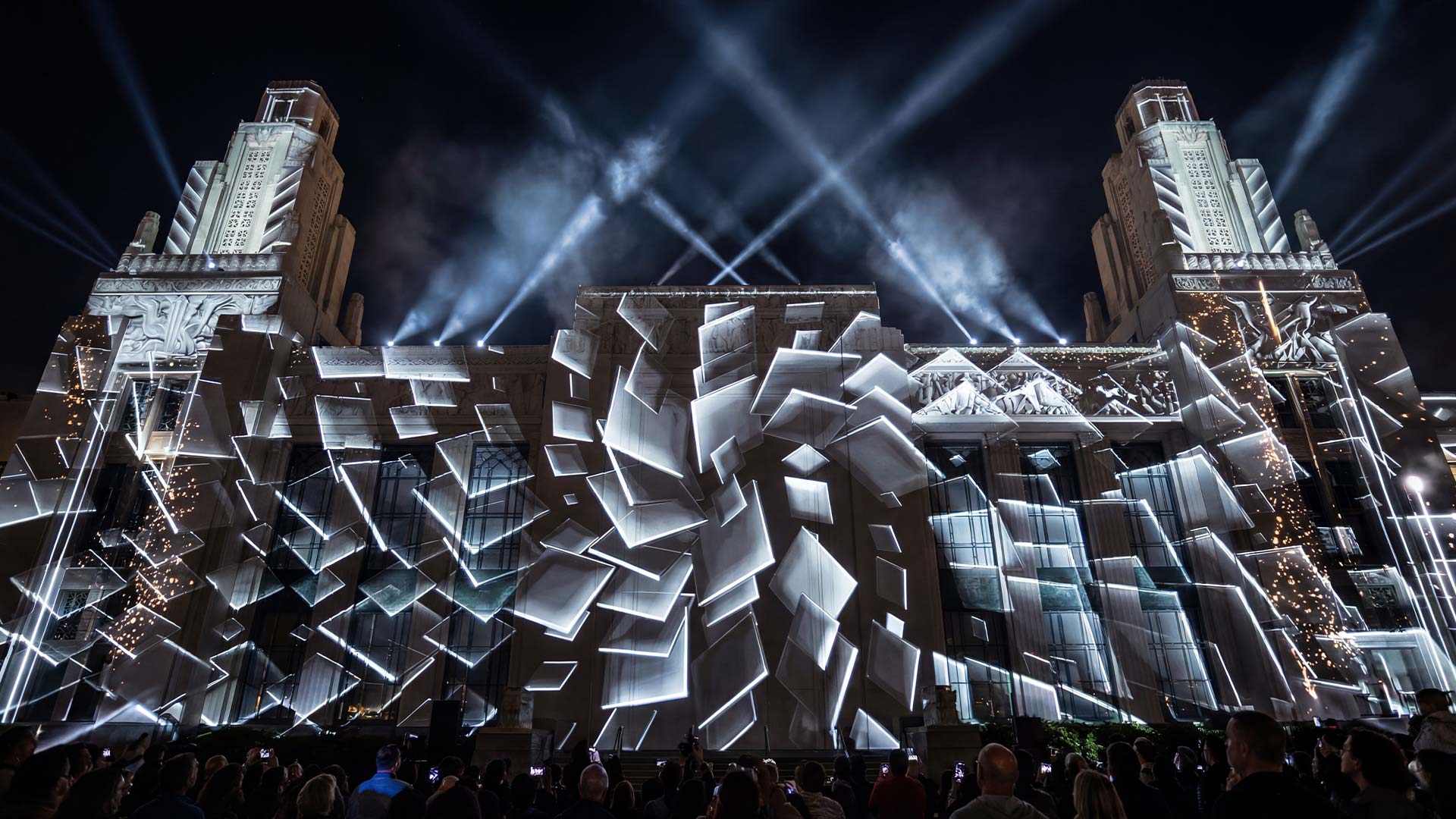
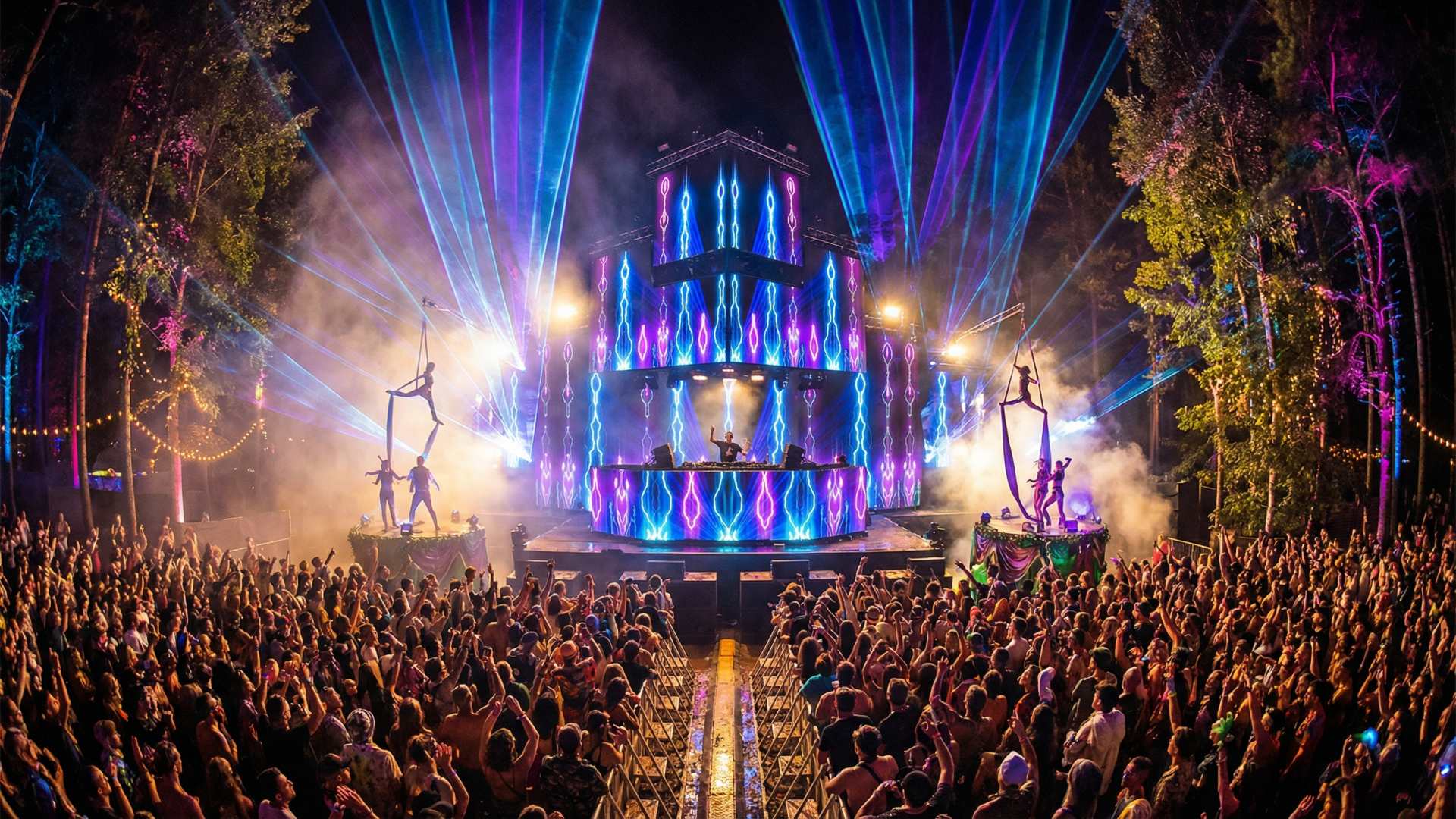
What this section covers: building facades, landmarks, festival stages, outdoor installations. High brightness, three-chip DLP, interchangeable lenses, 20,000 lumens and up.
Figures below are the manufacturers’ own unless noted. Where a second standard exists, both are shown.
| Model | Brightness (mfr) | Native resolution | Light source | Reference price |
|---|---|---|---|---|
| Christie Griffyn 4K50-RGB | 50,000 lm (EU dealer lists 44,500) | 4096×2160 DCI 4K | RGB pure laser | Dealer quote |
| Barco UDX-4K40 | 37,500 lm (some rental listings 31,000) | 4K UHD | Laser phosphor | ~€34,500 new, seen at $41,762 |
| Barco UDX-4K32 | 31,000 lm (29,000 in ProjectorCentral) | 4K UHD | Laser phosphor | Dealer quote |
| Panasonic PT-RQ35K | 30,500 lm | 4K via Quad Pixel Drive | Laser phosphor | $61,850 street |
| Panasonic PT-RZ34K | 30,500 lm | WUXGA (accepts 4K) | Laser phosphor | Dealer quote |
| Christie M 4K25 RGB | 25,300 lm | UHD 4K | RGB pure laser | Dealer quote |
| Optoma ZU2200 | 22,000 lm (18,500 ANSI) | WUXGA | Laser phosphor | Dealer quote |
| Sharp NEC PX2201UL | 21,500 centre / 20,500 ISO | WUXGA | Laser phosphor | Dealer quote |
| Panasonic PT-RQ25K | 20,000 lm | 3840×2160 4K UHD | Laser phosphor | Dealer quote |
| Epson EB-PU2220B | 20,000 lm | WUXGA | Laser phosphor | $50,660 street |
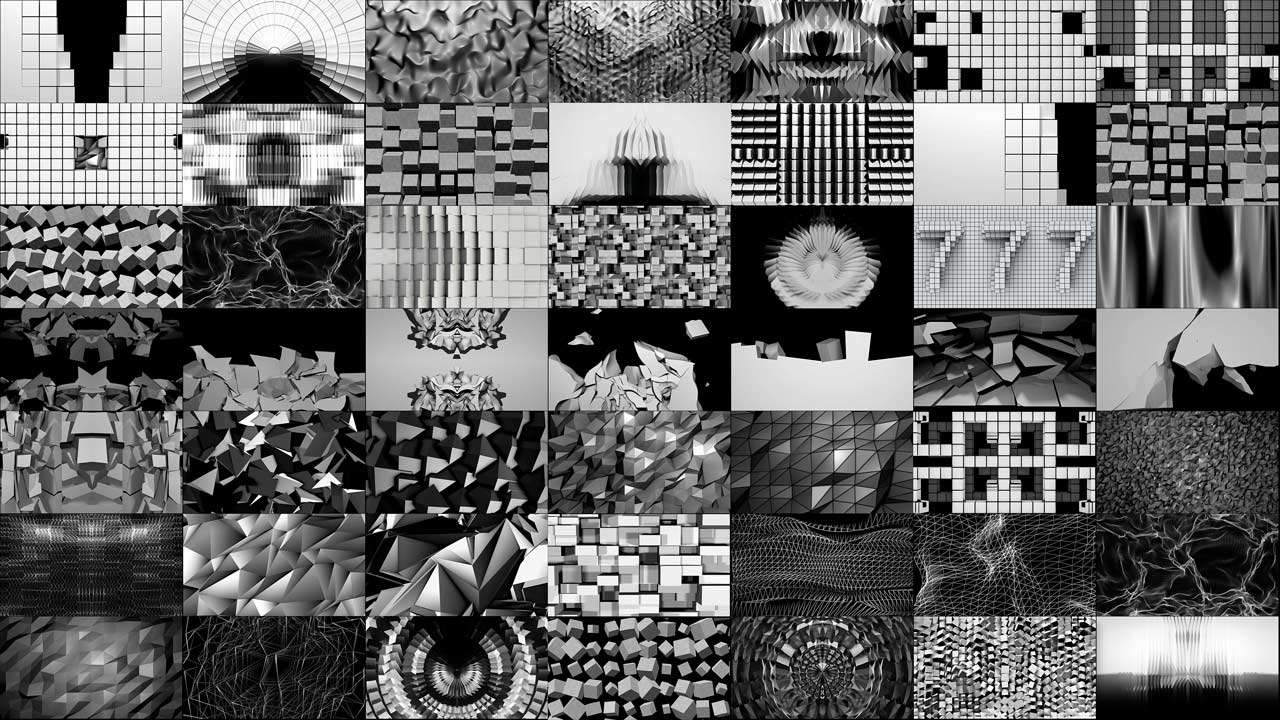
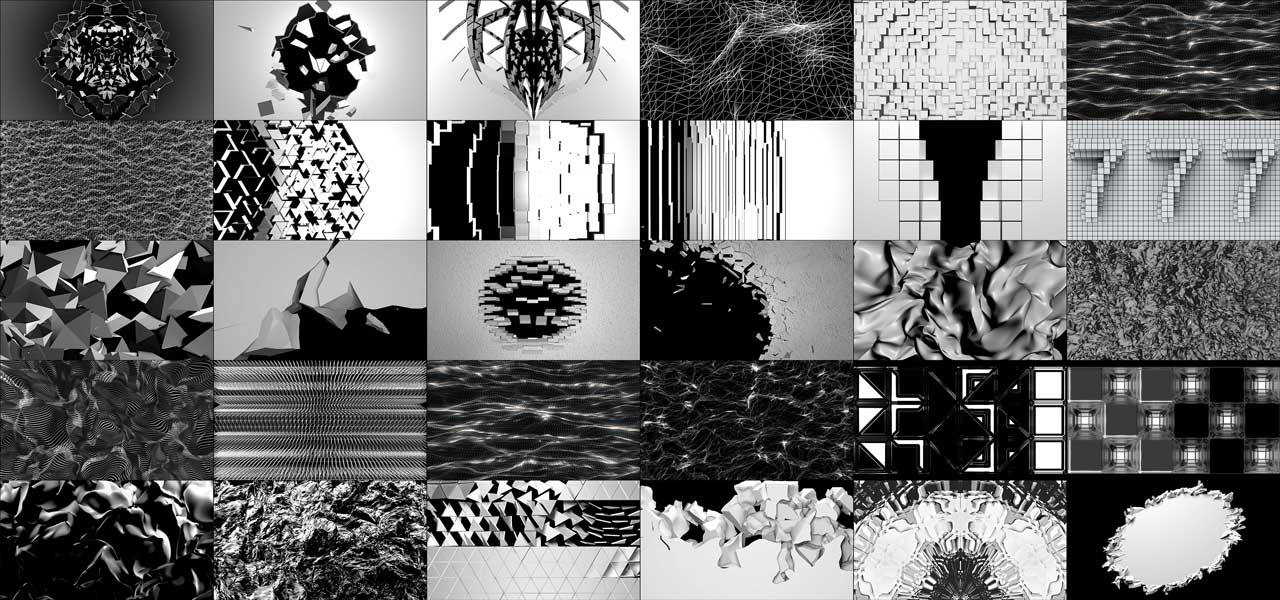
Video Mapping Loops
Content built for high-brightness architectural projection
-
Video Mapping Loops Pack Vol.2 – Smart Reflection
99€ -
Video Mapping Loops Pack Vol.8 – Gold Edition
129€ -
Video Mapping Loops Pack Vol.5 – Panorama
99€ -
Video Mapping Loops Pack Vol.10 – Transition
99€ -
Video Mapping Loops Pack Vol.3 – Fallen & Rise
99€ -
Video Mapping Loops Pack Vol.14 – Massive Turn
99€ -
Video Mapping Loops Pack Vol.6 – Wire Texture
99€ -
Video Mapping Loops Pack Vol.9 – Color Maps
99€ -
Video Mapping Loops Pack Vol.18 – Ultrawide Walls
129€











Christie Griffyn 4K50-RGB — the colour benchmark
If the show is colour-led and the budget is real, this is the reference. Native DCI 4K at 4096×2160, RGB pure laser, and 98% of Rec. 2020 — a genuinely wider gamut than anything phosphor-based can reach. It takes Christie’s 3DLP ILS4 4K lens family.
The trade-offs are weight, noise (47 dBA at full output) and price. It is a rental-house and landmark-project machine, not something a small studio buys.
Christie’s M 4K25 RGB is the same technology in a much smaller body at 25,300 lumens, with an intelligent lens system compatible with legacy M, J and Crimson series lenses — which matters enormously if you already own Christie glass.

Barco UDX-4K40 and UDX-4K32 — the rental standard
The UDX platform is what you will actually be handed by most European rental companies. Laser phosphor, 4K UHD, wide colour for a phosphor machine, and — the reason rental houses like them — very high reliability with no lamp logistics.
Watch the lumen figure carefully on these. Barco publishes 37,500 for the UDX-4K40; several rental listings quote it at 31,000, and ProjectorCentral has the UDX-4K32 at 29,000 against Barco’s 31,000. When you are calculating how many units a facade needs, use the lower figure and you will not be disappointed on the night.
Barco also runs the UDM series below UDX — up to 4K and around 22,000 ANSI lumens — which is often the more sensible choice for a mid-size facade.

Panasonic PT-RQ35K and PT-RZ34K — the practical pair
The PT-RQ35K is, in our experience, the most commonly sensible purchase in this class. 30,500 lumens, 4K via Quad Pixel Drive, and a street price around $61,850 — meaningfully less than an equivalent RGB laser machine. Panasonic states 20,000 hours of maintenance-free operation with backup input and laser failover circuitry, which is the kind of specification that matters when the show has one night.
The series is also the smallest and lightest three-chip DLP in its class, and the RQ35K’s laser configuration — two blue and one red — expands colour reproduction by 114% over the previous PT-RQ32K.
The PT-RZ34K is the same platform converting 4K input to WUXGA output. If your surface is a stone facade seen from thirty metres, buy this one and spend the difference on content.

Panasonic PT-RQ25K and Epson EB-PU2220B — the 20,000-lumen tier
The PT-RQ25K delivers 20,000 lumens at native 3840×2160, in a body 40% smaller and 35% lighter than the older PT-RQ22K. For a mid-size facade or a large stage it is frequently enough, and the size difference is not academic — it changes what you can rig and how you transport it.
The Epson EB-PU2220B reaches the same 20,000 lumens at WUXGA with a verified street price around $50,660. Epson’s PU line is three-LCD rather than DLP, which means no rainbow artefacts and, generally, higher colour brightness relative to white brightness — a real advantage on saturated content.

Optoma ZU2200 and Sharp NEC PX2201UL — the value tier
Both sit around the 20,000-lumen mark at WUXGA and both are considerably cheaper than the Barco and Christie equivalents.
The Optoma ZU2200 is rated 22,000 lumens by Optoma and 18,500 ANSI independently — use the lower number. It offers eight interchangeable lenses, 24/7 operation, up to 30,000 hours of laser life and an IP5X dust rating, which is a genuinely relevant specification for outdoor and long-run installations.
The Sharp NEC PX2201UL replaced the discontinued PX2000UL and publishes both figures honestly: 21,500 centre lumens, 20,500 ISO lumens, using 11% less power than its predecessor. It is a workhorse rather than a showpiece, and it is the right answer for permanent installations in museums, theme parks and auditoriums.
Projectors for interior, immersive and object mapping
What this section covers: immersive rooms, museum installations, stage sets, retail, object and cake mapping, permanent interior features. Lower brightness, higher resolution, quieter, smaller.
The logic inverts here. Indoors you control the ambient light, the audience is close to the surface, and pixels become visible. Resolution and colour matter more than raw output, and noise matters a great deal — a projector at 47 dBA is unacceptable in a gallery.
| Model | Brightness | Native resolution | Technology | Street price |
|---|---|---|---|---|
| Epson EB-PU2213B | 13,000 lm | WUXGA | 3LCD laser | $22,835 |
| Panasonic PT-RZ120BU | 12,000 lm | WUXGA | 1-chip DLP laser | $16,133 |
| Barco I600-4K10 | 10,000 lm | 3840×2400 | Laser | $25,500 |
| Sony VPL-GTZ380 | 10,000 lm | Native 4K SXRD | Laser SXRD | ~$80,000 without lens |
| Epson EB-PU2010B | 10,000 lm | WUXGA | 3LCD laser | $20,120 |
| Panasonic PT-RZ970BU | 9,400 lm | WUXGA | 1-chip DLP laser | $13,835 |
| Epson EB-PU1008B | 8,500 lm | WUXGA | 3LCD laser | $12,230 |
| Panasonic PT-MZ882-WU | 8,200 lm | WUXGA | 3LCD laser | $8,305 |
| Epson PowerLite L890U | 8,000 lm | WUXGA | 3LCD laser | $4,996 |
| Epson PowerLite L790U | 7,300 lm | WUXGA | 3LCD laser | $4,502 |
| Epson PowerLite L795SE | 7,000 lm | WUXGA, short throw | 3LCD laser | $6,349 |
Immersive Visuals
For interior rooms, domes and wide indoor surfaces
-
Sale!

 Select options This product has multiple variants. The options may be chosen on the product page
Immersive Projection Business Guide
Original price was: 19€.12€Current price is: 12€. -
Sale!
Interior Patterns – Immersive Visuals Vol.1
Original price was: 249€.149€Current price is: 149€.



Sony VPL-GTZ380 — when native 4K is the actual requirement
Sony’s SXRD panels image native 4K with no pixel shifting and no upscaling, and the GTZ380 delivers 10,000 lumens of it while covering the full DCI-P3 colour space. At 112 lbs it is the lightest and most compact machine in its class, with a four-corner mount designed specifically for multi-projector installations — planetarium domes, large exhibitions, gallery spaces.
The price is about $80,000 before you add a lens, which puts it firmly in the permanent-installation and high-end-museum category. But if the brief is a dome, or a room where visitors stand within touching distance of the image, nothing in the pixel-shifted world is a substitute.

Barco I600-4K10 — the sensible high-resolution interior choice
10,000 lumens at 3840×2400 for around $25,500 is, for immersive room work, one of the better value propositions currently available. That resolution is unusually tall — 16:10 rather than 16:9 — which suits floor-to-ceiling interior surfaces better than a standard UHD panel.

Epson EB-PU2213B and Panasonic PT-RZ120BU — the working middle
For most commercial interior mapping — a retail activation, a stage set, a corporate immersive room — you want 10,000 to 13,000 lumens, WUXGA, quiet, with interchangeable lenses.
The Epson EB-PU2213B at 13,000 lumens and $22,835 and the Panasonic PT-RZ120BU at 12,000 lumens and $16,133 are the two most frequently correct answers in that band. Epson’s 3LCD has the colour-brightness advantage; Panasonic’s single-chip DLP is generally smaller and cheaper for the same output.
The €5,000 tier: where object mapping actually lives
You do not need any of the above for a cake, a car, a shop window or a DJ booth.
The Epson PowerLite L790U at $4,502 and L890U at $4,996 deliver 7,300 and 8,000 lumens at WUXGA with laser light sources and interchangeable lenses — meaning 20,000 hours and no lamp changes. The L795SE at $6,349 is the short-throw variant, which is usually the constraint that matters in a small room.
For a full interior with two or three of these, you have a professional installation for the price of one mid-tier facade projector.
A note on content resolution. There is no point owning a 4K projector if you feed it 1080p. Our Video Mapping Loops and Immersive Visuals are produced in Full HD, UltraHD, 4K and ultrawide formats precisely so the content can match the panel. Match the chain end to end or spend the money elsewhere.
Buying used: where most studios actually get their projectors
New prices above are reference points. Almost nobody in this industry buys a €60,000 projector new for a first purchase. The used market for professional projection is deep, liquid and reasonably honest, and it is where the sensible money goes.
What things actually cost second-hand
Observed price points, July 2026 — treat these as indicative because inventory turns over weekly:
| Model | Brightness | Observed price |
|---|---|---|
| Barco UDX-4K40 | 37,500 lm | €28,735 sale / €34,482 list at a UK dealer; $41,762 seen elsewhere |
| Panasonic PT-RQ35 | 30,000 lm | €34,482 sale / €41,379 list |
| Panasonic PT-RZ34K | 30,500 lm | ~$25,000 used |
| Panasonic PT-RQ25 | 20,000 lm | €22,874 sale / €27,449 list |
| Christie Griffyn 4K32-RGB | ~34,000 lm | Available used, quote on request |
| Panasonic PT-RQ32K | 27,000 lm | Available used, quote on request |
The rough shape of the curve: a professional laser projector loses 30–50% of its new price in the first two to three years, then flattens. Rental fleets refresh on roughly a four-year cycle, which is why good stock appears in volume rather than one at a time.
Where to look: UsedLighting.com, GearSource, Gearsupply, Solaris Network, StradEvents and Rebeam in Europe. Christie also runs a certified refurbished programme through its own marketplace, which is the safest and most expensive used route.
What to check before you pay
Laser hours, not lamp hours. Ask for the exact figure from the projector’s own menu, in a photograph. A 20,000-hour laser at 9,000 hours has real life left; at 17,000 it is a spare-parts machine.
Whether a lens is included. This is the single biggest hidden cost. Bodies are frequently sold “no lens” and a suitable lens can be €5,000–€20,000. A cheap body with no glass is not cheap.
Colour uniformity and laser bank health. Ask for a photograph of a full white field and a full grey field at full brightness. Patchiness, a colour cast across one side, or visible banding means degraded laser banks. This is the failure mode that used sellers do not volunteer.
Fan and filter condition. Rental units live outdoors and inhale dust. Ask when the filters were last replaced and whether the unit has ever thermally shut down.
Firmware and warranty transferability. Some manufacturers will not transfer warranty or will not sell service to a second owner. Ask before, not after.
Physical damage to the mount points. Rigged units get dropped. Check the frame, not just the optics.
Rent or buy
The crossover is roughly four to six uses. Below that, rent — you get current equipment, insurance and a technician, with no capital tied up and no storage. Above it, and especially for a permanent installation, ownership wins. We wrote the full economics, including day rates and where the rest of the budget goes, in our guide to what a projection mapping show costs.
Do not buy the cheap LED projectors
This warning was in the 2019 version of this article and it has become more necessary, not less.
The market is now saturated with sub-€500 units advertising four- and five-figure lumen counts. Those numbers are light-source output before optical losses, and the real figure is usually a third or less of what is printed. A “3,000 lumen” LED projector is typically around 1,000 ANSI, and frequently worse.
They also fail in ways that matter specifically for mapping: poor contrast, so blacks come out grey and the depth illusion collapses; no lens shift or interchangeable lenses, so you cannot place them; no geometric correction beyond basic keystone; and no serviceability.
If your budget is small, buy a used professional unit rather than a new cheap one. A five-year-old Epson or Panasonic from the used market at the same price will outperform it on every axis that affects a projection mapping show, and it will still be working in three years.
Four questions that choose the projector for you
One: how wide is the surface, and how far back can you physically stand? This gives you the throw ratio, and the throw ratio eliminates most of the market before brightness is even discussed.
Two: how much ambient light can you actually turn off? This sets the brightness tier. It is also the only variable on this list that is free to change.
Three: how close is the audience to the surface? Under five metres, resolution matters and you are in the interior section. Over twenty, it does not and you are in the architectural section.
Four: how many times will you use it? Under four to six, rent. Above that, buy — and buy used.
Answer those four honestly and there are usually only two or three correct models left.
Frequently asked questions about video mapping projectors
How many lumens do I need for projection mapping?
Dark indoor rooms and small objects work at 3,000–8,000 lumens. Interior installations with some ambient light need 10,000–13,000. A small facade in genuine darkness needs 10,000–20,000. A mid-size or landmark facade with street lighting needs 20,000–50,000, usually across several units. Surface size and ambient light decide it, not the size of the building.
What is the difference between ANSI, ISO and centre lumens?
ANSI averages brightness across nine measurement points on a full white field. ISO 21118 is a similar standardised method. Centre lumens measures only the middle of the image, which is always brightest, and can read 5–15% higher for the same projector. When comparing two models, check which standard each figure uses — the Optoma ZU2200 is 22,000 by the manufacturer’s measure and 18,500 ANSI.
Which projector brand is best for video mapping?
For colour-critical architectural work, Christie’s RGB pure laser series. For rental-standard reliability at scale, Barco UDX. For the best price-to-brightness ratio in a serious machine, Panasonic PT-RQ. For interior installations at moderate brightness, Epson’s PU and PowerLite L lines. For native 4K in a room where the audience stands close, Sony SXRD. There is no single best — there are correct answers per application.
Is a 4K projector worth it for mapping a building?
Usually not. At thirty metres on a textured facade through haze, WUXGA is indistinguishable from 4K, and Panasonic sells the PT-RZ34K specifically for that reason — same body and brightness as the 4K PT-RQ35K, converting 4K input to WUXGA output for less money. Spend the difference on content. For an interior room where the audience is within a few metres, native 4K matters.
What does a lens cost on a professional projector?
On three-chip platforms the lens is bought separately and typically runs €5,000–€20,000 depending on throw range. On used purchases, check whether a lens is included before comparing prices — “body only” listings look far cheaper than they are.
Can I use a home cinema projector for projection mapping?
For learning on a box or a small object indoors, yes. For anything professional, no: home units lack interchangeable lenses, lens shift, geometric correction, edge blending and the brightness to compete with any ambient light. They also have no serviceability path when they fail mid-show.
How long does a laser projector last?
Roughly 20,000 hours of stable output for laser phosphor, with some models rated to 30,000. That is eight hours a day, every day, for around seven years. Lamp-based units managed 2,000–5,000 hours and dimmed noticeably across that life, which is why almost nothing new is lamp-based.
Should I buy new or used?
Used, for almost everyone. A professional laser projector loses 30–50% of its price in the first two to three years and then holds value. Rental fleets refresh on a roughly four-year cycle, so good stock appears regularly. Verify laser hours, lens inclusion and colour uniformity before you pay.
Sources
All specifications and prices were taken from the sources below and checked in July 2026. Where a manufacturer figure and an independent measurement differ, both are shown in the article.
Manufacturer sources
- Barco — barco.com, UDX and UDM product and specification pages
- Christie Digital — christiedigital.com, Griffyn and M 4K RGB series
- Panasonic Connect — connect.panasonic.com, PT-RQ25K, PT-RQ35K and PT-RZ34K series
- Epson — epson.com, EB-PU and PowerLite L series
- Sony Professional — pro.sony, VPL-GTZ380
- Optoma — optoma.com and optomaeurope.com, ZU2200
- Sharp NEC Display Solutions — sharpnecdisplays.us, NP-PX2201UL
Specification databases and street prices
- ProjectorCentral — projector database, measured review figures and street prices
- ProjectorCentral throw calculator
Used and dealer market
- UsedLighting.com · GearSource · Gearsupply · Solaris Network · StradEvents · Rebeam · Stage Experts · Full Compass Systems · B&H Photo Video · Christie Marketplace certified refurbished programme
Operational observations, the used-buying checklist and the lens-cost warning are drawn from our own production experience rather than published documentation.
Match the projector to the content, not the brochure
The best projector for your job is the one that fits the throw distance, beats the ambient light on your surface, and leaves budget for content — because a modest projector running excellent content beats a spectacular projector running filler, every time.
If you already have the machine and need something worth putting through it, start with the Video Mapping Loops and Video Mapping Toolkits, or the Immersive Visuals if you are working indoors. If you want to produce the content yourself, our complete guide to making video mapping walks the whole pipeline.
And if you are about to spend five figures on a used unit and want a second opinion on the listing, write to us. We have been wrong about a projector purchase before and it is a cheap conversation to have first.
Latest Feature VJ Loops
Hand-picked visuals by our New Media Artists
-
VJ Loops Pack Vol.18 – Abstract Background Textures
89€ -
VJ Loops Pack Vol.19 – Lovely Red
79€ -
VJ Loops Pack Vol.11 – Really Madonna
89€ -
Sale!
Interior Patterns – Immersive Visuals Vol.1
Original price was: 249€.149€Current price is: 149€. -
VJ Loops Pack Vol.85 – Gnosis Lightning
99€ -
VJ Visuals Starter Pack
99€ -
Sale!
Select options This product has multiple variants. The options may be chosen on the product page
Immersive Projection Business Guide
Original price was: 19€.12€Current price is: 12€. -
VJ Loops Pack Vol.83 – Vivid Wheat
99€ -
Sale!
Green Screen Video Footage Bundle Vol.1 – 5in1
Original price was: 499€.299€Current price is: 299€.








Best wishes from Vienna,
Thanks for your attention, faithfully yours,
Alexander Kuiava – Founder & CEO LIME ART GROUP
https://alexanderkuiava.com/
