
How to Choose a Laptop for VJing — 2026 Guide
The article is written by a human. Mistakes have been edited by AI.
Hardware specifications from manufacturers, checked July 2026. Laptop configurations and prices vary enormously by region and retailer — treat every figure as a starting point, not a quote.
I opened the original version of this article by saying you should not expect benchmarks, tests or laptop comparisons, because a new generation appears every year and makes the previous one look silly. I still believe that. I have also put a list of ten laptops at the bottom of this page, which looks like a contradiction and needs explaining before you read it.
The philosophy has not changed: do not agonise over which model. What has changed is that a specific technical bottleneck for VJs became measurable, and it is not the one most buying guides talk about. Once you understand that bottleneck, choosing takes ten minutes instead of three weeks — which is the whole point of the original argument.
Who this article is for: VJs buying a machine to run Resolume, VDMX, MadMapper or TouchDesigner live, with multiple layers of 4K content. Not for gamers, and not for people rendering overnight.
What it solves: every laptop guide optimises for frame rate in games. VJing has a different bottleneck, and buying by gaming benchmarks leads people to spend money in the wrong place.
What you get by the end: the one specification that actually limits multilayer playback, the real minimum for club work, and ten machines that meet it.
Hello dear VJs and clients of LIME ART GROUP. I am new media artist Alexander Kuiava. Since 2012 our studio has produced over 100 VJ Loops Packs, which means we spend our lives watching content fail on underspecified machines.
Why computing power always feels insufficient
Over more than fifteen years in this industry, updating equipment every two or three years, I came to a conclusion that has never stopped being true: there is never enough computing power. Rendering has always been slow and it appears it always will be.
The reason is that formats grow faster than hardware. What used to be 720p is now 4K and 8K and real-time rendering. Despite generation after generation of processors and graphics cards, visual effects still take serious time to render, whether in After Effects, Cinema 4D or Unreal Engine.
VJing followed the same curve. We used to deal with two or three layers at 720p. Now it is four to seven layers at 4K, and sometimes 16K to 20K for immersive projections — at which point a laptop is genuinely the wrong tool and you need a machine built for the job.
So this article still will not tell you whether Intel beats AMD or NVIDIA beats AMD. Those arguments expire. What follows instead is the thing that does not expire: understanding which component runs out first when you add another layer.
What actually limits a VJ laptop
Gaming benchmarks measure how fast a GPU can generate new frames. VJing barely does that. A VJ machine spends its time decoding many video streams at once and compositing them, which stresses completely different parts of the system.


VRAM is the ceiling, and almost nobody says so
This is the specification that decides how many layers you can run, and it is the one buying guides ignore.
VJ codecs like DXV and HAP are designed to be decoded by the GPU rather than the CPU. That is exactly why they perform so well — and it means the decompressed frames live in graphics memory. Every additional layer, every preview window, every effect buffer takes more VRAM. When you run out, playback does not degrade gracefully. It stutters, drops frames, or the application falls over, usually at the worst moment.
Here is the 2026 laptop stack, which makes the decision straightforward:
| Laptop GPU | VRAM | Realistic VJ use |
|---|---|---|
| RTX 5050 / 5060 / 5070 | 8 GB | Full HD work, two or three layers. Adequate for small club screens |
| RTX 5070 Ti | 12 GB | Comfortable Full HD, careful 4K. A sensible working minimum |
| RTX 5080 | 16 GB | Multiple 4K layers with effects. The sweet spot for professional club and festival work |
| RTX 5090 | 24 GB | Heavy 4K and ultrawide compositions, large canvases, headroom for everything |
The 24 GB on the RTX 5090 laptop is the largest frame buffer ever put in a mobile GPU. For most VJs it is more than the work requires — but if you build ultrawide compositions like 5760 × 1080, or run many simultaneous 4K layers, it is the one specification worth overspending on.
The practical rule: buy VRAM, not clock speed. A 16 GB card running slightly slower will outperform a fast 8 GB card the moment you add the fourth layer.
Disk throughput is the second bottleneck
DXV and HAP trade file size for decode speed. The files are far larger than H.264, so your drive has to feed the GPU continuously — and you multiply that demand by every layer playing at once.
My advice on this has not changed and does not need to. Forget mechanical drives entirely. Do not settle for SATA SSD. Use NVMe, M.2. And when comparing drives, look at sustained read speed rather than the headline burst figure, because a VJ set is sustained load, not a benchmark burst.
If you do only two things after reading this article, make them these: put your content on a fast NVMe drive, and prepare your clips in the codec your software actually wants — DXV for Resolume, HAP almost everywhere else. Those two changes alone will improve real-world performance more than a GPU upgrade for most people.
In our VJ Loops Shop we supply both Mov ProRes and Mov DXV archives, and both are included in the product price, precisely so that this step is not your problem. The article about video codecs covers which codec belongs where.
RAM is about library size, not layers
RAM holds your project, your clip index and your operating system. It is not where video frames live during playback — that is VRAM.
32 GB is the working minimum. 64 GB is what I recommend. The reason is not performance in a strict sense; it is that VJ software with a few hundred clips loaded, plus a browser, plus whatever else you have open, will consume more than you expect, and a machine that starts swapping to disk mid-set is a machine that stutters.
CPU matters less than you think, until it doesn’t
Because DXV and HAP decode on the GPU, the processor is not doing the heavy lifting during normal playback. Anything current in the Intel Core Ultra 7 / Ryzen 9 class is sufficient, and paying for the absolute top processor buys you very little in a VJ context.
Where the CPU does matter: switching decks and banks quickly, loading large projects, running generative content in TouchDesigner, and anything not GPU-accelerated.
Ports, and the constraint nobody plans for
Almost every laptop gives you one HDMI output. That is the real limit on your rig, and it catches people out at the venue rather than in the shop.
What to check before buying:
- HDMI 2.1 rather than 2.0 if you intend to drive 4K at high refresh rates.
- USB-C with DisplayPort Alt Mode, and whether it runs off the discrete GPU or the integrated one — this varies by model and determines whether that port is usable for output at all.
- Thunderbolt 4 or 5 if you plan to add outputs through a dock.
- Enough USB-A ports for your controllers, or accept that you are carrying a powered hub. Which you should be carrying anyway.
If you need several independent outputs, the honest answer is that a laptop is the wrong shape of machine and you want a small form factor desktop with a proper output card.
Thermals, dust and noise — the specification that is not on the spec sheet
This is the part I feel most strongly about, and nothing in the last decade has changed it.
VJs work in clubs and at festivals. That means heat, dust, smoke machines, long sets and no opportunity to reboot. Your laptop needs to be stable, cool well, and survive an environment designed for humans rather than computers.
Therefore: look for a chassis with a serious ventilation system. Thin and light laptops are not suitable at all. A slim machine will thermally throttle two hours into a set, and throttling looks exactly like dropped frames. Vapour chamber cooling and a thick chassis are features, not compromises.
A related point that nobody mentions: fan noise matters in a DJ booth. A laptop running at full fan speed next to a microphone or in a quiet gallery installation is a genuine problem. This is the one area where Apple silicon has a real practical advantage — an M-series machine does similar creative work at roughly a seventh of the power draw and stays effectively silent.
The screen is the least important component
You are looking at the projection or the LED wall. Your laptop panel is a control surface. A 240 Hz OLED display is lovely and irrelevant to your work — do not pay extra for it, and put the money into VRAM.
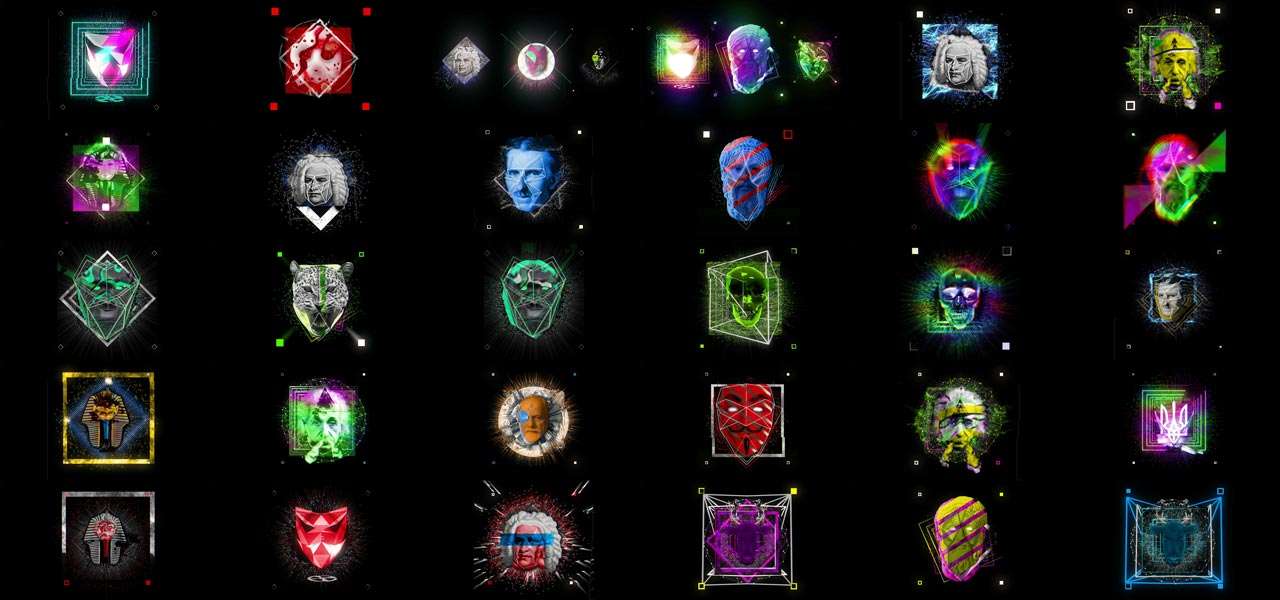
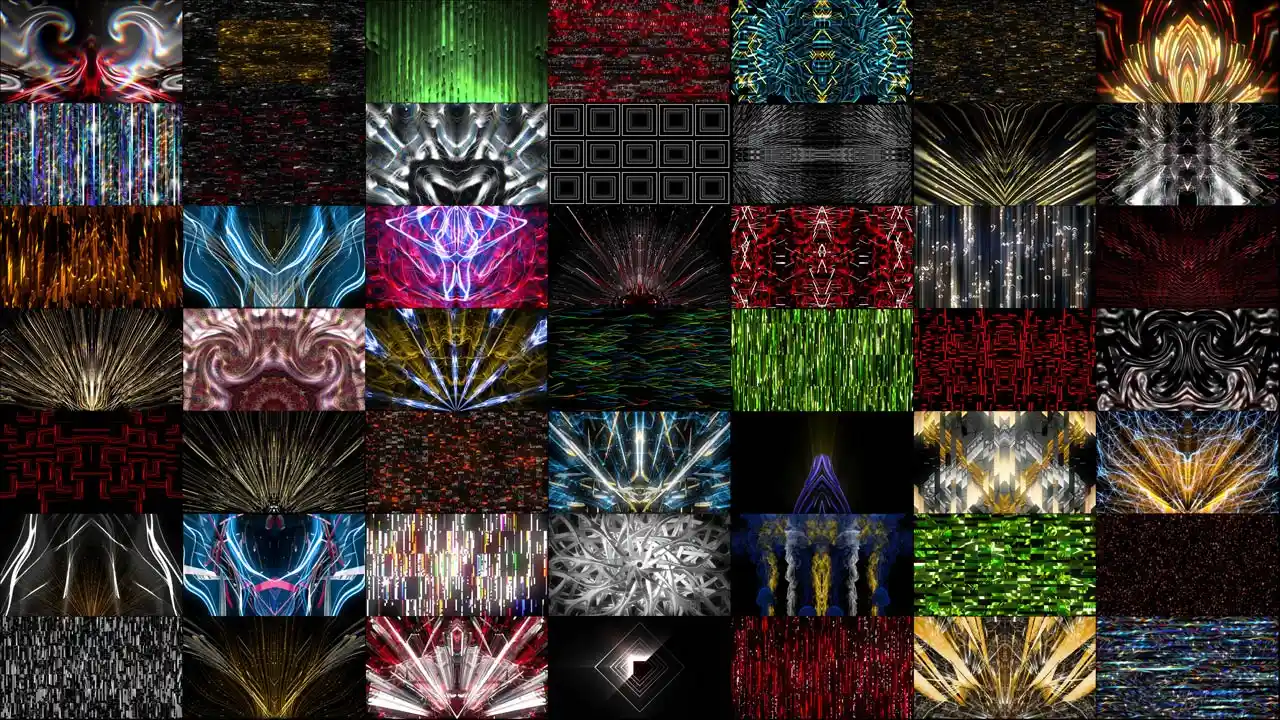
VJ Clips
Delivered in ProRes and DXV — nothing to transcode the night before
-
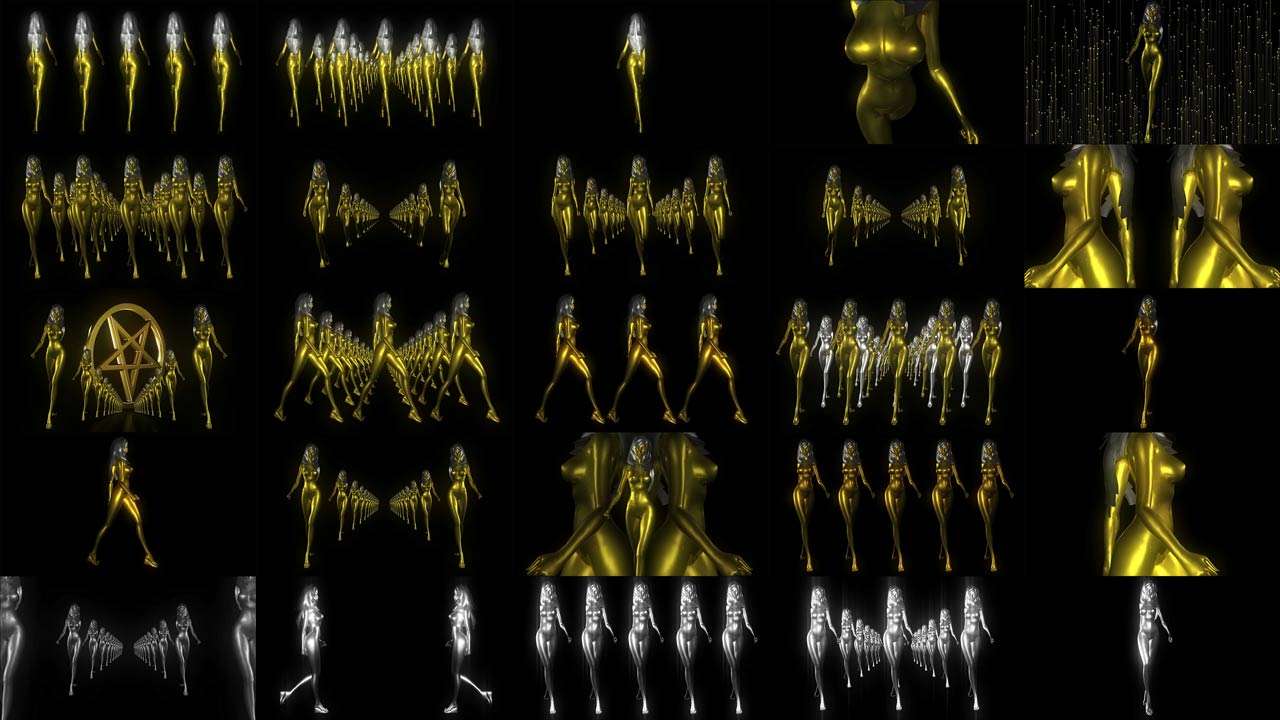
VJ Loops Pack Vol.41 – Goldfrau
79€ -
VJ Loops Pack Vol.29 – Glitch Backgrounds
89€ -
VJ Loops Pack Vol.17 – Main Element
99€ -
VJ Loops Pack Vol.28 – DecoLines
99€ -
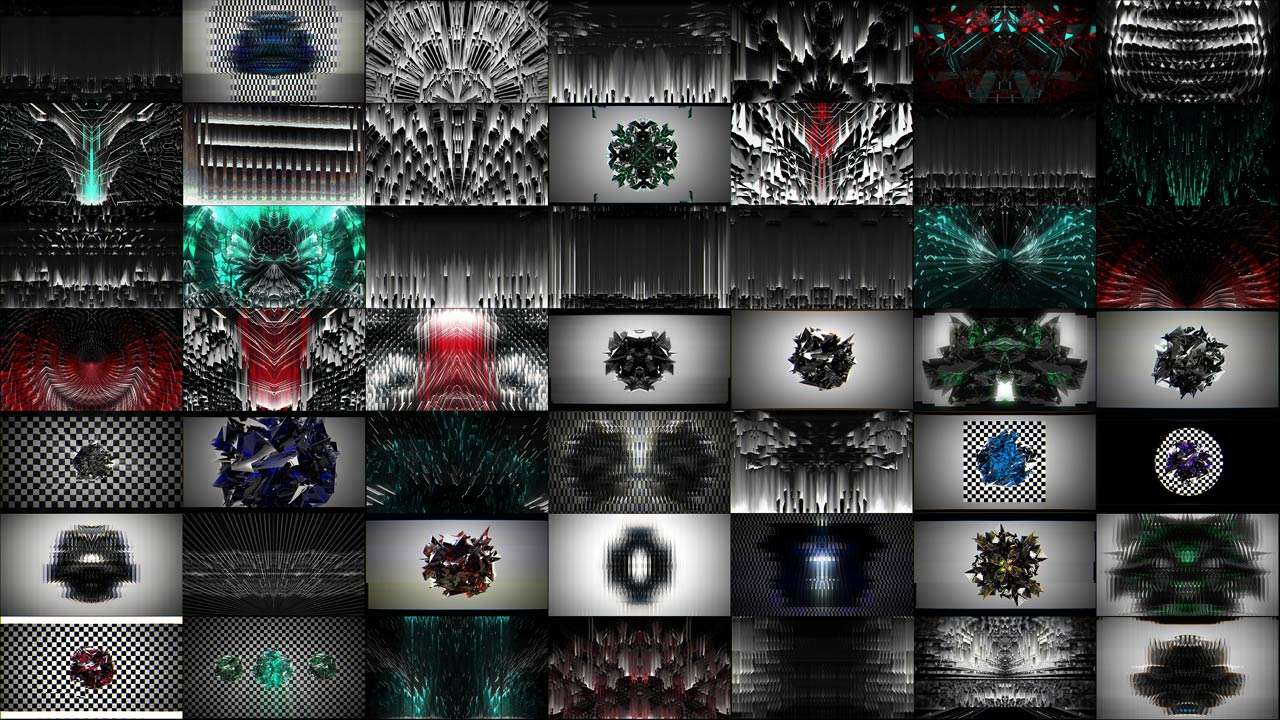
VJ Loops Pack Vol.18 – Abstract Background Textures
89€ -
VJ Loops Pack Vol.11 – Really Madonna
89€ -
VJ Loops Pack Vol.12 – Interstellar Hypergate
59€ -
VJ Loops Pack Vol.1 – Smart Lines
99€ -
Vj Loops Pack Vol.26 – Gilded Roots
99€













Windows or Mac
The split is decided by software, not preference.
Windows if you use Resolume, because the ecosystem, the DXV workflow and the NVIDIA GPUs are all built around it. This is where most club and festival VJing lives.
Mac if you use VDMX, MadMapper or Modul8 — several of which are macOS-only. The performance picture is genuinely competitive: an RTX 5090 laptop is roughly one and a half to two times the raw GPU power of an M4 Max, but the M4 Max delivers its performance at around a seventh of the power consumption and near silence. In a booth or an unattended installation those two things matter more than a benchmark margin.
A note for people who record their sets: the RTX 5090 laptop carries three NVENC encoders and can cut video encoding time substantially. If you export recordings of your performances regularly, that is a real workflow saving rather than a spec-sheet number.
Top 10 laptops for VJs in 2026
Here is the list, with the caveat I opened this article with: this is a snapshot with an expiry date. By next year several of these will have been replaced. The specifications underneath — VRAM, cooling, ports — will still be the right way to choose.
I have not ranked these by gaming performance. They are ordered by how well they suit VJ work specifically.
1. Razer Blade 16 (2026) — The best all-round choice if budget allows. Available with RTX 5080 or 5090, strong build quality, good port selection and a chassis that survives touring. Premium price, and Razer’s build is the most travel-worthy in this list.
2. Lenovo Legion Pro 7i (2026) — The thermal engineering pick. Its vapour chamber cooling lets an RTX 5080 with an Intel Ultra 9 hold higher sustained clocks than competitors, which in VJ terms means it does not throttle in hour three. If I were buying one machine for club residencies, this would be it.
3. ASUS ROG Zephyrus G16 — The portability compromise done properly. RTX 5070 Ti in a 4.4 lb chassis. Lighter than everything above it while still cooling adequately. The right answer if you fly to gigs.
4. MSI Titan / Raider 18 — The desktop-replacement tier. RTX 5090 with 24 GB, large chassis, serious cooling. Heavy and loud, and neither of those matters if the machine lives on a flight case at festivals.
5. Razer Blade 18 — Same philosophy as the Titan with better build. Large screen you will not use, large cooling system you will.
6. MSI Crosshair 16 HX — Solid mid-tier with RTX 5070 Ti or 5080 configurations. Less refined than the Razer, meaningfully cheaper, and the specification that matters is identical.
7. Lenovo Legion 5i Gen 10 — The value pick. Usually configured with an RTX 5070 or 5070 Ti. This is the machine to buy if your budget is genuinely tight and you work at Full HD or light 4K.
8. MacBook Pro 16″ with M4 Max — The choice for VDMX, MadMapper and Modul8 users. Silent, cool, superb battery, excellent for installations and galleries where noise is unacceptable. Not the machine for a Resolume-based Windows workflow.
9. MacBook Pro 14″ with M4 Pro — The travel Mac. Lower power than the Max but genuinely portable, and adequate for Full HD and moderate 4K work in macOS VJ software.
10. ASUS ProArt series — The outlier worth knowing. Built for creators rather than gamers, with better colour accuracy and quieter operation, at the cost of raw GPU power for the money. Sensible if the same laptop also has to do your content production.
What to configure, whatever you pick: minimum 16 GB VRAM if you work in 4K, 32 GB system RAM as a floor and 64 GB if you can, a fast NVMe with high sustained read, and HDMI 2.1.
What to ignore: display refresh rate, RGB lighting, and the thinnest chassis in the range.
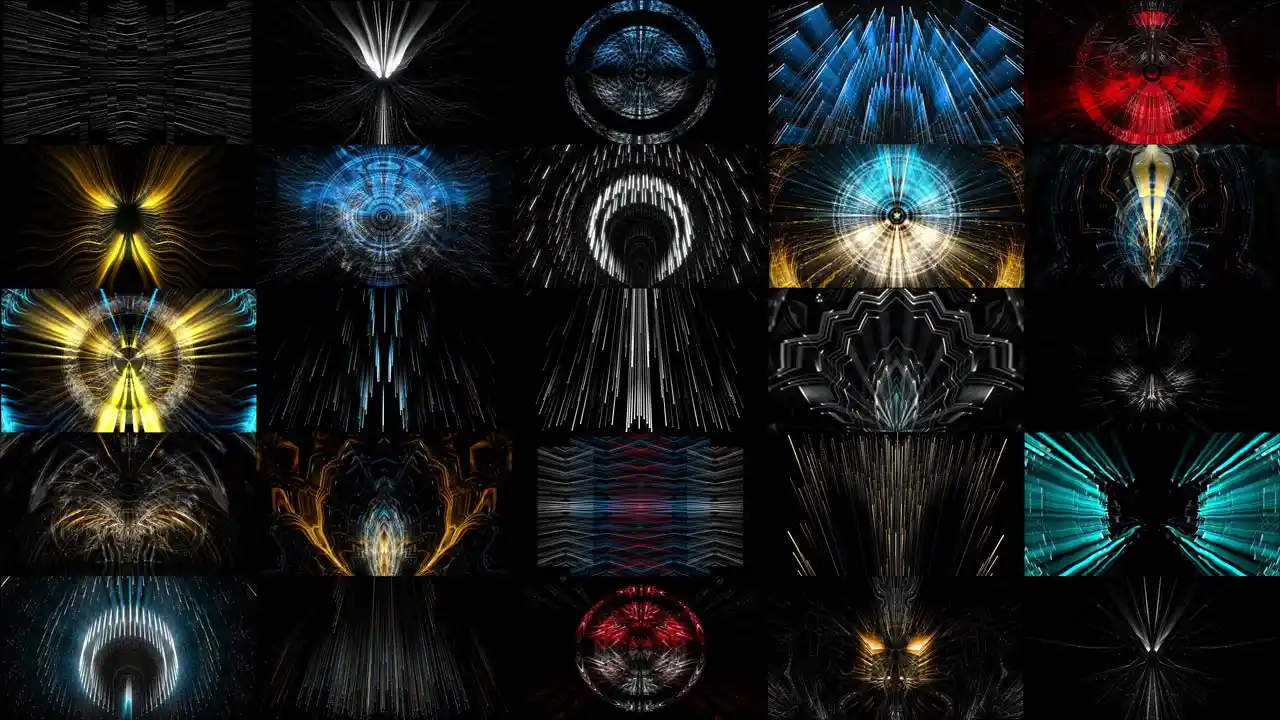
AI Visuals
New-generation content for VJs who want a set nobody else has








What to spend, and where not to
The entry threshold for a laptop that will do real VJ work has moved, but not as much as marketing suggests. Around €1,500–2,000 buys a machine that handles club work at Full HD and light 4K. The €2,500–3,500 band is where professional festival work sits comfortably. Above €4,000 you are buying headroom you may never use.
And here is the argument I have made for years and still stand behind. Your graphics card will be outdated in two years. Good visual content will not be.
There are clients still buying Full HD visuals we created back in 2012. Fourteen years later, that content is still earning. No graphics card in history has managed that. So if you have money spare after buying a laptop that meets the specification above, putting it into your content library is the better investment — not because we sell content, but because it is demonstrably the asset with the longer life.
Every year or two, manufacturers find a new reason for you to upgrade. One year it is a new technology, the next it is more performance, the third the trend changes entirely. Then the cycle repeats. Understanding that cycle is worth more than winning any individual round of it.
Frequently asked questions about VJ Laptops
What laptop specifications do I need for VJing?
For professional 4K work: 16 GB of VRAM or more, 32 GB of system RAM as a minimum with 64 GB preferred, a fast NVMe M.2 drive, HDMI 2.1, and a chassis with serious cooling. For Full HD club work, 8–12 GB of VRAM and 32 GB of RAM is sufficient. The processor matters least — anything in the current Intel Core Ultra 7 or Ryzen 9 class is fine.
How much VRAM do I need for VJing?
VRAM is the ceiling on how many layers you can run, because DXV and HAP are GPU-decoded codecs and the decompressed frames live in graphics memory. 8 GB handles Full HD and two to three layers. 12 GB is a comfortable working minimum. 16 GB suits multiple 4K layers with effects. 24 GB, currently only on the RTX 5090 laptop, is for ultrawide compositions and heavy multi-layer 4K.
Is a MacBook good for VJing?
It depends on your software. If you use VDMX, MadMapper or Modul8 — some of which are macOS-only — a MacBook Pro with M4 Pro or M4 Max is an excellent choice, and its near-silent operation is a real advantage in booths and galleries. If you use Resolume with the DXV codec, the Windows and NVIDIA ecosystem is where that workflow lives.
Do I need an RTX 5090 laptop for VJing?
Almost certainly not. The RTX 5080 with 16 GB of VRAM covers professional club and festival work comfortably. The 5090’s 24 GB matters if you build ultrawide compositions, run many simultaneous 4K layers, or want headroom you will not have to think about. Its three NVENC encoders are a genuine benefit if you record and export your sets regularly.
Why does my VJ software stutter even though my laptop is powerful?
Three usual causes, in order of likelihood. Your content is in the wrong codec — H.264 with long GOP is poor for live triggering, so convert to DXV or HAP. Your drive is too slow — HAP and DXV files are large and every layer adds demand, so use NVMe. Or you have run out of VRAM, which happens suddenly rather than gradually as you add layers.
Are thin and light laptops suitable for VJing?
No. A slim chassis cannot dissipate sustained heat, and it will thermally throttle partway through a long set — which looks identical to dropped frames. Clubs and festivals add heat, dust and smoke to the problem. Choose a thicker chassis with vapour chamber cooling, and accept the weight.
How do I connect more than one output to a laptop?
Most laptops give you a single HDMI port. Check whether your USB-C ports support DisplayPort Alt Mode and whether they run off the discrete GPU rather than the integrated one, because this varies by model. Thunderbolt docks can add outputs. If you genuinely need several independent outputs, a small form factor desktop with a proper output card is the correct tool, not a laptop.
Sources
Hardware specifications come from manufacturers and published technical reporting, checked July 2026.
Specifications referenced
- NVIDIA GeForce RTX 50 series laptop GPUs — VRAM tiers and GDDR7 specification
- NVIDIA Blackwell laptop architecture — NVENC encoder configuration
- Apple M4 Pro and M4 Max — performance and power characteristics
- Published comparative testing of RTX 5090 laptop against Apple M4 Max in creative workloads
Product reviews consulted
- Tom’s Hardware, Tom’s Guide, PC Gamer, Notebookcheck and UltrabookReview for current laptop model coverage
Recommendations on codecs, drives, cooling and rig planning come from our own production and touring experience since 2012.
Content is still king
A laptop is the machine that plays your work. It is not the work.
The fastest way to make an expensive laptop look cheap is to feed it low-resolution clips in the wrong codec. The fastest way to make a modest laptop look professional is to feed it properly prepared content at the right resolution, in DXV or HAP, from a fast drive.
Since 2012 we have produced over 100 VJ Loops Packs, delivered in both Mov ProRes and Mov DXV so nothing needs transcoding the night before a gig, in resolutions from Full HD to 8K, shipped from three separate locations.
If you have just bought a machine and need material that will actually use it, the VJ Clips collections cover club and festival work, the AI Visuals category gives you a set nobody else is playing, and for ultrawide and immersive rigs the immersive visuals are authored at the shape those setups need rather than cropped into it.
Latest Feature VJ Loops
Hand-picked visuals by our New Media Artists
-
Deep Serenas – Immersive Visuals Vol.2
149€ -
Sale!
VJ Loops Pack Vol.73 – Mirror Ballet
Original price was: 129€.99€Current price is: 99€. -
VJ Loops Pack Vol.18 – Abstract Background Textures
89€ -
VJ Loops Pack Vol.19 – Lovely Red
79€ -
VJ Loops Pack Vol.11 – Really Madonna
89€ -
Sale!
Interior Patterns – Immersive Visuals Vol.1
Original price was: 249€.199€Current price is: 199€. -
VJ Loops Pack Vol.85 – Gnosis Lightning
99€ -
VJ Visuals Starter Pack
99€ -
Sale!

 Select options This product has multiple variants. The options may be chosen on the product page
Immersive Projection Business Guide
Original price was: 19€.12€Current price is: 12€.









Best wishes from Vienna,
Thanks for your attention, faithfully yours,
Alexander Kuiava – Founder & CEO LIME ART GROUP
https://alexanderkuiava.com/
