
Best Video Mapping Software in 2026
The article is written by a human. Mistakes have been edited by AI.
Prices and specifications taken from the vendors’ own websites and checked in July 2026.
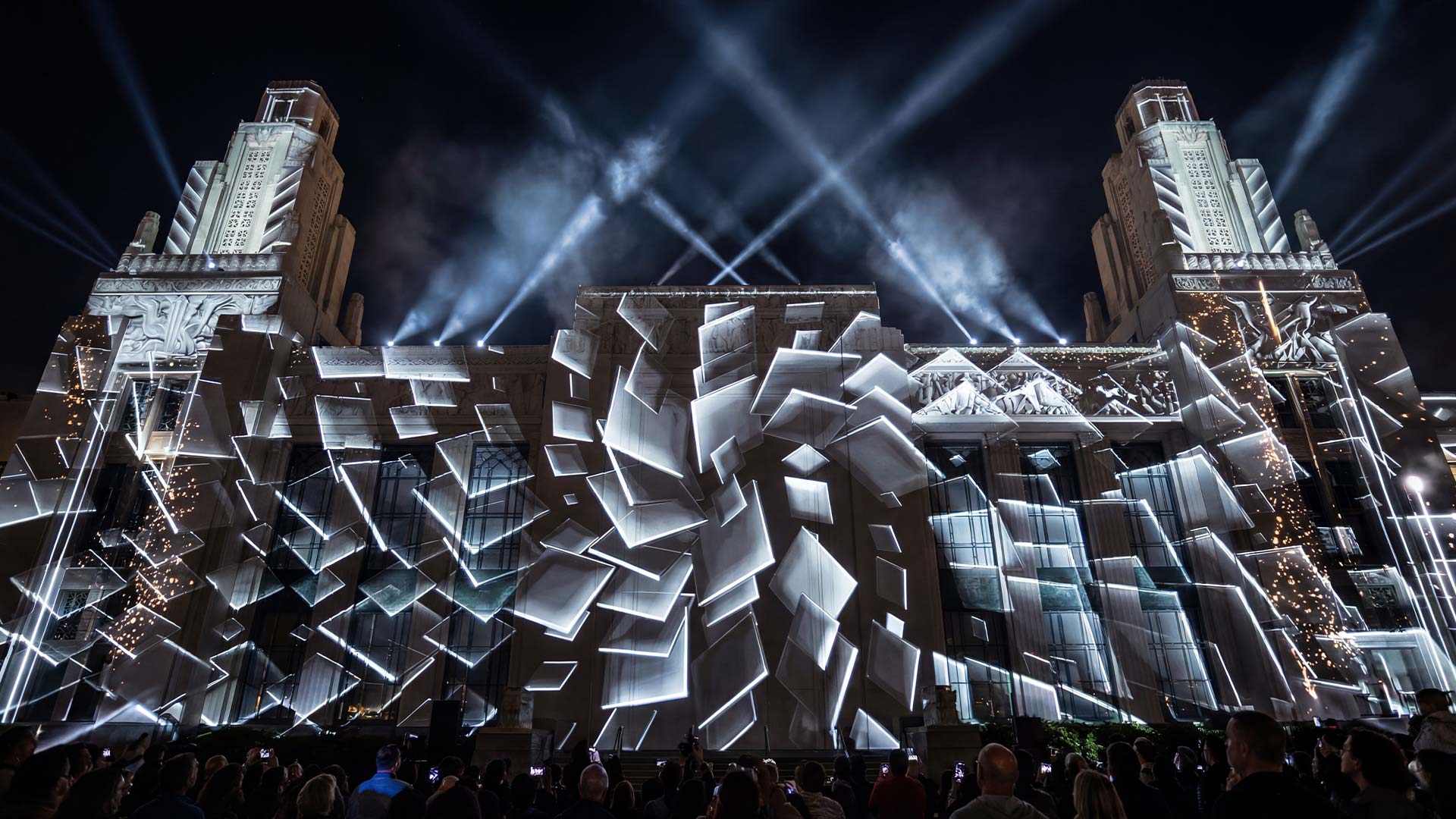
Most comparisons of mapping software answer the wrong question. They line up five programs and ask which is best, when the real question is which stage of the job you are solving. Designing the content and mapping it onto a surface are two different tasks that need two different tools, and confusing them is the most common reason a first projection mapping project goes badly.
Who this article is for: VJs, installation artists and event technicians who need to project onto a building, an object or a stage set and have to choose the software that does the geometry. Not for people looking for a video editor.
What it solves: the market splits into tools that create content, tools that warp it onto surfaces, and media servers that do both at a scale you cannot afford yet. Almost no comparison separates them.
What you get by the end: the five programs worth your time ranked by what they are actually good at, verified 2026 pricing, and the workflow decisions that matter more than the software choice.
Hello dear VJs and clients of LIME ART GROUP. I am new media artist Alexander Kuiava. Since 2012 our studio has produced over 100 VJ Loops Packs including a dedicated video mapping library, so we have had to deliver content into most of the pipelines below.
The decision that comes before the software
Two separate stages need software, and they are not the same stage.
Stage one is designing the show — animating content, building the visuals, editing sequences. That happens in After Effects, DaVinci Resolve, Blender or a VJ application, and none of those are mapping tools.
Stage two is mapping — taking finished content and bending it so it lands correctly on a surface that is not a flat rectangle. That is what everything in this article does.
Getting this wrong wastes weeks. People animate an entire show, then discover the perspective was baked in incorrectly and none of it fits the building.

Two ways to design content for a surface
The outline method. You produce an outline of the target surface from where the projector will sit, design your show directly over that outline, and the perspective is baked into the content. Simple to understand, and the mapping software then only has to corner-pin the result. The cost is that your content is locked to one projector position — move the projector and the show is wrong.
To build the outline you either stand outside tracing features with a projector, which is slow and cold, or you take a single reference photo and run an edge-detection filter over it in GIMP or Photoshop to extract the lines.
The orthographic method. You design on a flat, perspective-free guide — a front-on elevation of the building — and let the mapping software introduce the perspective at showtime. More flexible, because the content survives a change of projector position, and the correct approach for anything you will reuse.
The catch is producing an accurate flat guide. If an architectural drawing exists, you are finished. If not, you photograph the building and rebuild it with photogrammetry — Meshroom, 3DF Zephyr and Regard3D are free — then bring the model into Blender to generate the elevation.
Which to choose: outline method for a one-off show on a fixed projector. Orthographic for anything that tours, repeats, or has to survive a projector being nudged.
The five that matter
Video Mapping Loops
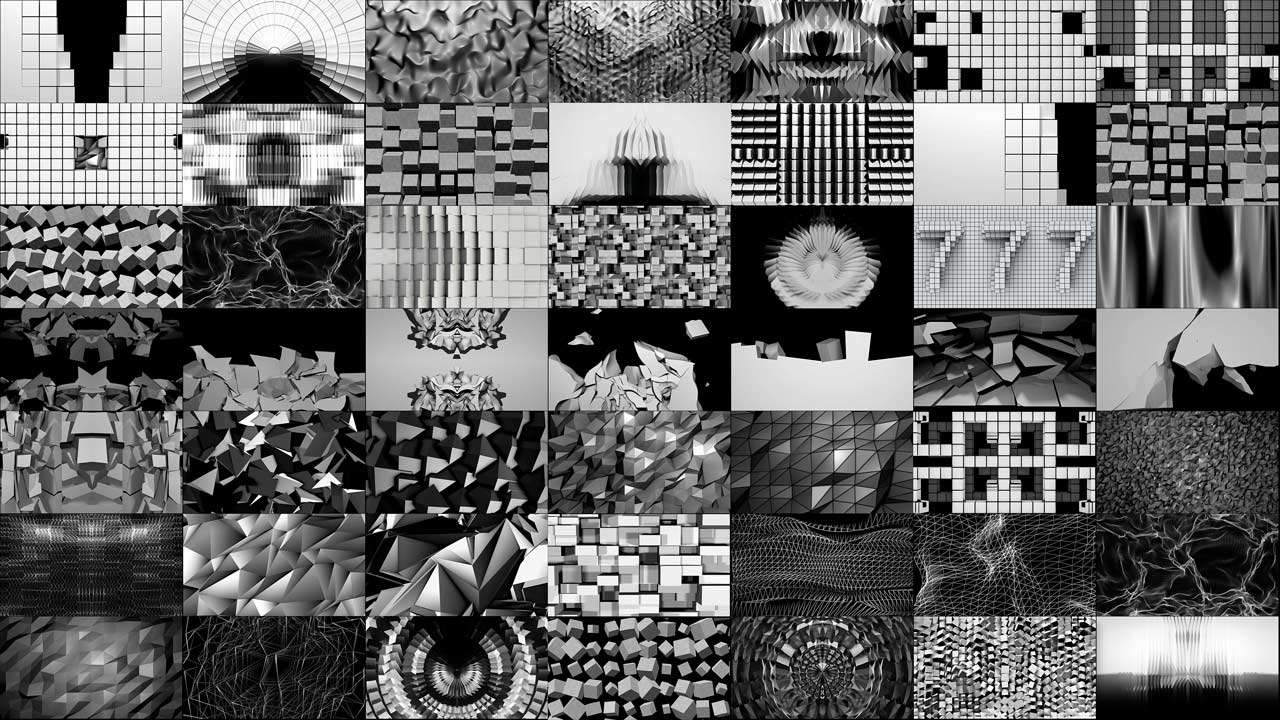
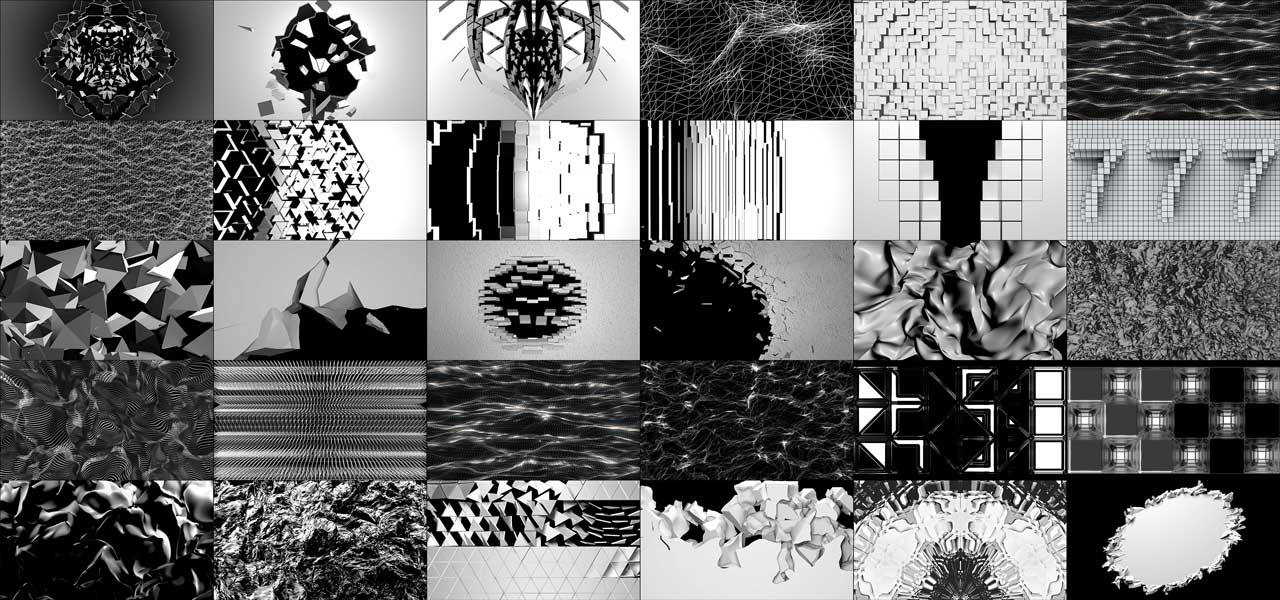
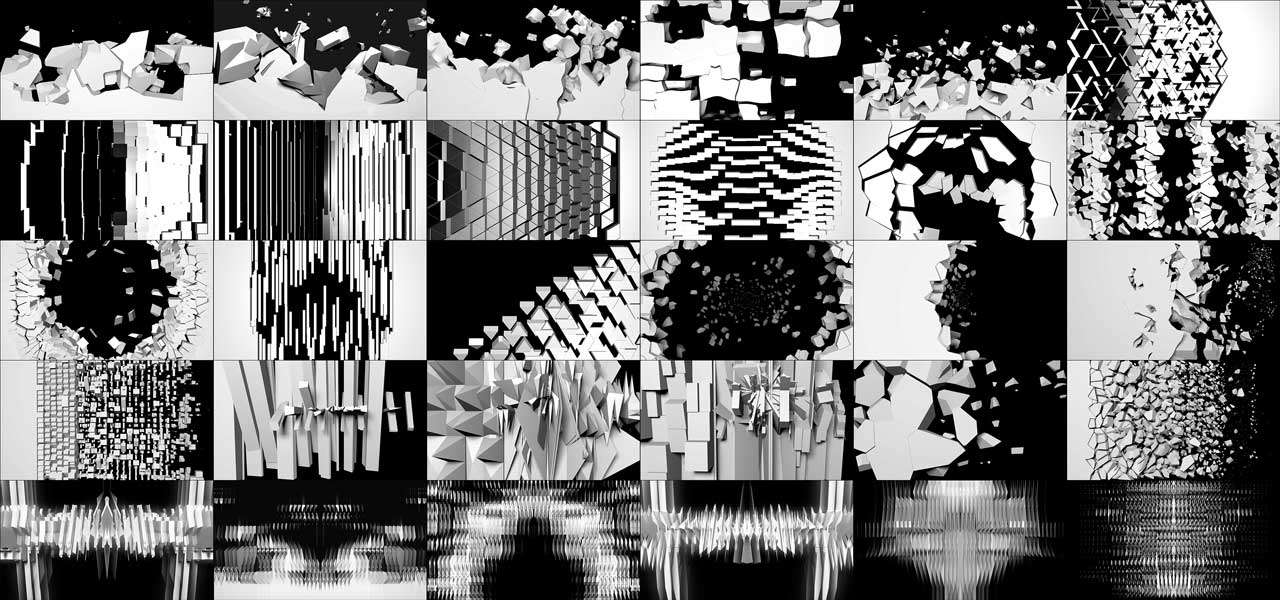
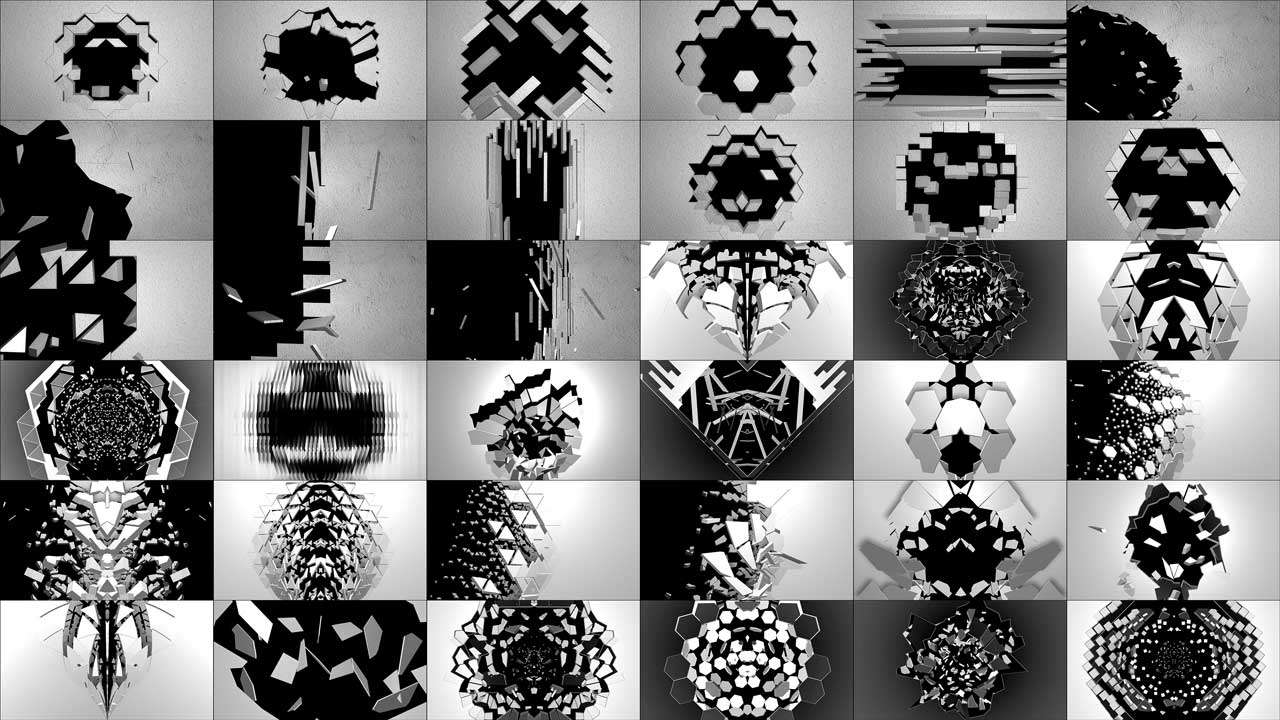
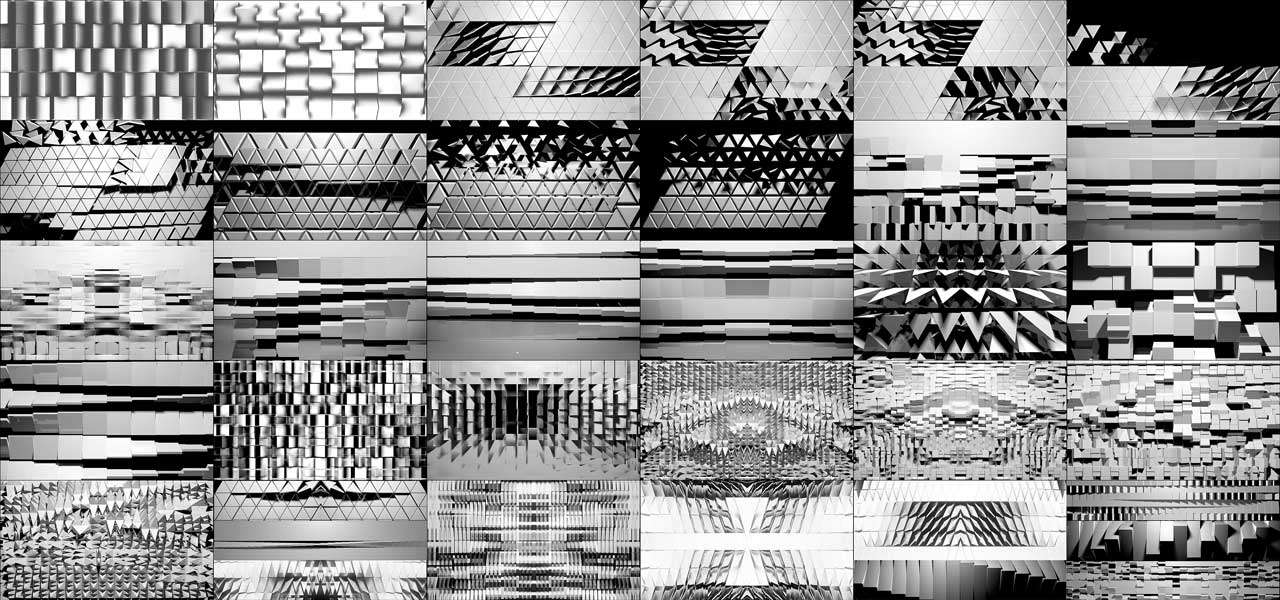
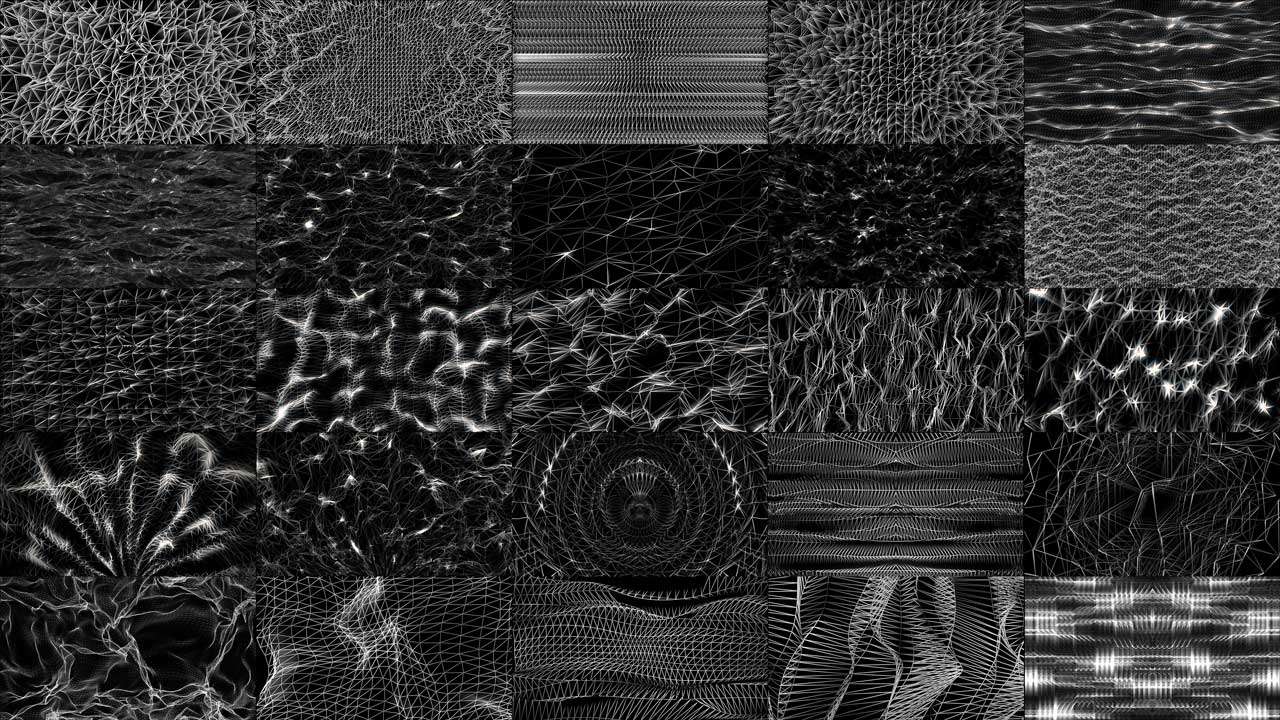
Monochrome loops built as masks and displacement sources
-
Video Mapping Loops Pack Vol.2 – Smart Reflection
99€ -
Video Mapping Loops Pack Vol.8 – Gold Edition
129€ -
Video Mapping Loops Pack Vol.5 – Panorama
99€ -
Video Mapping Loops Pack Vol.10 – Transition
99€ -
Video Mapping Loops Pack Vol.3 – Fallen & Rise
99€ -
Video Mapping Loops Pack Vol.14 – Massive Turn
99€ -
Video Mapping Loops Pack Vol.6 – Wire Texture
99€ -
Video Mapping Loops Pack Vol.9 – Color Maps
99€ -
Video Mapping Loops Pack Vol.18 – Ultrawide Walls
129€










MadMapper
Platform: macOS 11+ and Windows 10+
Price: perpetual from €479 excl. tax (2 seats included), or rent from €44/month excl. tax. Free demo available.
The reference tool for mapping specifically, and the one to buy if mapping is the job rather than a feature you occasionally need. It is a collaboration between the French installation studio 1024 architecture and Swiss software makers GarageCube, with over ten years behind it.
The single feature that changes how you work is the Space Scanner. You point a camera at your installation, the projector throws structured light patterns, the camera records them, and MadMapper calculates the projector’s exact perspective, handing you an accurate background image to draw on.
One caveat the marketing does not lead with: full resolution scanning requires a Canon camera, because MadMapper supports the Canon SDK specifically. Other cameras work, but as webcams — through QuickTime on macOS or DirectShow on Windows — at reduced resolution. Their own advice is that a second-hand entry-level Canon is a good way to go, and that you want at least one camera pixel per projector pixel.
Why that matters is not the time saved during scanning. It is that afterwards you can switch the projector off and keep building the show at home, on a background that matches reality precisely. Everything else in this article requires you to stand in the venue with the projector running while you place points.
Verified capabilities from their own specification: video up to 16K, simultaneous playback to multiple outputs and displays each showing a different part of the composition, bezier masking and animated line drawing, realtime control of LED arrays and DMX fixtures, a cueing system, 3D calibration, LED scanning and live shader editing. MadMapper 6 added built-in timelines for animating any parameter.
The paid licence installs on any system. Per their FAQ, only rental licences can be bought for a single computer — perpetual licences start at 2 seats, because they include a spare in case a machine dies mid-show. If you tour, that is the detail that matters most.
Extensions are sold separately: MadLaser for laser control, MadProjectorControl for controlling the projectors themselves, and Mad AI. If lasers are part of the plan, the MadBundle — MadMapper 6 plus MadLaser — is from €519 perpetual or €49/month, which is cheaper than buying the two apart. MiniMad is a hardware player that runs your MadMapper setup without a laptop, which is the right answer for permanent installations.
Read the free demo carefully before relying on it. The vendor’s own FAQ lists the limitations, and they are heavier than the pricing page suggests: a watermark on input, output and output preview, loading and saving a project is disabled, export to SVG, PNG and PDF is disabled, Spatial Scanner is cropped to a quarter of its resolution, DMX fixtures black out once every 30 seconds, and installing or publishing materials from the library is disabled. Not being able to save a project makes it an evaluation tool only — you cannot build a show in it.
The honest downsides. Building a show inside MadMapper feels closer to patching than performing — the interface is precise rather than playable, and if you come from a VJ background it will feel cold. The material library requires a licence. And the perpetual licence is version-locked to 6.xx, so a future major version is a new purchase.
Buy it if: the surface is complicated, you need lasers or LED alongside video, or you want to build the show away from the venue.
Resolume Arena
Platform: Windows and macOS
Price: €799 per computer.
The mapping tool for people who are performing, not installing. Arena is a live VJ application with mapping attached, which makes it the opposite of MadMapper’s priorities and the right choice for a different job.
The trap that catches beginners: Resolume Avenue cannot do projection mapping. Avenue is €299 and it is the cheaper product, but the mapping features live only in Arena. If you bought Avenue expecting to map a building, you bought the wrong licence.
What Arena gives you that MadMapper does not is the performance interface. Layers, clips, decks and columns behave like an instrument, effects are one click away, and building eight scenes and playing them to music is fast and enjoyable. It also has the largest third-party plugin ecosystem in the category, which means effects you would otherwise have to build yourself.
Verified from Resolume’s site: projection mapping onto geometry and buildings, edge blending across two or more projectors, 360-degree wrap, DMX both in and out, NDI, Syphon and Spout, native support for Blackmagic, AJA and Datapath capture cards, FFT audio analysis and VST effect hosting.
The honest downside is the mapping workflow itself. Without camera scanning you work from a photograph: project white onto the surface, photograph it, clean the image, run edge detection to get outlines, import that as reference, then cut slices, draw input masks for each one, use match input shape to build the output, and finally align each slice against the real surface by eye. On a complex object this is slow and genuinely tiring. It is the price of a tool designed to perform first and map second.
Buy it if: you are a VJ who also maps, and the show is live.
Millumin
Platform: macOS only. Version 5 requires macOS Big Sur 11 or later.
Price: rental €29 / 7 days, €69 / 30 days, €199 / 1 year per computer. Perpetual from €399. Upgrades from €85. 30-day unrestricted trial, then a watermark.
The right tool when the show has a script. Where Resolume thinks in clips and MadMapper thinks in surfaces, Millumin thinks in sequences and timelines — you program cues in order, or animate content over time, or combine both.
That makes it the standard in theatre, dance and museum work, where the show must run identically every night on a stage manager’s cue rather than being improvised.
The rental pricing deserves a sentence of its own because nothing else in this category offers it. €29 licences the software for a week. For a festival installation or a two-week run, that is a fundamentally better model than buying anything.
Verified capabilities: displays up to 16K at 8 or 10-bit, a mapping toolkit with perspective transform, mesh warping and masks applied at layer or output level, DMX fixtures, video-pixel mapping onto LED strips, and ILDA laser output. Version 5 added JavaScript scripting, multi-canvas timelines, HDR support, layer groups, Auto States, and direct loading of TouchDesigner .tox files, which requires a TouchDesigner commercial licence. Official plugins exist for Stream Deck and Companion, After Effects and Photoshop.
Interaction goes well beyond MIDI and OSC — DMX, timecode, Kinect, Leap Motion, Arduino and gamepads are supported, and it talks to lighting desks, PJ-Link projectors, Blackmagic ATEM switchers and PTZ cameras.
The honest downsides. macOS only, and the company states it intends to stay that way. There is no camera-based scanning, so alignment is manual. And a timeline-driven tool is the wrong shape entirely if your show is improvised.
Buy it if: your show has cues, a running order and a director.
TouchDesigner
Platform: Windows and macOS
Price: free non-commercial licence with resolution limits; paid Commercial and Pro tiers.
Not a mapping application. A node-based environment in which you build one — and it earns its place here because it can do everything the tools above do, plus everything they cannot, at the cost of building it yourself.
Its practical role in most working rigs is as the content engine: generative visuals, sensor input, live data, camera tracking, interactivity. The frames then pass over Spout or Syphon into MadMapper or Resolume, which handle the geometry. That division of labour is what experienced people actually do, rather than mapping inside TouchDesigner.
Recent platform work announced by Derivative includes a Vulkan graphics architecture on Windows and macOS with Metal compatibility, and built-in Steinberg VST audio plugin support. HAP codec support and high-resolution playback are documented strengths.
The honest downside is time. If your show is in three days, this is not the tool to start learning. The learning curve is the steepest here by a wide margin, and the free licence is non-commercial only, so paid work requires paying.
Learn it if: you need interactivity, generative content or a pipeline no off-the-shelf tool provides, and you have months rather than days.
VPT (Video Projection Tool)
Platform: Windows and macOS · Free
The free option that has been running real shows for over a decade, built by HC Gilje on Max. It is small, and genuinely powerful for what it costs.
You get the essentials that matter: multiple layers mapped to surfaces, OSC and MIDI control, audio analysis. Artists have used it for gallery installations and student projects for years, and it remains the honest answer to “I have no budget.”
The honest downsides. The interface is from another era and the learning curve is real — not conceptually hard, but unwelcoming. Development moves at the pace of a personal project rather than a company. There is no camera calibration and no support line.
Use it if: budget is zero and you have patience.
The comparison
Verified July 2026. Prices exclude tax where the vendor states so.
| MadMapper | Resolume Arena | Millumin | TouchDesigner | VPT | |
|---|---|---|---|---|---|
| Price | from €479 perpetual / €44 mo | €799 | €399 perpetual / €29 week | Free non-commercial, paid tiers | Free |
| Platform | Win + Mac | Win + Mac | Mac only | Win + Mac | Win + Mac |
| Camera scanning | Yes | No | No | No | No |
| Live performance UI | Limited | Best in class | Timeline / cues | Build it yourself | Basic |
| Timeline and cues | Yes, v6 | Limited | Best in class | Build it yourself | Limited |
| Max resolution | 16K | GPU limited | 16K | GPU limited | Modest |
| LED and DMX | Yes | DMX yes | Yes plus ILDA laser | Via components | Limited |
| Laser | MadLaser extension | No | ILDA | Via components | No |
| Free tier usable for paid work | No | No | No | No | Yes |
| Best for | Complex surfaces | Live shows | Scripted shows | Custom pipelines | No budget |
Above this tier: media servers
At a certain scale you stop buying software and start specifying a system. These arrive with hardware, previsualisation and support, and you rarely choose them yourself — the venue, the rental house or the production does.
Dataton Watchout — timeline-driven multi-display playback across networked machines. Built for shows that must run exactly on cue, which is why it dominates corporate events. Note it does not accept DXV.
disguise — the dominant name in large-scale touring and XR, combining 3D previsualisation, show design and playback so a team can build a show before anyone reaches the venue.
Hippotizer by Green Hippo, Avolites Ai, Christie Pandoras Box, Modulo Pi and Pixera occupy the same tier with different strengths — Ai sits close to the lighting world, Pandoras Box is heavy in themed attractions, Modulo Pi is strong on monuments and museums.
Screenberry is a newer media server with a well-developed immersive and fulldome offering, worth a shortlist place for installations that want server and calibration from one vendor.
The practical point: your job as a content supplier is not to choose these. It is to deliver files in the codec the specified server accepts.
The layer most people forget: calibration and blending
The moment you use more than one projector, geometry stops being the hard part and seams become the hard part. Two projectors overlapping produce a bright band; a curved surface produces distortion neither projector can fix alone.
Dedicated calibration systems solve this and sit underneath whatever software you already run, which makes them application-independent.
VIOSO performs camera-based calibration covering blending, geometric correction and colour matching, and states it completes this in under two minutes per projector. The company reports experience on domes from 2 to 55 metres using 2 to 50 projectors.
Scalable Display does the same job with a camera and many projectors from a single machine, and is long established in permanent installations where the value is being able to re-align without sending a technician.
Mapping Matter is not a warping tool but a planning one — you model the venue, the surface and the projectors before anyone rents anything, and find out whether your throw distances and brightness actually work.
The content side
Mapping software bends content. It does not create it.
After Effects remains the default for animated mapping content, particularly motion graphics, with a deep plugin ecosystem. It is subscription-only.
DaVinci Resolve with Fusion is the free alternative and a genuinely capable one — node-based compositing, industry-leading colour tools, and a paid version that adds features rather than removing a watermark.
Blender is free and increasingly the choice when the content is 3D, particularly for anything that has to match a building’s real geometry. It is also where you generate orthographic guides from a photogrammetry model.
Photogrammetry — Meshroom, 3DF Zephyr and Regard3D are free routes from photographs to a 3D model of a building you cannot get drawings for.
Whatever you use, the delivery format matters as much as the design. HAP is GPU-accelerated, open source and plays across nearly every tool and media server, which makes it the safe delivery choice. DXV performs best inside Resolume and awkwardly elsewhere. Master in ProRes, deliver in HAP unless you know the destination.
Video Mapping Toolkits
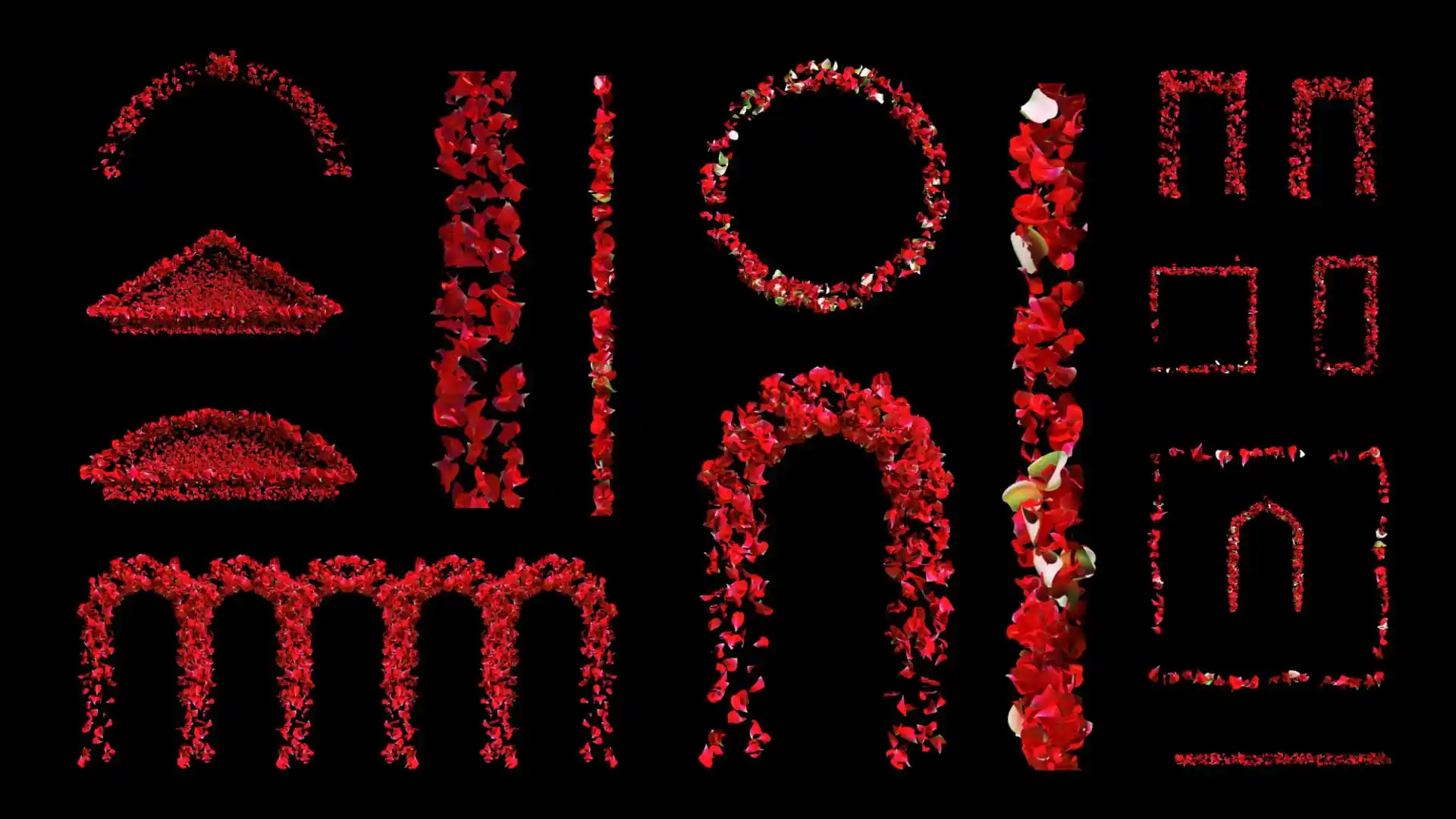
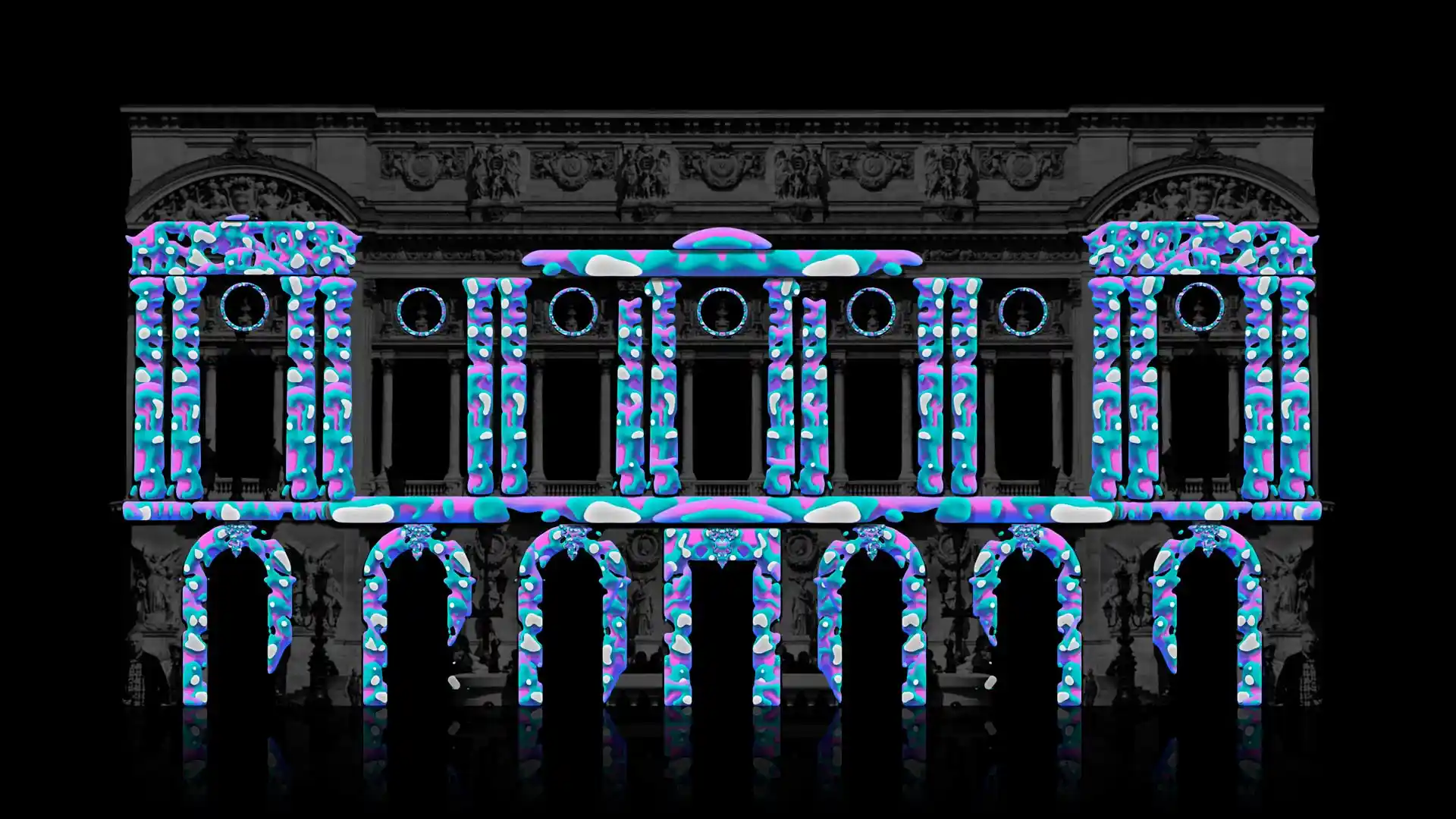
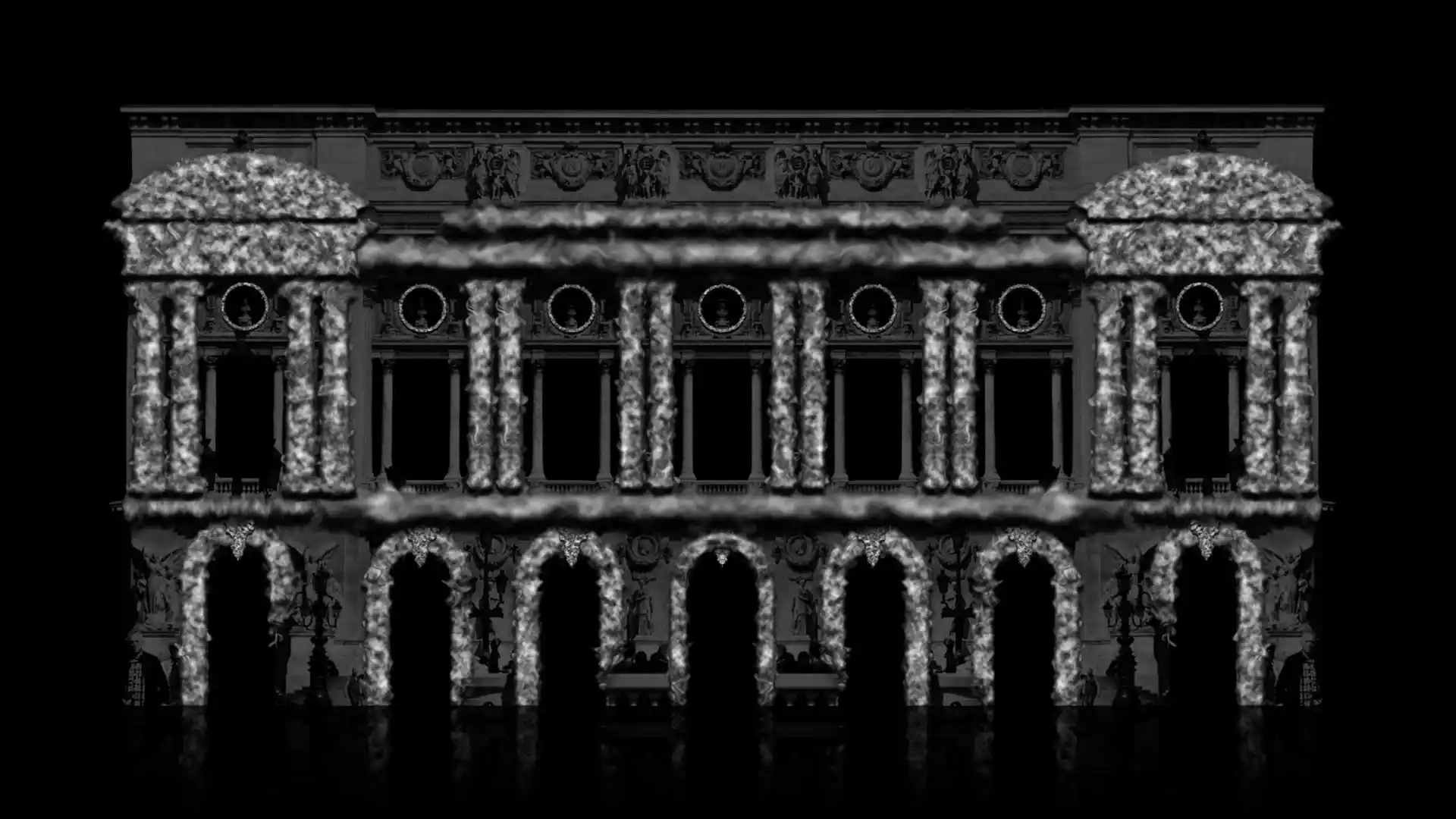
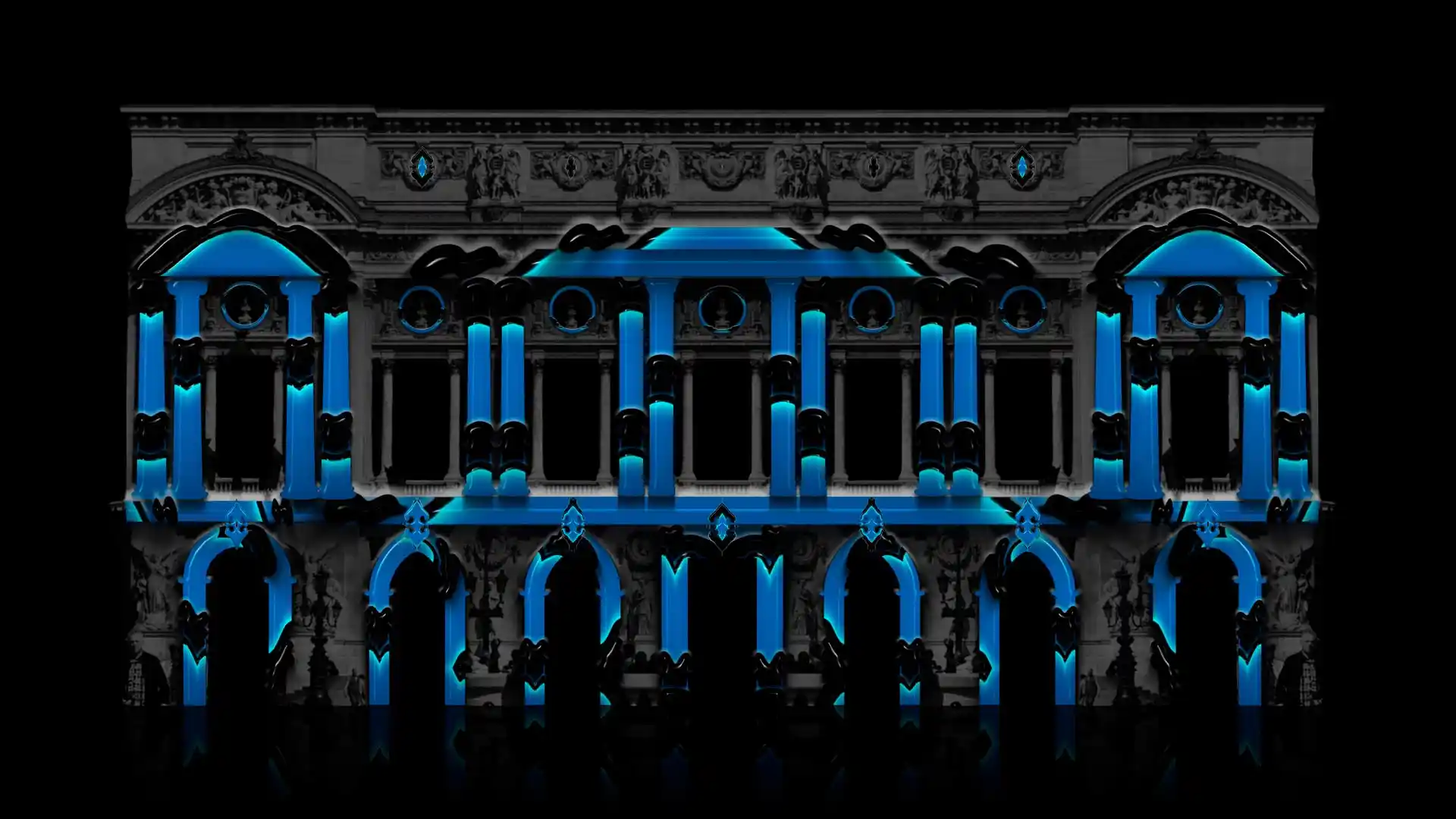
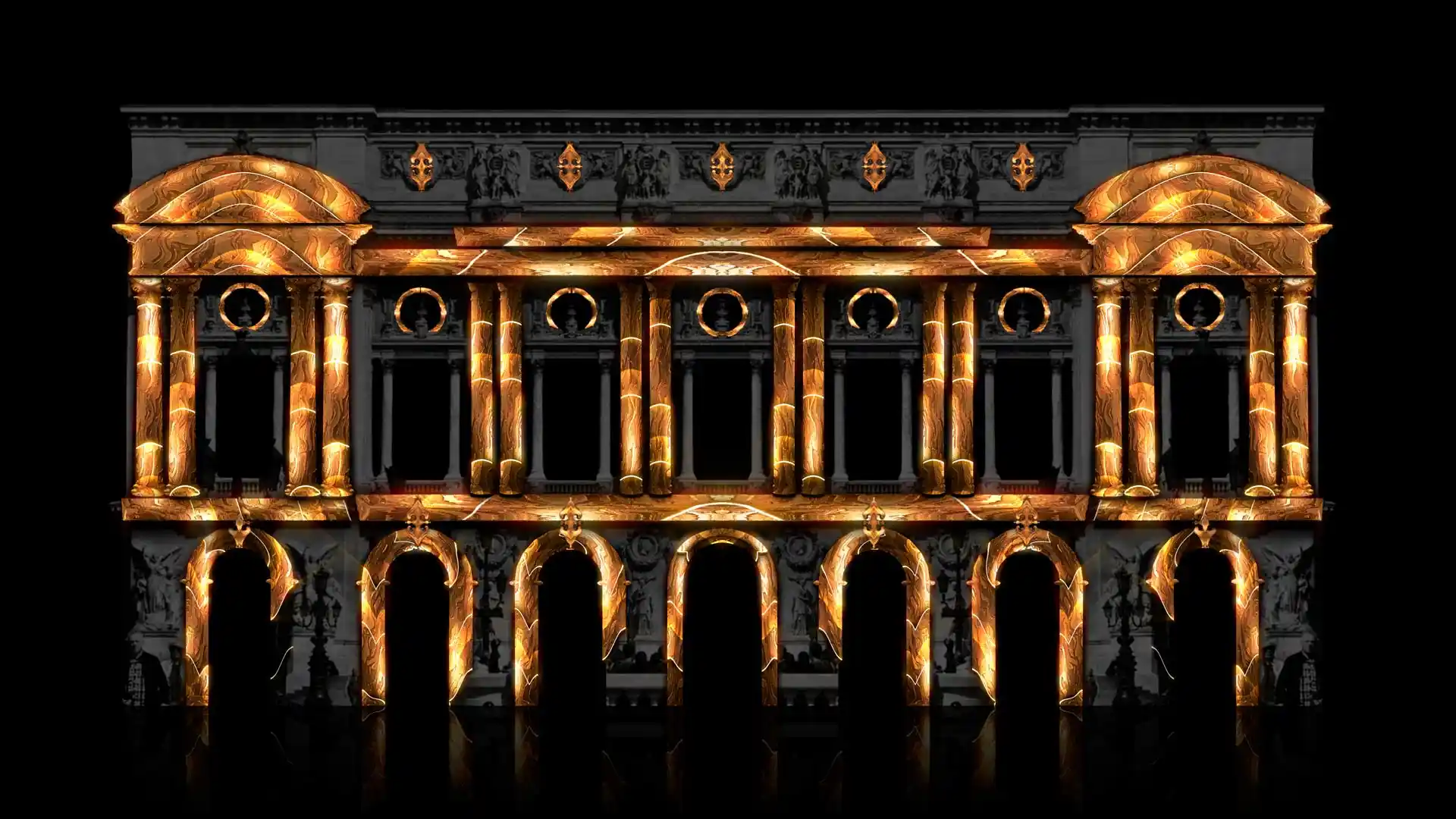
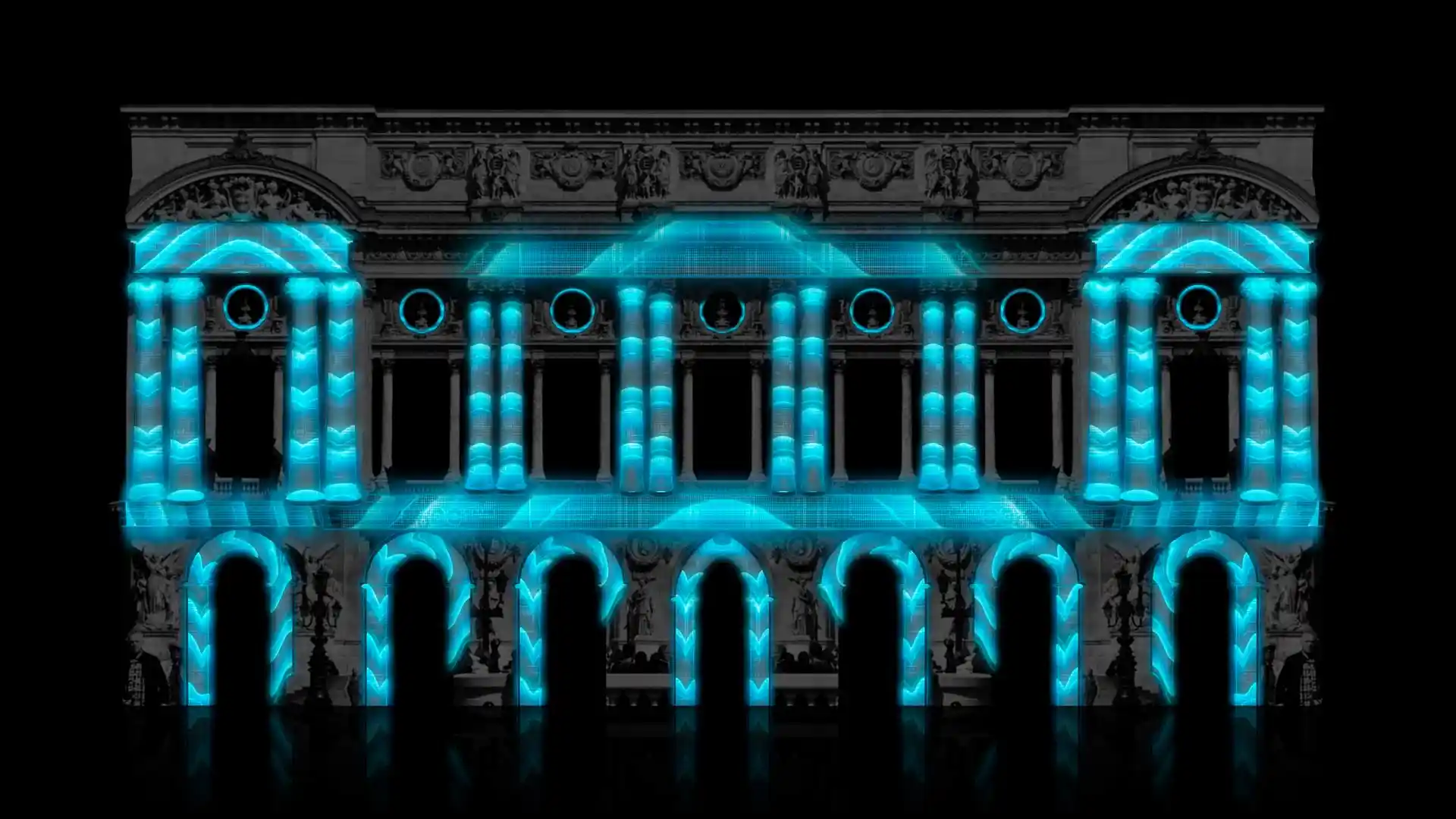
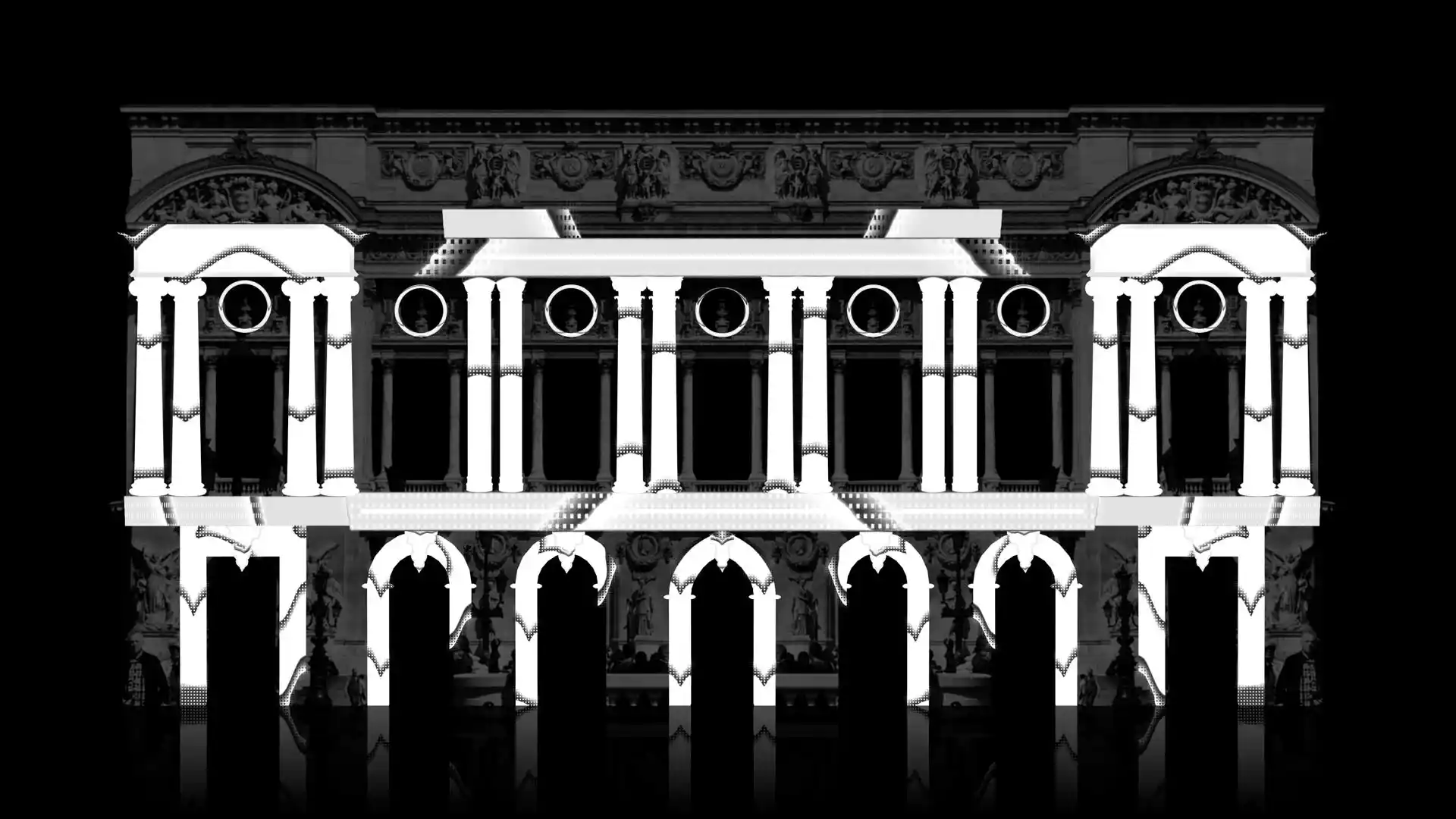
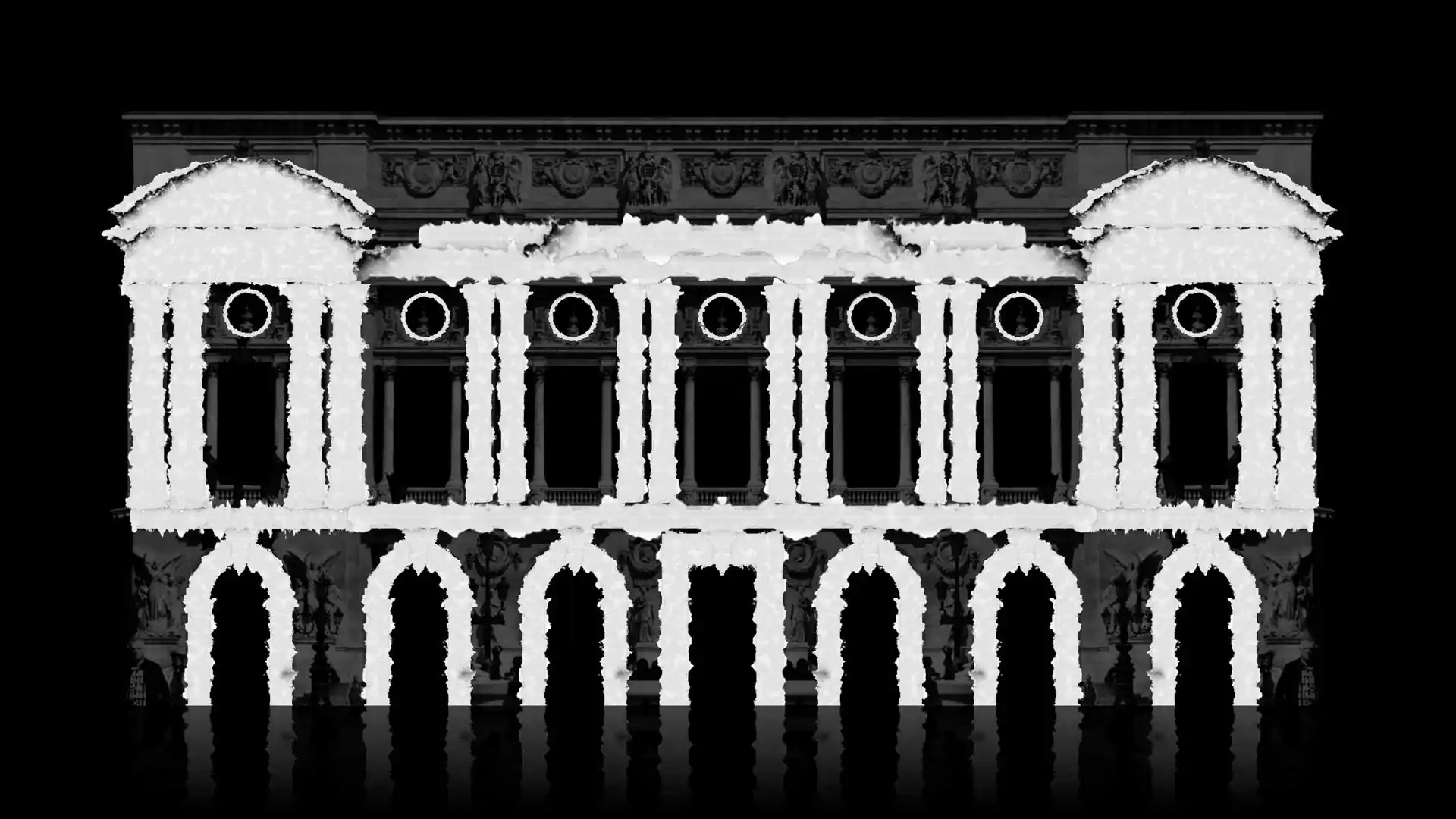
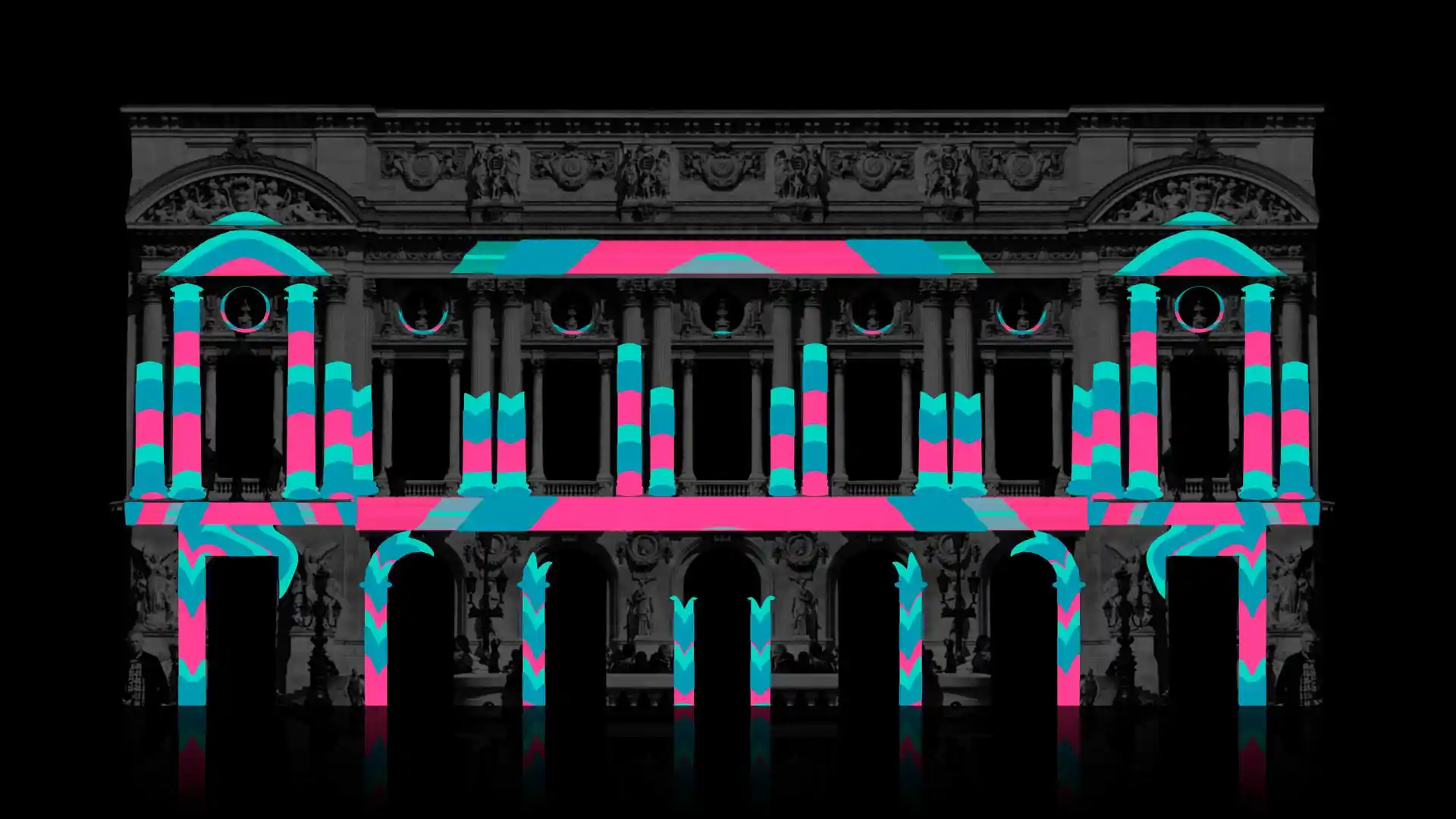
Animated facade elements with alpha channel — arches, columns, windows
-
Sale!
Video Mapping Toolkit Vol.19 – Rose House
Original price was: 129€.59€Current price is: 59€. -
Sale!
Video Mapping Toolkit Vol.36 – Paint Splash
Original price was: 129€.89€Current price is: 89€. -
Sale!
4 in 1 Video Mapping Toolkit Vol.35 – White Mask
Original price was: 449€.199€Current price is: 199€. -
Sale!
2 in 1 Video Mapping Toolkit Vol.34 – Deep Ocean
Original price was: 189€.99€Current price is: 99€. -
Sale!
4 in 1 Video Mapping Toolkit Vol.33 – El Dorado
Original price was: 429€.189€Current price is: 189€. -
Sale!
3 in 1 Video Mapping Toolkit Vol.32 – Cyber Textures
Original price was: 349€.159€Current price is: 159€. -
Sale!
Video Mapping Toolkit Vol.31 – Wireframe Textures
Original price was: 129€.59€Current price is: 59€. -
Sale!
Video Mapping Toolkit Vol.30 – White Ink Stains
Original price was: 129€.79€Current price is: 79€. -
Sale!
3 in 1 Video Mapping Toolkit Vol.29 – Blaze Comics
Original price was: 349€.149€Current price is: 149€.









Two things nobody tells you before your first installation
Unattended installations fail differently than live shows. All of these applications hold a continuous GPU render loop. In a live show you sit behind the machine and any hiccup gets fixed in seconds. In a museum or a shop window the machine runs unattended for eight hours a day for weeks, and artists report projects dropping out or the application closing overnight even on powerful hardware.
If your work will run unattended, plan for it: disable sleep, automatic updates and notifications, set the project to launch automatically at boot and go straight to fullscreen, and schedule a restart between opening hours.
MadMapper documents two settings for exactly this. Silent Mode, in Preferences under Misc, stops the software prompting anyone during a permanent installation. And “fullscreen when opening a project at startup”, combined with adding the project file to your operating system’s startup items, gets you an unattended launch. Their own documentation is blunt about the alternative: there is no other way to achieve it unless you use a MiniMad, their standalone hardware player. That is a vendor telling you a computer is the weak link, which is worth listening to.
Match input shape saves an hour of your life. In Resolume, once you have cut and masked slices in input mapping, selecting them all and using match input shape rebuilds the output geometry in one action instead of you dragging each slice into place. New users routinely miss it and align everything by hand.
Frequently asked questions about Video Mapping Software
What is the best video mapping software in 2026?
MadMapper for mapping as the primary job, from €479 perpetual with 2 seats or €44 a month, because of camera-based Space Scanner calibration and its LED, DMX and laser support. Resolume Arena at €799 if you are performing live and mapping is one part of the show. Millumin if the show is cue-driven, and its €29 weekly rental makes short runs cheap. TouchDesigner if you need to build something custom, and VPT if the budget is zero.
Can Resolume Avenue do projection mapping?
No. Projection mapping, edge blending and DMX are Arena features only. Avenue is €299 and Arena is €799, and the mapping capability is the main reason for the difference. Buying Avenue for a mapping job is the most common purchasing mistake in this category.
Is there free video mapping software?
Yes. VPT is genuinely free and has run real installations for over a decade. TouchDesigner’s non-commercial licence is free with resolution limits, but it does not permit paid work. MadMapper’s free demo is an evaluation licence rather than a usable free version — it watermarks input, output and preview, blacks out DMX every 30 seconds, crops Spatial Scanner to a quarter of its resolution and, critically, disables loading and saving projects, so you cannot actually build a show in it.
How does camera calibration in MadMapper work?
You point a camera at the surface, the projector displays structured light patterns, the camera records them, and MadMapper calculates the projector’s exact perspective, producing an accurate reference image of what the projector sees. You can then switch the projector off and continue building the show away from the venue. Note that full resolution scanning requires a Canon camera via the Canon SDK — other cameras work as webcams at lower resolution — and you want at least one camera pixel per projector pixel.
Should I bake perspective into my content or let the software do it?
Bake it in with the outline method only for a one-off show on a projector that will not move. Use the orthographic method — designing on a flat, perspective-free guide and letting the mapping software apply perspective — for anything that tours or repeats, because the content survives a change of projector position.
What software do I need to create the content itself?
Mapping software does not create content. After Effects is the standard for animation, DaVinci Resolve with Fusion is the strongest free alternative, and Blender is the choice for 3D content and for generating orthographic guides. Deliver in HAP unless you know the destination accepts something else.
Why do projection mapping installations crash when left unattended?
These applications run a continuous GPU render loop, and multi-hour unattended operation is a different demand than a supervised live show. Artists report projects dropping out overnight in galleries even on powerful machines. Disable sleep, updates and notifications, set the project to auto-launch fullscreen at boot, schedule a restart between opening hours, and use dedicated playback hardware for permanent installs.
Sources
Prices and specifications were taken from the vendors’ own websites and checked in July 2026.
Official product sources
- MadMapper — madmapper.com
- Resolume Avenue and Arena — resolume.com
- Millumin — millumin.com
- TouchDesigner / Derivative — derivative.ca
- VPT by HC Gilje — hcgilje.wordpress.com
- VIOSO — vioso.com
- Scalable Display — scalabledisplay.com
- Dataton Watchout — dataton.com
- disguise — disguise.one
- Screenberry — screenberry.com
- Blender — blender.org
- DaVinci Resolve / Blackmagic Design — blackmagicdesign.com
- HAP codec — hap.video
Workflow observations on scanning, unattended installations and content preparation are drawn from published practitioner tutorials and from our own production experience.
Content is still king
Mapping software bends your content to a surface. It cannot improve the content.
A perfectly aligned show made from low-resolution clips still looks poor across a building facade, and at that scale every compression artefact is several centimetres tall. The geometry is the easy part to fix. The material is not.
Since 2012 we have produced over 100 VJ Loops Packs, delivered in both Mov ProRes and Mov DXV so files drop into Resolume without a night of transcoding, in resolutions from Full HD to 8K, shipped from three separate locations.
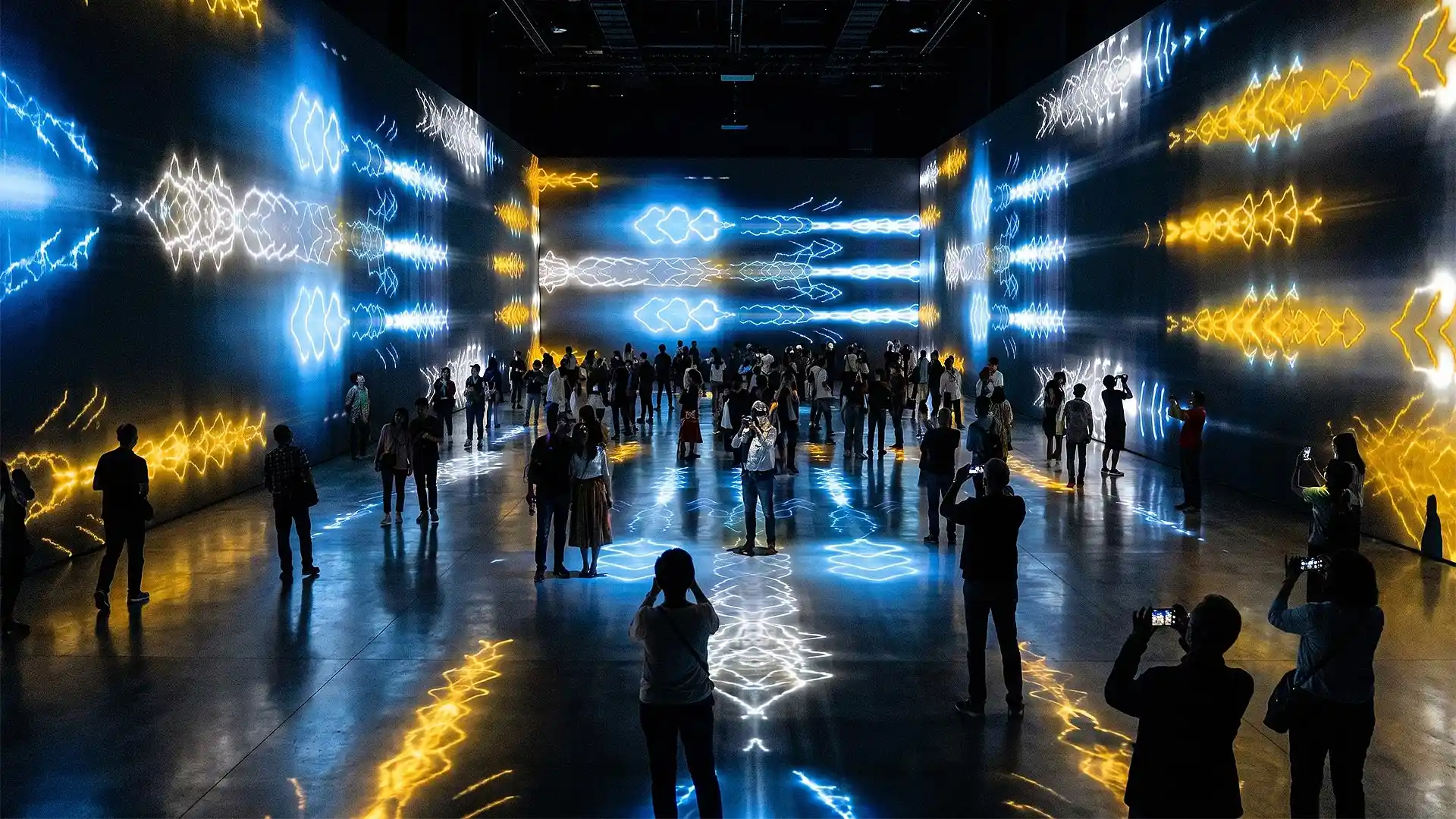
For mapping specifically, start with the monochrome video mapping loops — they are built as masks and displacement sources rather than as finished pictures, which is what you actually need when the surface is a building. The video mapping toolkits provide animated architectural elements — arches, columns, windows, cornices — rendered with an alpha channel so they drop onto facade features directly. For immersive rooms and irregular surfaces, the immersive visuals category covers walls rather than screens.
If we have missed a tool, tell us and we will add it — this list is meant to stay alive.
Latest Feature VJ Loops
Hand-picked visuals by our New Media Artists
-
Deep Serenas – Immersive Visuals Vol.2
149€ -
Sale!
VJ Loops Pack Vol.73 – Mirror Ballet
Original price was: 129€.99€Current price is: 99€. -
VJ Loops Pack Vol.18 – Abstract Background Textures
89€ -
VJ Loops Pack Vol.19 – Lovely Red
79€ -
VJ Loops Pack Vol.11 – Really Madonna
89€ -
Sale!
Interior Patterns – Immersive Visuals Vol.1
Original price was: 249€.199€Current price is: 199€. -
VJ Loops Pack Vol.85 – Gnosis Lightning
99€ -
VJ Visuals Starter Pack
99€ -
Sale!

 Select options This product has multiple variants. The options may be chosen on the product page
Immersive Projection Business Guide
Original price was: 19€.12€Current price is: 12€.









Best wishes from Vienna,
Thanks for your attention, faithfully yours,
Alexander Kuiava – Founder & CEO LIME ART GROUP
https://alexanderkuiava.com/
