
The Mega List of VJ Software and Tools — 2026 Year Edition
The article is written by a human. Mistakes have been edited by AI.
All prices and specifications taken from the vendors’ own websites and verified in July 2026. Prices change — check before you buy.
The last version of this list had 26 entries and no prices. This one has over 200 tools, and every headline price below came off the maker’s own site rather than a forum thread. Two of the programs I recommended back then now run in a browser tab instead of a laptop, and one of the most interesting new VJ apps of the year is free, open source, and was written by an artist for fun after hours.
Who this article is for: VJs, projection-mapping operators and AV technicians who need to pick a tool — either your first one, or a second one to sit beside what you already run. Not for producers looking for a video editor.
What it solves: every other list either names ten programs with no prices, or dumps three hundred links with one line each. Neither helps you decide.
What you get by the end: a shortlist matched to the job you actually do, verified 2026 pricing and platform support for the 30 tools worth serious consideration, and a full reference catalogue of everything else.
Hello dear VJs and clients of LIME ART GROUP. I am new media artist Alexander Kuiava. Since 2012 our studio has produced over 100 VJ Loops Packs for clubs, festivals, theatres and projection shows, which means we have had to feed content into most of the software below at one point or another.
Start here: pick by the job, not by the brand
Before the catalogue, the short version. Find your situation, buy that, stop reading.
| What you actually do | Start with | Why | Cost |
|---|---|---|---|
| Mix clips in clubs, Windows machine | Resolume Avenue | The scene standard. Same interface everywhere in the world. | €299 |
| Same, but you need mapping | Resolume Arena | Adds projection mapping, edge blending, DMX | €799 |
| Mix clips, Mac, want to spend the least | VDMX6 | Demo is fully functional except saving | $199 |
| Map a facade, object or LED | MadMapper | Purpose-built for mapping, LED and laser | Paid, see below |
| Theatre or scripted show with cues | Millumin 5 | Timeline plus cue list, built for stages | From €399 lifetime, or €29/week |
| DJ running Serato | MixEmergency 3 | The only serious Serato-integrated option | Mac only |
| DJ running Pioneer | ArKaos GrandVJ | ProDJ Link, TrackDJ, timecode | — |
| Visuals generated from the music, no clips | Synesthesia | 80 scenes, audio-reactive out of the box | Free trial |
| Same, on a tiny budget | Magic Music Visuals | Two editions, unrestricted commercial use | — |
| Build something nobody else has | TouchDesigner | Node-based, free non-commercial licence | Free / paid tiers |
| Zero budget, any OS | VJ Studio or Screen Sampler | Browser-based, free tiers that work forever | Free |
| Big touring show, redundancy required | disguise / Hippotizer / Pixera | Media servers with previz and failover | Quote |
If you only take one thing from this article: almost nobody runs a single program. The normal professional setup is two or three tools passing frames to each other over Syphon or Spout, which is explained near the end.

Live VJ and performance software
Software for mixing, manipulating and performing visuals in real time. This is the category most people mean when they say “VJ software”.
VJ Clips
Royalty-free visuals in ProRes and DXV — ready for any of these apps
-
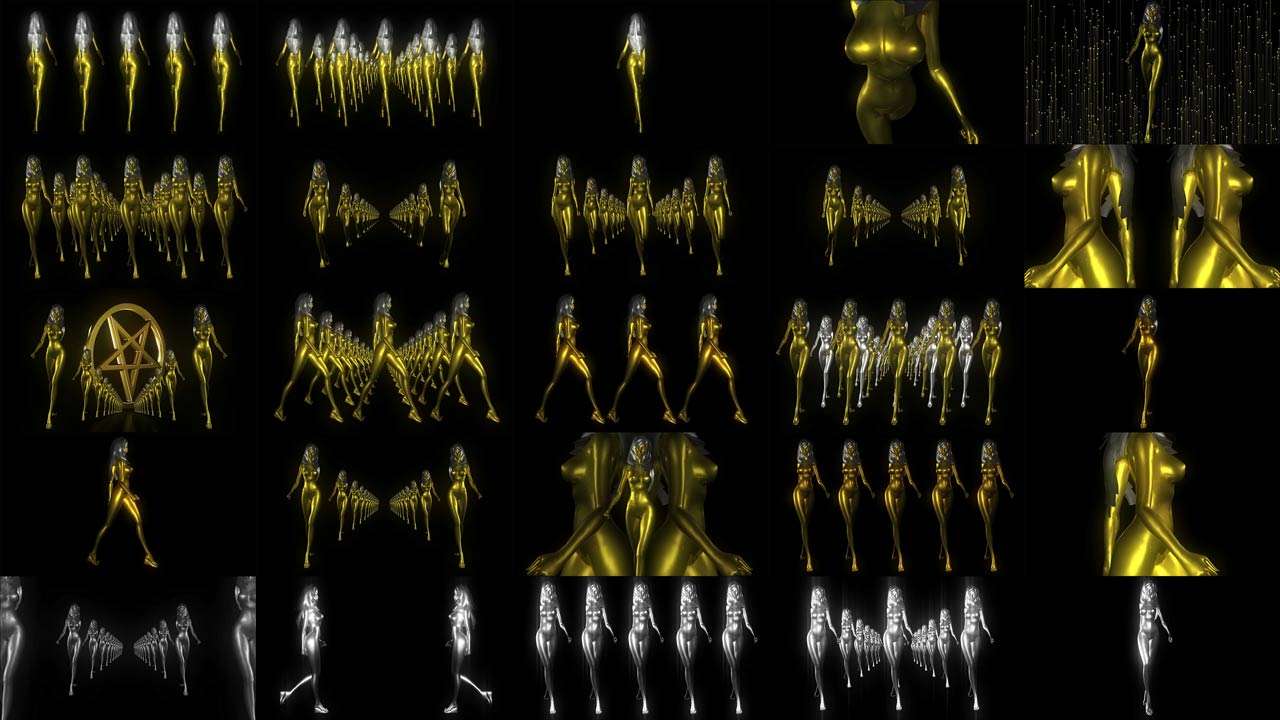
VJ Loops Pack Vol.41 – Goldfrau
79€ -
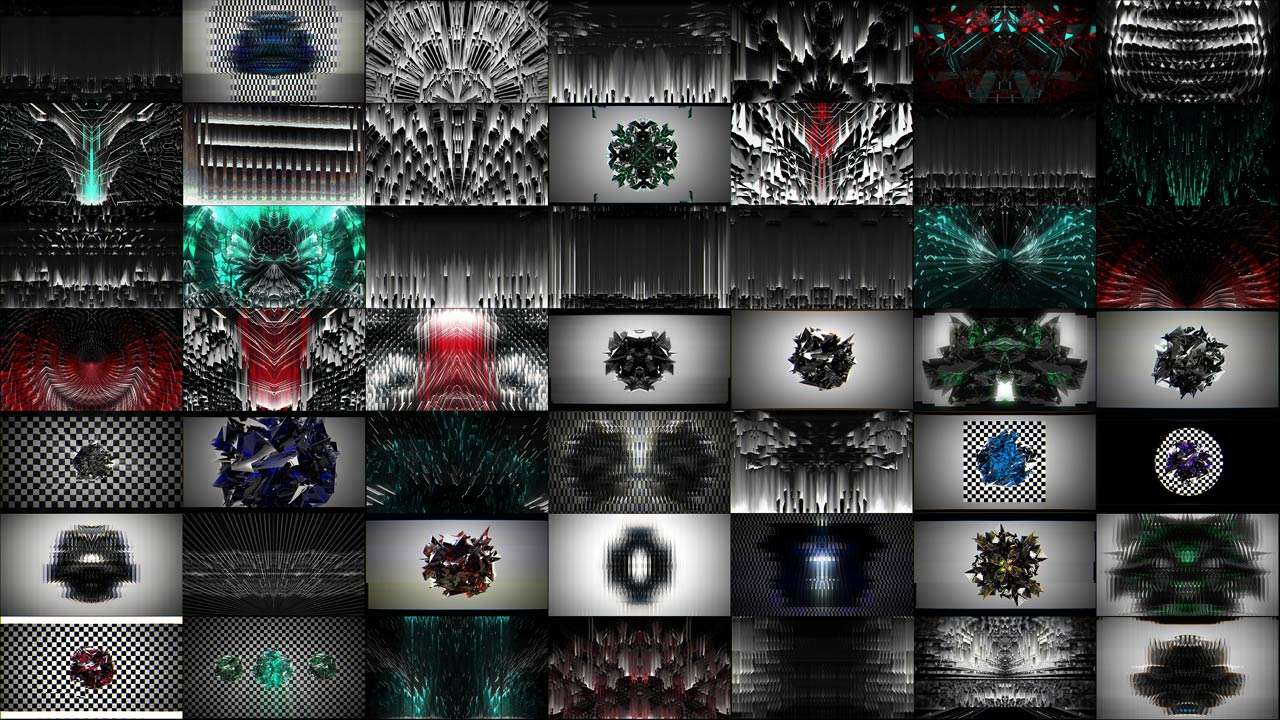
VJ Loops Pack Vol.29 – Glitch Backgrounds
89€ -
VJ Loops Pack Vol.17 – Main Element
99€ -
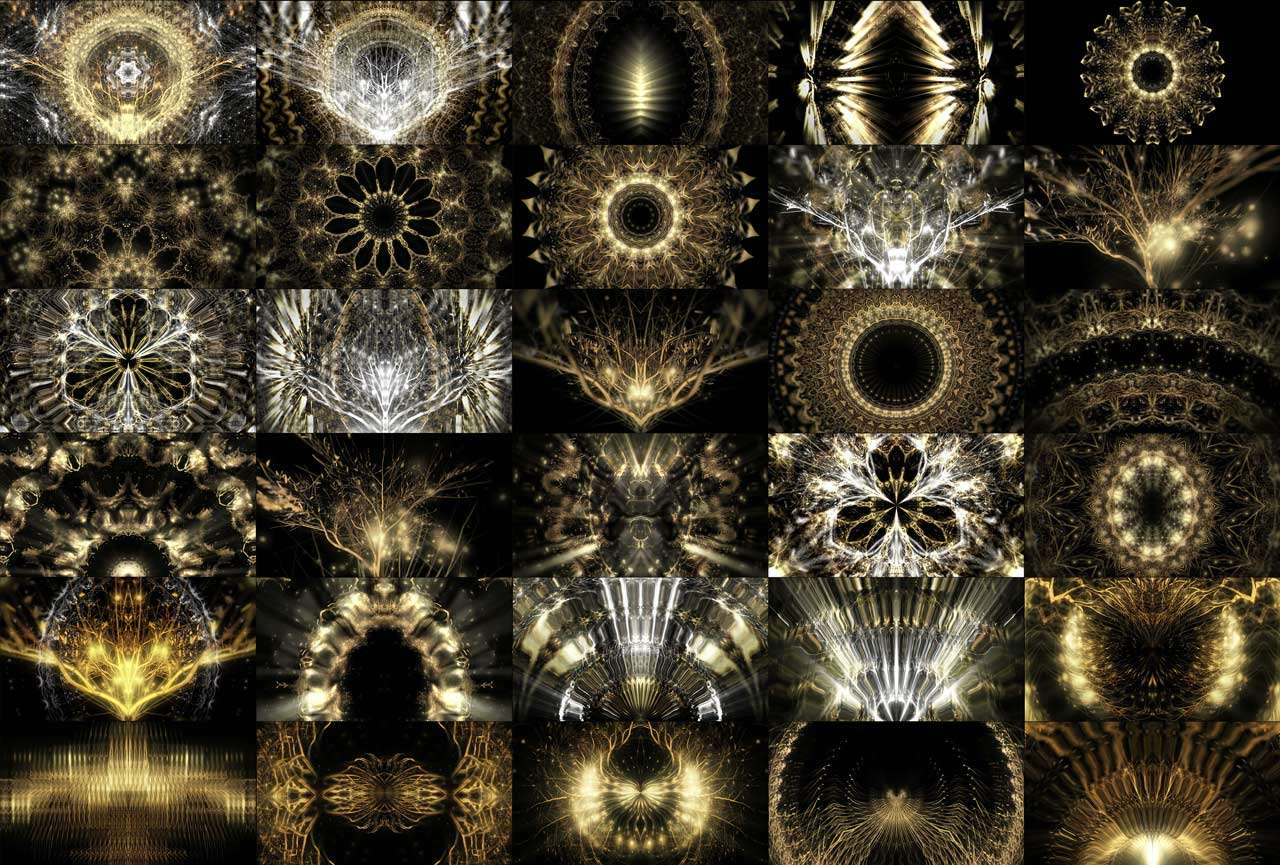
VJ Loops Pack Vol.28 – DecoLines
99€ -
VJ Loops Pack Vol.18 – Abstract Background Textures
89€ -
VJ Loops Pack Vol.11 – Really Madonna
89€ -
VJ Loops Pack Vol.12 – Interstellar Hypergate
59€ -
VJ Loops Pack Vol.1 – Smart Lines
99€ -
Vj Loops Pack Vol.26 – Gilded Roots
99€








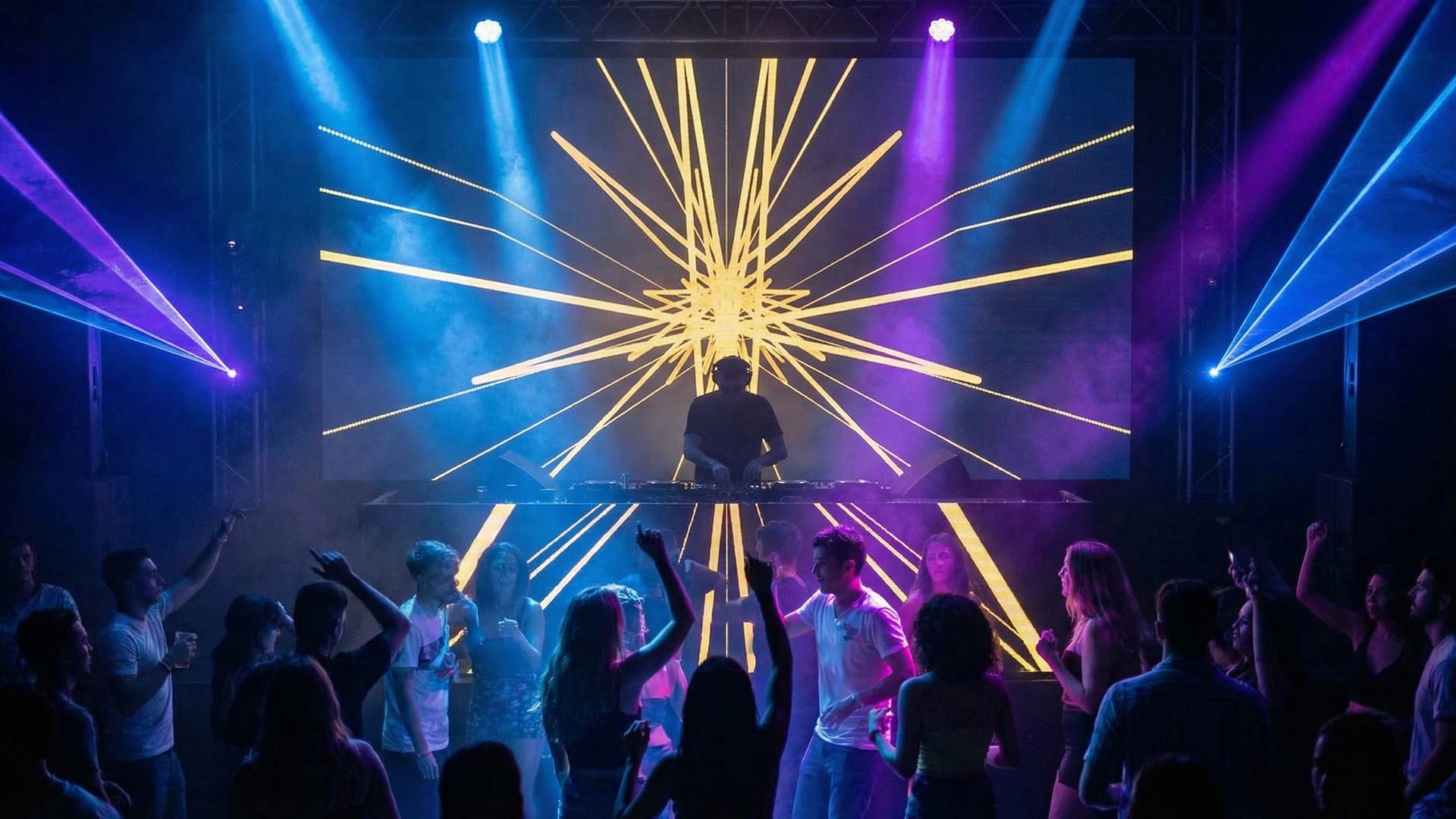


Resolume Avenue and Arena
Platform: Windows and macOS · Price: Avenue €299, Arena €799 per computer
The industry standard, and the reason is boring but decisive: it looks the same on every machine on the planet. Walk into a venue you have never seen, open somebody else’s Resolume project, and you know where everything is. No other tool gives you that.
Verified from Resolume’s own site: it takes NDI, Syphon and Spout as external streaming sources, and has native support for Blackmagic, AJA and Datapath capture cards for input and output. It runs FFT audio analysis so clips and effects can bounce to incoming sound, and it will host your own VST audio effects. Control is by MIDI and OSC, and there is a Resolume API for driving it over a network.
Arena adds what Avenue lacks: projection mapping onto geometry and buildings, edge blending across two or more projectors, 360-degree wrap-around, and DMX — both taking control from a lighting desk and sending colours out to DMX fixtures.
The ecosystem matters as much as the app. Wire is Resolume’s node-based patcher for building your own generators and effects; Alley is the clip browser and converter; the DXV codec is free. Third-party plugins come from the Juicebar marketplace.
The honest downsides. DXV is proprietary — it performs beautifully inside Resolume and awkwardly everywhere else, which matters when you ship a project to another country or another media server. Arena at €799 is the most expensive mainstream VJ app. And the optional USB dongle frees the licence from a single machine but occupies a port and, if you lose it, takes your licence with it.
Buy it if: you are on Windows, you want the layout everyone else knows, or you need mapping and lighting in one box.
VDMX6
Platform: macOS only, macOS 13+, Intel or Apple Silicon · Price: $199, VDMX6 Plus $349
The best-value professional VJ app on the market, and the one with the most unusual sales model: the demo is fully functional except that it cannot save projects. No watermark, no time limit, no resolution cap. You can genuinely play paid gigs on the demo while you decide.
Where Resolume gives you a fixed interface, VDMX gives you a blank canvas and a box of plugins. You add media bins, previews, LFOs, step sequencers and audio analysis until you have built the exact instrument you want. That is the appeal and the drawback — your project is powerful and completely illegible to any other VJ.
The 2026 version is rebuilt on Metal. The feature list from Vidvox’s own specs is long, and some of it exists nowhere else: automatic BPM detection, video tracking of faces, bodies and hands with no code, background removal without a green screen, OCR and QR code detection in a video stream, and colour transfer to match one layer’s grade to another. It sends and receives MIDI, OSC, DMX over ArtNet — functioning as media server and lighting console at once — plus LTC and MTC timecode and OSCQuery.
VDMX6 Plus ($349) loads TouchDesigner patches as generators and effects (you need a paid TouchDesigner licence on the same machine) and Vuo compositions (no Vuo licence required except for Pro features).
Worth knowing who you are buying from: Vidvox authored the HAP codec and the ISF shader format, both open standards used across the whole industry.
The honest downsides. Mac only. No undo. No native projection mapping worth the name — VDMX users pair it with MadMapper, which is why those two are so often bought together.
Buy it if: you are on a Mac, you want to design your own interface, or you want to start earning before you spend anything.
Modul8
Platform: macOS · Made by garageCube
The original Mac VJ application, and still in service because its layer metaphor is instantly readable to anyone who has used Photoshop. Every media item is a layer, every effect, colour, shape and animation parameter is manipulable live.
The distinguishing feature is extensibility: modules are written in Python, and there is an online library built into the application giving you free open-source modules from garageCube and the community. You can write your own interfaces and interactive projects inside the app.
Control runs through mouse and keyboard, MIDI, OSC via the module system, and DMX from a lighting desk. An audio analyser routes intensity and frequency to any animation parameter, and a BPM module locks anything to tempo.
garageCube also sells micromodul8, a dedicated MIDI controller built for them in Germany by Faderfox — one of the very few controllers designed for a specific VJ application.
Pairs naturally with MadMapper, since both come from garageCube.
Buy it if: you are on a Mac, you like the layer model, and you want to script your own tools in Python.
ArKaos GrandVJ
Platform: Windows and macOS
The DJ’s VJ software. If you came from decks rather than from design, this will feel familiar immediately.
From ArKaos’s own documentation: GrandVJ mixes up to 16 layers, and runs an A/B crossfading mode with independent preview. The Browser Preview lets you audition visuals, effects, transitions and sources before they hit the output — the visual equivalent of cueing the next track in headphones. No other mainstream VJ app models the DJ workflow this directly.
Sync is where it gets genuinely interesting. GrandVJ supports Ableton Link, audio-encoded SMPTE timecode, and timecode over Art-Net. The Art-Net variant also carries BPM and artist/track name, which means the visuals can follow what the DJ is actually playing. The TrackDJ source syncs visual playback to external DJ controllers; the first adopter was ShowKontrol, which connects to Pioneer NXS2 and TOUR1 players, and Mixxx, the free open-source DJ application, also sends TrackDJ data. Pioneer ProDJ Link is supported directly.
It has multiple NDI inputs and outputs, and it now uses FFmpeg rather than QuickTime to read QuickTime codecs — so ProRes plays on Windows with no QuickTime install.
MIDI setup uses a learn mode plus presets for common controllers, and OSC lets you drive it from an iPhone or iPad. The boxed edition ships a USB drive with 4.53 GB of HQ footage that is not sold separately.
GrandVJ XT is the variant that adds projection mapping.
Buy it if: you are a DJ or you work tightly with one, and you want visuals that follow the music automatically.
MixEmergency 3
Platform: macOS only · Requires macOS 12.4 and Scratch Live 1.9.2, Serato DJ 1.6 or Serato DJ Pro
If your entire show runs on Serato, this is the answer, and there is essentially no competition.
Verified features from Inklen’s site: NDI send and receive of HD video across a LAN, so you can mix video between computers, hand over between video DJs, run three or more decks, or send your mix to a VJ or to production software. Syphon input and output connect it to MadMapper, VDMX, CoGe, Modul8 and Resolume Avenue. GPU-accelerated playback of H.264 (with compatible hardware) and Hap.
Two features stand out as genuinely well-designed. The FX Sequencer lets you layer, animate and sequence up to eight effects at once, then recall whole sequences or fire one-shot animations from a button. And Mixer FX maps the High, Mid, Low, Filter and FX controls of your actual DJ mixer onto video effects — so the hardware you already play stays the hardware you play.
There are 8 overlay video samples across 4 banks with MIDI control, text/image/camera/Quartz Composition overlays, effects and transitions that follow the track’s Beatgrid, and MIDI output that lights your controller’s LEDs and meters.
The unglamorous feature that saves shows: delay compensation, user-adjustable with automatic inter-frame compensation and a Delay Helper tool, because video signal chains introduce lag and nothing looks worse than visuals arriving after the drop.
Buy it if: you are a Serato video DJ on a Mac. Skip it if: you are not.
Magic Music Visuals
Platform: Windows and macOS · Two editions: Studio and Performer
Modular, node-ish, and by far the best value in generative visuals. Both editions permit unrestricted commercial use.
There is one licensing detail that matters more than any feature, and it is buried on their features page: Studio must reach the licence server at least once every 30 days or it temporarily disables. Performer works offline indefinitely after activation. If you play venues with bad internet — basements, festivals, ships — buy Performer. This single fact should decide your edition.
Common to both: fully hardware-accelerated OpenGL graphics, 2D and 3D that react to audio, Hap codec playback, 3D models in .3ds, .obj and more, shaders loaded straight from Shadertoy and GLSL Sandbox, and any ISF file usable as a module — with over 200 ISF effects included. Multi-monitor fullscreen, unlimited scenes per project, a Playlist feature that changes scenes manually or on a timer with cut/fade/dissolve, and export to .mp4/.mov with audio plus lossless .png sequences at 4K and beyond. Projects are cross-compatible between Windows and macOS. Audio side supports unlimited simultaneous inputs, multichannel files and ASIO on Windows.
Performer adds the VJ half: MIDI and OSC control of nearly every parameter with a Learn function, live webcams and capture devices, network video streams, FreeFrame 1.6 (FFGL) plugins, Spout and Syphon, unlimited simultaneous controllers, an OSCSender module, MIDI recording to .mid, and project password protection.
Buy it if: you want generative audio-reactive visuals without writing shaders, on either OS, cheaply.
Synesthesia
Platform: Windows and macOS · Free trial available
The fastest route from “I have audio” to “there are good visuals on the screen”. Point it at a sound source and it works.
From the vendor: 80 built-in scenes plus 20+ free scenes on the Scene Marketplace, with advanced audio algorithms translating music into visual action automatically. Controls are MIDI and OSC mappable. You can import your own videos, logos and webcams and process them, and it integrates with other VJ software over Syphon/Spout and NDI — which is how most people use it, as a generative source feeding Resolume or VDMX.
For people who want to go deeper it imports shaders from Shadertoy and ISF, and includes a live coding environment with helper libraries for writing your own GLSL scenes. The in-app marketplace lets shader artists sell scenes directly, which is a rare example of a VJ tool with a functioning creator economy attached.
Buy it if: you want audio-reactive generative content immediately and you do not want to build it yourself.
CoGe VJ
Platform: macOS
A semi-modular VJ environment that sits between Modul8’s fixed layers and VDMX’s blank canvas. You build the environment that suits you rather than accepting a predefined interface, with audio analysis and connections to Quartz Composer, VUO generators and Syphon sources for live camera and other inputs. Long-running, with a small and committed user base.
NestDrop
Platform: Windows
The MilkDrop lineage, modernised. NestDrop gives you thousands of real-time audio-reactive presets from the MilkDrop visualiser tradition and pipes them into your VJ software over Spout. For psychedelic, endlessly-varying audio-reactive wallpaper behind a DJ, nothing else gets you there faster or cheaper. There is a free tier and a paid version.
Lumen
Platform: macOS
A software video synthesiser rather than a video mixer. Lumen models the analogue video synths of the 1970s — oscillators, feedback, keying, modulation patched together — and produces images that genuinely do not look like anything made in a normal VJ app. It is a niche instrument and that is the point: use it as a source, not as your main mixer.
Node-based and generative environments
Tools where you do not play pre-made clips — you build the thing that makes the images.
TouchDesigner
Platform: Windows and macOS · Free non-commercial licence with resolution limits; paid Commercial and Pro tiers
The most powerful tool on this list and the one with the steepest climb. A node-based visual programming environment in which you assemble mini-applications: take in video, 3D objects, sensor data, network data, wire them together, output anything.
Recent platform work announced on Derivative’s own site: a new graphics architecture using Vulkan on Windows and macOS with Metal compatibility, and built-in Steinberg VST audio plugin support. HAP codec support and ultra-resolution playback are headline features, and there is a documented interoperability layer for devices, protocols and other software.
The honest framing, which experienced users repeat constantly: TouchDesigner is not a VJ application. People do perform with it, and some have built entire custom VJ apps inside it. But if your show is in three days, this is not the tool to start learning. Its real strength in a working rig is as a generative source feeding a normal VJ app over Spout or Syphon — or, if you are on a Mac, loaded directly into VDMX6 Plus as a .tox patch.
The community is the other reason to choose it: forum, curriculum, workshops, and an enormous body of tutorials.
Learn it if: you want to do something no off-the-shelf tool does, and you have time before you need it.
Notch
Platform: Windows
Real-time motion graphics and VFX, built for the top end of the touring industry. Notch blocks drop directly into the major media servers — disguise, Avolites Ai and others — which is exactly why it exists: it lets a designer build real-time content that the server can then manipulate live, rather than baking video files. Real-time tracking, particles, virtual worlds, user-generated content on stage.
Notch is subscription-priced and Windows-only, and its NotchLC codec is high quality but proprietary, with a closed SDK and slow conversion on Mac. That trade-off is the standard complaint.
Learn it if: you work on arena tours, broadcast or XR stages where media servers are already in the chain.
Smode
Platform: Windows (Mac support limited)
Smode describes itself as a real-time compositor, and the comparison people reach for is After Effects with no render bar — you move something and it is already final on the output. It spans real-time 2D and 3D creation, compositing and video mapping, works alongside Unreal and Notch, does XR, and can act as a stage-previz system.
There is a free Community version, which is unusually generous for this class of software, and paid tiers above it. Smode Station is the hardware media-server form of the same platform. Control by audio, MIDI and OSC, output direct or via Spout into another VJ app.
Learn it if: you want Notch-class real-time content creation without Notch pricing.
VVVV
Platform: Windows
A node-based toolkit for real-time motion graphics, data visualisation and interactive installations, with a long history in the media-art world. Live data input, motion tracking, OpenCV, multi-screen projection. Free for non-commercial use with a paid commercial licence. Steeper and less mainstream than TouchDesigner, but with capabilities in installation work that are hard to match.
Vuo
Platform: macOS
A node-based environment for building interactive media without code. Vuo’s most practical role for VJs is as an extension of other software: VDMX6 Plus loads Vuo compositions natively, and no Vuo licence is needed for that except for Pro features. If you want custom generators or effects inside VDMX without learning TouchDesigner, this is the shorter path.
Isadora
Platform: Windows and macOS
A graphic programming environment built specifically around live performance — theatre, dance and interactive staging rather than clubs. Where TouchDesigner is a general-purpose engine, Isadora is opinionated about performers, cues and stage interaction, and it has decades of use in contemporary dance and experimental theatre behind it.
Max / Jitter
Platform: Windows and macOS
The academic and musical ancestor of this whole category. Max is the visual programming environment; Jitter is its video, matrix and 3D component. If you want mathematical control over every frame and you already think in Max, Jitter is where your visuals live. Most VJs find TouchDesigner faster to get results from, but Max’s audio integration is unmatched.
Resolume Wire
Platform: Windows and macOS
Resolume’s own node-based patcher for building generators, effects and mixers that then run inside Avenue and Arena. If you are already in the Resolume ecosystem and you keep hitting the limits of the built-in effects, Wire is the sanctioned way out — and unlike bolting on TouchDesigner, the result stays inside one application.
Pure Data
Platform: Windows, macOS, Linux · Free and open source
The open-source sibling of Max. Free, endlessly extensible, and used heavily in academic and experimental contexts. GEM and other libraries handle the visual side.
Hydra
Platform: Browser-based · Free and open source
Live-coding visuals in the browser, with a syntax simple enough to learn in an evening and expressive enough to perform with. Hydra has become the default entry point to live-coded visuals and algorave culture — you write a couple of lines, images appear, you keep typing while people dance. Free, runs anywhere with a browser.
Tooll3
Platform: Windows · Free and open source
An open-source real-time motion graphics environment with a node graph and a timeline, positioned somewhere between TouchDesigner and a motion-design app. Actively developed and free, which makes it one of the more interesting things to watch in this category.
Bonzomatic
Platform: Windows, macOS, Linux · Free
A live shader-coding tool built for competition — you write GLSL, the image updates as you type. Used in shader showdowns and demoscene events. Not a show tool; a practice and performance instrument for people who code pixels.
Projection mapping tools
MadMapper
Platform: Windows and macOS · Made by garageCube
The reference tool for projection mapping, and increasingly for everything that is not a rectangle. MadMapper’s own positioning covers projection mapping, LED, DMX lighting and laser shows in one application.
The headline of MadMapper 6 is built-in Timelines, letting you animate any parameter precisely — which closes the gap with cue-based show tools and changes what MadMapper can be used for on its own.
The ecosystem is modular. Paid extensions add MadLaser (laser control), Mad AI, and MadProjectorControl (controlling the projectors themselves). MiniMad is a dedicated hardware device that plays back your MadMapper setups without a laptop — the right answer for permanent installations where a computer running unattended is a liability.
The standard professional pairing is MadMapper plus a mixer — VDMX or Modul8 on Mac, Resolume on Windows — with frames passed over Syphon or Spout. MadMapper handles geometry, the mixer handles content.
Buy it if: you map anything, control LED strips or lasers, or need a mapping layer beside a VJ app that lacks one.
Millumin 5
Platform: macOS only. V5 requires macOS Big Sur 11+; V4 requires Mojave 10.14+. Native on Intel and Apple Silicon.
Price: rental €29 / 7 days, €69 / 30 days, €199 / 1 year per computer. Lifetime from €399. Upgrades from €85. 30-day free trial, unrestricted, then a watermark appears.
The show-control tool of choice for theatre, dance and narrative work. Where Resolume thinks in clips and layers, Millumin thinks in sequences and timelines — you program cues and animations, or design content over time, or mix both.
The rental pricing deserves attention because nothing else in this category offers it: €29 for a week means you can licence Millumin for exactly the run of a show and stop paying. For a touring production or a one-off festival that is a genuinely better model than buying.
Verified V5 features from Millumin’s site: Quick-Finder (Spotlight for your media), Synced Library with auto-updating files, Silent Edition so you can edit the show during a performance without the audience noticing, JavaScript scripting, multi-canvas timelines, HDR support, layer groups, custom transitions built from a movie or a shader, Auto States, laser improvements including masks and IDN support, and direct loading of TouchDesigner .tox files (requires a TD commercial licence).
Core capability: displays up to 16K at 8 or 10-bit, a mapping toolkit with perspective transform, mesh warping and masks applied at layer or output level, DMX fixtures, video-pixel mapping onto LED strips, and ILDA laser output. Interaction covers MIDI, OSC, DMX, timecode, Kinect, LeapMotion, Arduino including the R4 WiFi, and gamepads. It sends data to lighting desks, PJ-Link projectors, Blackmagic ATEM switchers and PTZ cameras. Audio routes mono, stereo, 5.1 or 7.1 per channel. Official plugins exist for Stream Deck / Companion, After Effects and Photoshop.
MilluNode, in beta, is a playback node for Windows and macOS that runs standalone or under Millumin’s control, locally or over the internet.
Mac only, and the company states it intends to stay that way.
Buy it if: your show has a script, cues and a director.
HeavyM
Platform: Windows and macOS
Mapping for people who do not want to learn mapping. HeavyM ships with a library of ready-made animated visuals and a workflow built around getting a mapped show running quickly, rather than around maximum control. That makes it the sensible pick for events companies, small venues and anyone who maps occasionally rather than professionally — and a poor pick if you want frame-level control.
Visution Mapio
Platform: Windows
A mapping tool whose distinguishing feature is point-level manipulation: you can grab any pixel position on the output rather than being restricted to a grid, which matters on irregular surfaces. It accepts a wide range of video formats into its playlist and has show mode and autostart for permanent installations. There is also a Linux build.
VPT (Video Projection Tool)
Platform: Windows and macOS · Free
The free mapping tool that has been quietly running real shows for over a decade, built by HC Gilje. It has a learning curve and an interface from another era, but it includes what you actually need — OSC, MIDI, audio analysis — and it costs nothing. Still the best free entry into serious mapping.
MapMap
Platform: Windows, macOS, Linux · Free and open source
Simple, free, open-source video mapping. Fewer features than VPT, correspondingly easier to learn. Good for a first object-mapping experiment or a workshop.
Blendy Dome VJ
Platform: macOS
Purpose-built for dome projection and 360° warping — planetariums, fulldome tents, immersive domes. Reads any Syphon source and plays domemaster media, with tools for slicing and blending across multiple projectors. If you work in domes, this is a specialist tool worth knowing; if you do not, ignore it.
Sparck
Platform: Cross-platform · By tecARTlab
Spatial augmented reality: projecting real-time generated content onto physical space of any shape, turning a room into a 360° environment. Aimed at installation and interactive work rather than live club performance.
Painting with Light
Platform: Windows and macOS · Free
A mapping tool designed for painting with light onto 3D physical objects using static and moving images, approachable regardless of technical ability. Free, from BigFug.
Madrix
Platform: Windows
Professional LED lighting control software, used for pixel mapping across large LED installations. Sits at the border between VJ software and lighting control, and is the standard in permanent architectural LED work.
The browser and AI wave
The genuinely new category since the last version of this list. Everything here runs without a traditional install, and several are free.
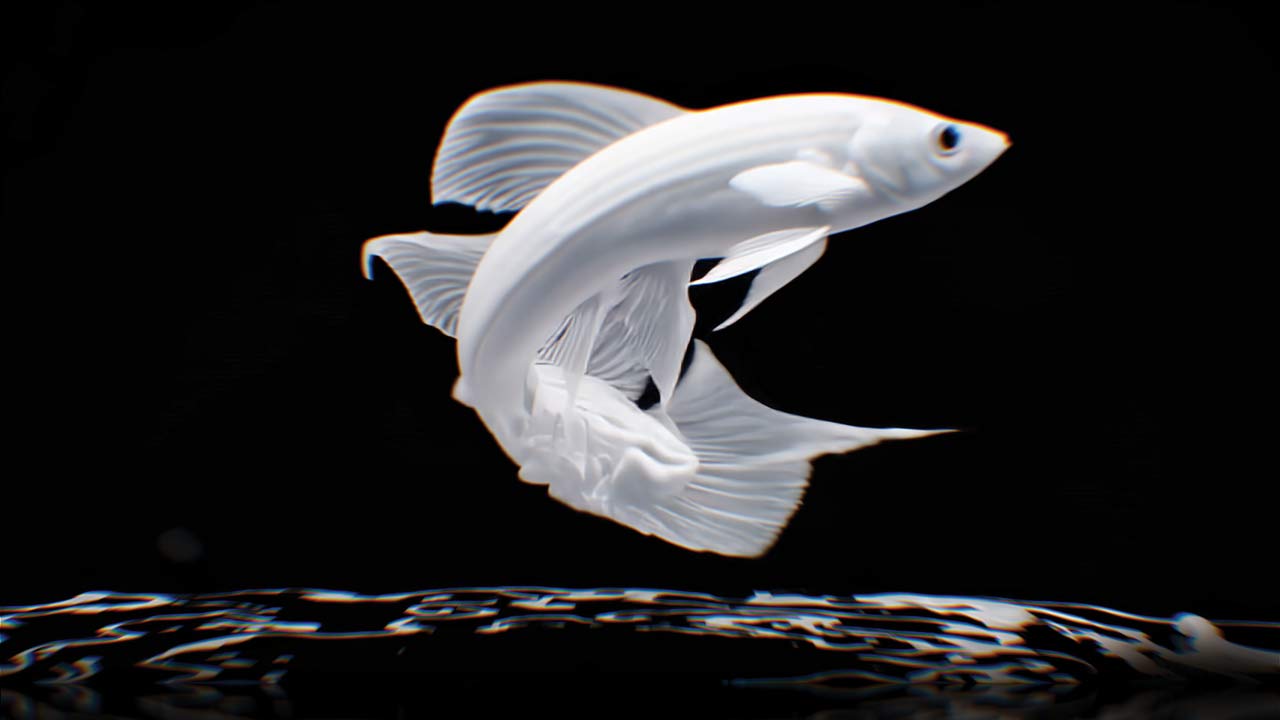
AI Visuals
New-generation content for VJs who want a set nobody else has





VJ Studio
Platform: any device with a modern browser — Windows, macOS, Linux, Raspbian, Android, iOS, Firestick, Android TV. Offline Windows/iOS installers on paid plans.
Price: free forever plan, plus Premium and Pro tiers (monthly or yearly, −35% annually)
Cloud-based VJ and video mapping software that runs in a browser tab, and the most complete of the browser-based options. The company positions it explicitly against Resolume, VDMX, MadMapper and Arkaos on cost and complexity.
The feature that has no desktop equivalent is the cloud projection screen: you control the show from one device and project from another. For a shop window, a museum room or a venue where the machine is locked in a cupboard, that is a real architectural advantage rather than a gimmick.
Verified from their own documentation: 3D video mapping with perspective tools for any surface, unlimited resolution with no artificial cap, sources including local files, webcam, YouTube, Vimeo, Twitch, Mux and web pages, sequences, layers and playlists, audio BPM sync, MIDI, API control and DMX / Art-Net on paid plans, a community library of shared projects and templates, and touch drawing on tablets and phones. Interface available in ten languages including Russian.
The tier split: Free gives you core tools with a watermark. Premium removes the watermark and adds resolution, MIDI and BPM sync. Pro adds unlimited resolution and projects, API control, DMX Art-Net, the offline installer and priority support.
Try it if: you want to map something this weekend without buying anything, or you need to run visuals on hardware that cannot run Resolume.
Karleido
Platform: browser-based
A visual studio for music that sits between a VJ app and a music-video tool. Realtime 2D and 3D generative modules, plus still image, video, loop and camera input, with media-aware visuals the company names Flow Field and Saber Outline.
The structural idea is a clip-based timeline for song sections — intros, drops and outros get their own look — combined with beat detection, phase-driven audio signals, parameter assignments and both keyframed and recorded automation. Finishing tools cover effect stacks, text/image/video overlays, colour grading and reusable presets, with output either to export or live display.
Try it if: you make music and want a visual identity for a track, more than you want a club mixing instrument.
freebeat AI VJ
Platform: browser-based · 500 free credits on sign-up, no card
The clearest example of the generative-AI approach to live visuals: instead of mixing clips, an AI model generates the imagery live from your audio. The company states a 3–5 second audio-to-visual latency, three live modes (POV, Dramatic, Ambient), live text-prompt steering of the scene, and analysis across 8 musical dimensions. Output exports as MP4 in 16:9 or 9:16, and the company states users hold copyright with a commercial licence.
Treat the scale figures as vendor marketing rather than independent fact: freebeat claims over 1,000,000 creators and 1 billion seconds visualised as of May 2026, Forbes coverage in May 2026, and partnership in the Yamaha Creator Pass programme since March 2026.
The honest assessment. A 3–5 second latency is fine for ambient backdrops and streaming and unusable for anything that needs to hit on the downbeat. This is a different instrument from a VJ mixer, not a replacement for one. It is also the only tool here where you cannot fully predict what appears on the screen — which is either the appeal or the disqualifier, depending on the gig.
Screen Sampler
Platform: browser, any OS with a Chromium or Firefox-based browser · Free and open source
The most charming thing to appear in VJ software this year, built by artist Evan Roth as an after-hours project and given away.
The concept is unlike anything else on this list: you sample regions of your own screen — the waveforms in your DJ software, a section of your mixer’s interface, a web page — and map those live regions onto 2D and 3D shapes. Your Serato waveform becomes a texture wrapped around a rotating solid.
Version 1.9 added MIDI controller support, which is where it becomes genuinely useful: map model rotation to your jog wheels, scale to your upfaders, model changes to loading a new track, and the visuals happen as a by-product of you simply DJing. It also added around 30 built-in 3D models plus custom model import in OBJ and GLB, direct camera input, an offline version, settings export/import, lock states and per-region control.
iOS is not supported, because the browser screen-capture API is not available there; Android works through Chromium browsers.
Try it if: you DJ and want visuals that come from your own performance rather than from a clip library. It costs nothing.
Noise Deck
Platform: browser · Free
A browser-based generative visual tool for building and performing node-based audio-reactive visuals with no install. Worth a look alongside Hydra if you like building rather than playing clips.
Visualz Studio
Platform: Windows and macOS · Free for non-commercial use, paid annual licence for commercial
A newer VJ application with a free non-commercial tier, aimed at the space between the free tools and the €300 mainstream. Worth evaluating if you are choosing your first paid app.
Professional media servers
Where shows get big, the software stops being something you buy in a shop and starts being a system with a quote attached. These run arena tours, broadcast, theme parks and permanent installations.
| Server | Notes |
|---|---|
| disguise (formerly d3) | The dominant name in large-scale touring and XR. Combines 3D pre-visualisation, show design and playback, so a team of designers, programmers and project managers can build a show before anyone is in the room. Integrates Notch blocks. |
| Hippotizer (Green Hippo) | Roots at the very beginning of the live visual industry. Hardware plus software, from pixel mapping to projection mapping, small to very large. A common alternative to disguise. |
| Dataton Watchout | Long-established multi-display production and playback system. Networked master and display machines, timeline-driven — the right tool for corporate shows that must run exactly on cue. Note it does not accept DXV. |
| Avolites Ai | Built by a lighting-console manufacturer, so it slots into the lighting world naturally. Strong Notch integration. Large-scale and permanent installs. |
| Christie Pandoras Box | Media and show control with real-time 3D compositing and interactivity. Heavy in themed entertainment and permanent attractions. |
| Modulo Pi (Modulo Player / Kinetic) | French media servers with an intuitive workflow for complex playback and mapping; strong in monuments, museums and large architectural projection. |
| Pixera | A newer generation server that has gained ground quickly in touring and installation work. |
| Ventuz | Real-time 3D graphics authoring and playback, strong in broadcast and interactive presentation. |
| Smode Station | The hardware media-server form of Smode. |
| MXWendler | Real-time video processing and media server system. |
| Ioversal Vertex | Newer entrant in show control and media playback. |
| 7thSense | High-end servers for domes, planetariums and immersive attractions. |
| Green Hippo, Barco, VYV Photon/Xenon, Screenberry, Lightact, Analog Way Picturall | Further established servers, generally specified by the venue or the rental company rather than chosen by the VJ. |
| Vioso and Scalable Display | Not servers but auto-alignment and edge-blending systems: a camera measures the projection and warps and blends multiple projectors automatically. Essential for curved screens and permanent multi-projector installs, and application-independent, so they work under whatever software you already run. |
The practical point for a VJ: you rarely choose these. The venue, the rental house or the production specifies one, and your job is to deliver content in the codec it accepts. Which is exactly why the codec section below matters.
The plumbing — protocols, codecs and utilities
This is the part beginners skip and professionals obsess over. Nothing here makes an image. All of it decides whether your images arrive.
Frame sharing between applications
| Tool | Platform | What it does |
|---|---|---|
| Syphon | macOS | Shares video frames between applications on the GPU, in real time, with no copy to disk. Free and open source. |
| Spout | Windows | The Windows equivalent of Syphon. Free and open source. |
| NDI | Cross-platform | Sends video over a standard IP network. Different problem: Syphon and Spout move frames between apps on one machine, NDI moves them between machines. |
These three are the reason professional rigs use several programs at once. TouchDesigner generates, Resolume mixes, MadMapper maps, and frames pass between them with no cables and no capture cards.
Codecs, and the one decision that causes most playback failures
| Codec | Notes |
|---|---|
| HAP (HAP, HAP Alpha, HAP Q, HAP R) | GPU-accelerated, open source, authored by Vidvox. Works well in essentially everything. The default professional choice. HAP R is the newer, higher-quality variant. |
| DXV | Resolume’s own GPU codec. Excellent inside Resolume, awkward outside it. Free encoder via Resolume Alley. |
| NotchLC | High quality, favoured on Notch and media-server pipelines. Proprietary with a closed SDK; conversion on Mac is slow. |
| ProRes | Excellent quality, CPU-decoded, heavy for many simultaneous layers. Good as a master format. |
| H.264 with a keyframe on every frame | The portability trick. Set the group of pictures to 1 in FFmpeg and every frame becomes independently decodable — far lighter on CPU for scrubbing and instant triggering, and it plays absolutely everywhere. |
The strategy that avoids most problems: master in ProRes, deliver in HAP for anything you might share or ship, keep DXV for your own Resolume rig, and use H.264 all-keyframe when a file has to work on a machine you will never see. This is also why we ship every LIME ART GROUP pack in both ProRes and DXV — so you do not spend the night before a gig transcoding.
Conversion and inspection
- Shutter Encoder — free, powerful conversion; handles DXV and HAP. The single most useful free utility on this list.
- HapMap — free, dedicated HAP encoding.
- Resolume Alley — free clip browser and DXV converter from Resolume.
- Jokyo HAP Encoder — commercial HAP encoding with extra control.
- MediaInfo — free, tells you exactly what is inside a file when something will not play.
- FFmpeg — the engine underneath most batch encoders; worth learning two or three commands.
- OBS Studio — free; capture, record and stream, and frequently used to get an application’s output somewhere else.
Show control and cueing
- Chataigne — free and open source. Speaks OSC, OSCQuery, MIDI, DMX and Art-Net, and knows Resolume and MadMapper. Sits between everything and translates, turning one button into a chain of actions across software, lighting and a second machine.
- QLab (macOS) — the industry standard for cue-based theatre playback.
- Mitti (macOS) — a clean, reliable video cue player for live events.
- Vezér — MIDI, OSC and DMX timeline sequencing.
- Open Stage Control — free, open-source, cross-platform custom control surfaces.
- Bitfocus Companion — free; drives Resolume and dozens of other systems from a Stream Deck, with labels and thumbnails on the buttons.
- TouchOSC — build custom control surfaces on a phone or tablet speaking OSC, MIDI and serial.
- PosiStageNet, OSSIA, Central Control — protocol and orchestration layers for larger productions.
Creative coding frameworks
For building tools rather than using them: Processing (the friendliest entry point), openFrameworks (C++), Cinder (C++), three.js (browser 3D), nannou (Rust), p5.js (browser), Polycode, and the MLT Framework.
The Linux ecosystem
Linux VJing is small but real. vimix and GLMixer for mixing, Veejay as a command-line video sampler, FreeJ for scripted live manipulation, MapMap and Mapio for Linux for mapping, Pure Data, Processing, openFrameworks and KodeLife for generative work, QLC+ for lighting, Open Stage Control for interfaces, and Blender, Kdenlive, Natron and Shotcut for production. AV Linux packages much of this into a ready distribution.
Spout and Syphon for developers — the short version
If you write code, both frameworks have mature bindings almost everywhere, and you do not need a list of forty repositories to get started. The practical picture: Unity (KlakSpout is the maintained standard), Unreal Engine (community plugins for UE4 and UE5), Python (SpoutGL and pyspout), Processing and openFrameworks (official-quality libraries), Blender, After Effects, OBS, Max/MSP, Godot, Rust, Electron and .NET. Search the framework name plus “Spout” or “Syphon” on GitHub and you will find a current binding; hard-coding a list of repository URLs into an article is how that list rots within a year.
How professionals actually combine these
Nobody sensible runs one program. Three patterns cover most working rigs:
The mapper’s rig. A mixer for content plus MadMapper for geometry, connected by Syphon or Spout. VDMX + MadMapper on Mac, Resolume + MadMapper on Windows. The mixer never has to understand your surfaces; the mapper never has to understand your content.
The generative rig. TouchDesigner, Smode or Synesthesia generating live, feeding a normal VJ app as just another source. You get bespoke visuals without rebuilding a clip launcher from scratch. On Mac, VDMX6 Plus skips the frame-sharing step entirely by loading TouchDesigner and Vuo patches directly.
The DJ rig. GrandVJ or MixEmergency taking timecode, TrackDJ or Serato data so visuals follow the music automatically, freeing your hands for effects rather than triggering.
The connective tissue in all three is the same: Syphon or Spout on one machine, NDI between machines, MIDI and OSC for control, and Chataigne when the logic gets complicated.
The full reference catalogue
Everything above is software I would actively recommend to someone. What follows is the rest of the ecosystem — smaller tools, specialist instruments, historical software still in use, and projects worth watching. One line each, honestly labelled.
More VJ and live performance tools
| Tool | Platform | What it is |
|---|---|---|
| FLxER | Win/Mac, free | Free VJ software and community platform, long-running |
| AVmixer Pro (Neuromixer) | Win/Mac | Live audiovisual mixing suite |
| GifSlap | — | VJ tool built around mixing animated GIFs |
| Fragment:Flow | — | Live-coding environment for GLSL visuals |
| Bazik VJ | — | Syncs visuals to beat and frequency |
| Cathodemer | — | Emulates old-school video-synthesiser workflow |
| GLMixer | Win/Mac/Linux, free | Open-source real-time graphics and video mixer |
| vimix | Linux/Mac, free | Free live video mixer and sampler, built on GLMixer |
| FreeJ | Linux, free | Open-source instrument for scripted live video manipulation |
| Veejay | Linux, free | Command-line visual instrument and real-time video sampler |
| modV | Cross-platform, free | Open-source modular visualiser |
| Quantum VJ HD | Linux/Win/Mac/Android/iOS, free | Lightweight cross-platform VJ tool |
| VIDIFOLD | Linux, free | Linux VJ application |
| GoVJ | iOS | VJ app for mixing clips and effects on iPhone/iPad |
| DJVJ | — | App for mixing visuals and music together |
| TouchViz | iPad | Hexler’s iPad VJ app |
| MXR | — | Live music shows in virtual reality |
| Moldeo | Linux, free | Open-source interactive audiovisual platform |
| Praxis LIVE | Cross-platform, free | Hybrid visual programming for live coding visuals and sound |
| VJamm, Visual Jockey, Neon v2, Gephex, Mother, Romanesco, AVVX, 2v-p, Moonster, Chromatose, Circulation, ARRAST VJ, elektronika | Various | Historic, experimental and artist-made VJ tools — several no longer maintained, listed for completeness |
| Andrei Jay Creative Coding, Signal Culture App Club | — | Collections of artist-made experimental visual tools |
More generative and node-based environments
| Tool | Platform | What it is |
|---|---|---|
| Unity | Win/Mac/Linux | Real-time 3D engine, used for interactive visuals and XR |
| Unreal Engine | Win/Mac | High-fidelity real-time 3D; heavily adopted for concert visuals and virtual production |
| Blender | Win/Mac/Linux, free | Full 3D suite with the EEVEE real-time engine; now a mainstream content tool for concert visuals |
| Pixel Composer | Win/Mac | Node-based procedural graphics |
| Improviz, nannou, Ossia | Cross-platform, free | Live-coding and interactive media environments |
| KodeLife | Cross-platform | Real-time shader editor |
| Quartz Composer | macOS, free | Apple’s node environment — officially deprecated, still loadable in VDMX |
| Visor Live, BrainModular, Flaretic, BlitzTag | Various | Smaller generative and live-coding projects |
More mapping and calibration tools
| Tool | Platform | What it is |
|---|---|---|
| MPM (Multi-Projector-Mapper) | Open source | Framework for 3D mapping with multiple projectors, with calibration tools |
| Mapstard | Linux/Win | Timeline-driven video server with DMX universes; for controlled shows rather than live VJing |
| Dynamapper, Mapping Matter | — | Mapping and projector-planning utilities |
| ArKaos MediaMaster Pro | Win/Mac | ArKaos’s mapping and media-server line |
More utilities
| Tool | Platform | What it is |
|---|---|---|
| VirtualDub2 | Win, free | Video capture and processing utility |
| VideoSpec, VideoInspector | — | File inspection tools |
| SwitchResX | macOS | Display resolution and timing control — genuinely useful when a projector refuses a mode |
| XnView | Cross-platform | Batch image handling |
| Syphon Recorder, Spout Recorder | Mac / Win | Record a Syphon or Spout stream straight to disk |
| Syphoner, TCPSyphon, TCPSpout | Mac / Win | Capture windows or send frame-sharing streams across a network |
| NDI Tools | Win/Mac, free | Official free NDI suite, including Studio Monitor and Scan Converter |
| Medialooks, Sienna, Dicaffeine | — | Professional NDI tooling and internet NDI transport |
| VideoSync | macOS | Video playback locked to Ableton Live |
| projectM | Cross-platform, free | Open-source MilkDrop-compatible visualiser |
| ProjectMilkSyphon | macOS, free | MilkDrop visuals into Syphon, published by Vidvox |
Frequently asked questions about VJ Software
What is the best VJ software in 2026?
For most working VJs it is Resolume — Avenue at €299 for mixing, Arena at €799 if you need projection mapping and DMX — because it runs on Windows and Mac and every venue knows it. On Mac, VDMX6 at $199 offers more customisation for less money and a demo that is fully functional except for saving projects. For projection mapping specifically, MadMapper is the reference tool, and for theatre and scripted shows it is Millumin.
What is the best free VJ software?
For clip mixing and mapping in a browser, VJ Studio has a free plan that works permanently, with a watermark. For mapping on the desktop, VPT and MapMap are free. For generative visuals, Hydra runs in a browser and Bonzomatic and Tooll3 are free downloads. TouchDesigner’s non-commercial licence is free with resolution limits. Screen Sampler is free and open source and turns your DJ software’s own screen into visuals.
Do I need to pay for VJ software to play paid gigs?
Not necessarily. VDMX’s demo is fully functional except that it cannot save projects, so you can perform with it while you decide. TouchDesigner’s free licence is non-commercial only, so paid work requires a licence. Read each licence rather than assuming — some free tiers permit commercial use and some explicitly do not.
Which VJ software is best for beginners?
Resolume Avenue if you have a budget, because the layout is standard and every tutorial online applies to it. ArKaos GrandVJ if you come from DJing, because of its A/B deck and preview. Synesthesia or Magic Music Visuals if you want audio-reactive visuals without building anything. VJ Studio if you want to try mapping without spending money.
What codec should I use for VJ clips?
HAP for almost everything, because it is GPU-accelerated, open source and works across nearly all software and media servers. DXV only if you stay inside Resolume. H.264 with a keyframe on every frame when a file must play on a machine you cannot test. Avoid delivering long-GOP H.264 for live triggering — the scrubbing performance is poor.
Can I run several VJ programs at the same time?
Yes, and most professionals do. Syphon on macOS and Spout on Windows pass frames between applications on the GPU with no capture hardware. NDI does the same across a network between machines. A typical rig generates in one program, mixes in a second and maps in a third.
Is TouchDesigner a VJ software?
Not by default. It is a node-based environment in which you can build a VJ application, and some people have. In practice most VJs use it as a generative source feeding Resolume, VDMX or MadMapper. If your show is soon, learn a VJ app first and add TouchDesigner later.
What software do big touring shows use?
Media servers rather than VJ apps: disguise, Hippotizer, Avolites Ai, Pixera, Christie Pandoras Box, Modulo Pi and Dataton Watchout, often with content built in Notch or Smode. These are usually specified by the production or rental company, and your job as a content supplier is to deliver in the codec that server accepts.
Content is still king
You can spend €799 on Arena, €600 on a controller and a week learning TouchDesigner, and it will still look poor if the material on the screen is weak. The software is how you play. The footage is what plays.
Since 2008 we have produced over 100 VJ Loops Packs, delivered in both Mov ProRes and Mov DXV so files drop into Resolume without a night of transcoding, in resolutions from Full HD to 8K, shipped from three separate locations so you get them fast wherever you are.
If you have just picked your software and now need something to put through it, start with our VJ Clips collections for clubs and festivals, the AI Visuals category if you want a set that does not look like everyone else’s, or the monochrome Video Mapping Loops, which double as masks inside any of the mixers above.
If we have missed a tool, tell us and we will add it — this list is meant to stay alive.
Best wishes from Vienna,
Thanks for your attention, faithfully yours,
Alexander Kuiava – Founder & CEO LIME ART GROUP
Latest Feature VJ Loops
Hand-picked visuals by our New Media Artists
-
Sale!
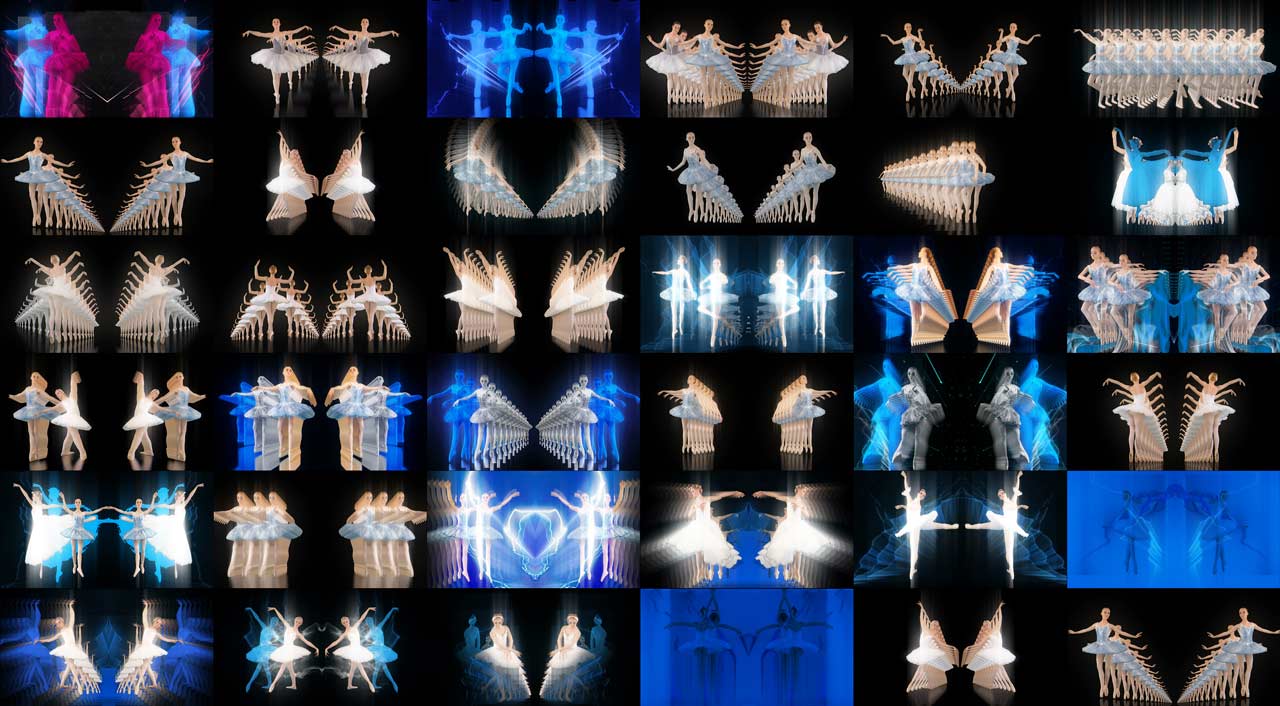
VJ Loops Pack Vol.73 – Mirror Ballet
Original price was: 129€.99€Current price is: 99€. -
VJ Loops Pack Vol.18 – Abstract Background Textures
89€ -
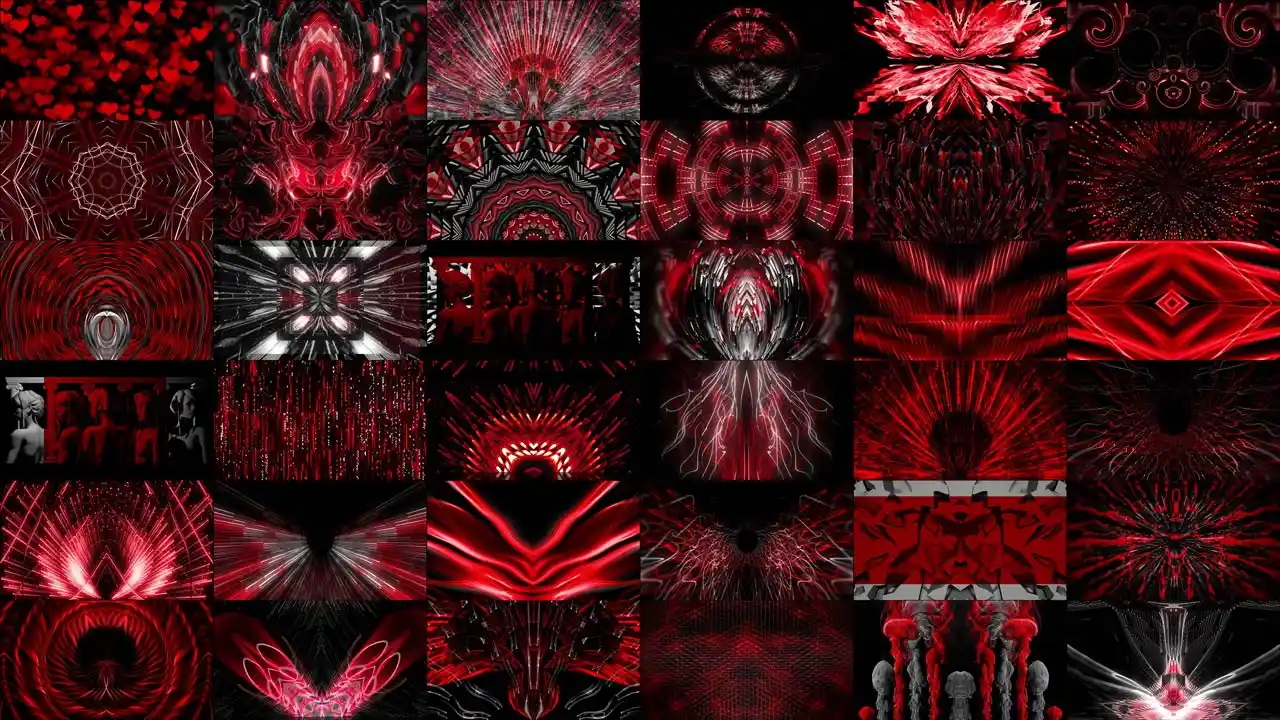
VJ Loops Pack Vol.19 – Lovely Red
79€ -
VJ Loops Pack Vol.11 – Really Madonna
89€ -
Sale!
Interior Patterns – Immersive Visuals Vol.1
Original price was: 249€.199€Current price is: 199€. -
VJ Loops Pack Vol.85 – Gnosis Lightning
99€ -
VJ Visuals Starter Pack
99€ -
Sale!

 Select options This product has multiple variants. The options may be chosen on the product page
Immersive Projection Business Guide
Original price was: 19€.12€Current price is: 12€. -
VJ Loops Pack Vol.83 – Vivid Wheat
99€







Best wishes from Vienna,
Thanks for your attention, faithfully yours,
Alexander Kuiava – Founder & CEO LIME ART GROUP
https://alexanderkuiava.com/
