
How to Make Concert Visuals: The Production Guide Nobody Writes
The article is written by a human. Mistakes have been edited by AI. This guide distils the working practice of professional concert and festival VJs. No names, because the methods matter and the personalities do not.
Search for how to make concert visuals and you will find two things: software tutorials that show you which buttons exist, and inspiration reels that show you finished work. Almost nothing exists in between — the part where a working VJ takes a booking with nothing prepared and arrives four weeks later with a show. That middle part is the job. It has a shape, it is roughly the same shape for everyone doing it professionally, and almost nobody writes it down. This article writes it down: seven stages from booking to load-out, what happens in each, what to ask, what to build, and what fails.
What this guide deliberately does not cover. It is not a software ranking — we keep a separate rating and a longer tool list for that. It does not explain codecs, because that argument has its own article. It does not repeat the performance errors beginners make or the basics of what VJing is. It covers the process, which none of those do.
Who this article is for: VJs preparing their first professional shows, and anyone producing visual content for live music.
What it solves: there are tutorials for software and there are showreels. There is nothing describing the process between them.
What you get by the end: the seven-stage pipeline with effort proportions, what to ask before you design anything, how to structure a show file, how to practise, a tool map by function, and how first paid work actually happens.
Hello dear VJs and clients of LIME ART GROUP. I am new media artist Alexander Kuiava. Everything below is consistent across many working professionals rather than one person’s preference, which is the reason to trust it.
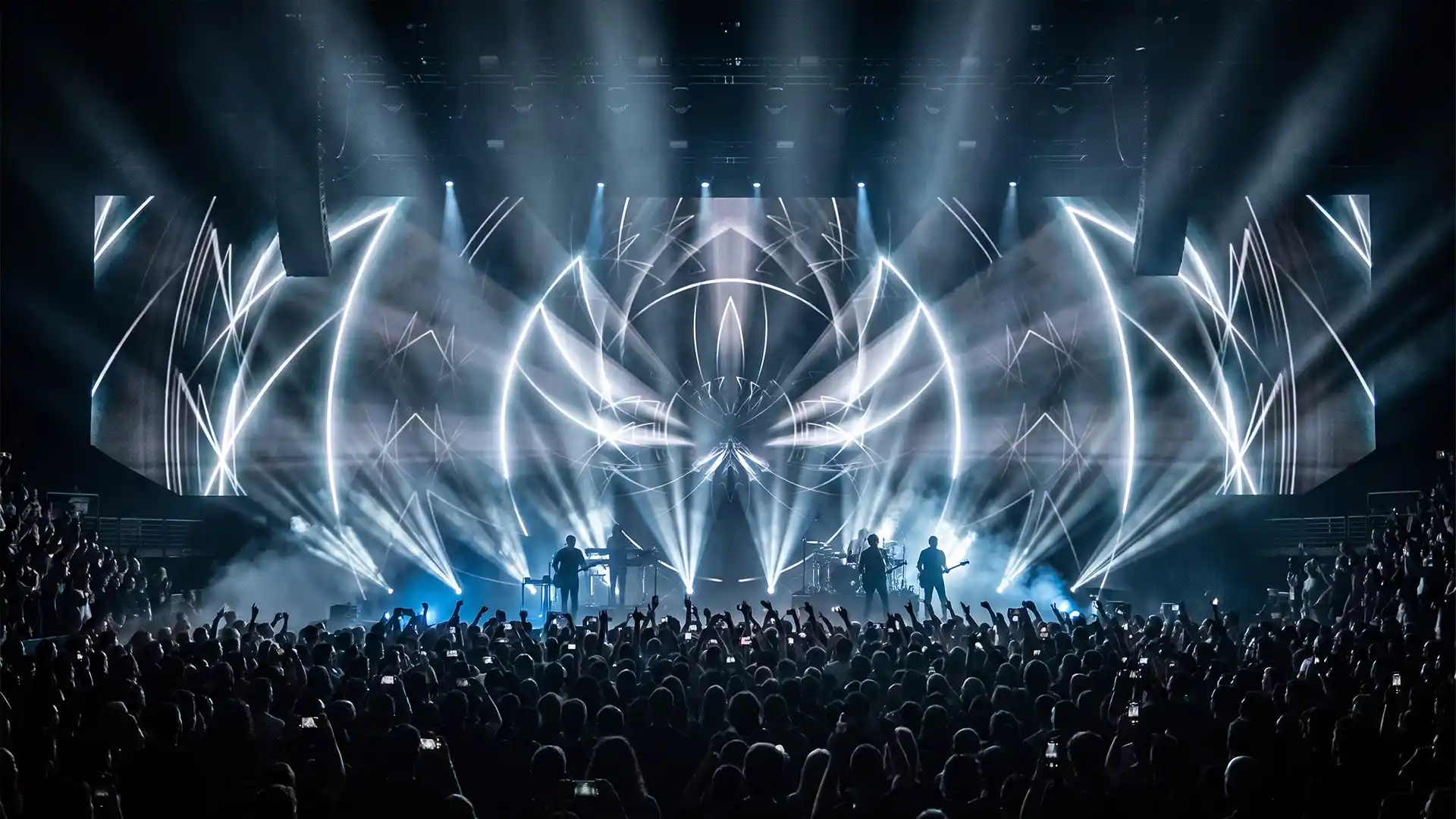
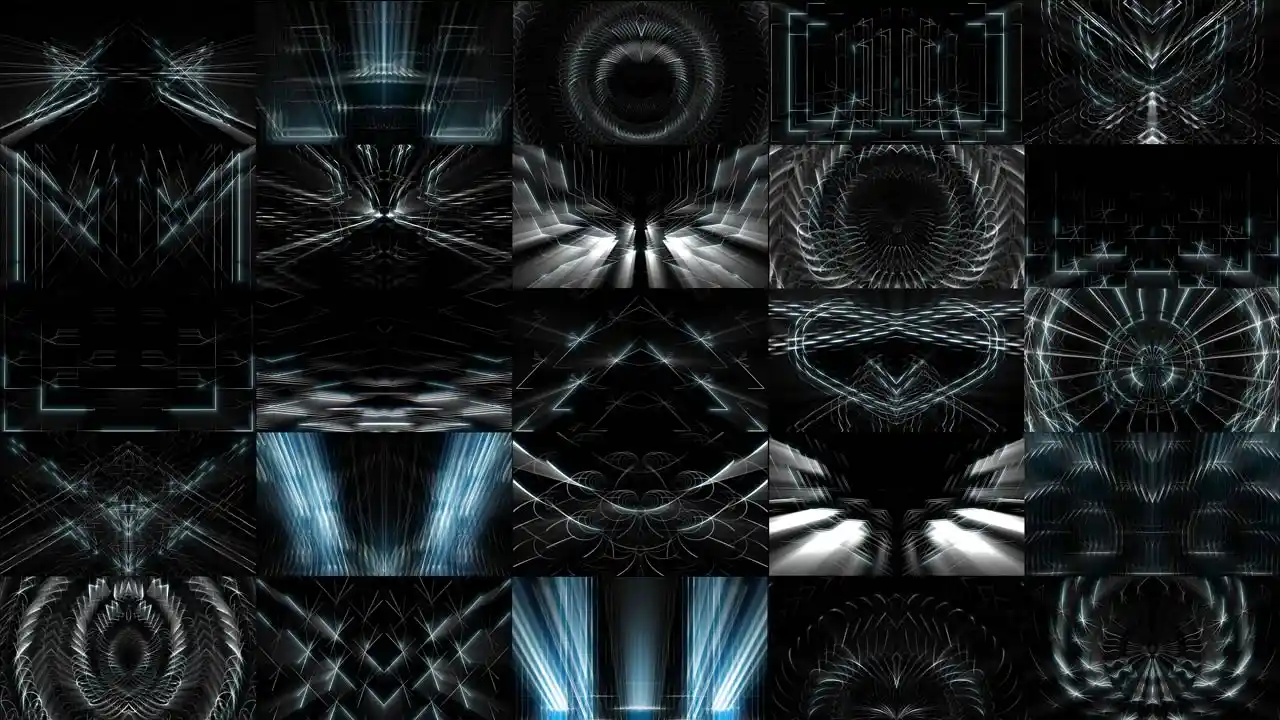
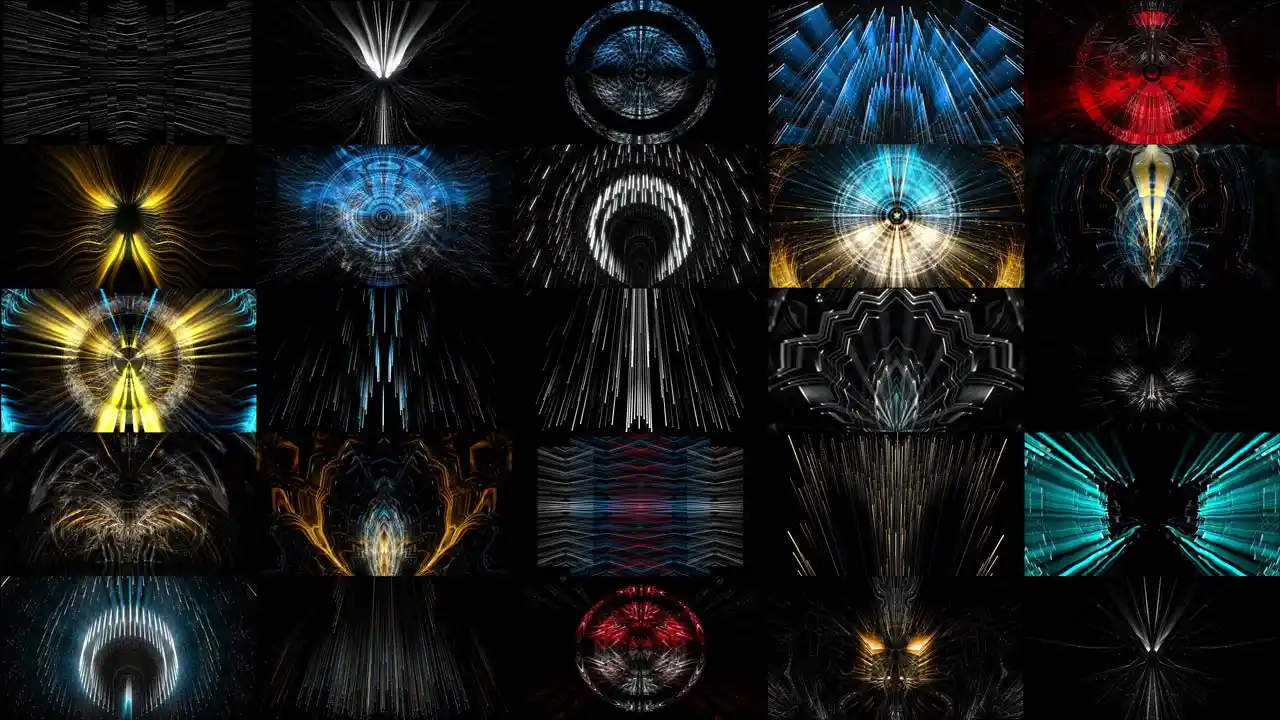
Concert Visuals by VJ Loops Pack Vol.28 – DecoLines
The seven stages of a show
Every professional show, from a 200-capacity club to a festival main stage, moves through the same seven stages. What changes is how much time each one gets and how formal it becomes.
| Stage | What it produces | Typical share of total effort |
|---|---|---|
| 1. Advance | The technical facts you cannot design without | 5% |
| 2. Learn the music | A track-by-track map of the set | 15% |
| 3. Design the show | A plan of looks, moments and calls | 10% |
| 4. Make the content | The clips themselves | 40% |
| 5. Build the show file | A playable instrument | 15% |
| 6. Rehearse | Muscle memory and a working failover | 10% |
| 7. Show day | The show, plus everything that goes wrong | 5% |
The proportions are the point. Content production takes the largest single share, but it is under half — and the four stages before and after it decide whether that content works at all. Beginners spend 90% of their effort on stage four and wonder why the show does not land.

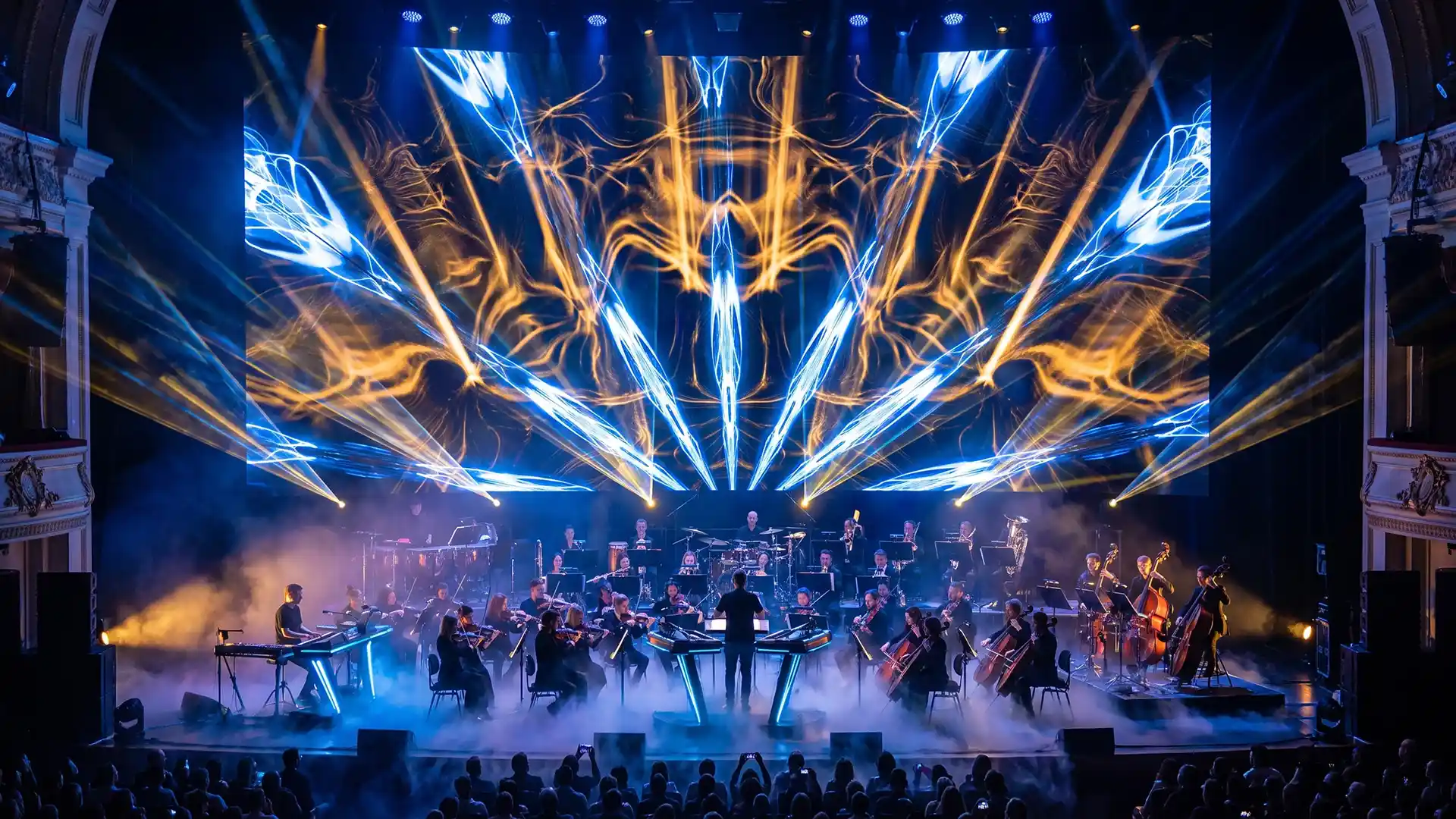
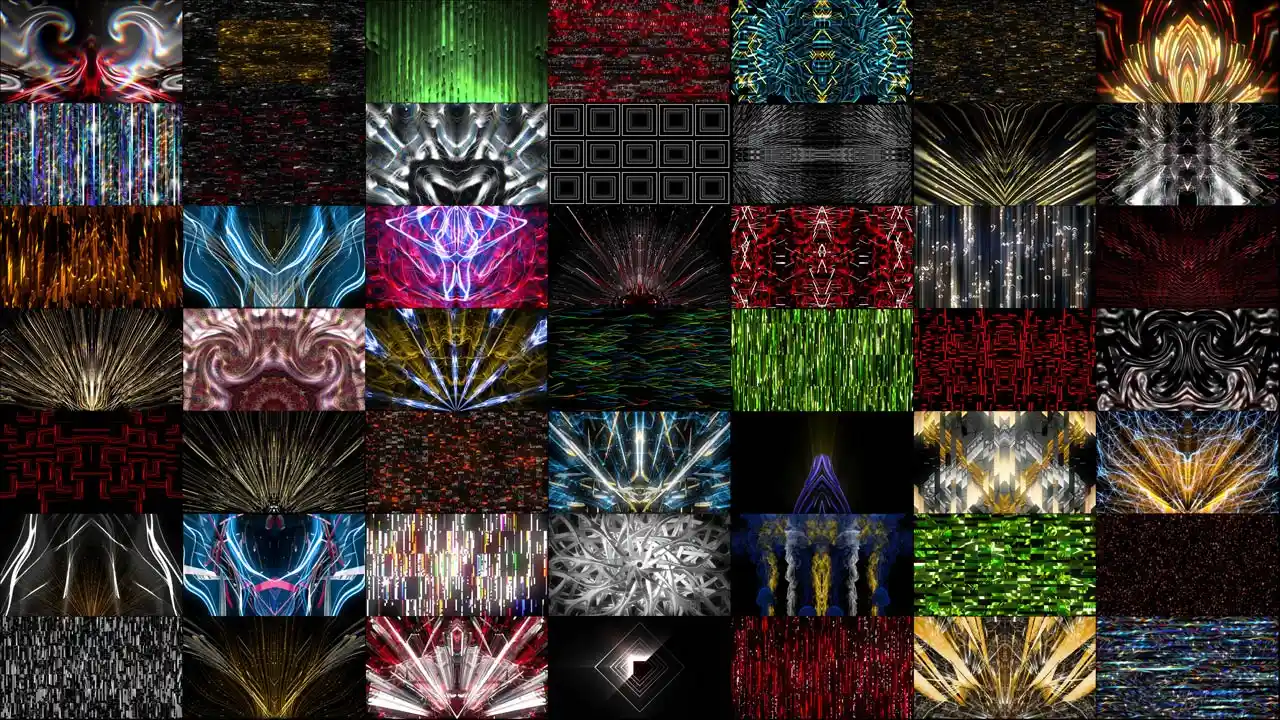
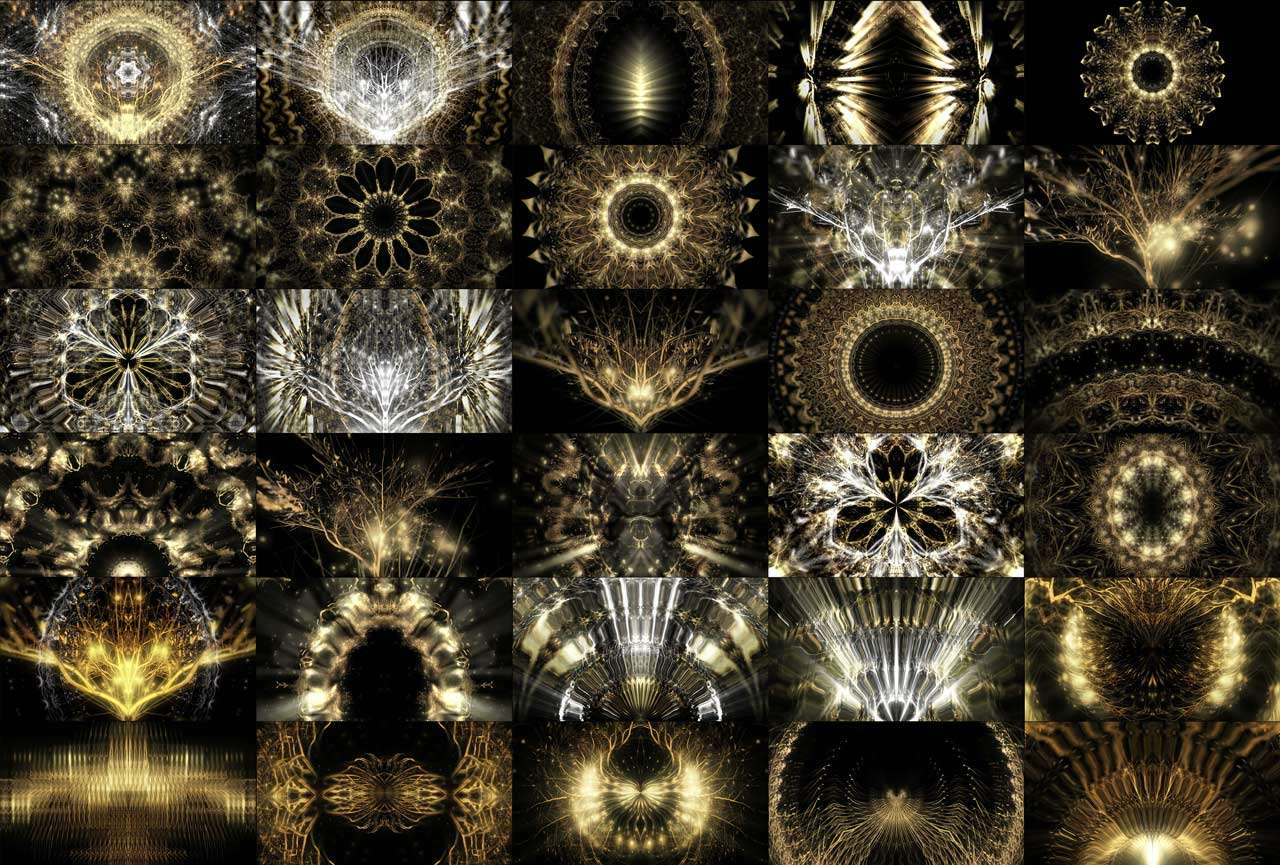
Concert Visuals by VJ Loops Pack Vol.18 – Abstract Backgrounds
Stage 1 — Advance the show
Advancing means collecting the technical facts before you design anything. It is the cheapest stage and skipping it invalidates every stage after it.
The single most useful rule here: know what you are asking for before you ask for it. Turning up to a projector stage and asking for a pixel map tells everyone in the booth that you have not understood the rig you are working on. Ask specific, correct questions and the crew will help you all night. Ask a wrong one and you spend the evening proving you belong there.
What to establish, in order:
- What is the display? A projection surface, an LED wall, individually addressable fixtures, or a combination. Everything else follows from this. A pixel map exists for LED and for pixel-mapped fixtures. It does not exist for a projector.
- What is the exact canvas? Pixel dimensions and aspect ratio, not “it’s a big screen”. A 4:1 wall and a 16:9 wall are different design jobs, and content built for the wrong one will be letterboxed or cropped on the night.
- What is the physical shape? One flat surface, multiple panels with gaps, a curved wall, columns, an irregular set piece. Gaps and irregularity mean slicing and mapping work, not just playback.
- Who supplies the machine? Your laptop into their switcher, or their media server running your content. If it is theirs, ask what software and what formats before you export anything.
- What is the signal chain? Which output, which cable standard, which converters, who owns them. Bring your own adapters regardless.
- Is there timecode? If the show is timecoded you are programming rather than performing, and you need to know weeks in advance. Also ask when the timecode will actually be available to you — if the data run is not in place until late in the day, half your programming window disappears while you wait for a cable.
- Who else is lighting this room? There is a lighting operator and possibly a laser operator. You are all lighting the same audience.
- How long is the set, and is there an opener or a back-to-back? Duration drives content quantity, and an unannounced guest appearance is the most common reason a show file runs out of material.
Get this in writing where possible. A screen specification in an email is a document; a screen specification remembered from a phone call is a rumour.
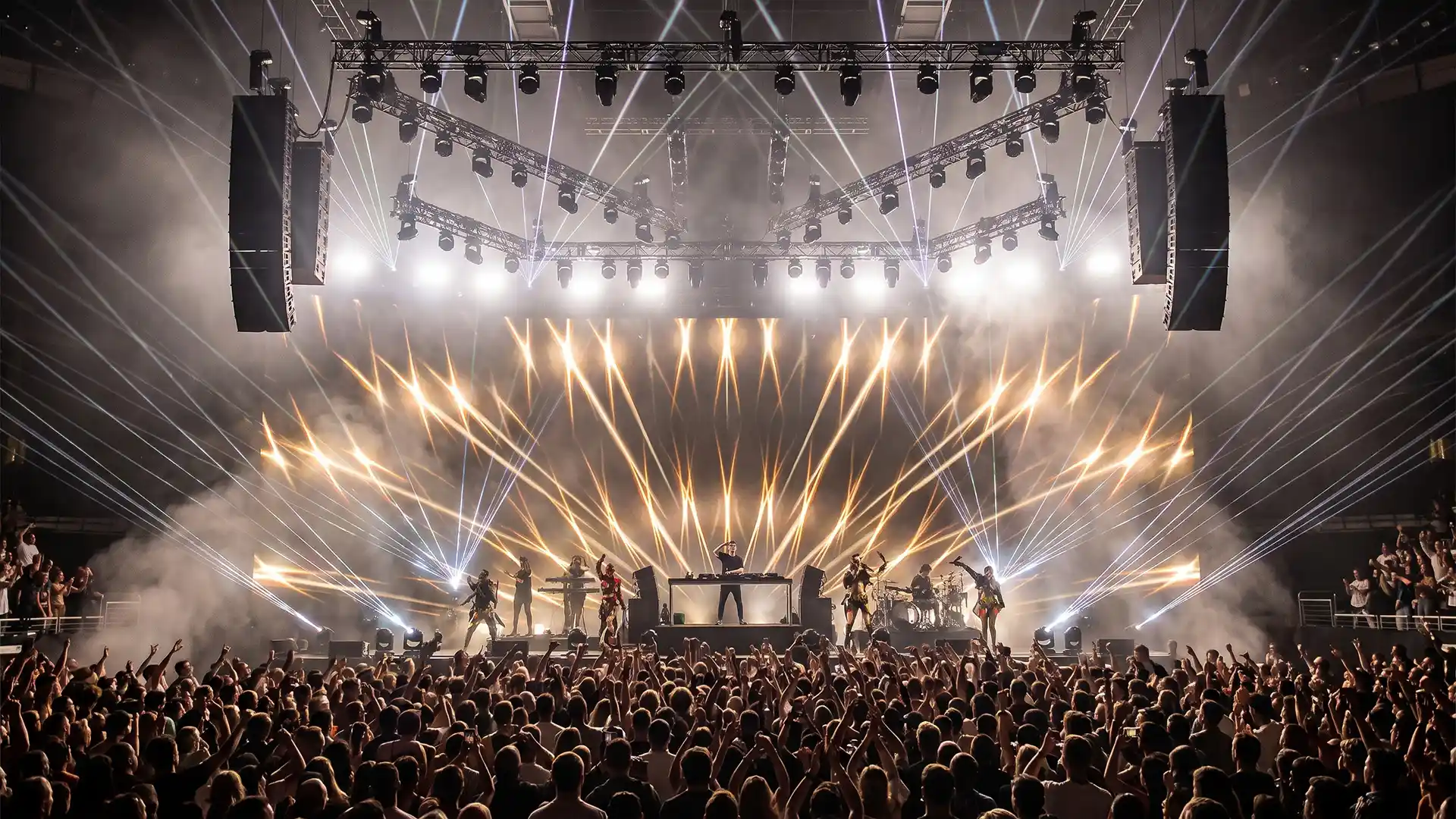
Concert Visuals by VJ Loops Pack Vol.35 – Light Leaks
Stage 2 — Learn the music
This is the stage that separates a show that fits the artist from a show that merely runs during the artist.
Ask for the set list in advance. Professionals do this as a matter of course, and artists who care about their show will send one. Then listen to each track repeatedly — not twice, but enough times that you can hear the arrangement without concentrating. The goal is to know where every build starts, how long it runs, where the drop lands, and where the track goes quiet.
For each track, write down four things:
- The build — how long it is and whether it accelerates.
- The drop — exactly where it lands, and whether there is a false drop before it.
- The breakdown — where the energy falls and the room needs darkness.
- The feeling — one or two words. This is what determines the look, and it is more useful than any genre label.
When there is no set list — a festival slot with unannounced openers, a house VJ position, an artist who does not plan — you are working from structure rather than from content. Learn the conventions of the genre: where builds sit, how long they typically run, whether drops land on the one or are delayed. Then count. Bars, fours, eights, thirty-twos. Counting is what lets an experienced VJ hit a drop they have never heard before, and it is a learnable skill rather than an instinct.
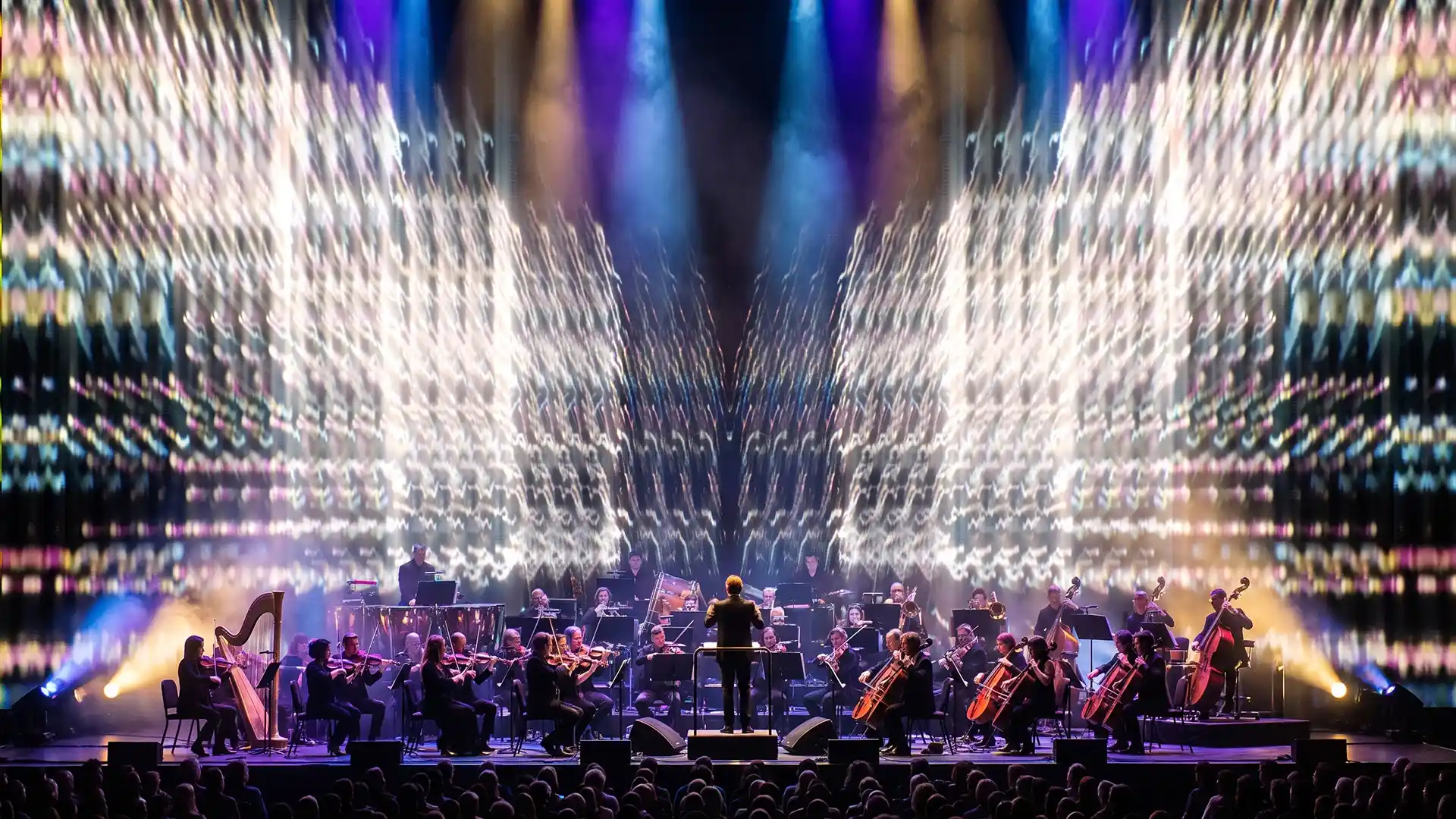
Concert Visuals by VJ Loops Pack Vol.23 – Gate Excelsior
Stage 3 — Design the show
Now you decide what the show is, before you make a single frame.
Work track by track, and give each track roughly equal weight. A typical structure per track is three elements: a base look that carries the body of the song, something you can flash or overlay during the build, and a high-energy visual for the drop. Then reset for the next track. That is a working minimum, and it scales up rather than down — you can always add more, but a track with fewer than three states will feel static.
Beyond the visual itself, note the calls — the moments where something other than the screen happens. A lighting call, a laser call, a special-effects call for cryo or pyro. Not every track has each, but knowing which ones do changes what you should be doing on screen at that moment.
Lasers in particular need planning against your content. Lasers and a bright screen compete directly; the audience cannot see both properly. Deciding in advance who owns which moment is the difference between a designed show and two departments fighting.
The same applies to the lighting desk. Much of this coordination happens non-verbally on the night — the screen goes black when the lights go big, and comes up when they drop — but the framework should be agreed before doors. Experienced pairs develop something close to a private sign language. That starts with a two-minute conversation, not with telepathy.
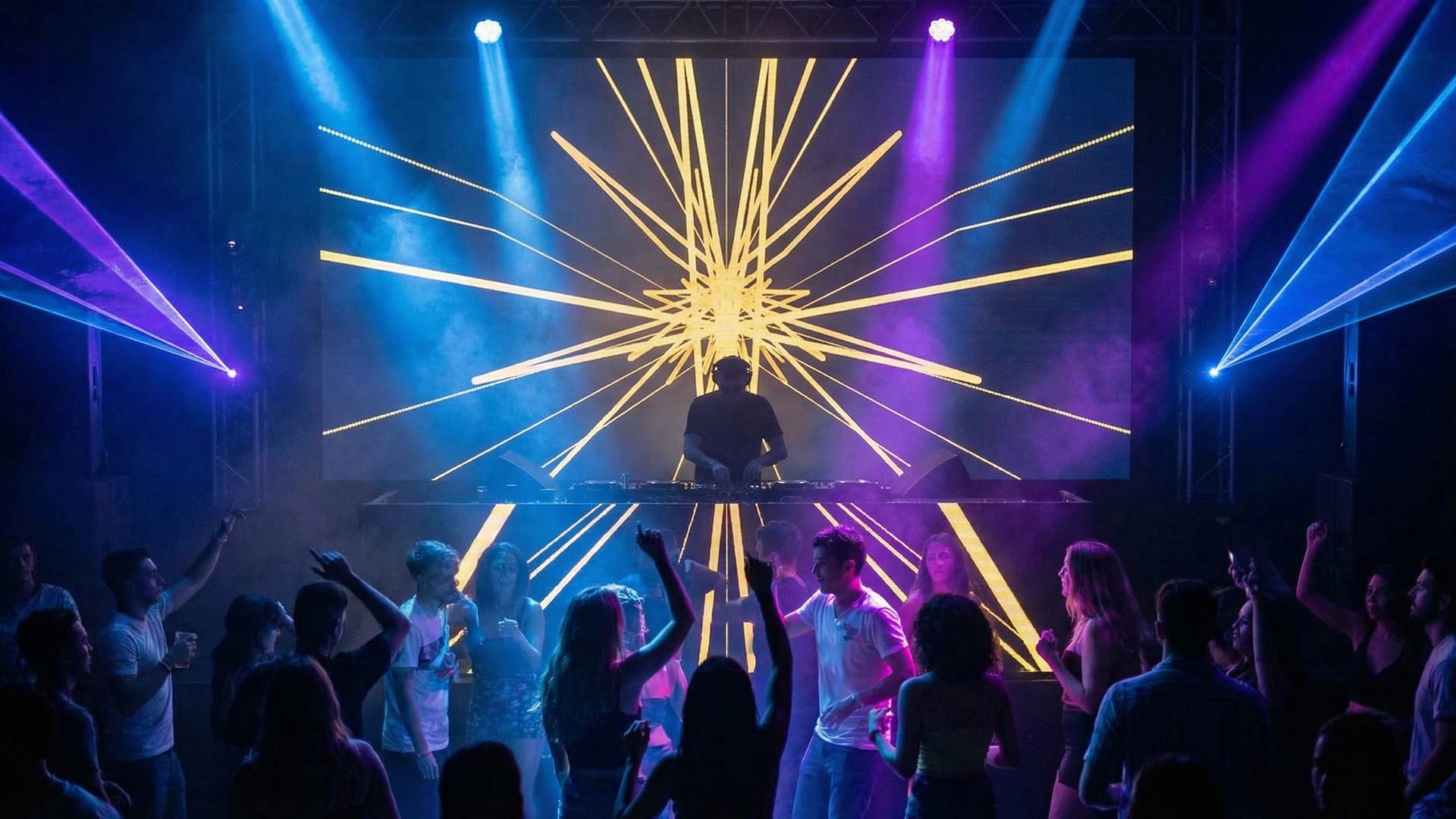
Design in sub-themes, not in one theme. A set built on a single visual idea stretched across two hours reads as repetition regardless of clip count. A set built on one coherent world containing six to eight distinct sub-looks reads as a designed show. This is also the correct way to evaluate content you did not make: a pack with one theme and several genuine variations inside it is worth more than a pack with one idea and filler to reach a number.
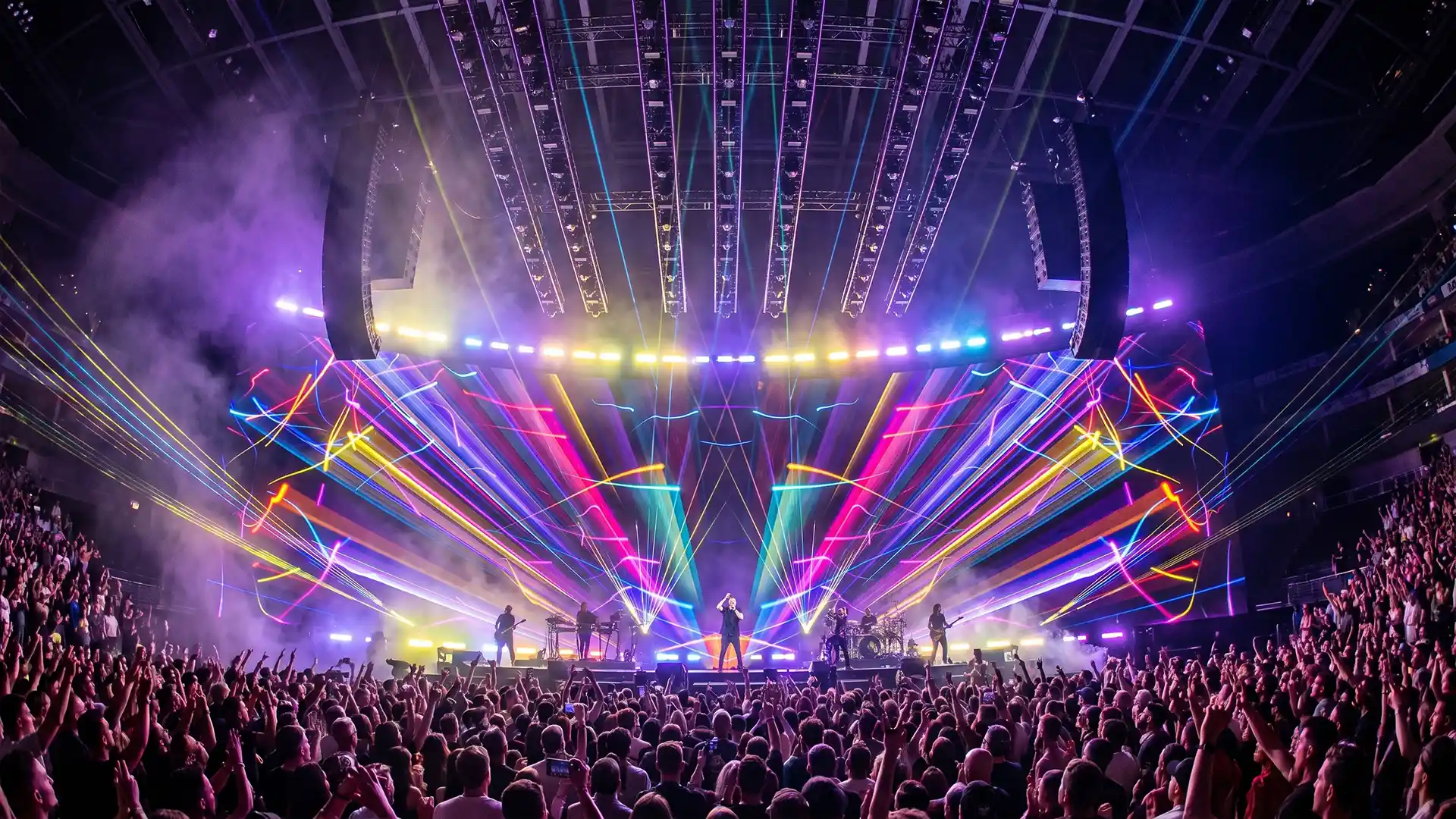
Concert Visuals by VJ Loops Pack Vol.36 – Colorful Chaos
Stage 4 — Make the content
The largest single block of work, and the one where new VJs make the most expensive mistakes.
Three production routes
There are three ways to produce visual content, and most working VJs use all three depending on the job.
| Route | What it is | Strength | Cost |
|---|---|---|---|
| 2D and compositing | Motion graphics, typography, overlays, treatments of existing footage | Fastest by a wide margin; unbeatable for logos, text and quick turnarounds | Limited depth and dimensionality |
| Rendered 3D | Modelled, lit and rendered animation | Highest visual quality and the most control over look | Render time, which is the single biggest schedule risk in this discipline |
| Real-time | Scenes built in a real-time engine, either rendered out or played live | No render queue; changes are visible immediately; can respond to audio and control input live | Steeper learning curve and heavy optimisation work |
The shift toward real-time production over the last few years was driven by one thing: render time. The old workflow meant committing to a decision, waiting hours or days for frames, discovering a problem at the end, and starting again. In a real-time engine you change the shot, watch it, and record it again in minutes. When deadlines are short — and in concert work they always are — that difference decides what is possible.
The trade is real. Real-time engines demand disciplined data organisation. A scene that arrives from a 3D package with hundreds of separate objects and unmanaged textures will need restructuring before it performs, and that restructuring is unglamorous, invisible work. Expect frustration; everyone who moved to real-time describes the same period of hating it before it paid off.
Simple content is not lesser content
The most common misconception among new VJs is that good content means complex content. It does not, and the working reality is close to the opposite.
Extremely simple animations — a stroke moving up and down, lines pulsing on the beat, geometric elements over black — are among the most useful things in a set, because they cut cleanly, they layer over everything, and they never fight the music. A skilled operator can produce dozens of them in an afternoon in a compositing application, and those dozens will get more screen time across a year than an elaborate rendered sequence that only fits one track.
Build both. But if you are starting with nothing, build the simple library first, because it makes you playable immediately.
Colour and contrast
A practical technique that transfers to any software: take a neutral loop, push it strongly toward one colour — around 80% of the way, not fully — then add brightness and contrast until it pops. Fully saturating a single hue usually flattens the image; leaving a trace of the original keeps depth in it.
Beyond that, the rules are the same as any screen work seen from distance in a dark room. High contrast survives; subtle midtones do not. Silhouettes and negative space read from the back of a venue; fine detail does not. Test by looking at your work small, from across the room, with the lights off.
Making versus buying
Nobody builds an entire show library from scratch, and pretending otherwise is how people miss deadlines.
The honest division is this. Build the things that identify the artist: their marks, their motifs, the sequences that only make sense in this show. Acquire the things that are structural: textures, geometric elements, overlays, transitions, backgrounds — material that does a job rather than makes a statement. Nobody in the audience knows or cares where a background texture came from, and the hours you save there go into the moments they will remember.
This is the business we run, so treat it as disclosure rather than neutral advice: our VJ loops packs are built as coherent sets with internal variation for exactly the sub-theme logic described above. Whatever source you use, the criterion is the same — does this material let any clip follow any other clip without the show visibly breaking.
Prepare the improvisation in advance
Anything you might have to do live, do beforehand.
Guest shout-outs, artist logos, a name or a face that needs to appear on screen, a birthday message, a sponsor mark — these arrive as last-minute requests constantly, and doing them under time pressure in a dark booth is how mistakes get made. If there is any chance a request is coming, build it in the afternoon and keep it in a folder. Working VJs routinely prepare graphics for people who might get mentioned.
The same applies to structure. Build extra content beyond the set list for back-to-backs, encores, an overrunning slot, or an opener who does not turn up and leaves you covering. The material you never use costs you an hour. The material you needed and did not have costs you the show.
VJ Loops Packs
Coherent sets with internal variation – structural material, so your hours go into the moments people remember
-
VJ Loops Pack Vol.41 – Goldfrau
79€ -
VJ Loops Pack Vol.29 – Glitch Backgrounds
89€ -
VJ Loops Pack Vol.17 – Main Element
99€ -
VJ Loops Pack Vol.28 – DecoLines
99€ -
VJ Loops Pack Vol.18 – Abstract Background Textures
89€ -
VJ Loops Pack Vol.11 – Really Madonna
89€ -
VJ Loops Pack Vol.12 – Interstellar Hypergate
59€ -
VJ Loops Pack Vol.1 – Smart Lines
99€ -
Vj Loops Pack Vol.26 – Gilded Roots
99€

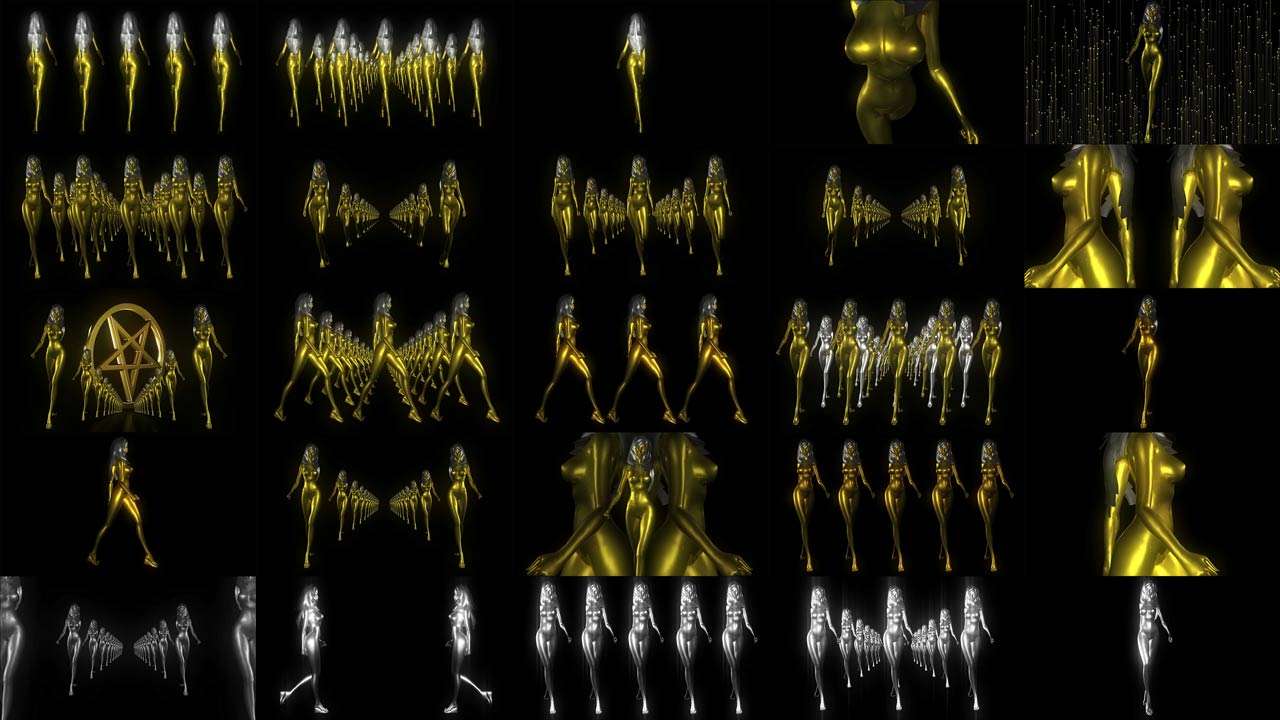

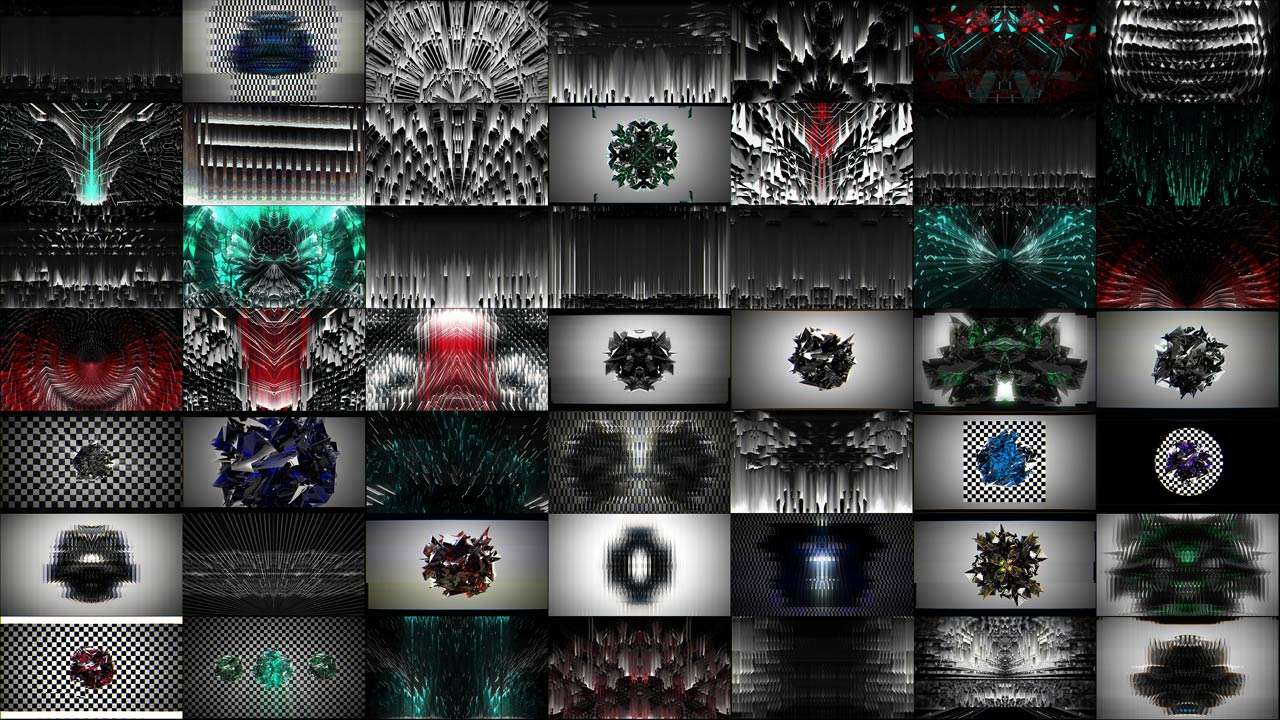




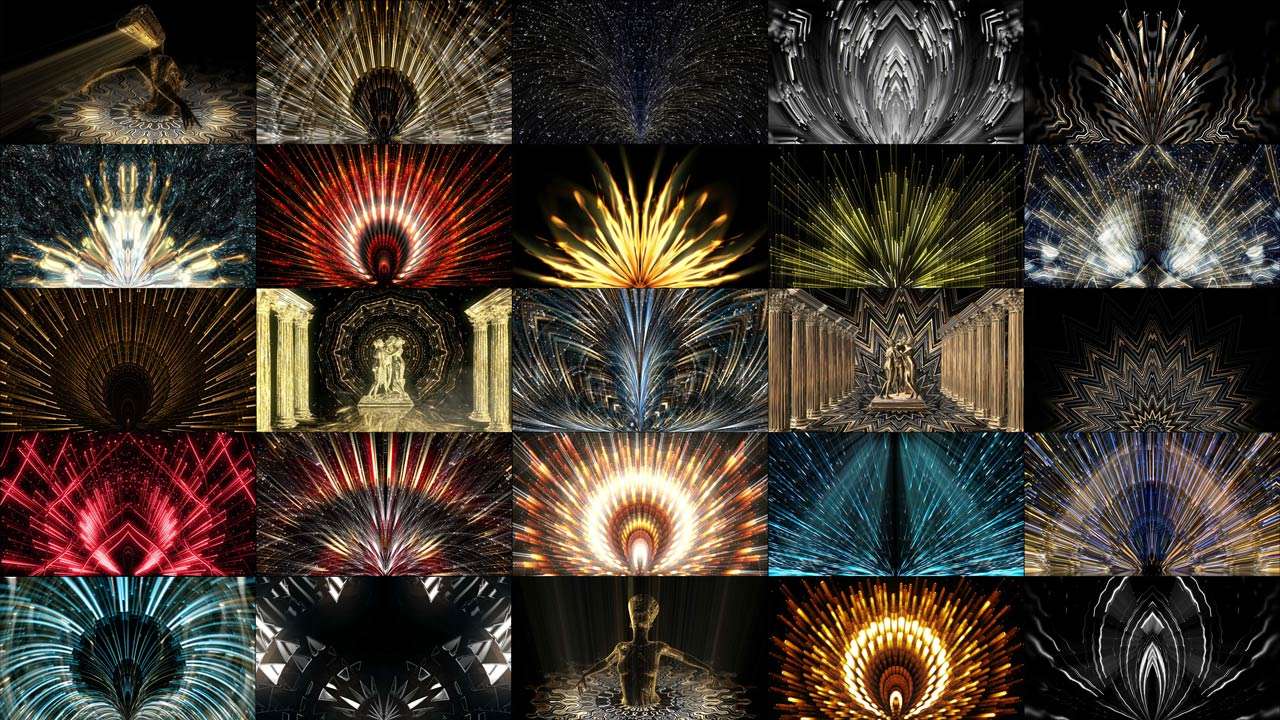



Concert Visuals by VJ Loops Pack Vol.9 – Candy Shock
Stage 5 — Build the show file
Here is the part nobody teaches, because there is no standard to teach.
Everyone builds their own instrument and learns to play it at the same time. Beyond a few technical basics, there is no correct way to lay out a show file. That freedom is genuinely disorienting for beginners, and the answer is not to look for the right layout but to commit to a consistent one.
A structure that works and is widely used:
- Columns represent moments in time — one column per track, or per section of the set. Firing a column takes you to a designed state.
- Rows and layers represent function — a background layer, a mid layer carrying the main content, an overlay layer for elements and masks, a text or logo layer, and an effects layer above everything.
- Groups bundle layers that move together, so one control can affect a whole visual family.
The efficiency does not come from the software. It comes from the layout being the same every time, so that under pressure your hand knows where things are without your eyes leaving the room.
Map the controller ergonomically, not logically. Put the controls you use constantly where your hands already rest. If your right hand lives on the mouse, everything urgent belongs on the left. The goal is muscle memory deep enough that you could not recite the mapping if asked — you simply reach and it works. Experienced operators frequently cannot name their own key combinations.
Test portability. Can someone else open your project on their machine? Is all your content on a portable drive with relative paths rather than scattered across a home folder? This is not theoretical: shows have been saved because a VJ’s laptop could not drive a large screen and a colleague loaded the content into their own session minutes before the set. That rescue is only possible if the content travels and the file opens.
Finally, learn advanced output, slicing and pixel mapping before you learn anything else in your playback software. Pushing buttons and moving faders is the easy part and you will pick it up naturally. Output — getting the right pixels to the right physical place on an irregular surface — is the hard part, the part that gets you booked, and the part most people postpone until a job forces it.
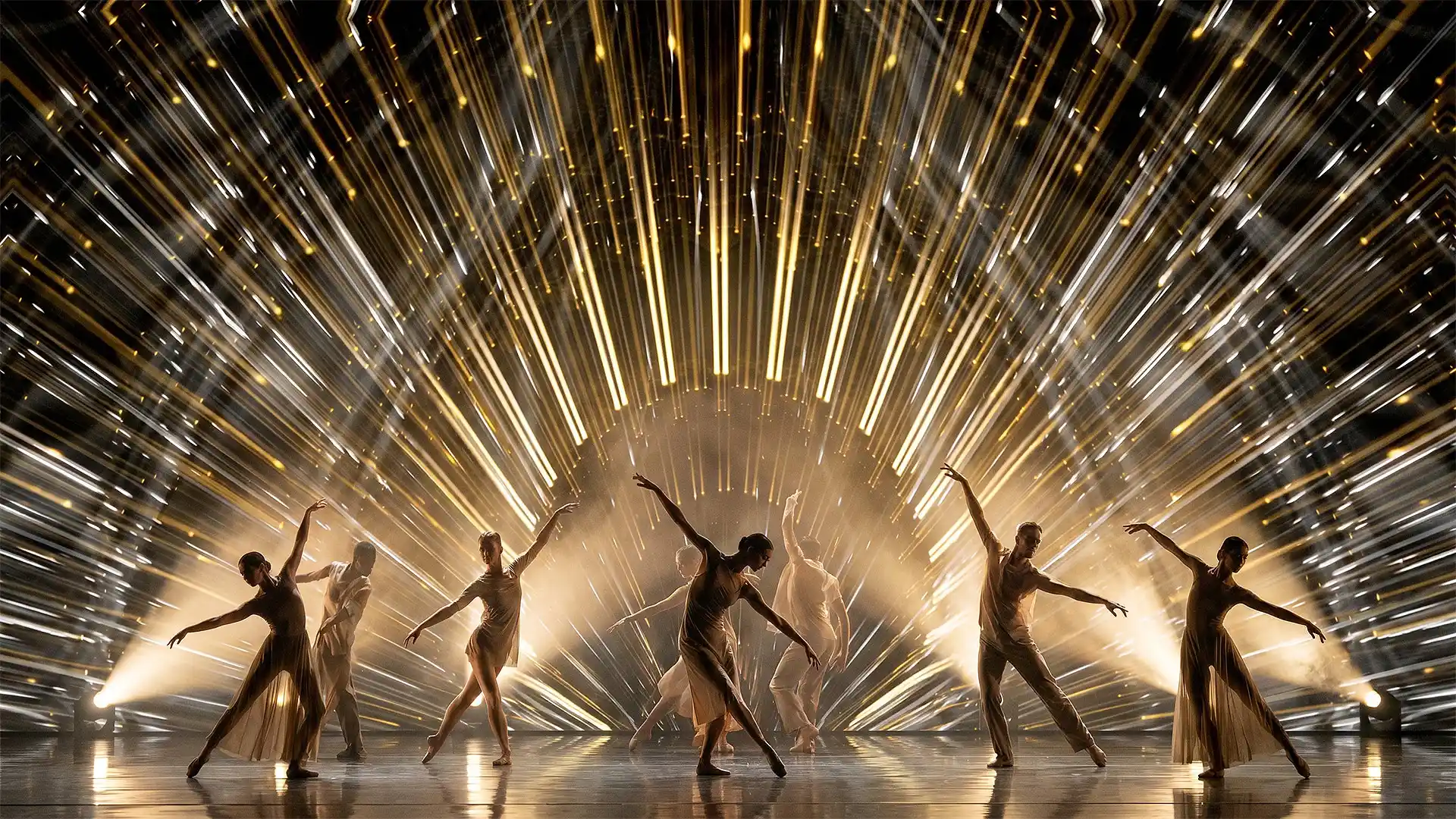
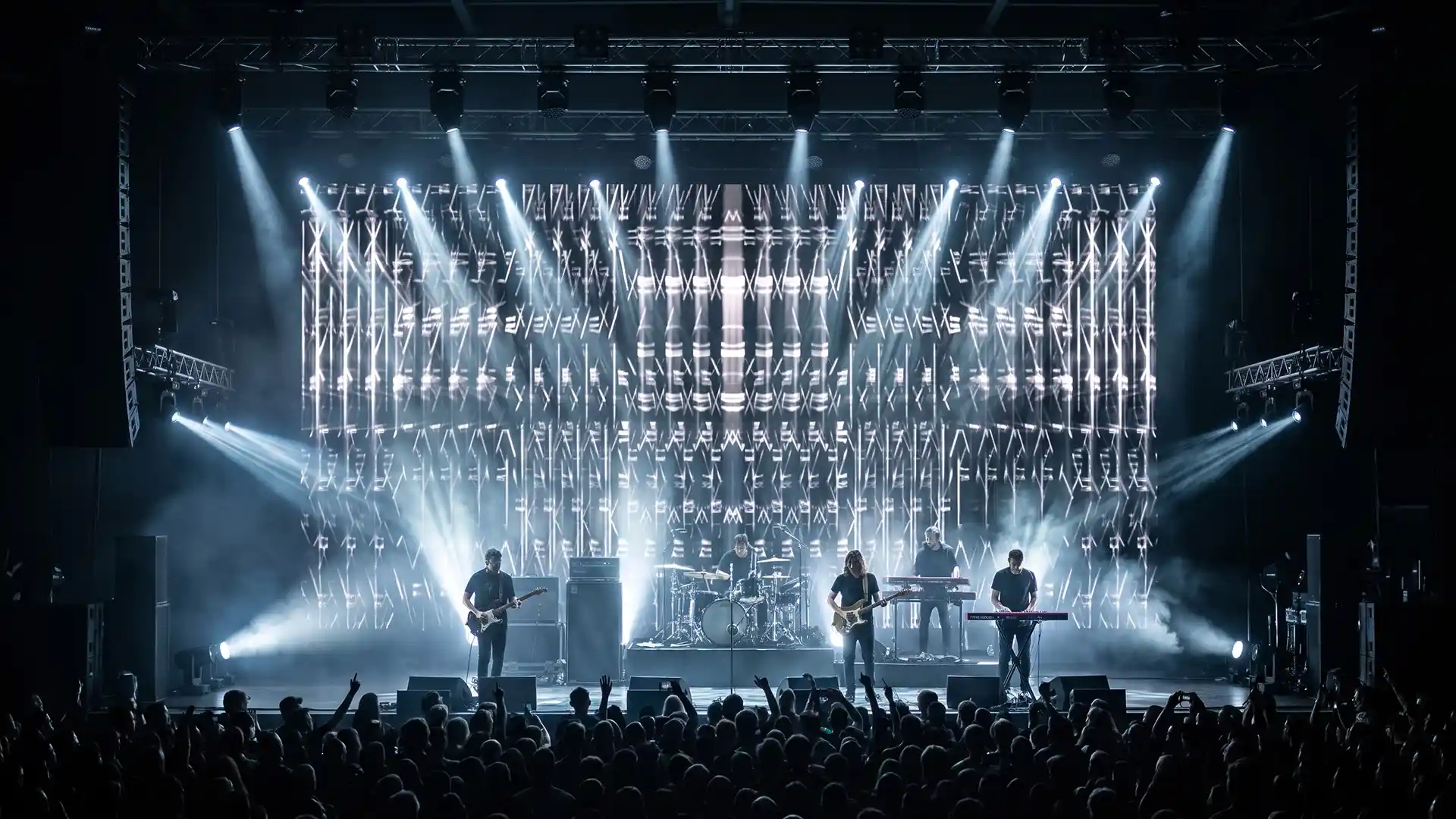
Concert Visuals by VJ Loops Pack Vol.11 – Really Madonna
Stage 6 — Rehearse
Two kinds of practice, and you need both.
Practice to unfamiliar music. Put on a set you have never heard, run your real rig at full layer count, and mix. Every day if you can. Practising to a track you know teaches you to anticipate; the actual skill is responding, and you can only train that against material you cannot predict. This is the single most commonly given piece of advice among working VJs, and it is given because it works.
Practice by reconstruction. When you see an effect you admire, try to rebuild it. You will fail, and in failing you will find three other ways to achieve something adjacent. That accumulation of near-misses is where a personal style actually comes from — not from deciding to have one.
There is an idea worth carrying beyond VJing. If you draw an apple from memory every day, you will draw the same apple every day, because what you are drawing is the idea of an apple in your head. Put a real apple on a table and study it from different angles and you start drawing the apple. The same applies to your own work: look at it properly, from a distance, on the actual output, rather than at your memory of what you intended. Then be willing to delete half of it and start again.
If the show is timecoded, rehearsal becomes programming, and the constraint is time rather than skill. Programming a timecoded show is slow, exacting work and it has to happen before the day. If your only window is on site, and the data run is not ready when you arrive, you will not finish.

Concert Visuals by VJ Loops Pack Vol.19 – Lovely Red
Stage 7 — Show day
The day itself is mostly logistics, and the visual work is already done.
Arrive with more than you need. Your content on at least two drives. Your adapters, regardless of what the venue promised. A copy of the show file that opens on a stock installation without your custom plugins, in case you end up on someone else’s machine.
Check in this order: signal reaching the screen at all, correct resolution and mapping, full-brightness and full-black test, then your content. Do not start by admiring your clips. Start by proving the chain works.
Introduce yourself to the lighting operator. Two minutes, before doors. Who owns the breakdowns, who owns the drops, any timecoded moments where you should be black, any colour the artist has requested.
Expect physical failure. Projectors get knocked out of alignment by bass. Cables get walked on. Machines overheat in unventilated booths. None of that is your fault and all of it is your problem, which is why the failover matters more than the last 5% of visual polish.
The difference between venue types is worth knowing before you accept the booking. At a small or underground show you bring and set up everything, which is more work and far more creative freedom. At an established club or festival the rig exists, the controller may be provided, and the screen is better — but there are more cables, more people, more things outside your control, and you are still the one who gets blamed when the screen is black.
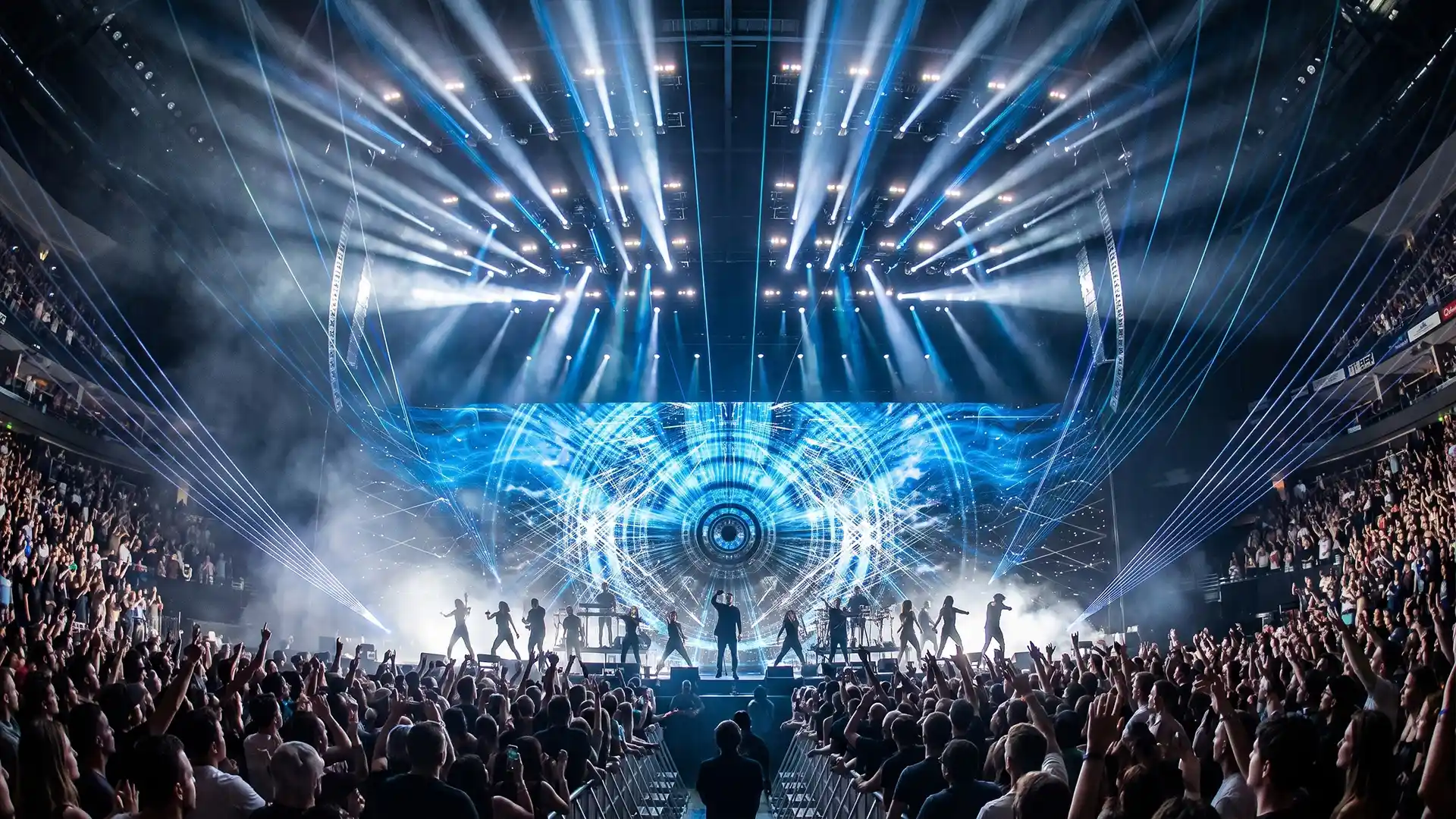
Concert Visuals by VJ Loops Pack Vol.12 – Interstellar
The tool map
New VJs ask which software to learn, which is the wrong question. Tools are not competitors; they are stations in a pipeline. This is what each is actually for.
| Function | Common tools | What it is for in this pipeline |
|---|---|---|
| Live playback and mixing | Resolume, VDMX, Millumin | The instrument you perform on. Also handles advanced output, slicing and pixel mapping |
| Real-time scenes | Notch, TouchDesigner | Interactive, audio-reactive and generative content. Notch scenes can be loaded inside playback software and media servers; TouchDesigner connects to almost any device or protocol |
| Game engine | Unreal Engine | Cinematic-quality rendering without a render queue. Increasingly used both to produce clips and to run live |
| 3D animation | Cinema 4D, Blender, Maya, Houdini | Modelled and animated content. Cinema 4D is the motion-graphics standard, Blender is free and rising fast, Maya is stronger for modelling, Houdini for simulation |
| Rendering | Octane, Redshift, Cycles, Arnold | Turning 3D scenes into frames. The bottleneck that pushed the field toward real-time |
| 2D and compositing | After Effects, Premiere | Fastest route for logos, typography, treatments and edits. Plugins for quick 3D and for transitions save meaningful time |
| Texturing and sculpting | ZBrush, Substance, Marvelous Designer | Detail work on assets, mostly for higher-end rendered content |
| Control surfaces | Grid controllers, knob controllers, tablet-based control | Your hands. The specific device matters far less than mapping it consistently |
| Interoperability | Spout, NDI, Syphon, OSC, DMX and Art-Net | Moving video and control data between applications and machines. Underrated, and the thing that makes a rig feel like one instrument |
Two pieces of advice about this table, both from people who hire.
Depth in one uncommon tool opens doors faster than breadth across common ones. Being genuinely excellent at a specialised piece of software — to the point where you can help other people with it — is a faster route into professional work than being competent in the same tools as everybody else. It is a smaller pond and the people in it are visible to each other.
But keep a general foundation. Software fashions change, and a career built entirely on one application is fragile. The people who moved most easily between eras were the ones who understood signal flow, output, timing and composition — the things that transfer — rather than only the menus of one program.
Getting to paid work
The craft above will not get you booked on its own. This part is a separate skill and it is more learnable than it looks.
Build the portfolio for the job you want, not the job you have
Clients have limited imagination. They do not extrapolate from adjacent work; they need to see something close to the thing they are about to commission, because seeing it lowers their perceived risk.
The consequence is uncomfortable but simple: make the work you want to be hired for on your own time, before anyone asks for it. A self-initiated piece that demonstrates the exact capability you want to sell is worth more than five paid jobs in a category you want to leave. Almost every working artist has one such piece in their history, made speculatively, that opened the door.
Post consistently, where hiring actually happens
Bookings in this field come overwhelmingly from feeds and from communities, not from applications. People who hire describe scrolling, seeing work, and reaching out. That means posting regularly beats posting perfectly, and it means the work has to be visible under your own name rather than buried in a studio’s output.
The other route is participation. Specialist user groups and forums are where jobs get posted and where reputations form. Answering questions competently in a niche community is a slow but reliable way to become the person who gets recommended.
Take screen time however it arrives
Nobody’s first show is good and nobody’s first show pays. Get behind a screen in whatever way is available: a friend’s booth, an early slot nobody wants, a small room, a stream, an internship. Screen time is the only thing that converts software knowledge into performance ability, and it cannot be simulated at home.
Carry your work with you. A drive with a reel and your contact details on it has started more careers in this industry than any website.
Studio work and direct artist work teach different things
If you can, do both early.
Studio work teaches craft at scale, exposes you to bigger productions than you could reach alone, and puts you next to people who are better than you. The trade is that your name is often not on it.
Direct work with an artist teaches the part studios shield you from: talking to a client, interpreting a vague brief, managing revisions, quoting, and being the person responsible. That skill set is what eventually determines your rate, and it is not acquired by producing excellent frames.
Say “let me see what I can do”
A small habit with disproportionate returns. When a client asks for something you are not sure you can deliver, neither refuse nor over-promise. Say you will look into it and come back. Most of the time you will find a way, and the people who ask remember that you tried rather than that you said no.
Its necessary companion: do not take work you cannot do properly. In a field this small, the work carries your name whether or not the credit does.
What nobody warns you about
The failure mode that removes most people from this industry is not technical and it is not competitive.
It is the lifestyle. Late nights as a permanent schedule. Alcohol, which is free and constant and part of the social fabric of every venue you work in. Sleep that never happens at the same time twice. Time zones, on tour, indefinitely. It looks like the reward and it is the attrition mechanism.
A significant number of experienced VJs step away from live work permanently, and when they describe why, they describe this rather than money or creative frustration. Some move to studio and content production specifically to get their nights back.
There is a version of this career that is sustainable, and the people living it made deliberate choices: not drinking at work, treating sleep as part of the job, declining tours that do not pay enough to justify what they cost, and building income that does not require being in a venue at 03:00. None of that is glamorous advice and all of it is the reason some people are still doing this after fifteen years.
Your first 90 days
- Build a simple library first. Twenty to thirty basic elements over black — lines, strokes, geometric shapes, beat-synced flashes. They will get more screen time than anything else you make this year.
- Learn advanced output and pixel mapping before you learn anything else about your playback software.
- Commit to one show file layout and never change it. Columns for moments, layers for function, groups for families.
- Map your controller ergonomically and then stop rearranging it. Muscle memory needs stability more than it needs optimality.
- Practise daily to unfamiliar music. Real rig, full layer count, a set you have never heard.
- Learn to count bars. Fours, eights, thirty-twos. It is what lets you hit a drop you did not know was coming.
- Make one speculative piece that demonstrates exactly the work you want to be paid for.
- Post it, and keep posting. Regularly beats perfectly.
- Get screen time anywhere. Small, unpaid, badly attended — it does not matter yet.
- Introduce yourself to the lighting operator at every show you ever play.
Frequently asked questions about making concert visuals
How do you make visuals for a concert or festival set?
Seven stages. Advance the technical facts about the screen and signal chain, learn the music track by track, design the show as looks and moments before making anything, produce the content, build it into a show file you can perform, rehearse against unfamiliar music, and then run the show day as logistics and failover. Content production is the largest single block of work but under half the total, and skipping the stages around it is why most first shows do not land.
What should I ask for before a VJ gig?
The display type — projection, LED wall, or pixel-mapped fixtures — because everything else follows from it. Then the exact pixel dimensions and aspect ratio, the physical shape of the surface, whose machine is playing the content and in what software, the signal chain and cable standards, whether the show is timecoded and when timecode will be available to you, who is operating lighting and lasers, and the set length including openers or guests. Ask the right questions and the crew will help you; ask for a pixel map at a projector stage and they will not.
How much content do I need for a show?
Plan roughly three states per track — a base look, something to bring in during the build, and a high-energy visual for the drop — then add material beyond the announced set list for encores, back-to-backs, an overrunning slot or a missing opener. The extra content you never use costs an hour. The content you needed and did not have costs the show.
Should I make my own visuals or buy them?
Both, split by function. Build what identifies the artist: their marks, motifs and the sequences that only make sense in this show. Acquire what is structural: textures, geometric elements, overlays, transitions and backgrounds. Nobody in the audience knows where a background texture came from, and the hours saved there go into the moments they will remember.
Do I need to learn 3D to make concert visuals?
No, and many working VJs produce most of their material in compositing software. Simple content — lines, strokes, beat-synced geometry over black — cuts cleanly, layers over everything, and gets more screen time across a year than elaborate rendered sequences. Learn 3D when a specific job requires depth you cannot fake, not as a prerequisite.
How do I organise a VJ show file?
There is no standard, which is the hard part. A widely used structure uses columns for moments in time — one per track or section — and layers for function: background, main content, overlays and masks, text and logos, effects. Groups bundle layers that move together. The efficiency comes from using the same layout every time, so your hands know where things are without your eyes leaving the room.
How do I practise VJing without gigs?
Put on music you have never heard, run your real rig at full layer count, and mix to it, daily. Practising to familiar tracks trains anticipation, but the skill is response, and that can only be trained against material you cannot predict. Separately, rebuild effects you admire; the failed attempts are where a personal style comes from.
How do VJs get their first paid work?
Make the work you want to be hired for before anyone asks, because clients need to see something close to what they are commissioning. Post it consistently under your own name, since bookings in this field come from feeds and specialist communities rather than applications. Take screen time in any form, paid or not, because performance ability cannot be built at home. And do studio work and direct artist work early, because they teach different halves of the job.
What is the biggest reason people leave VJing?
Not competition or money. The lifestyle — permanent late nights, constant available alcohol, irregular sleep and, on tour, indefinite time-zone disruption. Experienced VJs who step away from live work usually cite this rather than creative or financial frustration. The sustainable version of this career involves deliberate choices about all four.
What to do next
If you are starting: work through the first 90 days list in order. It is deliberately sequenced so that each item makes the next one easier, and the first item — a simple library over black — is the one that makes you playable soonest.
If you already play and want the shows to land better: the highest-leverage stages are one and two. Most weak shows are not weak because the content is bad. They are weak because nobody asked what the screen was, and nobody listened to the set list enough times to know where the drops are.
And if the gap in your setup is material rather than method, the categories below are organised by what the content does rather than by what it depicts, which is the way the decision gets made at four in the afternoon with a show at ten.
Latest Feature VJ Loops
Hand-picked visuals by our New Media Artists
-
Deep Serenas – Immersive Visuals Vol.2
149€ -
Sale!
VJ Loops Pack Vol.73 – Mirror Ballet
Original price was: 129€.99€Current price is: 99€. -
VJ Loops Pack Vol.18 – Abstract Background Textures
89€ -
VJ Loops Pack Vol.19 – Lovely Red
79€ -
VJ Loops Pack Vol.11 – Really Madonna
89€ -
Sale!
Interior Patterns – Immersive Visuals Vol.1
Original price was: 249€.199€Current price is: 199€. -
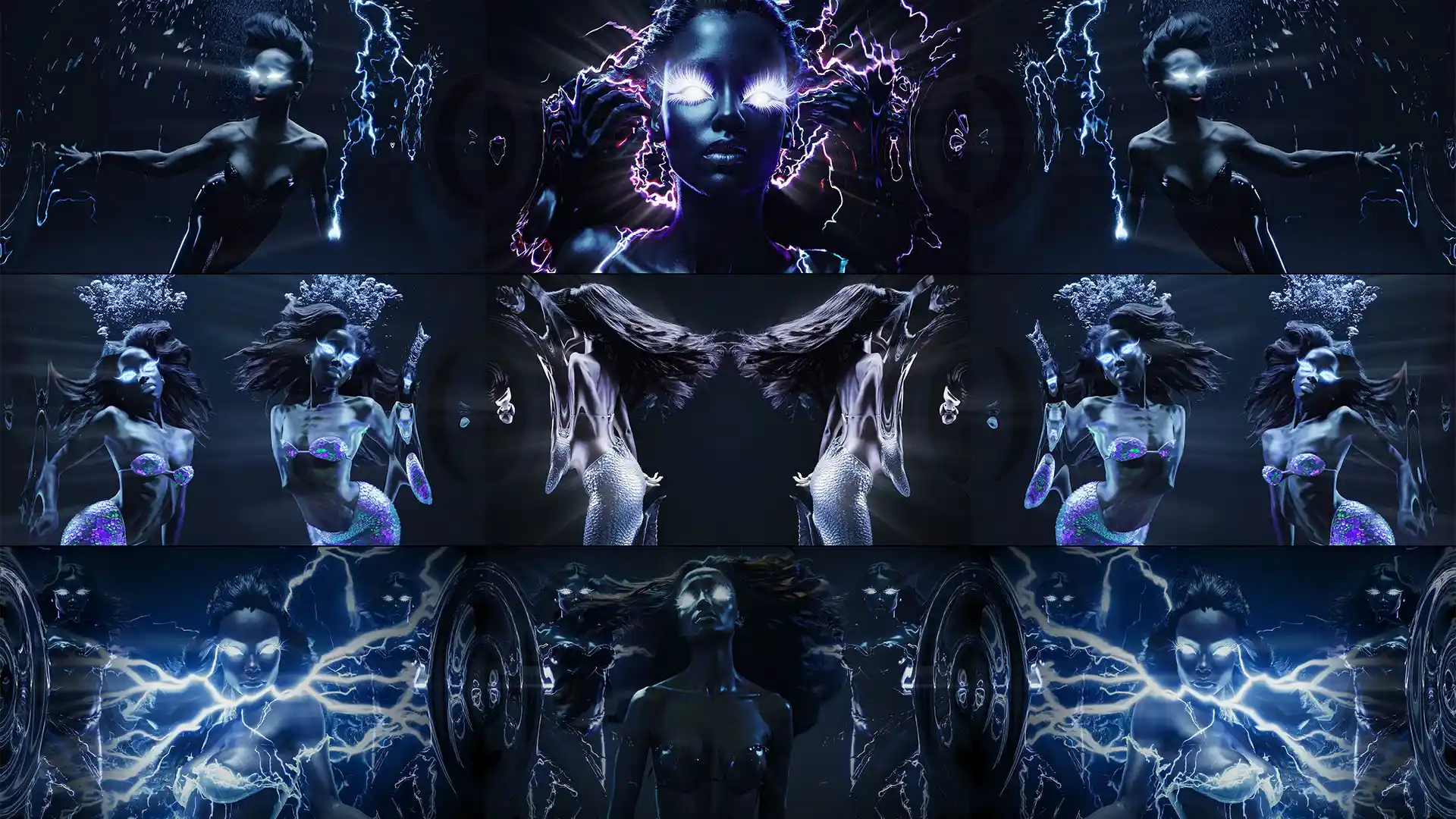
VJ Loops Pack Vol.85 – Gnosis Lightning
99€ -
VJ Visuals Starter Pack
99€ -
Sale!

 Select options This product has multiple variants. The options may be chosen on the product page
Immersive Projection Business Guide
Original price was: 19€.12€Current price is: 12€.









Best wishes from Vienna,
Thanks for your attention, faithfully yours,
Alexander Kuiava – Founder & CEO LIME ART GROUP
https://alexanderkuiava.com/
