VJing — Visuals & Guide for Live Video Performance

Hand-picked visual packages, collections and bundles for vjing by LIME ART GROUP

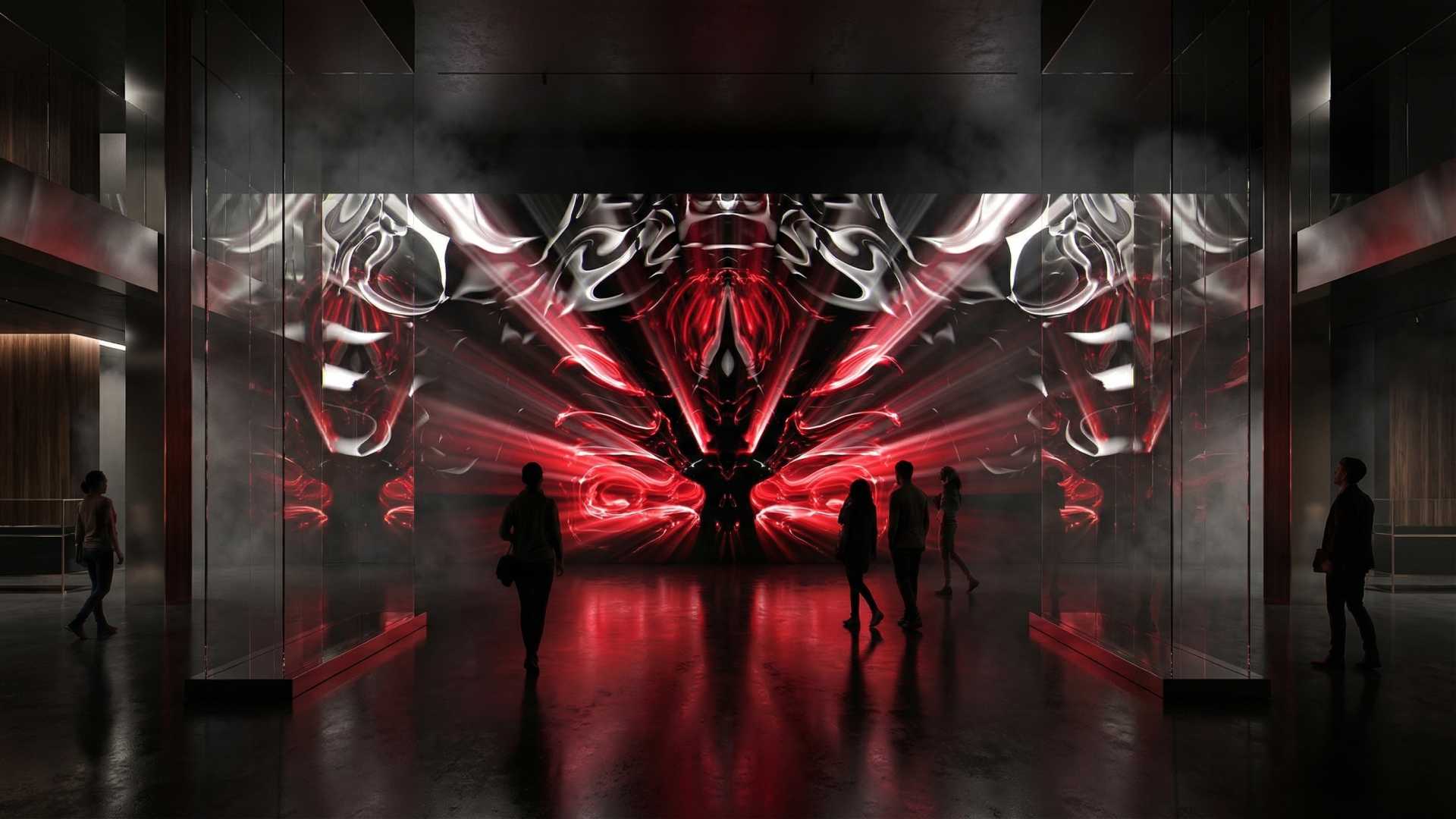
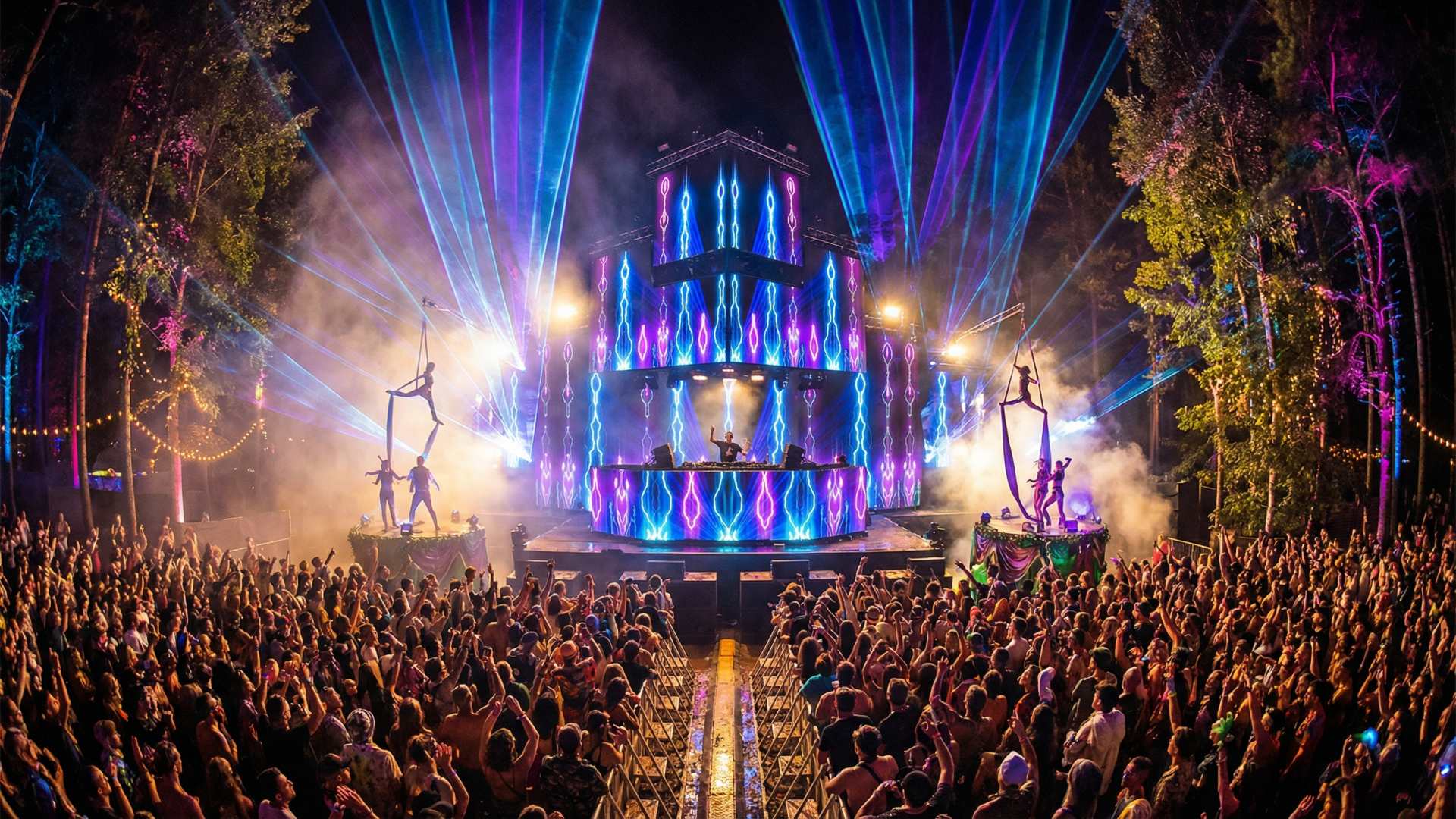
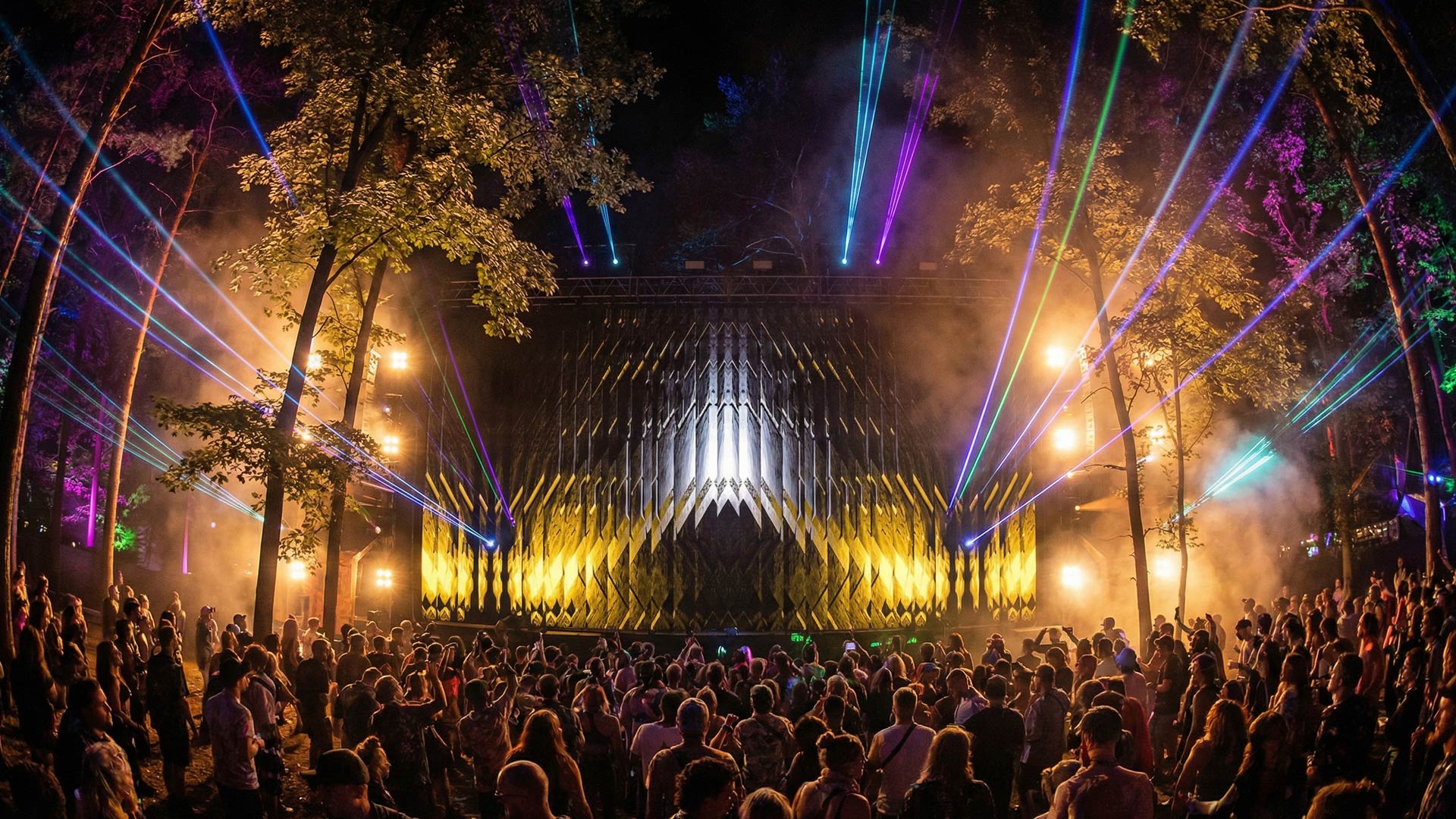
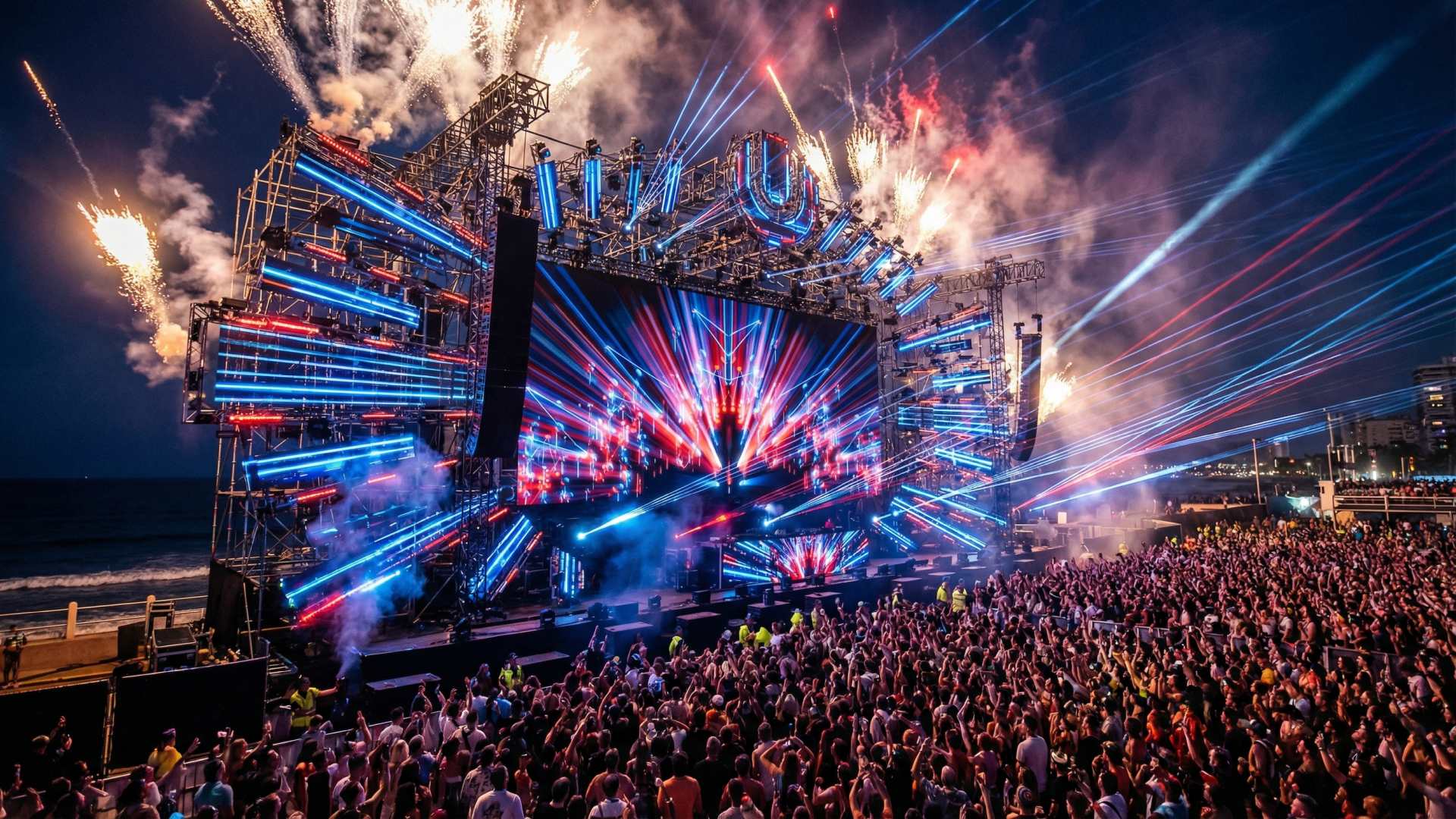
VJing — short for Video Jockeying — is the live performance and real-time mixing of visual content synchronized with music. A VJ (Video Jockey) selects, layers and manipulates video footage and animated visuals during a live show, creating an immersive visual experience for the audience. VJing is used at concerts, club nights, music festivals, corporate events, theatre productions and art installations. It is a creative discipline that combines technical skill with artistic vision, similar to what a DJ does with music — but with visuals.

How to Start VJing — Tools and Software

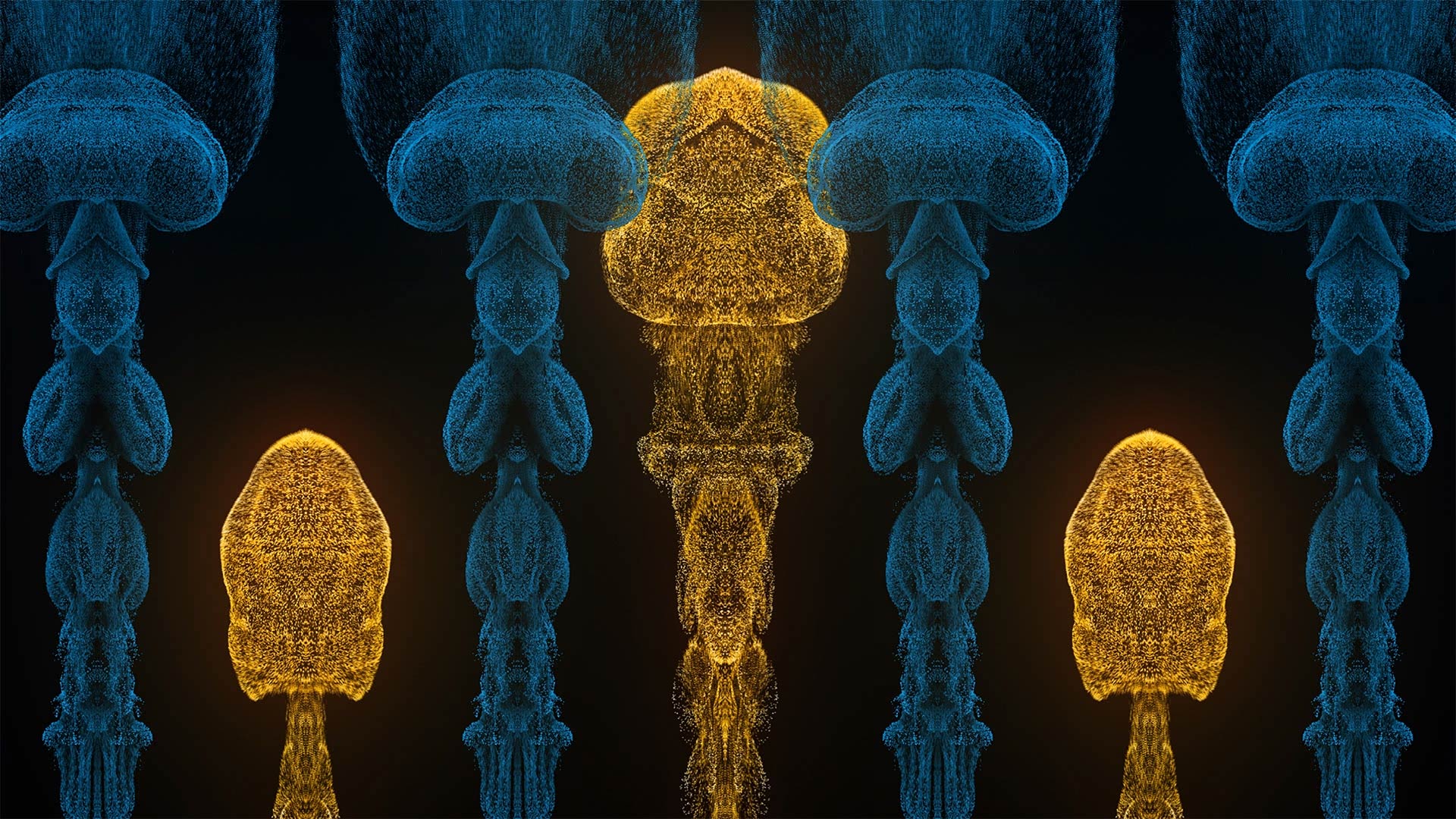
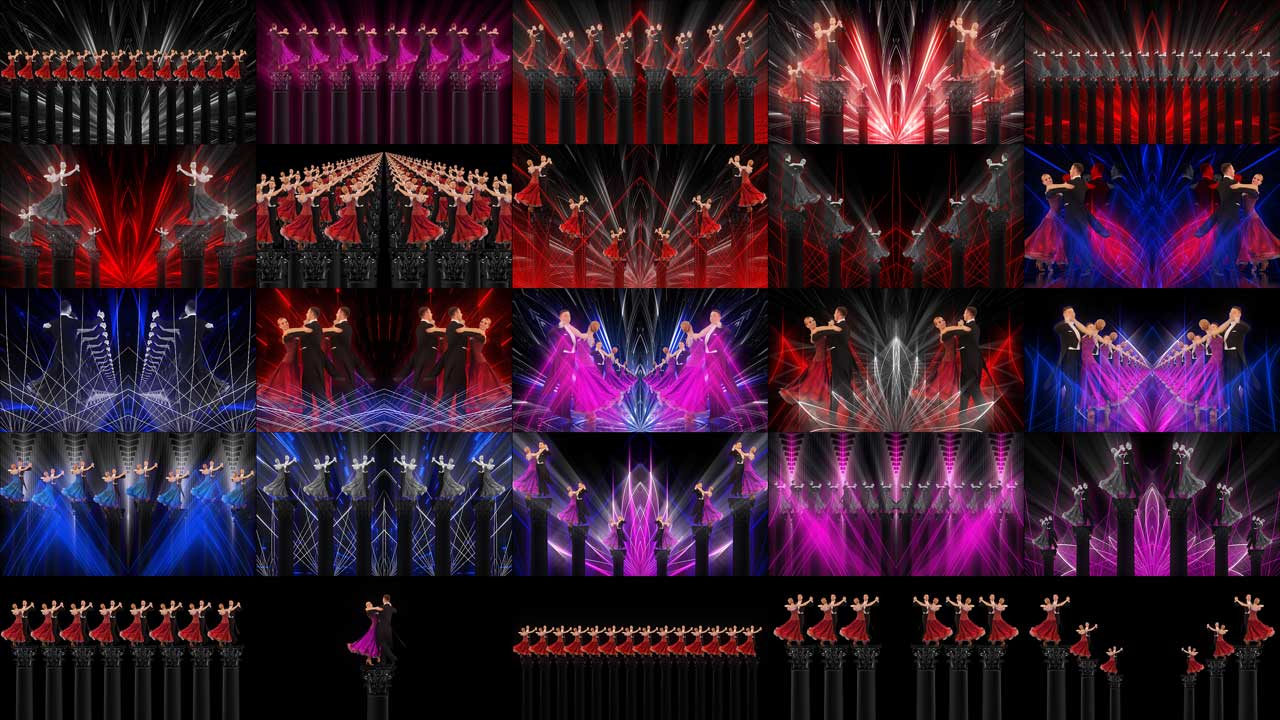
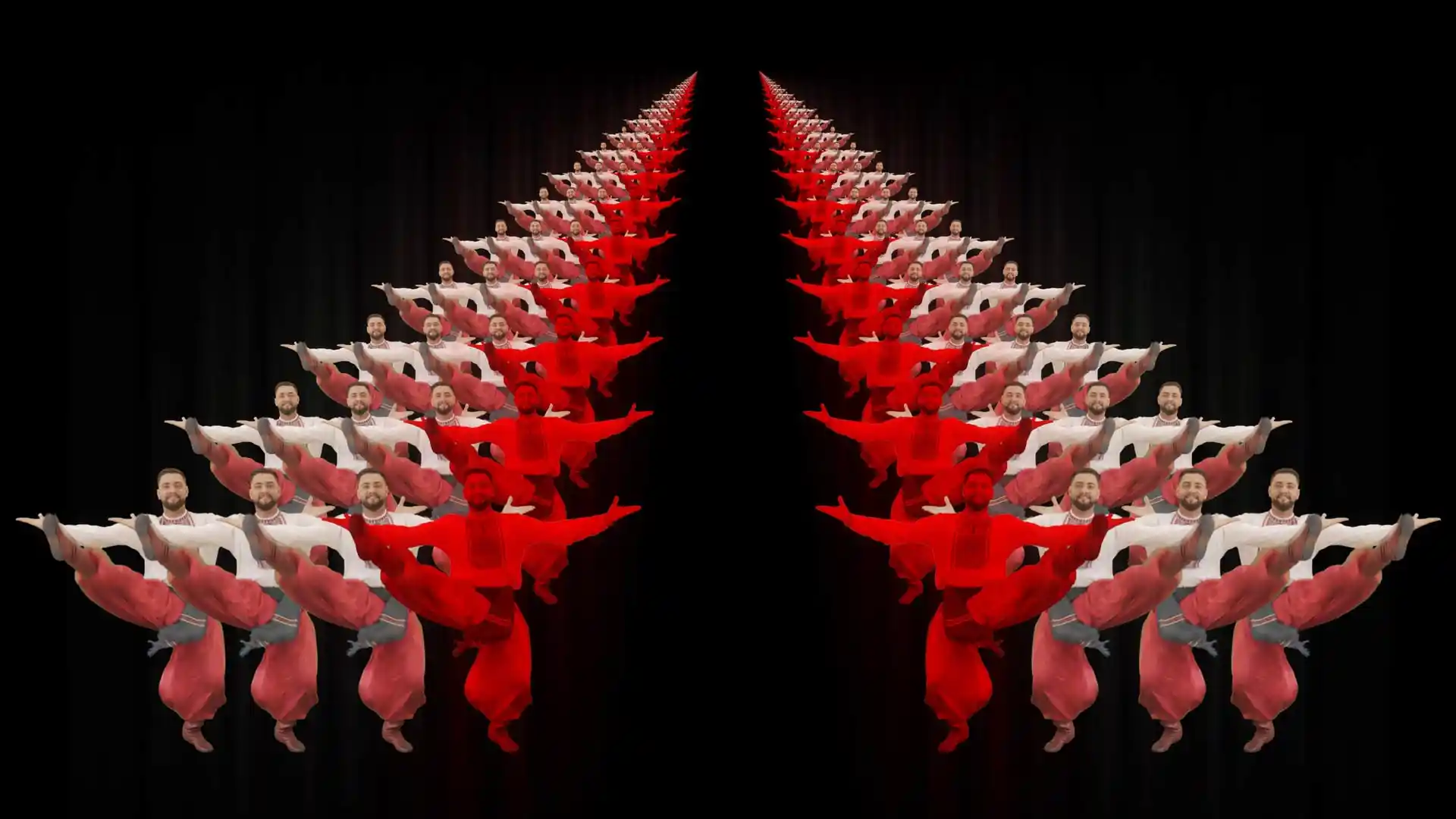
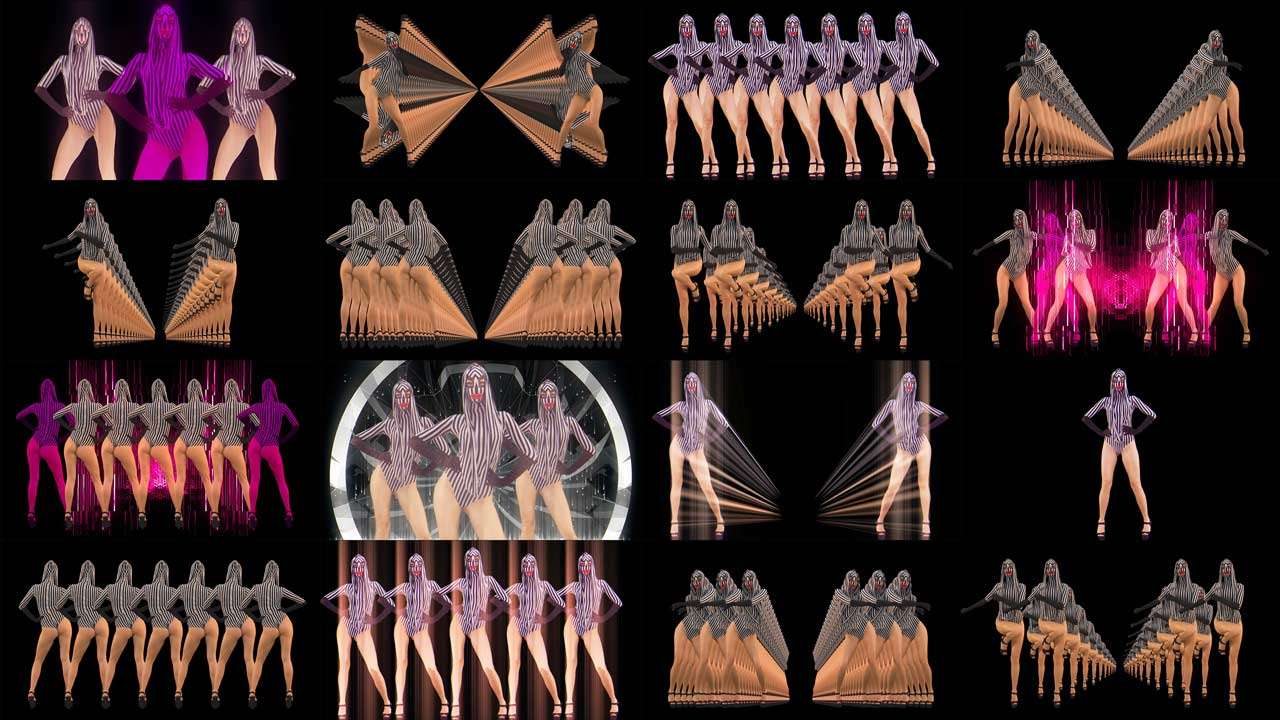
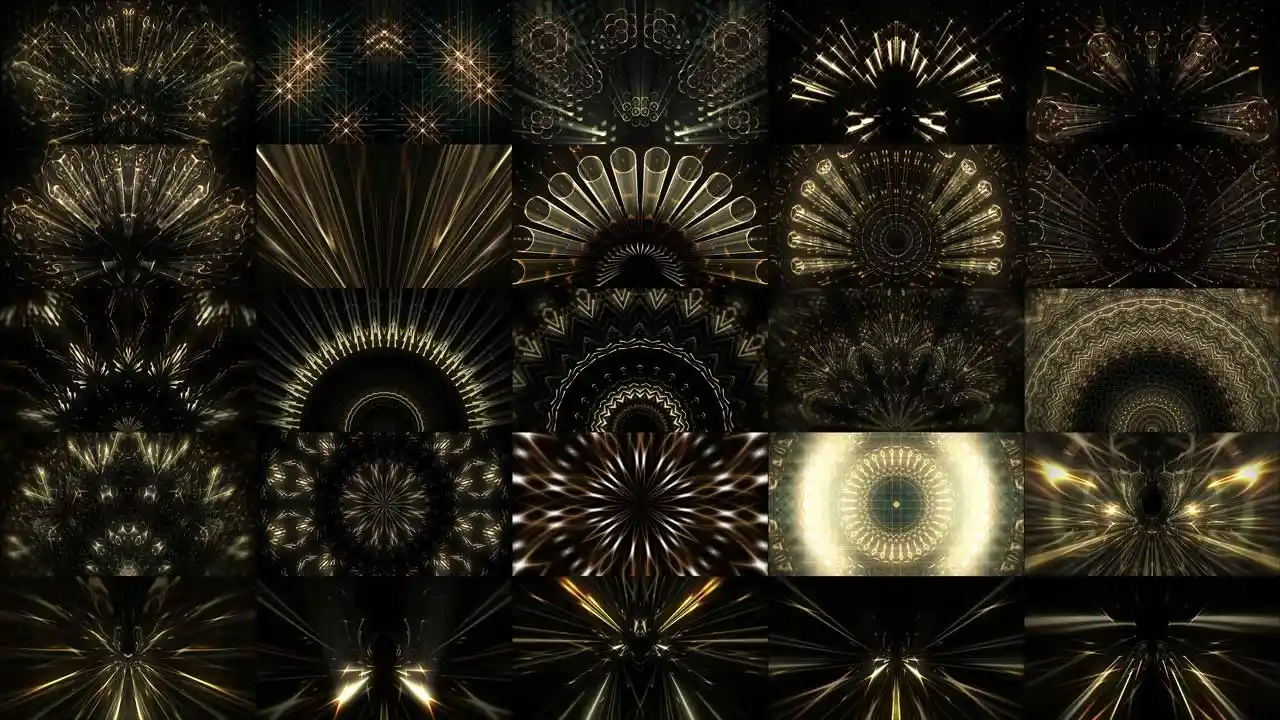
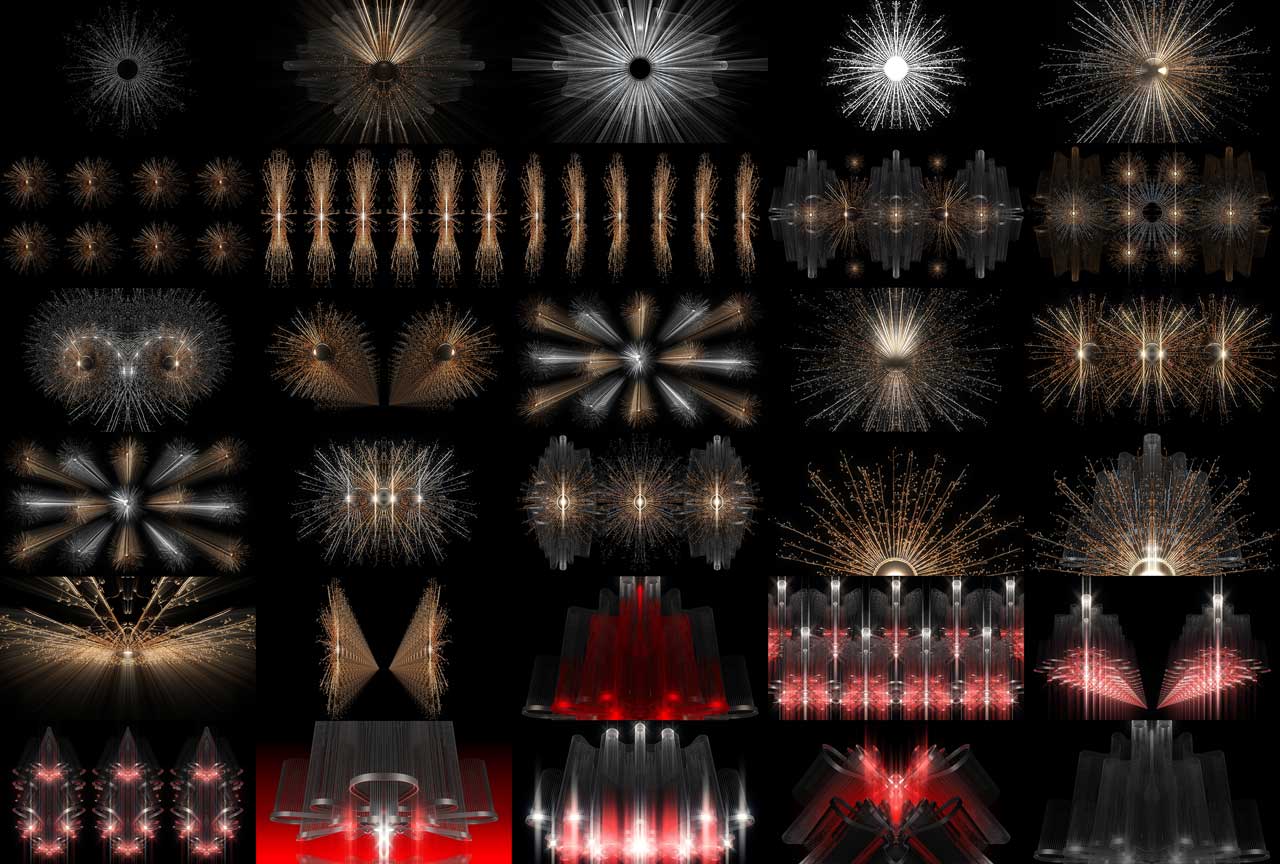
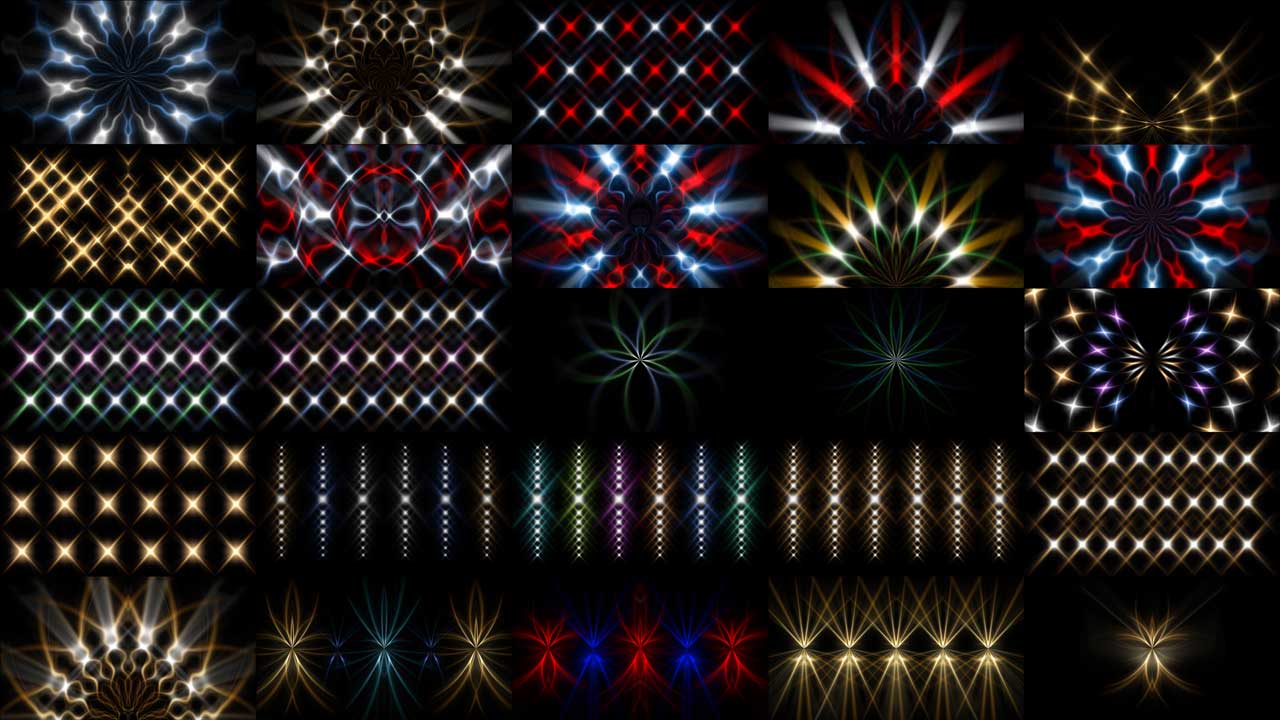
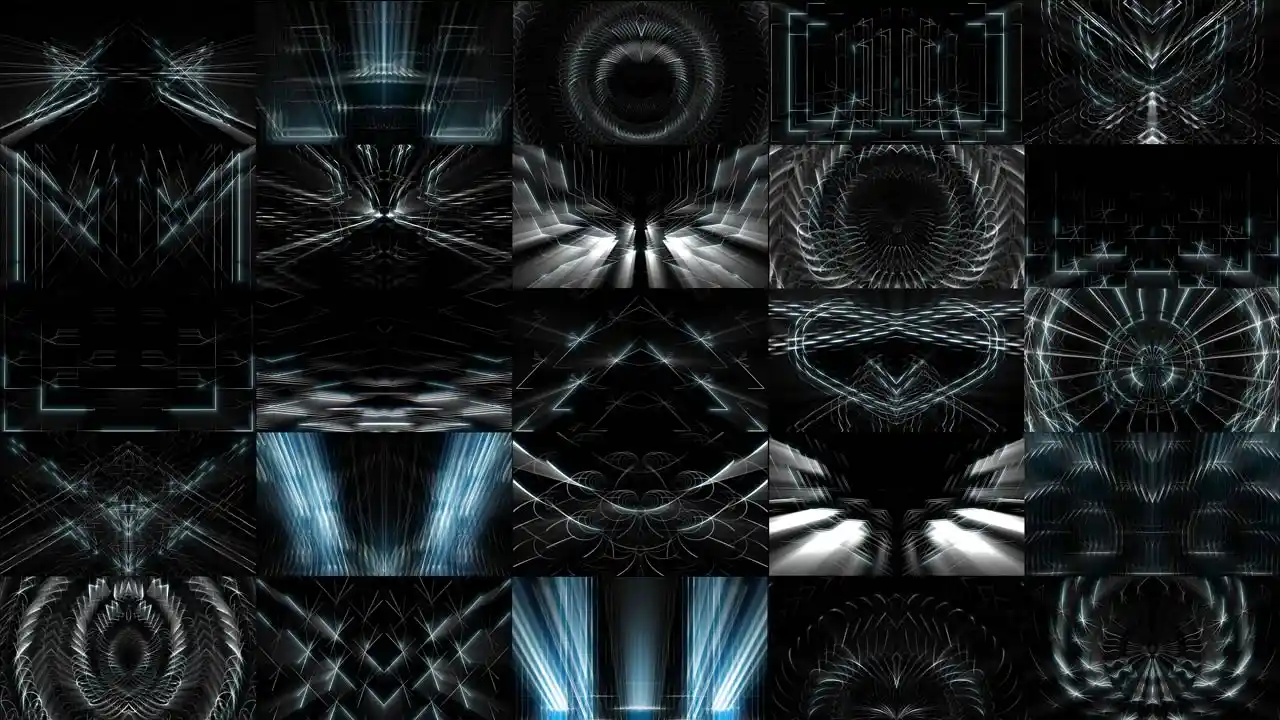
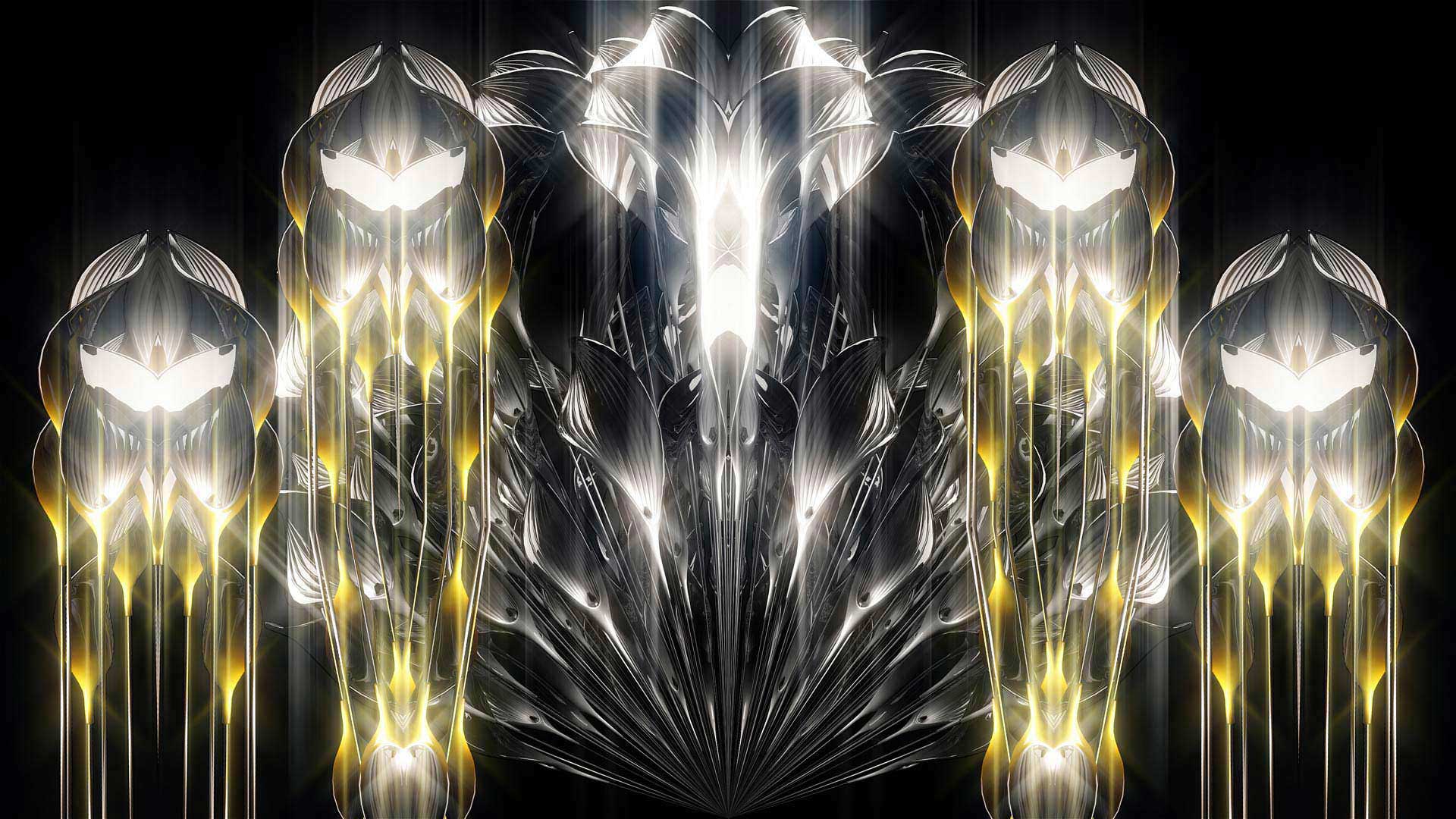
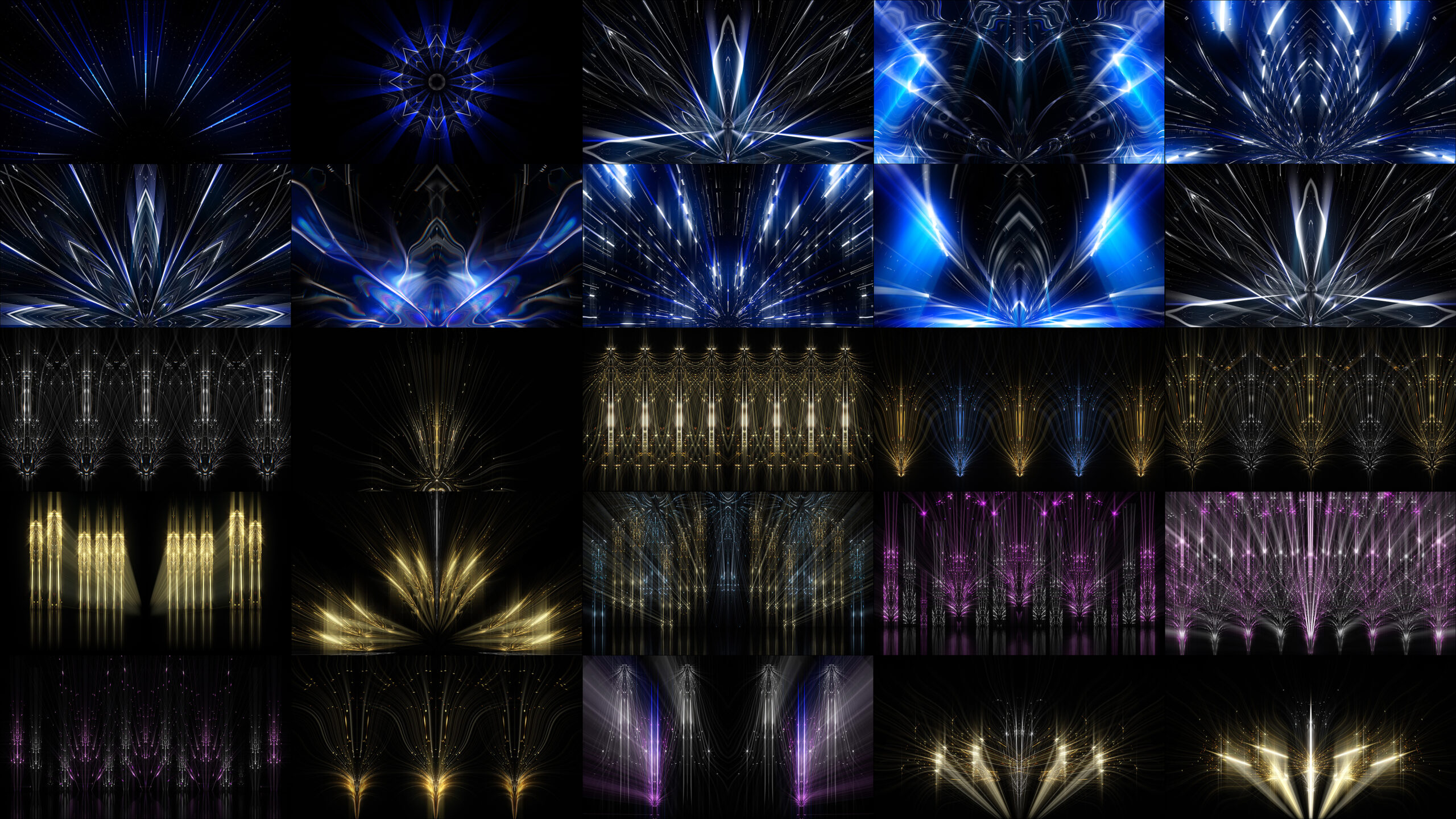
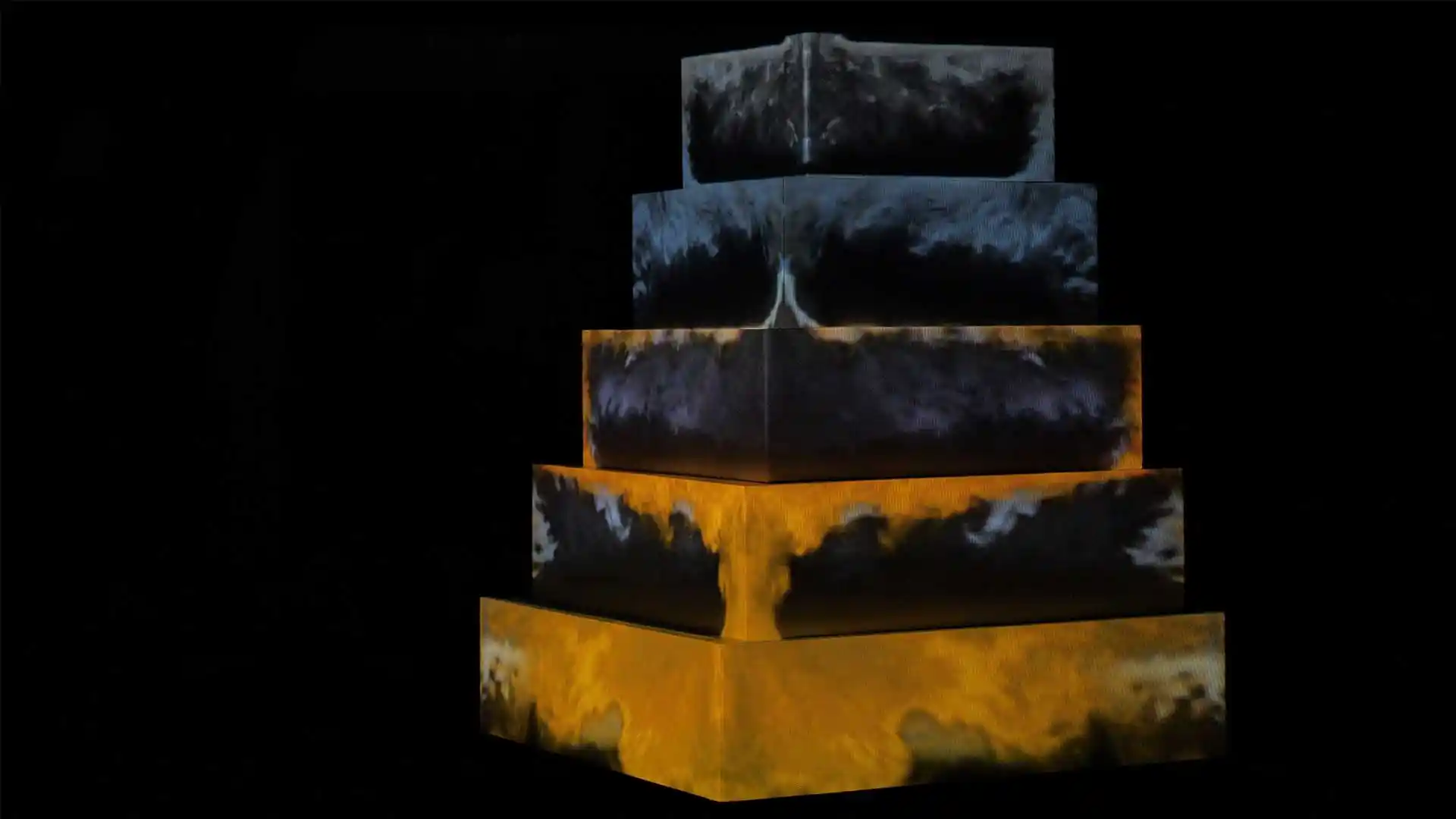
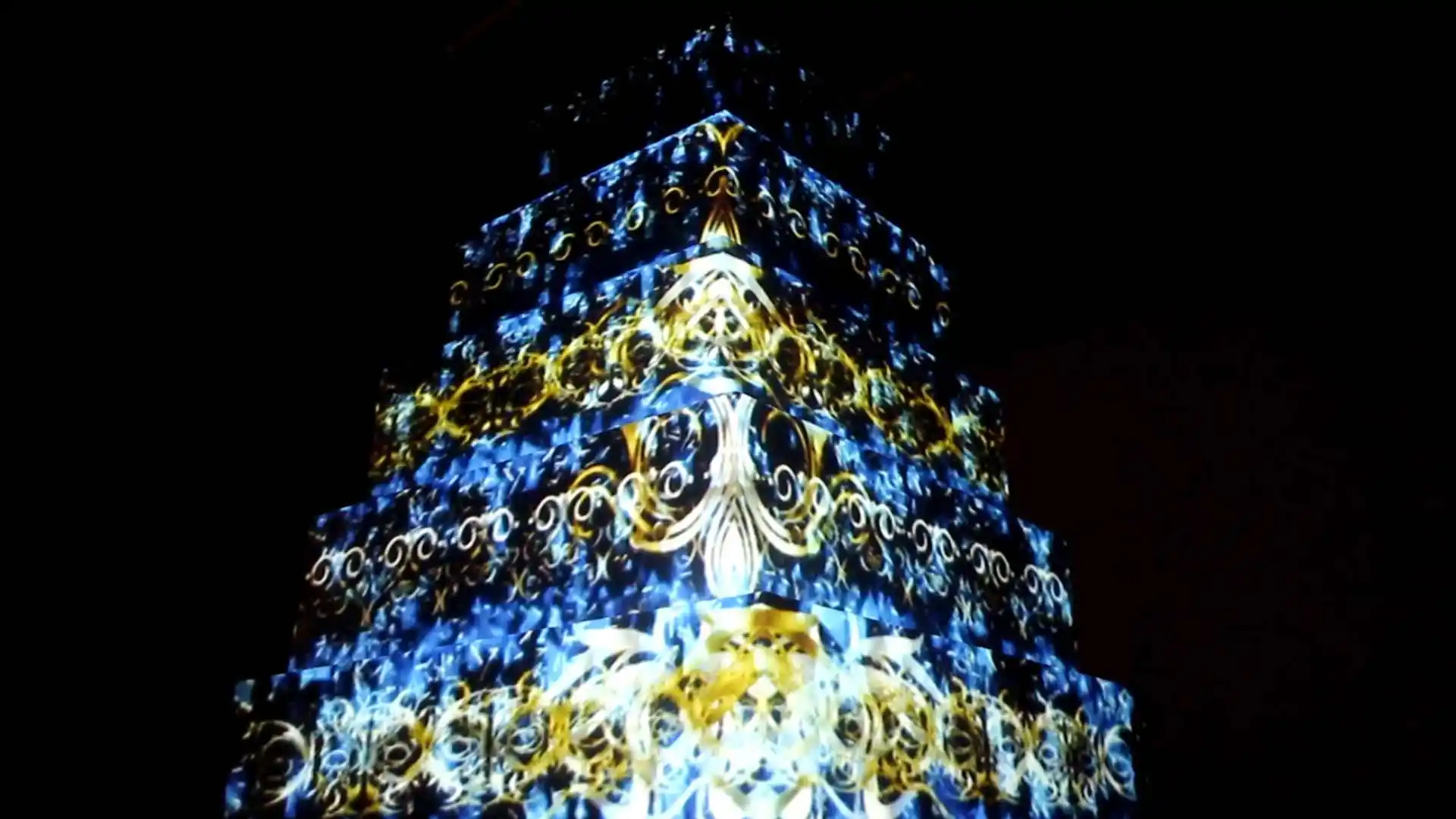
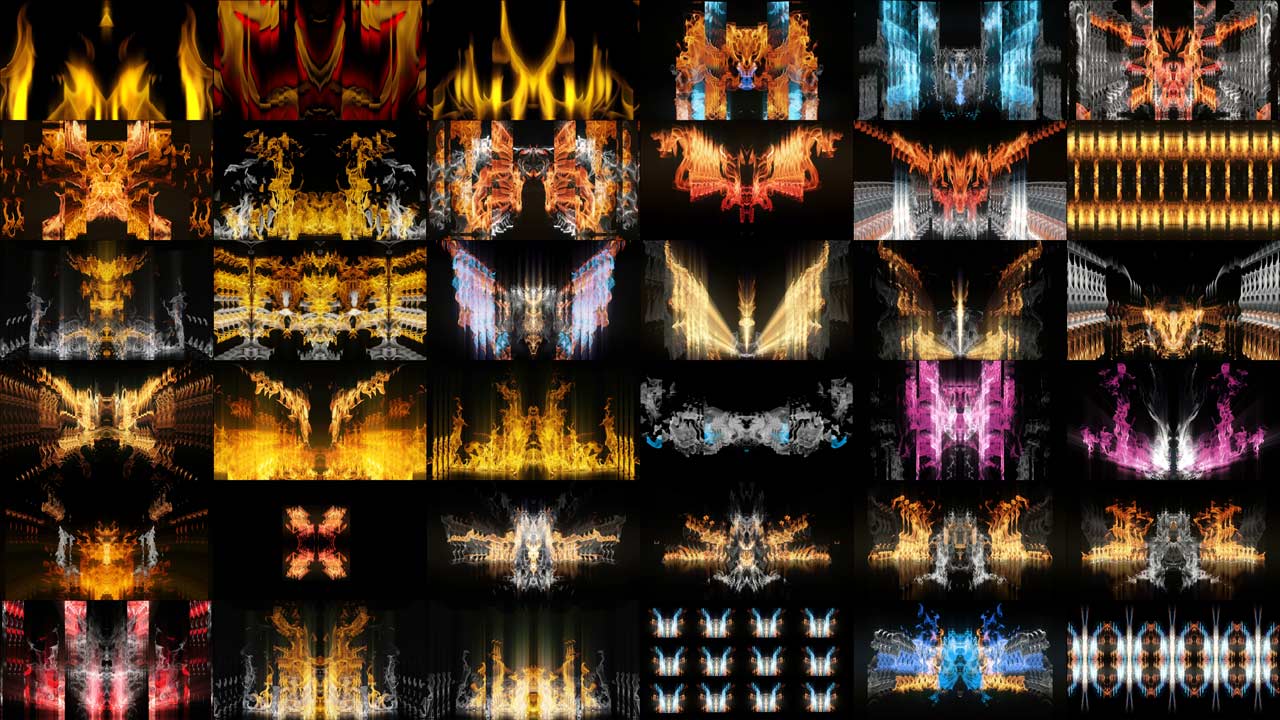
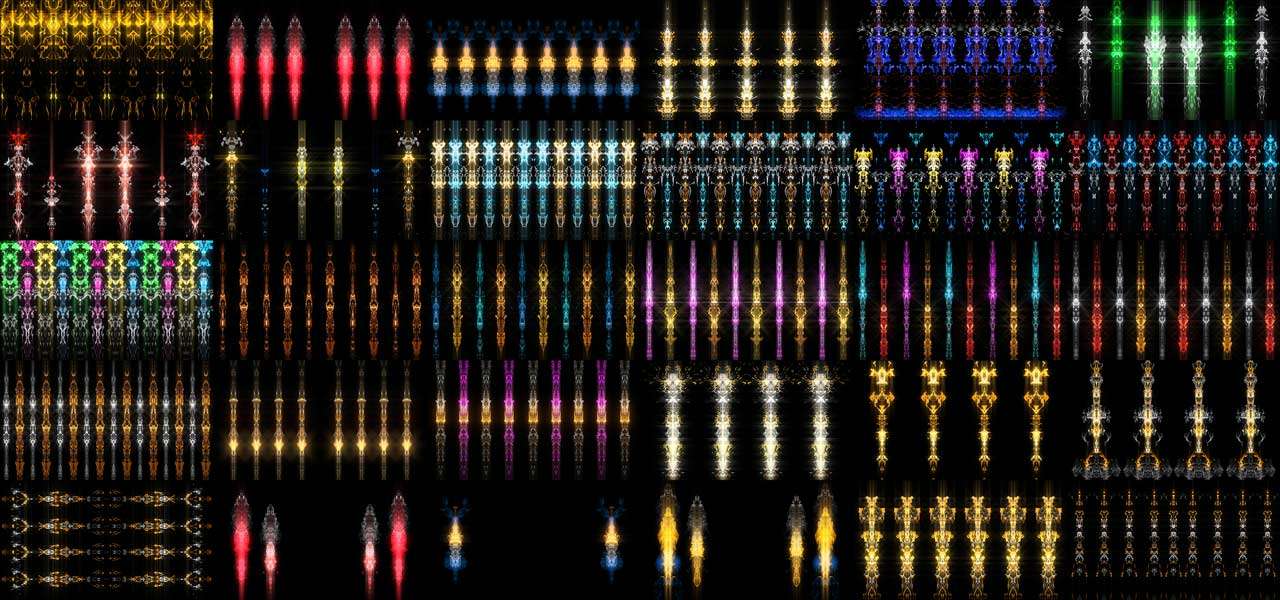
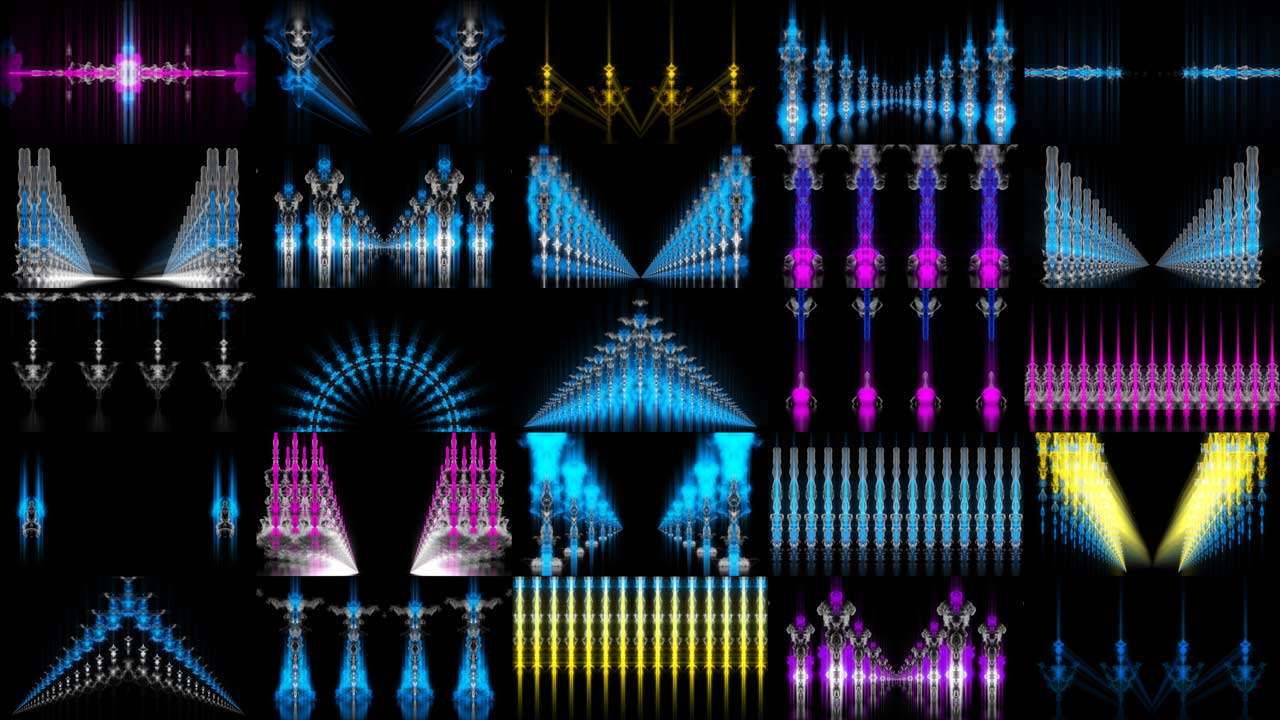
To start VJing you need three things: a laptop, VJ software and a library of visual content. For software, the most popular options are Resolume Arena, MadMapper and VDMX. Each has its own strengths — Resolume is the industry standard for live club and festival performances, while MadMapper is preferred for projection mapping shows. For visual content, you need pre-produced video files optimized for real-time playback. These are called VJ visuals or live visuals — looping video files in formats like ProRes, DXV or HAP that play smoothly without dropping frames during a live performance. At LIME ART GROUP we produce professional live visuals for VJing — themed packs for every event type, style and genre. Browse our collections below.

What Equipment does a VJ need?

A basic VJing setup includes a vj laptop with a dedicated GPU, VJ software, a MIDI controller for live mixing, and video output to a projector or LED screen. More advanced setups include multiple outputs, media servers and live camera feeds. The most important investment for any VJ is a quality library of visual content. Ready-made visual packs save hours of production time and let you focus on the live performance.

New Visuals for VJing

HD, 4K vj clips
for led screens
and projections

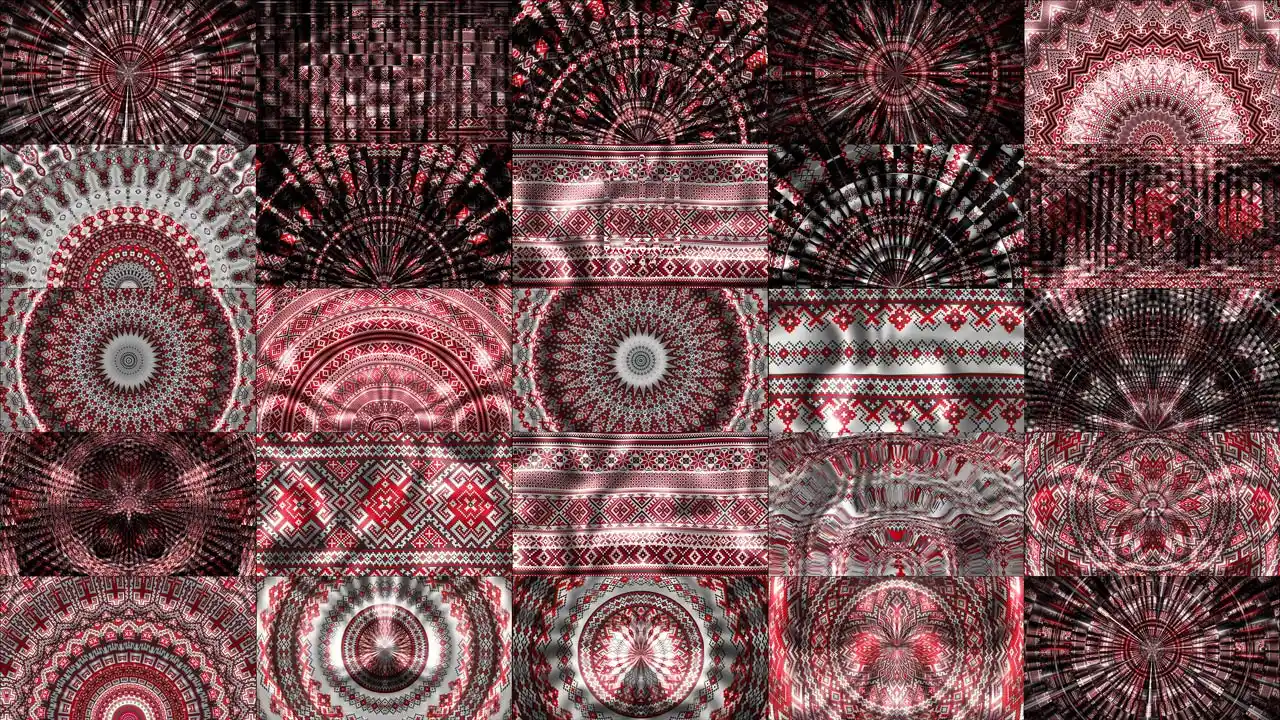
Symbolic
National
Visuals

Themed
motion backgrounds
for live events

For
Wedding
Events

Create
romantic
athmosphere

For
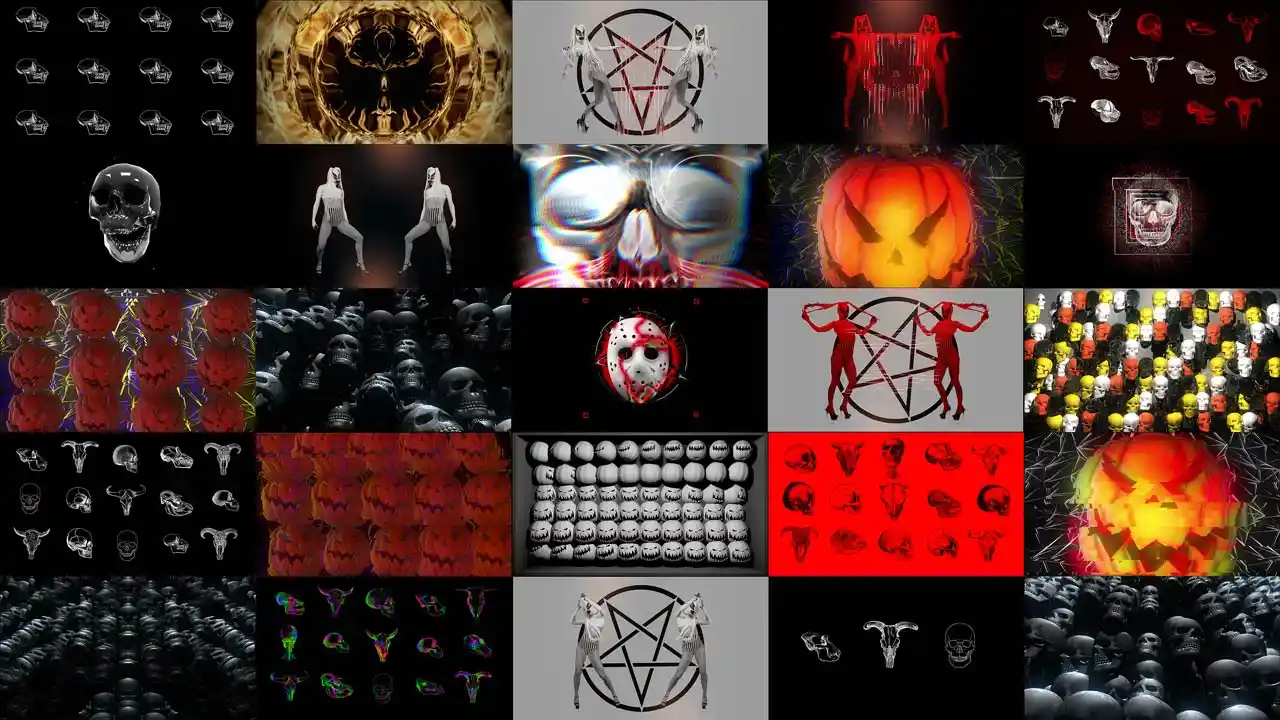
Halloween
Party

Perform
on horror
events

For
Christmas

Events

Create vivid
New Year
party

What clients says
about vj loops:

Definitely the best content provider on the web, Top quality renders, upstanding Customer care, lots of material and very well named and organized, what else can i say. Price is right and they give you useful and valuable free stuff. I'm a LD/VJ for a few artist and some corporate and live music events and I don't have the time to prepare the visuals from scratch, plus I will never be as creative as this guys

CARLOS PORRELLODFTMP

I am fresh in complex video content production; I tested some of your loops in a bigger project I did this year; I like the quality; I like your service; I like video content design and production; I hope to have more and more interesting projects and get more loops from you; best regards from Warsaw;

MALGORZATA SZABLOWSKAGo-sha Studio

Great value for what you get. I bought a loop pack bundle for around 700 euro´s which have greatly helped me out in several projects. Works great as compositing layers, or as stand-alone VJ material. In addition you get some free content which is updated on a regular basis. I´m a satisfied customer.

MADS FASTE LIANG NILSENProjektor Pøblene

VJ-ing News

Articles, reviews about Video Art

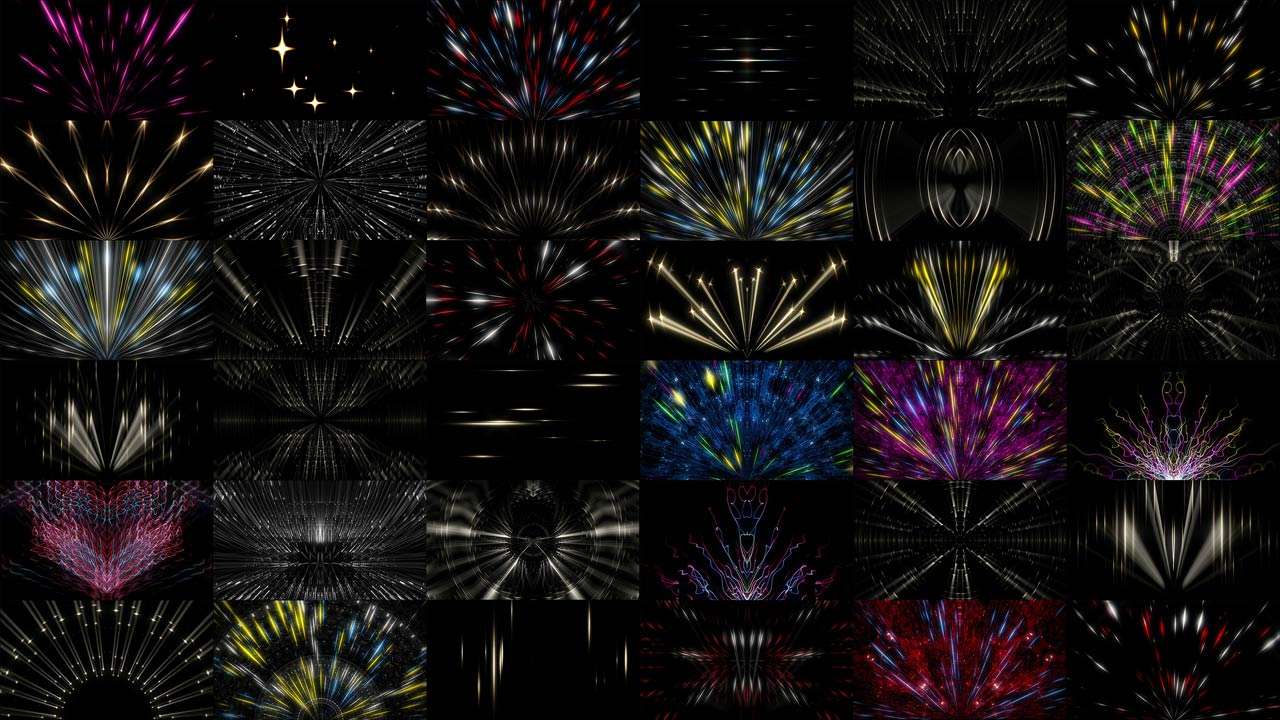
light rays dj visuals vj loops for live show

Three Mistakes Every Beginner VJ Makes (and Fixes)

| VJing | No Comments
Three Mistakes Every Beginner VJ Makes The article is written by a human. Mistakes have been edited by AI. This is a craft article. If you are still assembling a rig, start with what you need to start instead. Every…
Best Midi Controllers for VJs and vjing

Best MIDI Controllers for VJs (2026 update)

| Equipment, VJing | One Comment
Best MIDI Controllers for VJs, Visual Artists and video mixing in 2026 The article is written by a human. Mistakes have been edited by AI. Last checked: July 2026. Prices drift — treat them as street-price anchors, not quotes. When…
vj visual trends

Top-11 best style effects for VJ’s using in VJING

| Trends, VJing | No Comments
Top 11 Style Effects for VJs to elevate your vj-ing experience! The article is written by a human. Mistakes have been edited by AI. Hello dear VJs and clients of LIME ART GROUP. I am new media artist Alexander Kuiava…

We help to create video art VJ show

We know how LED screens produced in Germany work and how LED screens produced in China work. We have a great experience in working with Video Projectors, Projection Video shows on a wide variety of surfaces. By creating content and understanding the final format of the broadcast, we know where to add contrast so that the atmosphere in your event can become warm.

We have 10 years experience in Video Production Motion graphics and 3D Animation. We do Visual Content for all kinds of Events. Music Concerts and Big Shows, Festivals and Club Discos, Weddings and Dance Parties. Corporate and Cultural Events.

Today, our Clients are more than 30 000 media artists, vjs and companies from at least 100 countries in the world.

Alexander Kuiava
Founder & CEO LIME ART GROUP
alexanderkuiava.com

VJing explained: what a VJ does and what you need to start

VJing is the live performance of visuals. A VJ selects, layers and mixes video in real time so that what the room sees moves with what the room hears. The word is short for video jockey, and the parallel with a disc jockey is exact: a DJ works with sound, a VJ works with image, and both are performing live rather than playing back a finished film.

The difference people notice first is location. The DJ is on stage. The VJ is at front of house — the technical booth at the back of the venue with a clear view of the stage, sitting alongside the lighting operator. That position exists for a reason: you cannot mix visuals you cannot see land.

eye separator

VJ, video operator, lighting operator — who does what

These three roles sit next to each other and get confused constantly, including by people booking them.

The lighting operator works with light fixtures from a large hardware console. Almost everything is physical: faders, encoders, a patch of real lamps in the rig.

The VJ works with image, and the work is almost entirely software-based. The output goes to LED panels or to a projector, and the instrument is a laptop running VJ software with a controller attached.

The video operator does something that looks identical from the audience but is not. A video operator’s job is to put the right visual on the screen at the right moment — the sponsor logo during the sponsor’s slot, the artist’s IMAG feed during the solo, the correct cue on the correct beat of a timecoded show. That is the role at corporate events and on most large tours. A VJ has the freedom to combine content on the spot, responding to the room and to what the DJ is doing right now.

Neither is superior. They are different jobs with different risks. A video operator who improvises has made a mistake. A VJ who only plays the running order is a video operator with a more expensive laptop. Know which one you have been hired to be before you arrive.

eye separator

What you actually need to start VJing

Four things. In this order, because the order matters more than people expect.

eye separator

1. Content

Content comes first because everything downstream is just a way of playing it. You can own the best software in existence and have nothing to show.

There are five kinds of material a VJ works with:

  • Static images — a logo, a photograph, a render, a typographic plate. JPEG, PNG, GIF. Put live effects on a still and it becomes motion, and the project stays extremely light.
  • Video — anything shot with a camera, from a phone clip to film.
  • CGI — animation rendered out of 3D and motion software such as Cinema 4D, Houdini, After Effects or Unreal Engine.
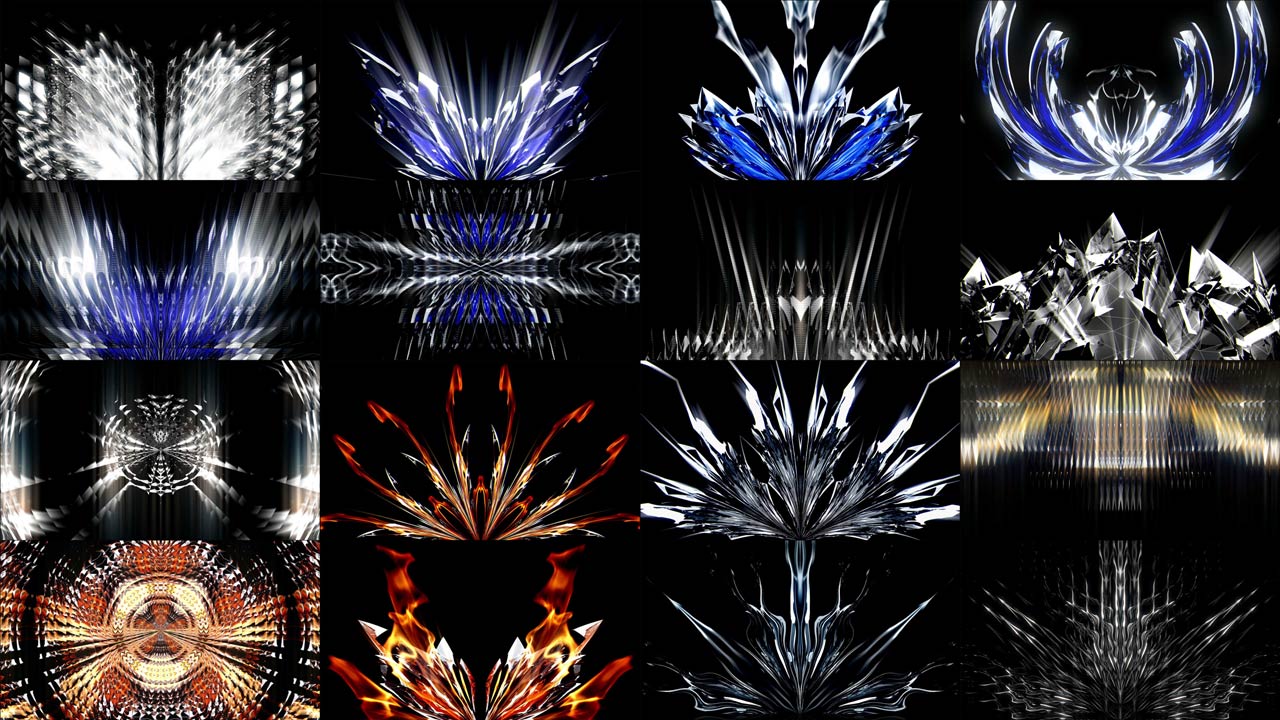
  • VJ loops — the format the whole discipline runs on. A VJ loop is composed so that its last frame returns cleanly to its first, which gives it an artificial but perfect infinite life. Set it to loop and it plays until you stop it, with no visible seam.
  • Generative visuals — patches, scripts and plugins rather than files. They contain instructions instead of pixels, so file sizes are tiny and parameters such as speed, density and colour stay editable while you perform.

Most working VJs use a mixture, with loops as the backbone because they are reliable, and generative layers on top because they are responsive. Everything on this page belongs to the fourth category: pre-rendered, seamless, and encoded to play under load.

eye separator

2. Software

The instrument. The three names you will hear most are Resolume Arena, MadMapper and TouchDesigner, and they suit different temperaments.

Resolume is the standard for club and festival performance: fast to learn, built around a performance workflow, with by far the largest user base and the most learning material. MadMapper is built for surfaces and installations, and has moved into laser control as well. TouchDesigner is a node-based environment for people who want to build the instrument rather than play a ready-made one.

There is a rough truth in the community that Resolume VJs are the ones dancing behind the panel and TouchDesigner VJs are the ones sitting very still while the crowd loses its mind. Both descriptions are affectionate and both are accurate.

If you are choosing, we maintain a rating of the best VJ software and a much longer mega list of VJ software and tools including the free and open-source options.

eye separator

3. Hardware

A laptop with a dedicated GPU, enough RAM to hold your set, and — this is the part people skip — fast storage. Live visuals are large files being read continuously, and a single high-resolution layer can saturate a slow drive on its own. NVMe, not a spinning disk and not a network share.

A MIDI controller is not strictly required and becomes essential the moment you play a real show. Reaching for a trackpad in the dark while a drop is landing is not performing.

eye separator

4. Output, and the boring part that decides everything

You will send video to a projector or to LED panels. Two decisions get made here and both are usually made badly.

The first is resolution, which should be chosen from the surface rather than from ambition. A club screen and a 40-metre facade want very different numbers, and buying more pixels than the surface can show is money spent on file size. We have written the whole argument out in the most commonly used resolutions in VJing.

The second is codec, and it is the single most common cause of a set that stutters. Delivery formats such as H.264 are designed to make files small; they collapse when you ask for eight simultaneous layers. Playback codecs such as HAP, DXV and NotchLC are designed to make frames cheap for the graphics card. Our guide to the video codecs every VJ needs covers what to install, what to delete, and the one encoding setting that fixes most stutter.
eye separator

Where VJs actually work

Clubs are where most people start and they are not where most of the money is. Live visuals are used at concerts and tours, music festivals, corporate events and product launches, theatre and opera, brand activations, art installations and museum spaces, weddings and private events, and increasingly on streams.
The skill transfers across all of them. The content does not, entirely — a corporate keynote and a techno night want opposite things — but the craft of reading a room and cutting on time is the same everywhere. If you want the numbers on what these bookings pay, we surveyed our own audience and published the results in how much you can earn creating VJ shows.

eye separator

Three mistakes that mark out a beginner

Every experienced VJ made all three. They are worth naming because they are entirely fixable and they are visible from the dance floor.

Playing everything in the first hour. The set starts, the enthusiasm is real, and every favourite clip goes out before midnight. Five hours remain and there is nothing left. Build slowly, stay on a theme longer than feels comfortable, and hold your strongest material for the point in the night when it will actually land.

Playing too bright. Screens are a light source, so a VJ is partly a lighting operator whether they like it or not. When the music breaks down, the room wants darkness — that is when people find each other, lose themselves, and reset. A VJ still blasting a full-brightness mix through a breakdown has flattened the room. Darkness is what makes light mean something.

Not playing on the beat. Visuals that stay the same through a build and a drop are the clearest possible signal that nobody is driving. Change something on the drop. Add an effect, cut a layer, swap the clip. The audience does not need to know what you did, only that something happened at the moment it should have.

Where to go next

If you are starting: get one coherent pack rather than fifty unrelated clips, learn one piece of software properly, and play for free at a small night until cutting on time stops requiring thought.

If you are already playing: the leverage is in branding and repeat bookings rather than in more content. We collected what actually works in how a VJ becomes more successful and earns more, and there is a wider argument about where the whole discipline is heading in the future of VJing.

If you want people to practise with, the international scene is smaller and friendlier than it looks from outside — join the VJ community.

And if you want to learn properly rather than by trial and error, our video courses cover VJing and projection mapping from setup to live performance.